Preview Paths
In: Spline & Path Tools > Path Tools
Description
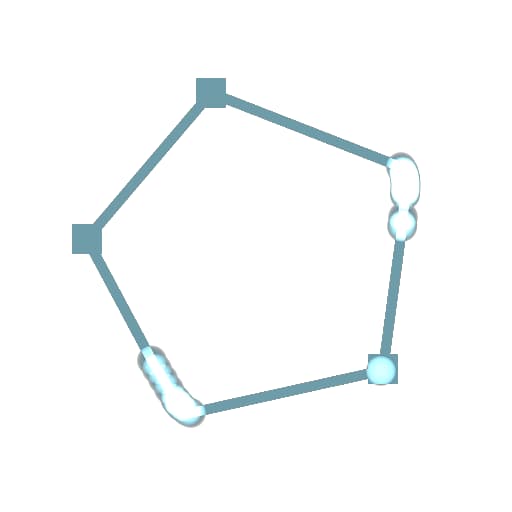
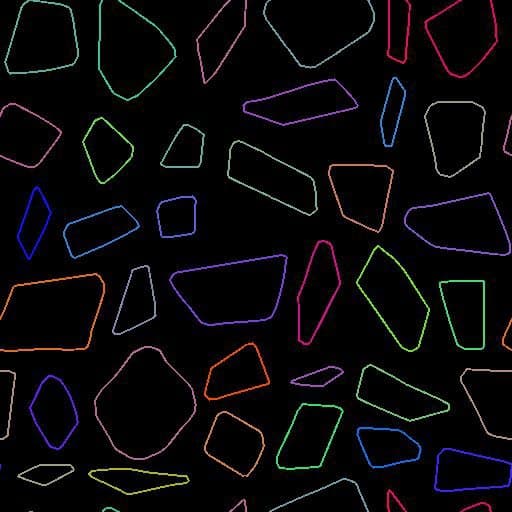
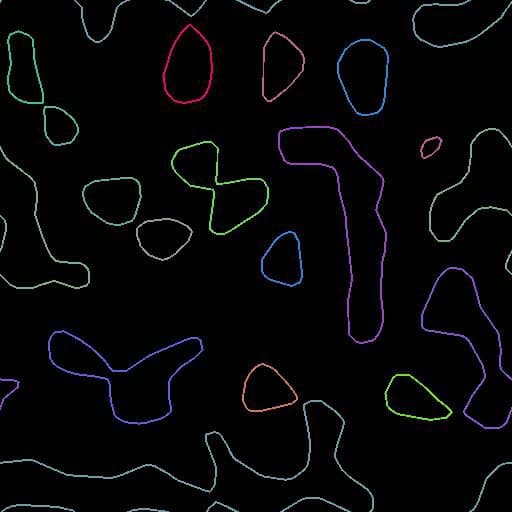
Trace segments and vertices of the path on top of the given background. One random color per path.
You’ll get a similar result as the Preview output of the Mask to Paths but with more options.
Inputs
Background Color
A background image on top of with display the path. This also controls the rendering size.
Paths Color
A list of encoded segments paths. Connect this input to the result of a Mask to Paths or to another Path-processing node.
Parameters
Show Corners Boolean
Displays a square on each vertex that is marked as corner (additive blending).
Show Vertices Boolean
Displays a circular shape on each vertex (additive blending). Corners are still displayed as squares.
Segments Thickness (px) Float
Adjusts the thickness of rendered segments in pixels.
Examples
recommendation-more-help
substance-3d-designer-help-guide