Paths Warp
In: Spline & Path Tools > Path Tools
Description
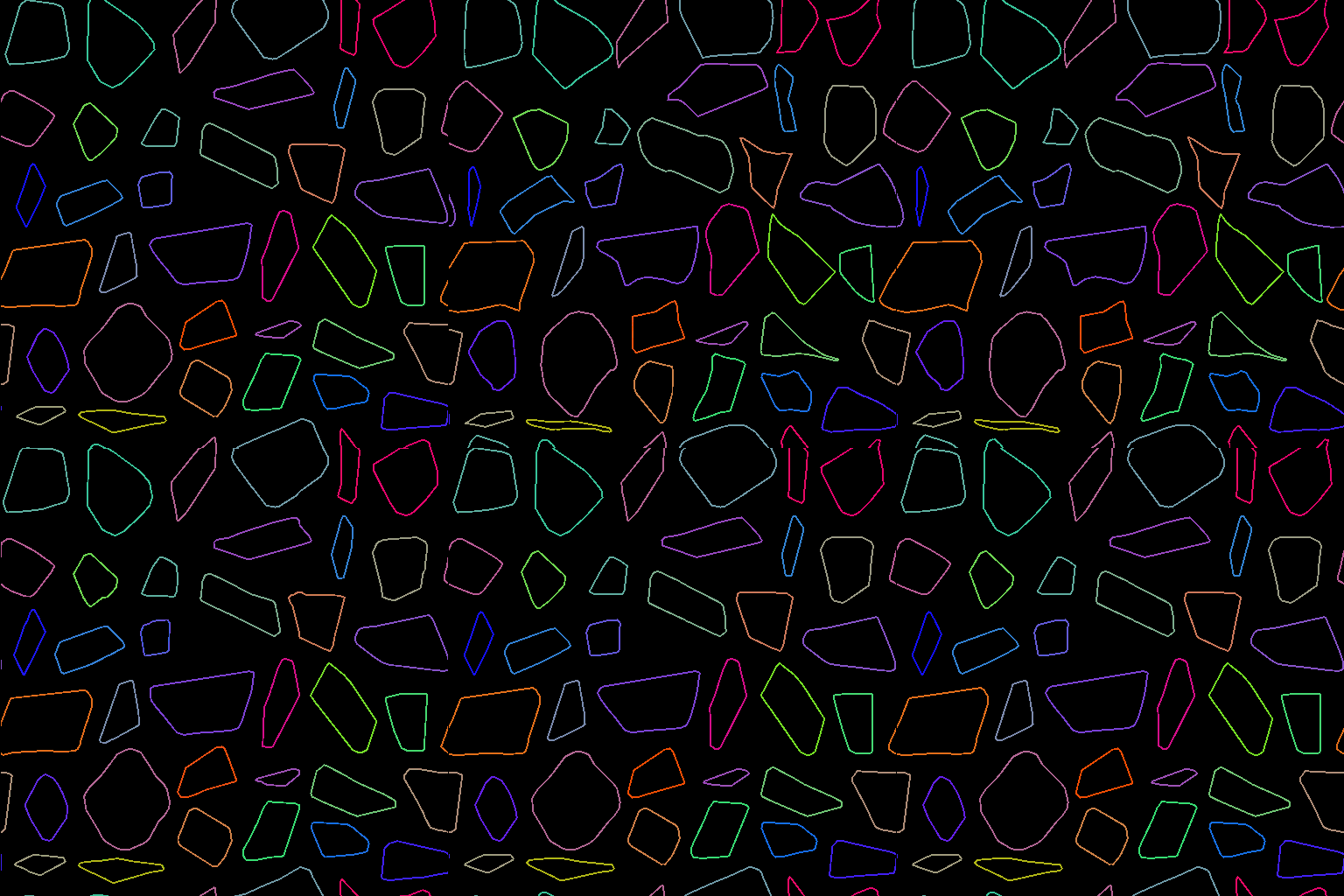
Deform the input Paths according to the Gradient Input. (Same effect as the Warp node.)
Inputs
Paths Color
A list of encoded segments paths. Connect this input to the result of a Mask to Paths or to another Path-processing node.
Gradient Input Grayscale
The height-like input controlling both the amount and the direction of warping. (Same effect as the Warp node.)
Outputs
Paths Color
The tranformed Paths. You can either use Preview Paths to get an idea of what the result represents, use another Paths-processing node, or input it to a Paths to Spline to further process it as Splines.
Parameters
Intensity Float
The Intensity parameter sets the intensity of the warp.
Number of steps Integer
Use a higher value to warp the input paths by multiple small increments.
This can prevent the path to cross itself, especially when using high Intensity values.
This can prevent the path to cross itself, especially when using high Intensity values.
Examples
| table 0-row-2 html-authored no-header | |
|---|---|
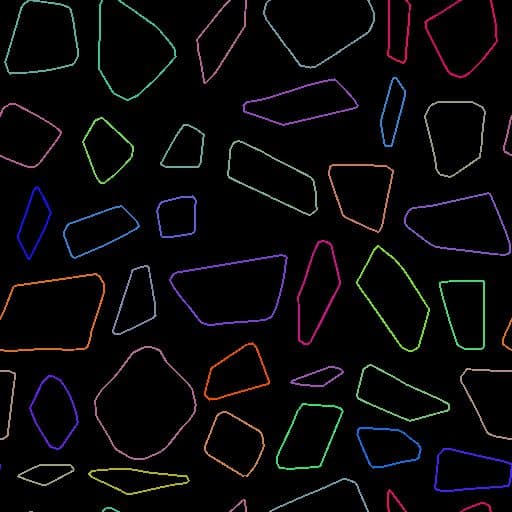
Before |
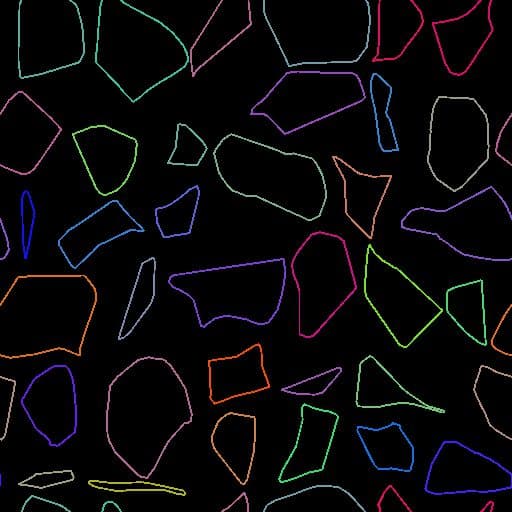
After |
| table 0-row-2 html-authored no-header | |
|---|---|
|
Before |
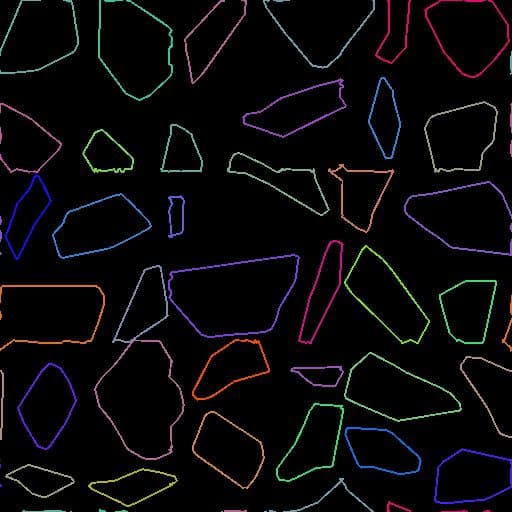
After |
recommendation-more-help
substance-3d-designer-help-guide