Paths Select
In: Spline & Path Tools > Path Tools
Description
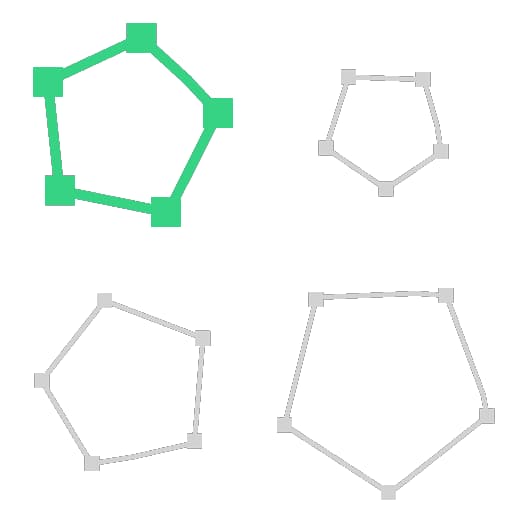
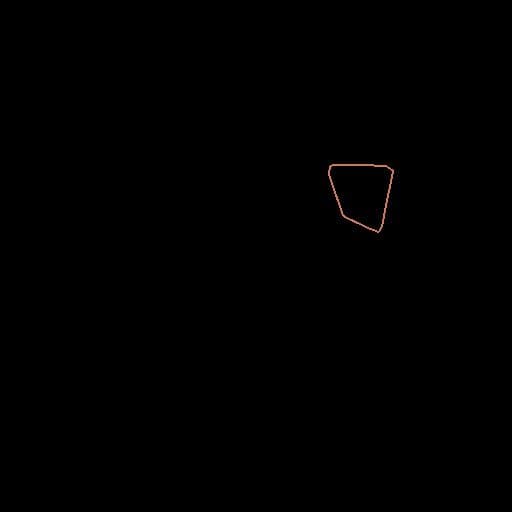
Isolate one path among multiples contained in Paths.
Inputs
Label Type
A list of encoded segments paths. Connect this input to the result of a Mask to Paths or to another Path-processing node.
Outputs
Paths Color
The Paths input with only one path. You can either use Preview Paths to get an idea of what the result represents, use another Paths-processing node, or input it to a Paths to Spline to further process it as Splines.
Parameters
Selection Mode Integer
The method used to select the Paths:
- By ID: Selects the path from the list whose index matches the one specified in Path ID;
- By Length: Selects the paths whose length is above or below the threshold specified in Target Length.
- By ID: Selects the path from the list whose index matches the one specified in Path ID;
- By Length: Selects the paths whose length is above or below the threshold specified in Target Length.
Path ID Integer (Available when Selection Mode is set to By ID)
The index of the selected path.
A value greater than the number of paths in Paths results in a blank output.
A value greater than the number of paths in Paths results in a blank output.
Length Greater or Lower? Boolean (Available when Selection Mode is set to By Length)
Controls whether the selection should include or greater or lower length than the Target Length.
Target Length Float (Available when Selection Mode is set to By Length)
The length threshold used to select splines.
Examples
| table 0-row-2 html-authored no-header | |
|---|---|

Before |
After |
| table 0-row-2 html-authored no-header | |
|---|---|
|
Before |

After |
recommendation-more-help
substance-3d-designer-help-guide