Applications to install
Below is an overview of the applications you will need to have installed on your computer before starting the tutorial.
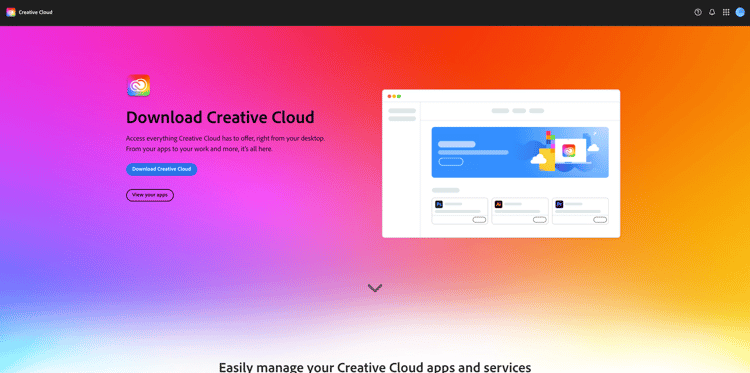
Adobe Creative Cloud
Go to https://creativecloud.adobe.com/apps/download/creative-cloud{target=“_blank”} and click Download Creative Cloud.
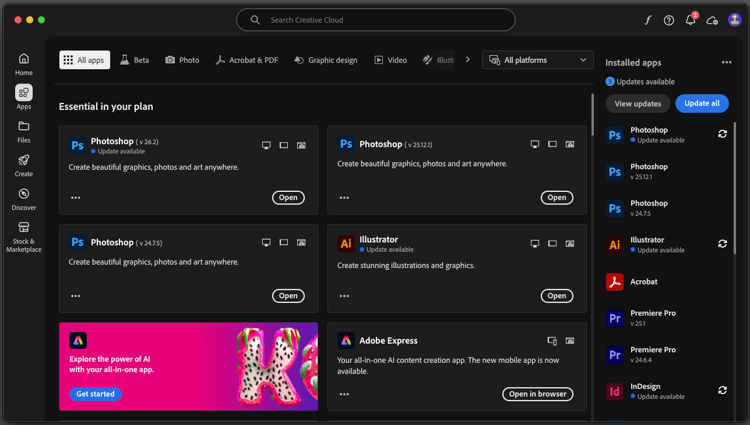
Adobe Photoshop
Open the Adobe Creative Cloud app, go to Apps. Install Photoshop on your computer.
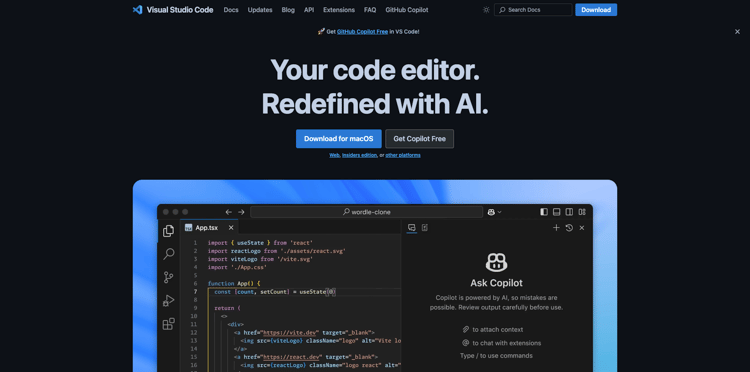
Visual Studio Code
Go to https://code.visualstudio.com/{target=“_blank”}, download and install Visual Studio Code.
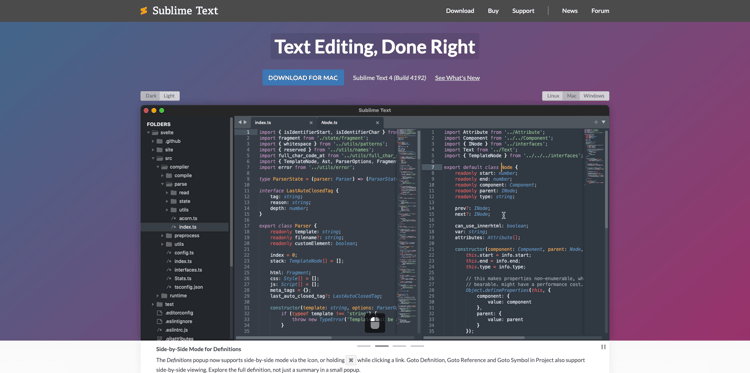
Text Editor
If you don’t have a Text Editor app, you can go to https://www.sublimetext.com/{target=“_blank”} and download and install this Text Editor.
GitHub Account
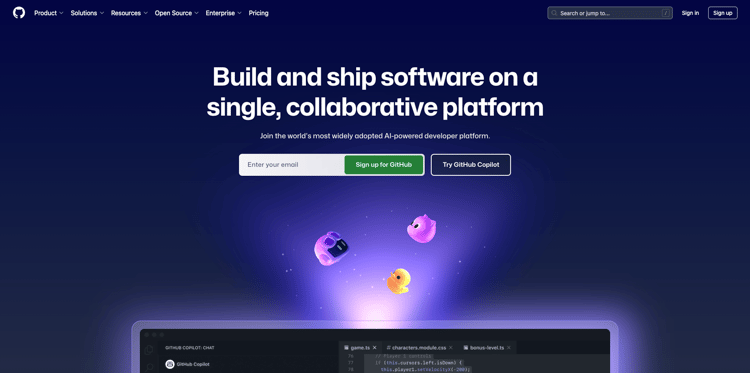
If you don’t have a GitHub account yet, go to https://github.com/{target=“_blank”}, and click Sign Up. Use your personal email address and create your account.
GitHub Desktop
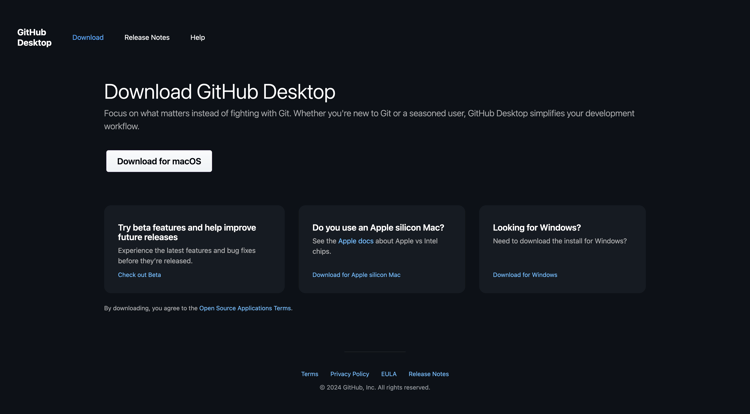
Go to https://desktop.github.com/download/{target=“_blank”}, download and install Github Desktop.
You’ve now finished the Getting Started module.
Next Steps
Go to Use your AEM website & AEP sandbox
Go back to Getting started - Agentic AI
Go back to All modules./images