3.8.2 Create your orchestrated campaign
3.8.2.1 Create your Orchestrated Campaign
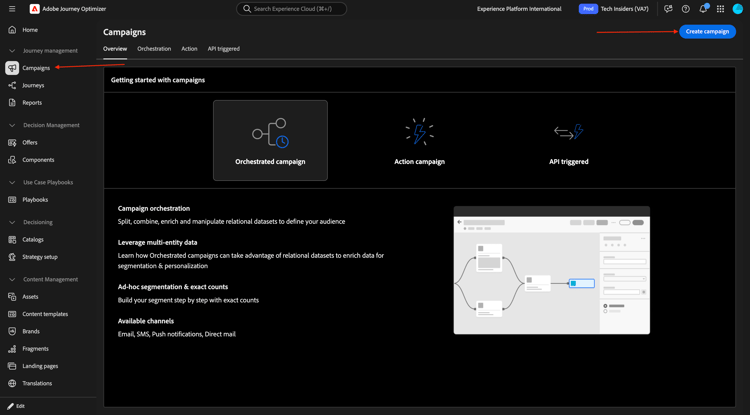
Go to Campaigns. Click Create campaign.
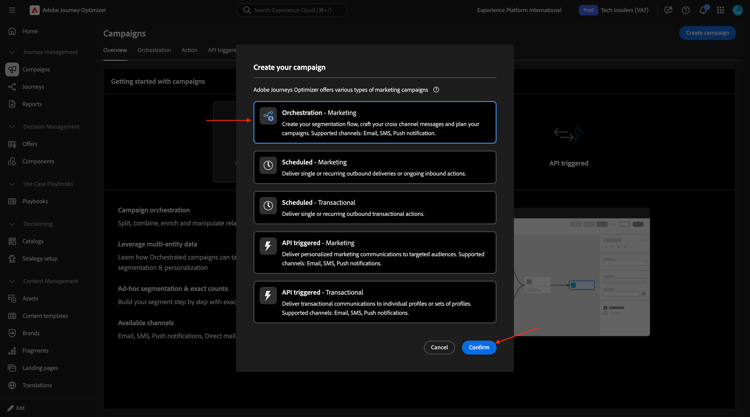
Select Orchestration - Marketing and click Confirm.
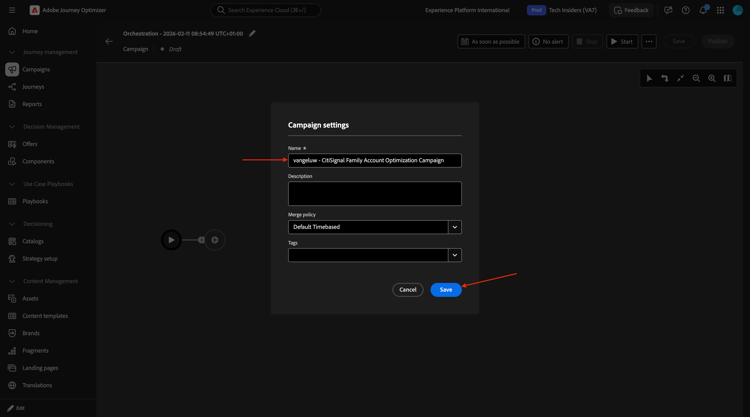
Enter the campaign name: --aepUserLdap-- - CitiSignal Family Account Optimization Campaign and click Save.
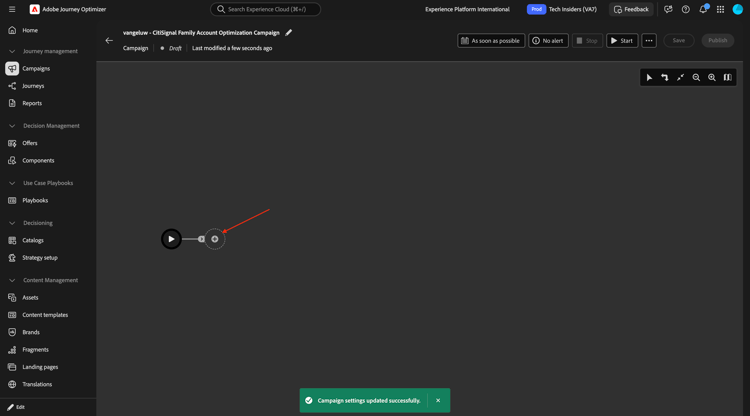
You should then see this. Click the + icon.
Select Fork.
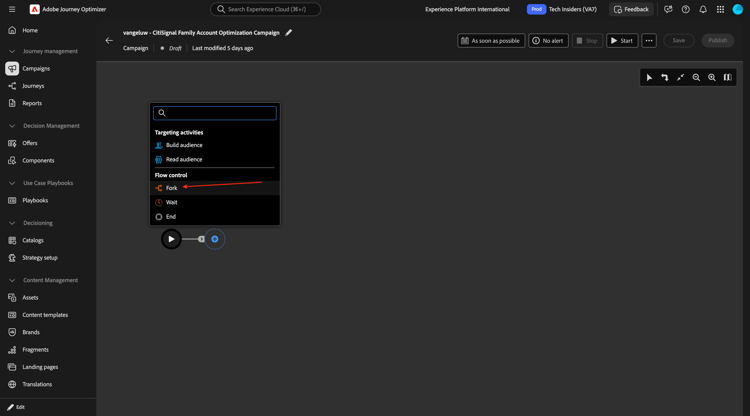
Build audience 1
Click the + icon and then select Build Audience.
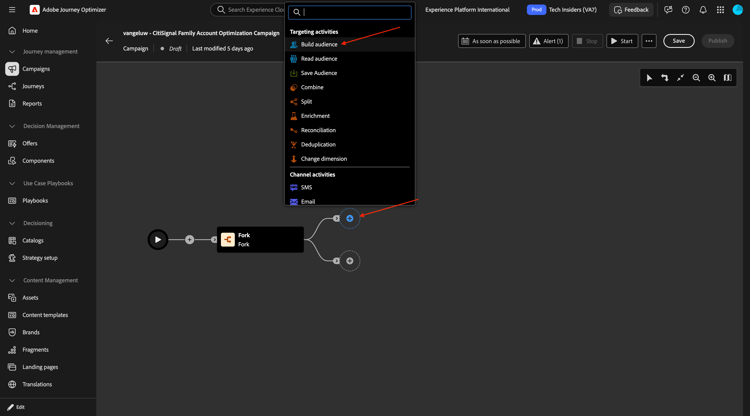
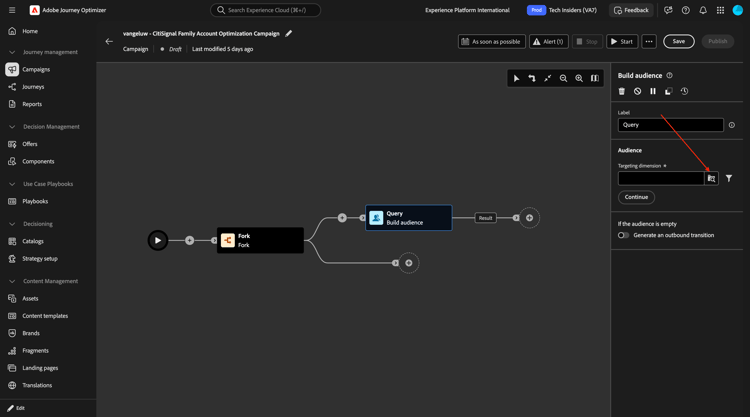
Click to open the folder for Targeting dimension.
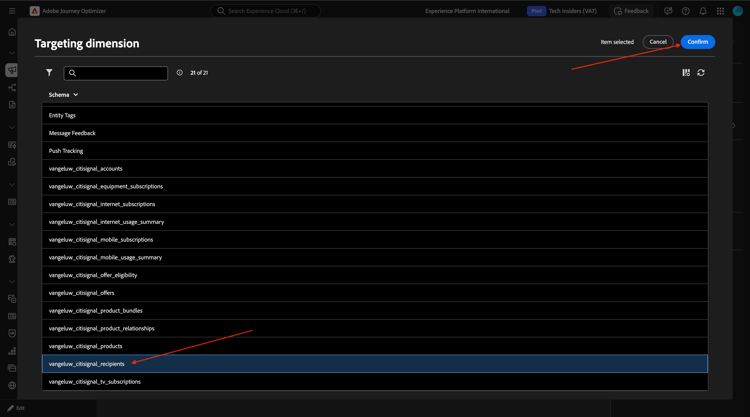
Select --aepUserLdap--_citisignal_recipients and click Confirm.
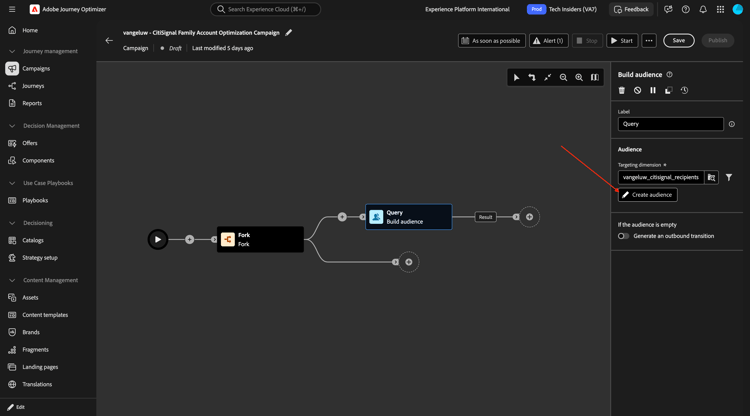
Click Create audience.
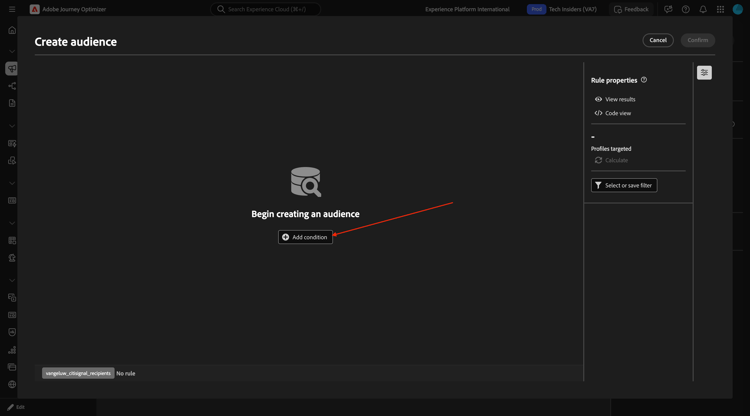
Click Add condition.
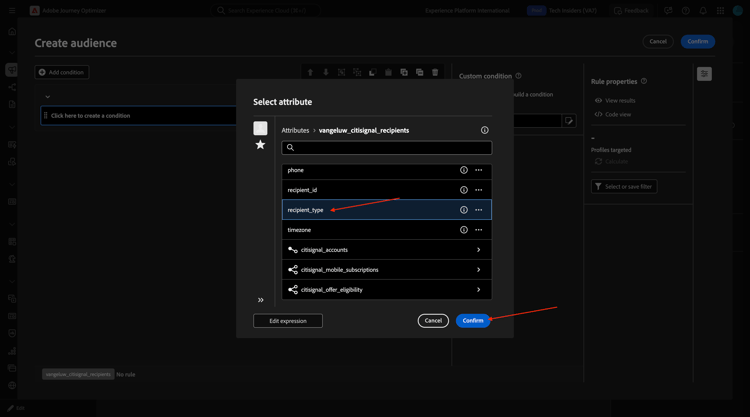
Select recipient_type and click Confirm.
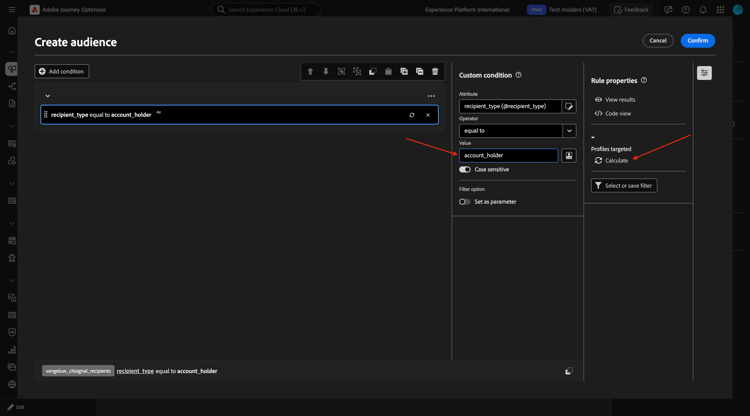
Enter account_holder in the field Value and click Calculate.
You should then see a number for profiles targeted. Click somewhere in the grey area as indicated.
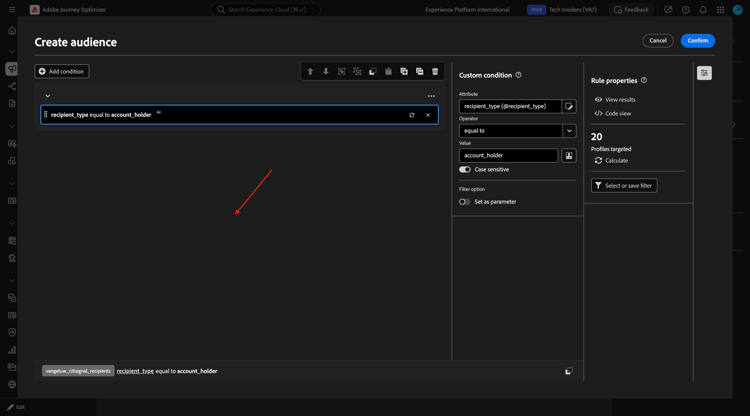
Click Add condition.
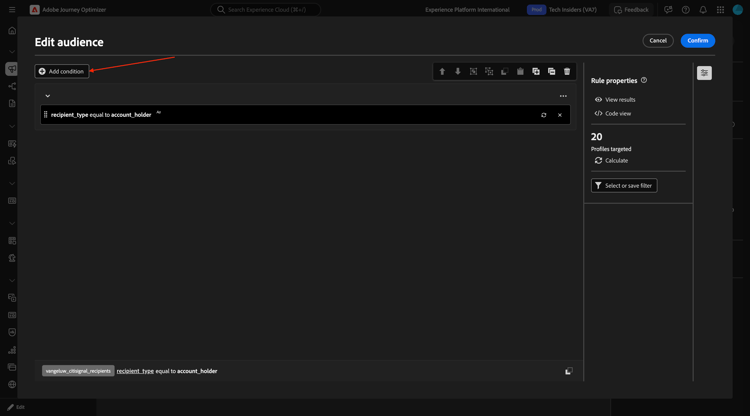
Drill down to citisignal_accounts.
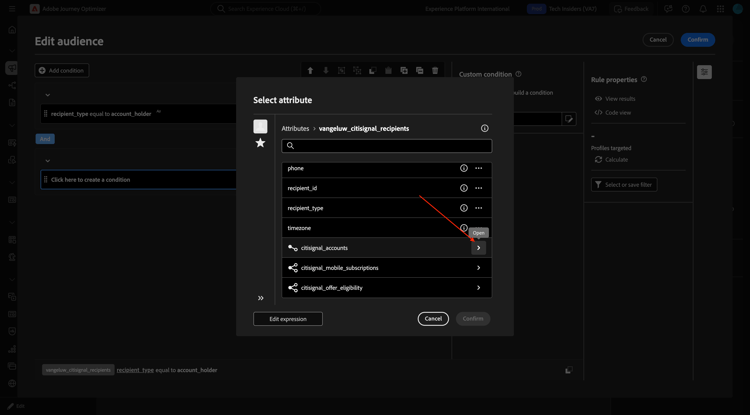
Select account_status and click Confirm.
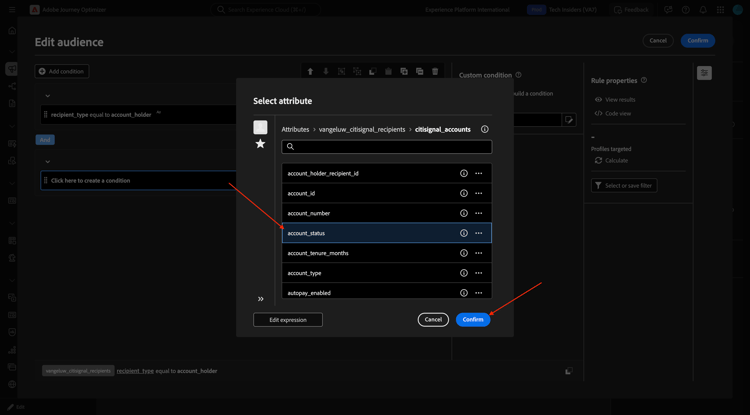
Enter active in the field Value. Then, click somewhere in the grey area as indicated.
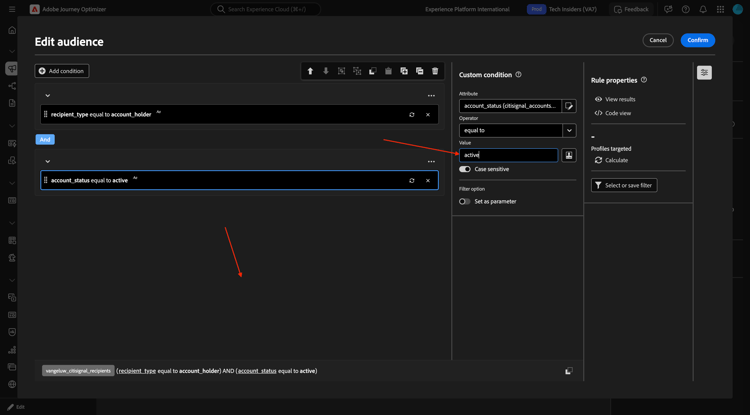
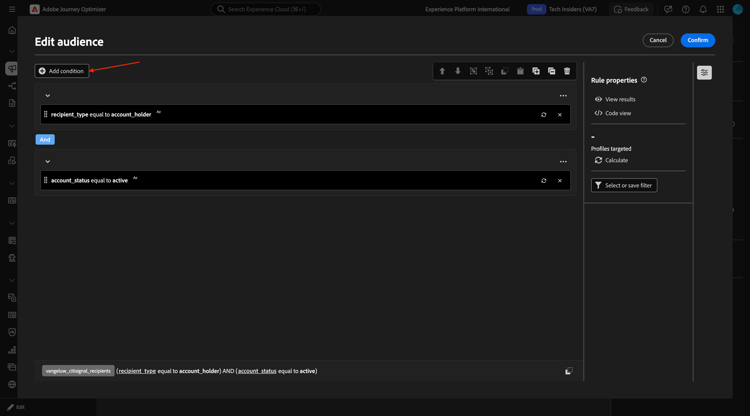
Click Add condition.
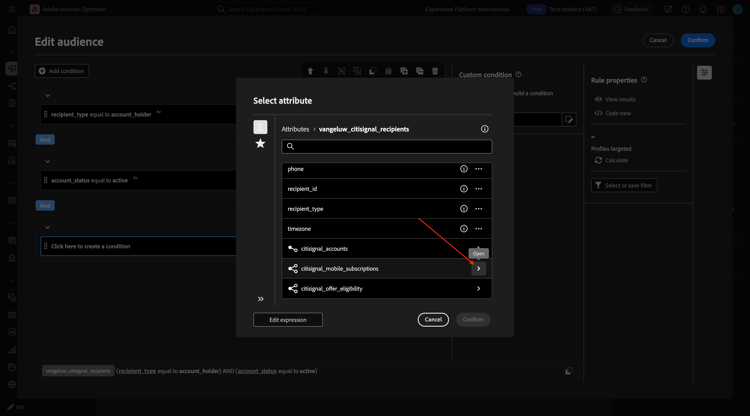
Drill down to citisignal_mobile_subscriptions.
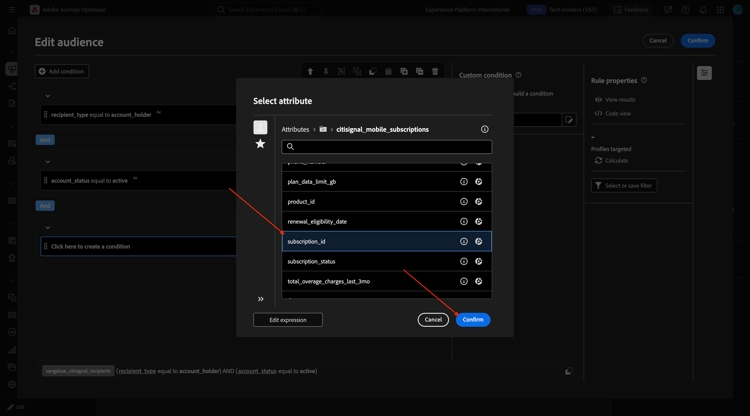
Select subscription_id and click Confirm.
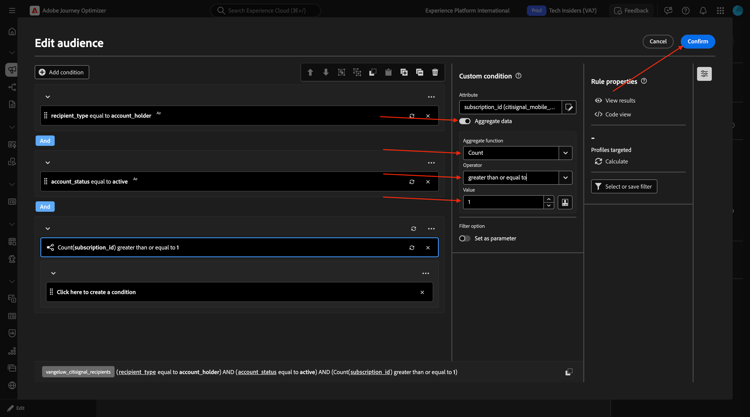
Enable the switcher for Aggregate data. Then select the followibg:
- Aggregate function: Count
- Operator: greater than or equal to
- Value: 1
Click Confirm.
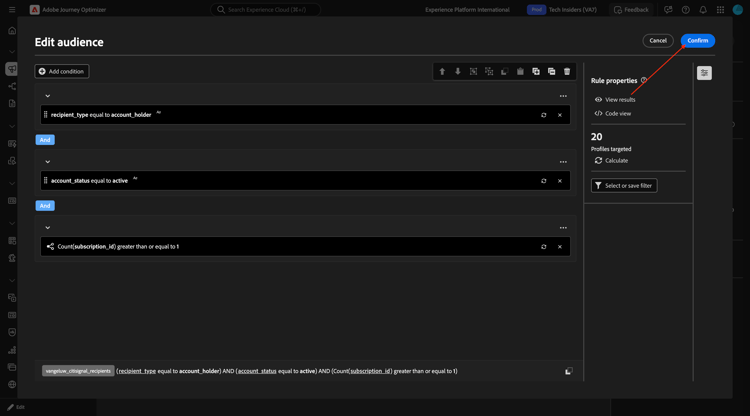
You should then see this. Click Confirm.
Build audience 2
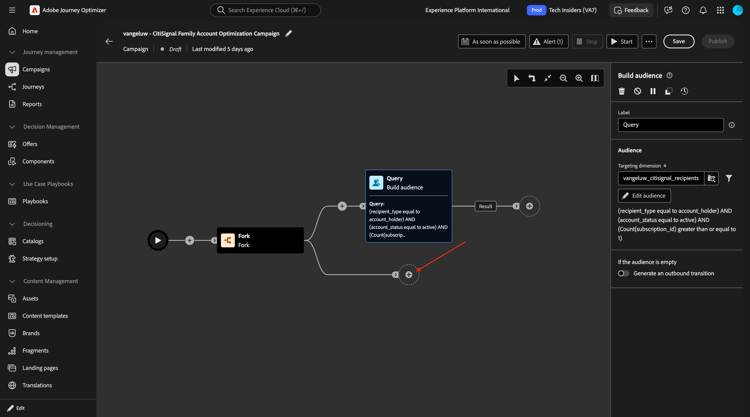
Click the + icon on the next node in the other path.
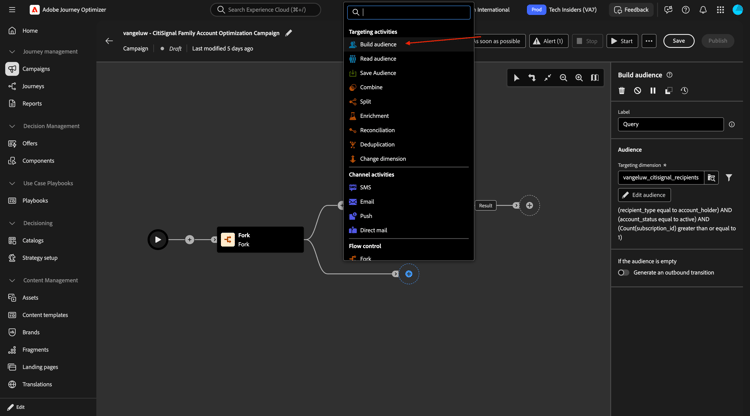
Select Build audience.
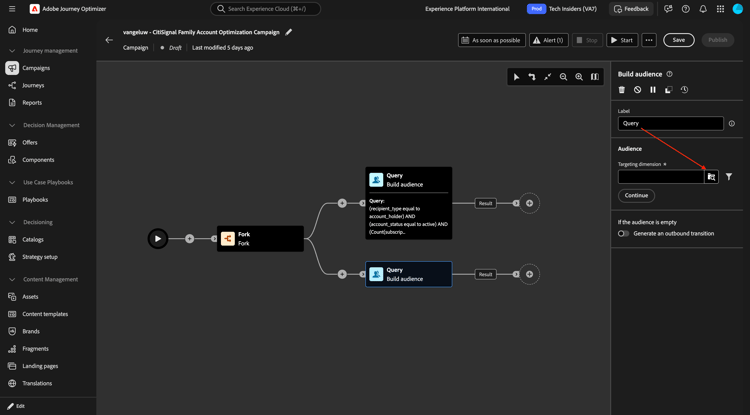
Click to open the folder for Targeting dimension.
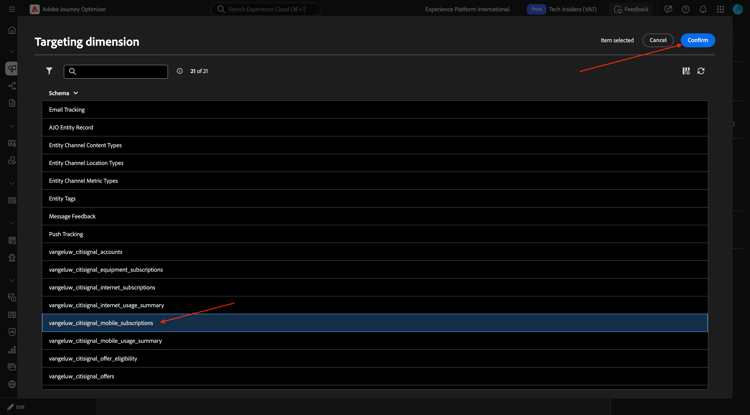
Select --aepUserLdap--_mobile_subscriptions and click Confirm.
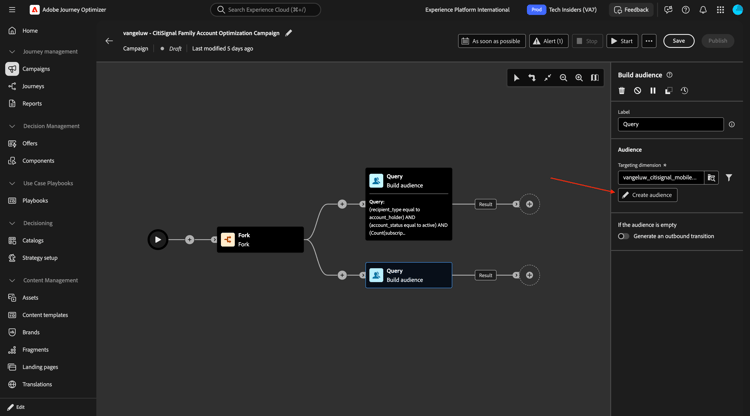
Click Create audience.
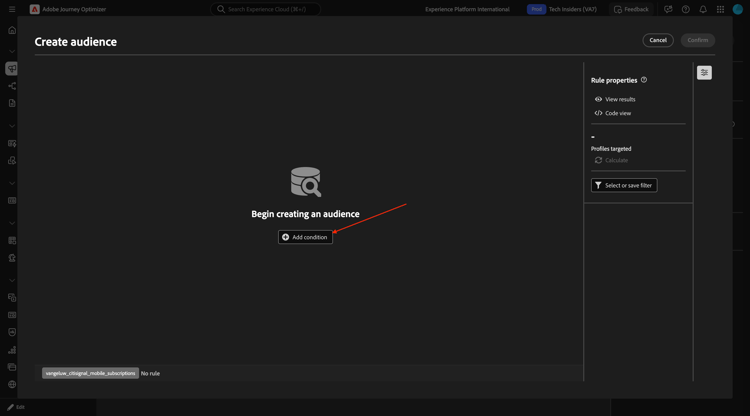
Click Add condition.
Select subscription_status and click Confirm.
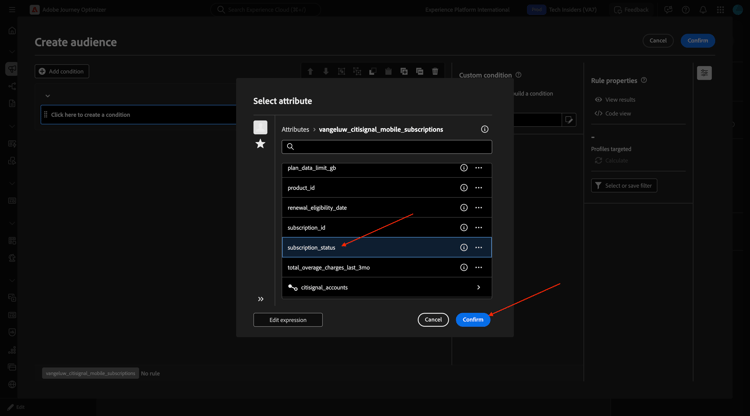
Enter active in the field Value. Then, click Add condition.
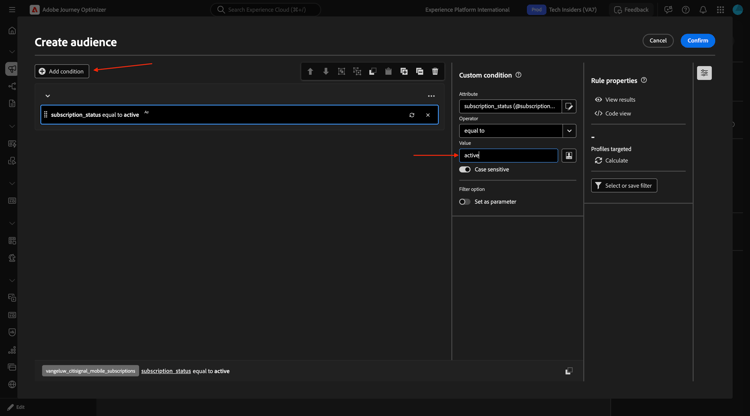
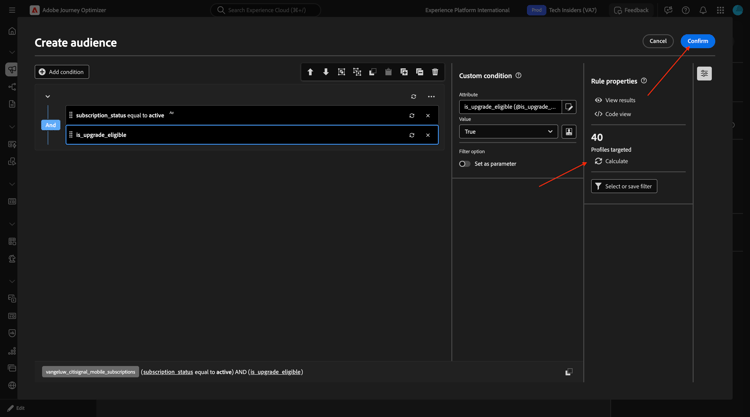
Select is_upgrade_eligible and click Confirm.
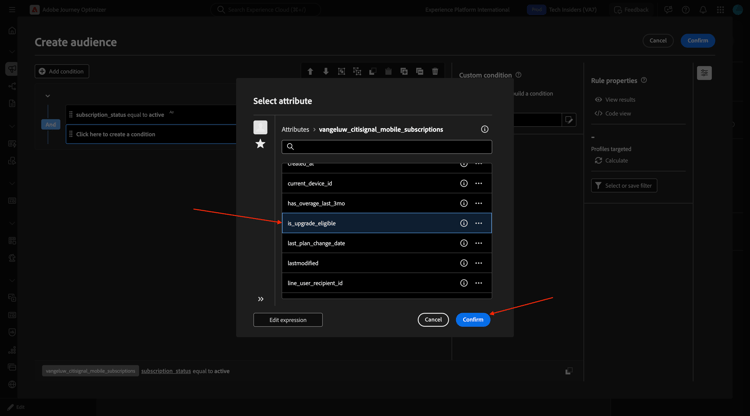
Set the Value to true
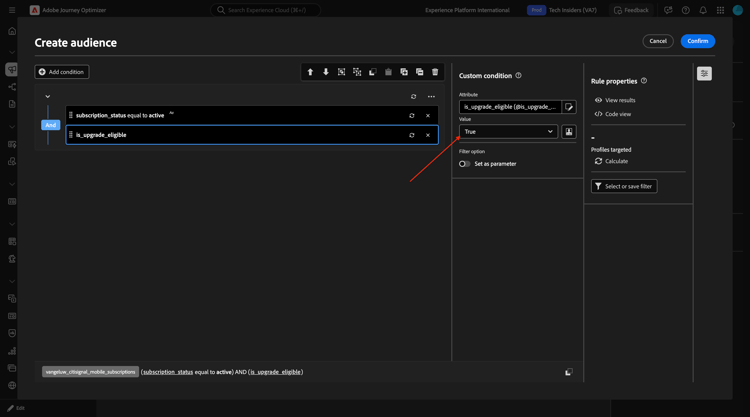
Click Calculate to see an estimation of the profiles that qualify for this audience. Then, click Confirm
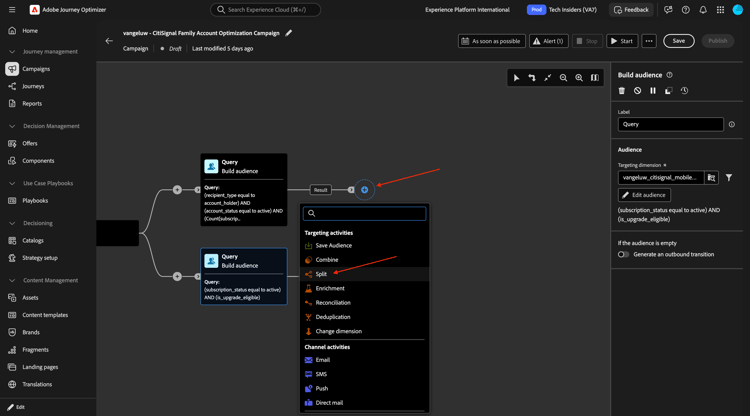
Split
Click the + icon and then select Split.
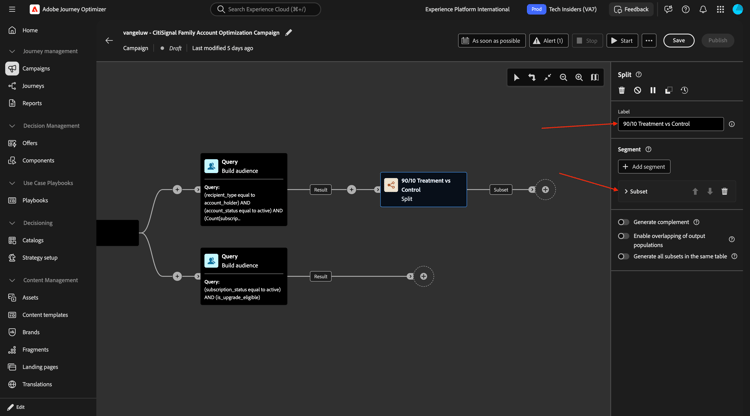
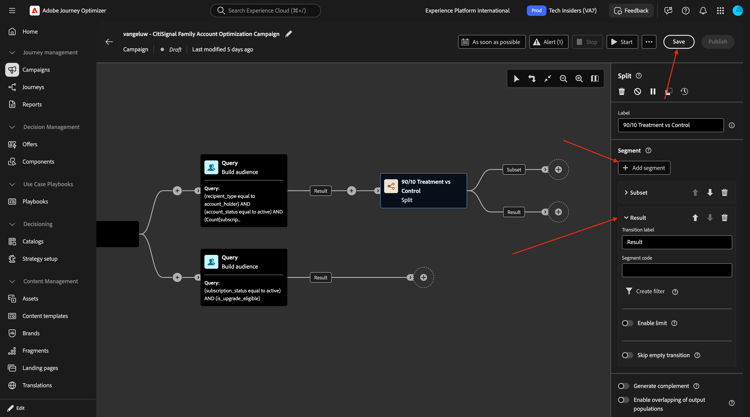
Change the field Label to 90/10 Treatment vs Control. Click to open the object Subset.
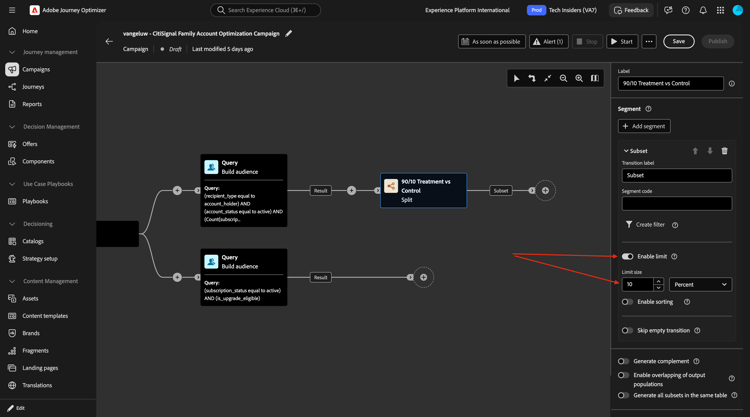
Enable the switcher for Enable limit and set the Limit size to 10 perecent.
Click Add segment and then you should see the Result object being added.
Click Save.
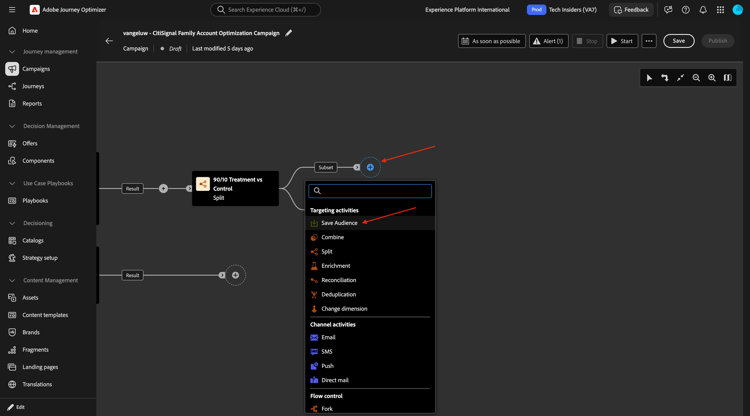
Save audience
Click the + icon and then select Save audience.
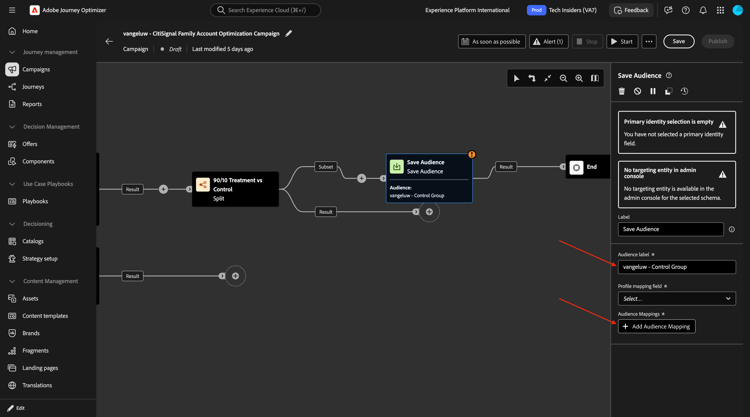
Set the field Audience label to --aepUserLdap-- - Control Group. Click Add Audience Mapping.
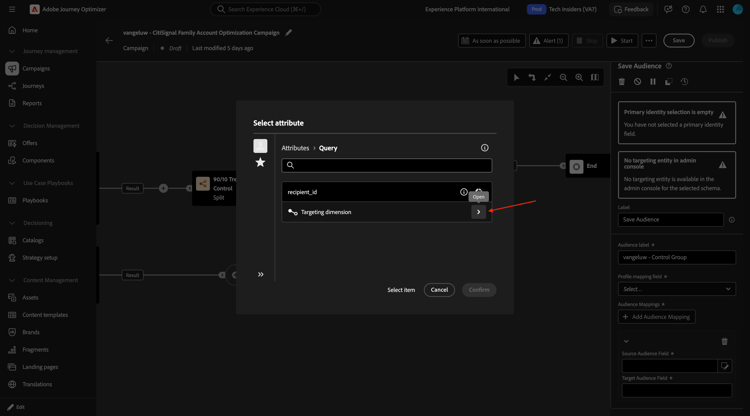
Drill down to targeting dimension.
Select account_id and click Confirm.
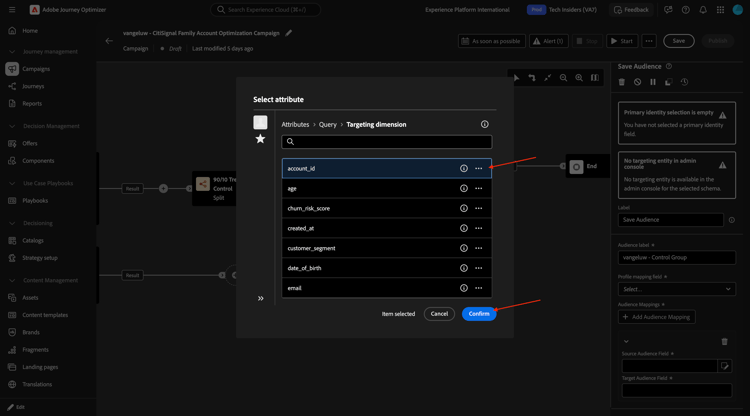
Set the Profile mapping field to --aepUserLdap--_citisignal_recipients - account_id.
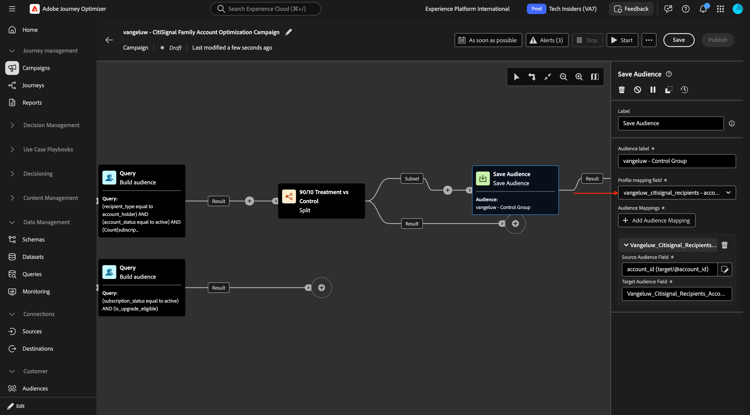
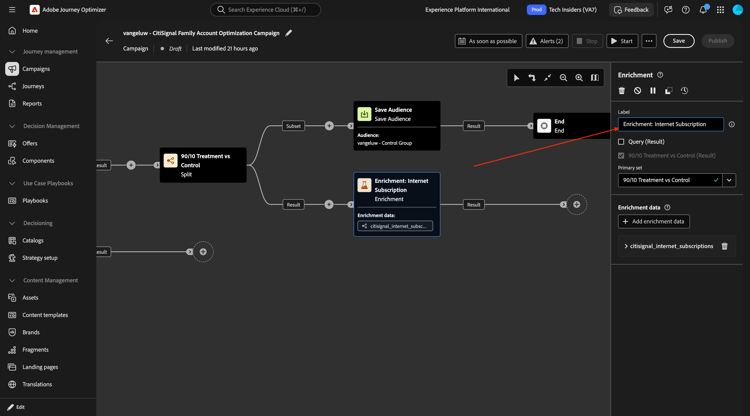
Enrichment: Internet Subscription
Click the + icon.
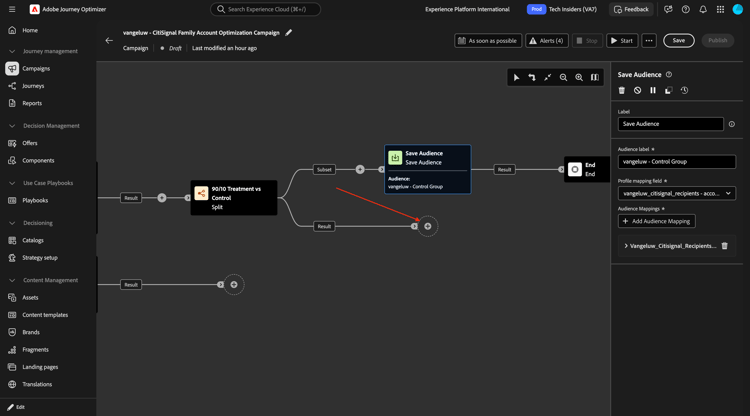
Select Enrichment.
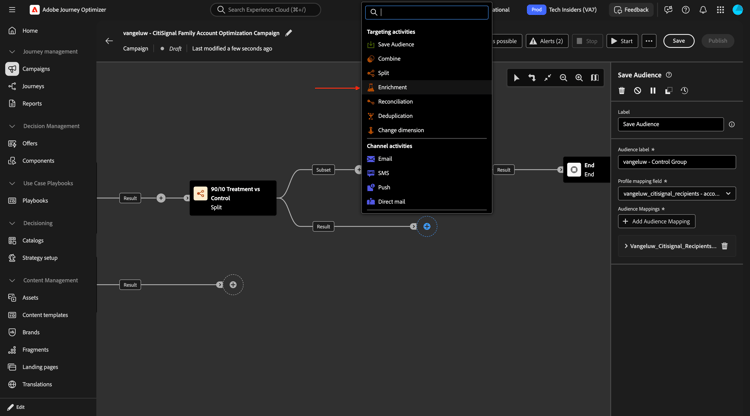
You should then see this. Click Add enrichment data.
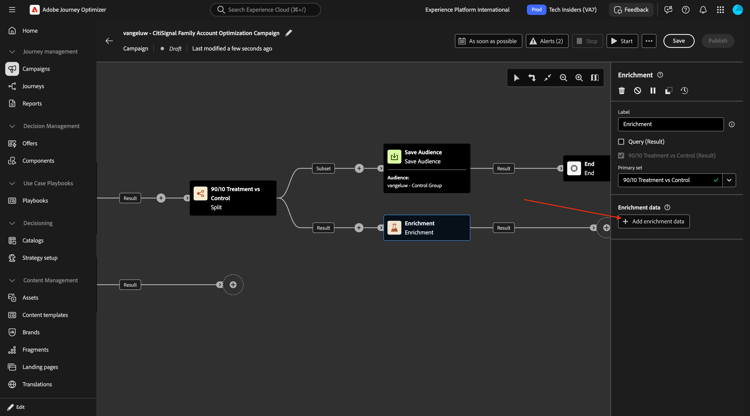
Drill down to Targeting dimension.
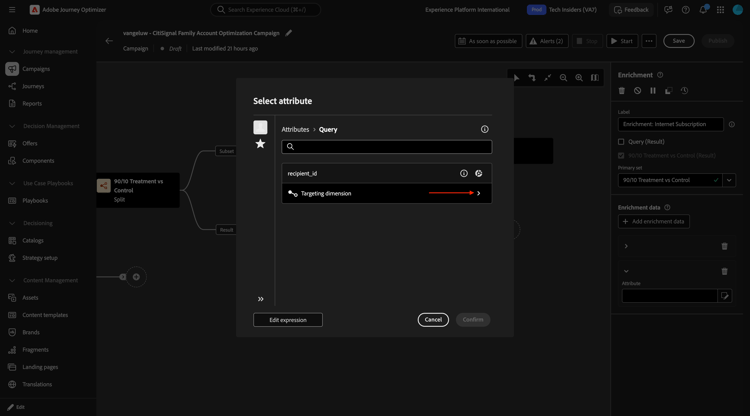
Drill down to citisignal_accounts.
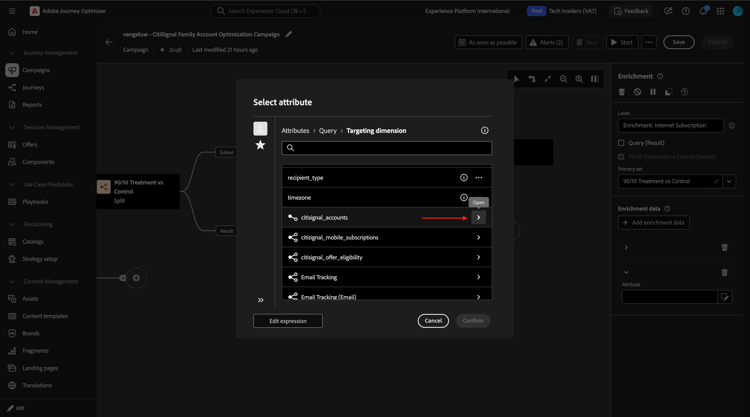
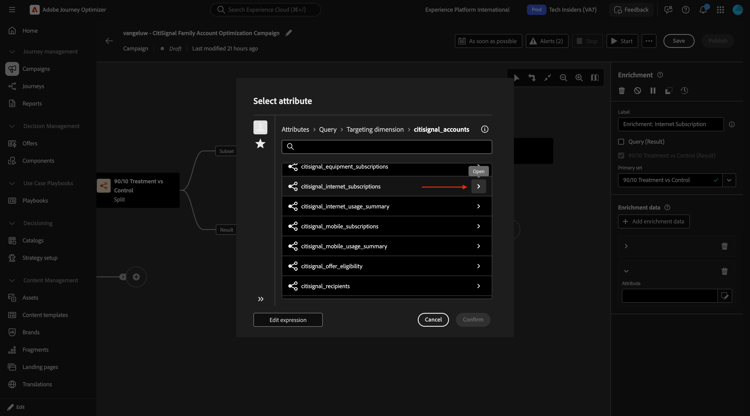
Drill down to citisignal_internet_subscriptions.
Select account_id and click Confirm.
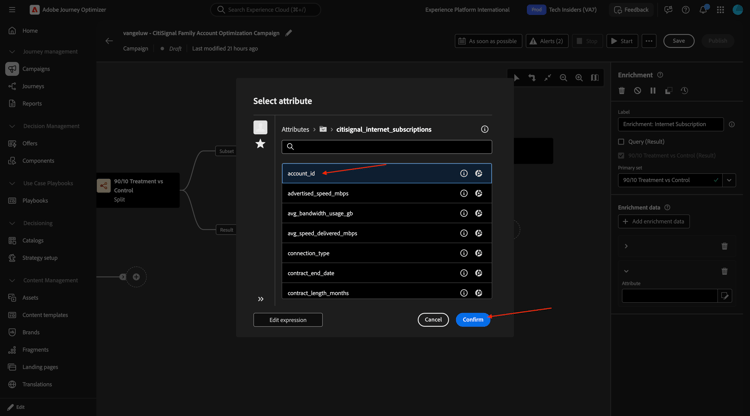
You should then see this. Click Add attribute.
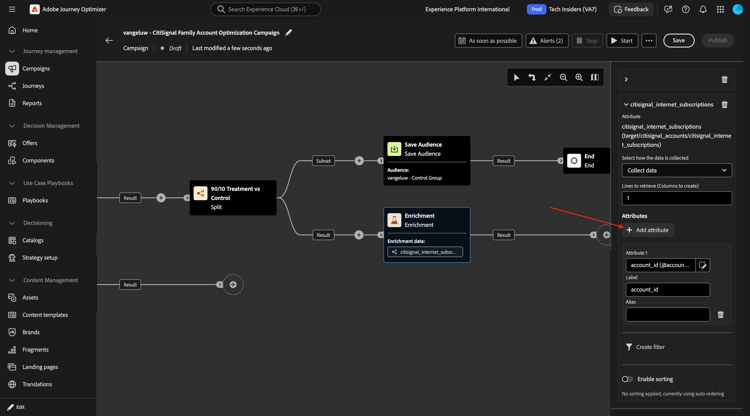
Select subscription_status and click Confirm.
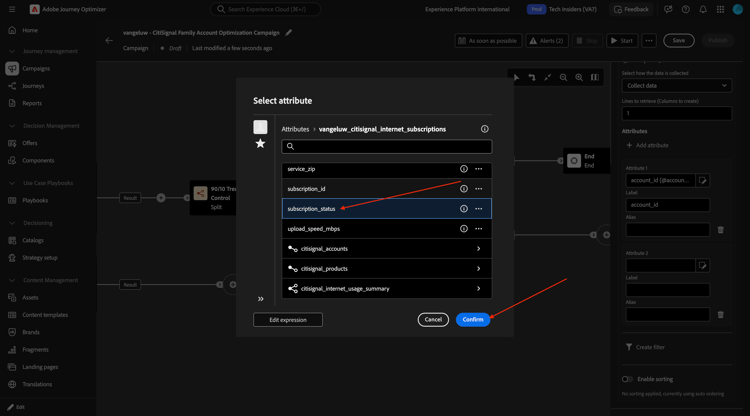
Click Add attribute.
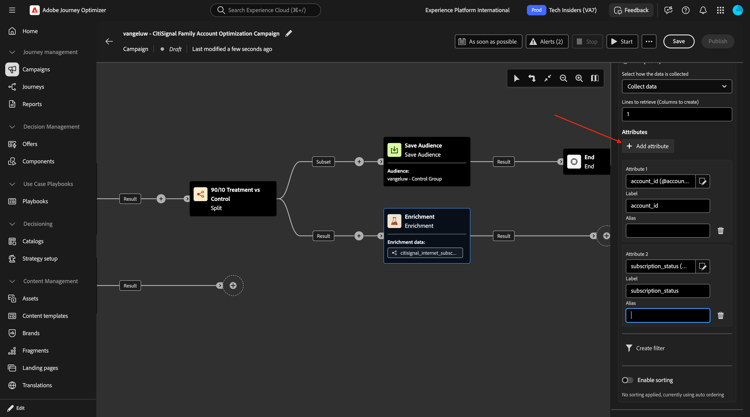
Select connection_type and click Confirm.
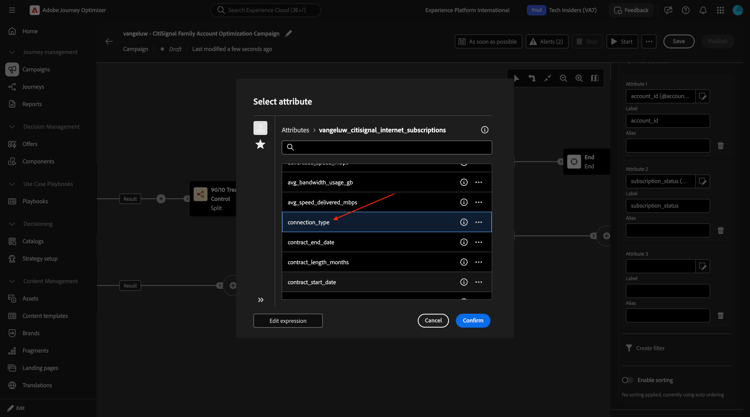
Click Add attribute.
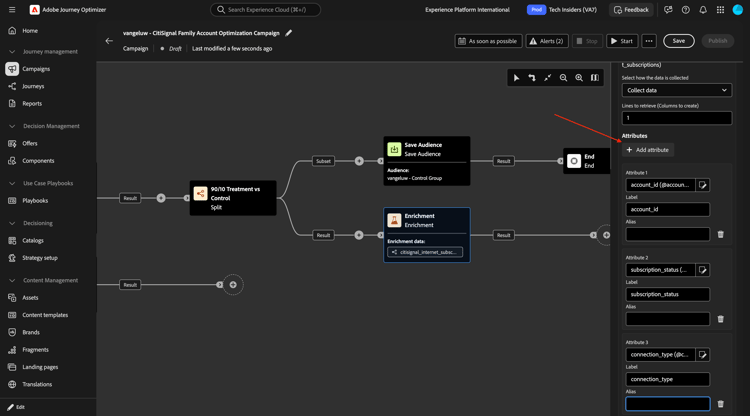
Select service_city and click Confirm.
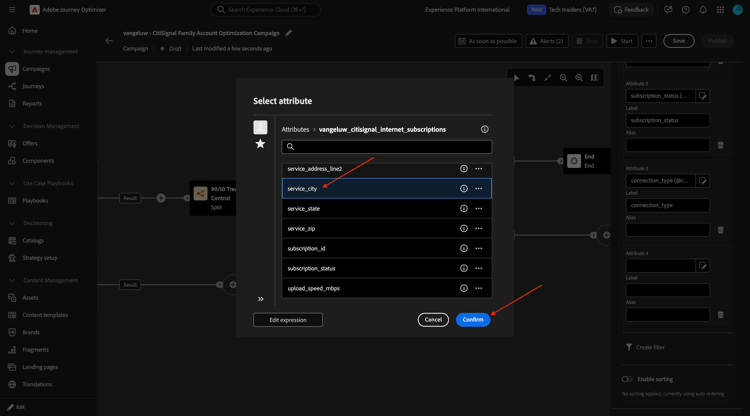
Click Add attribute.
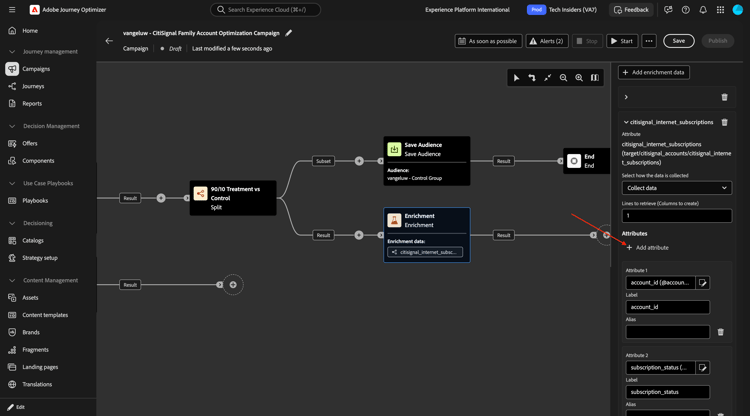
Select avg_bandwidth_usage_gb and click Confirm.
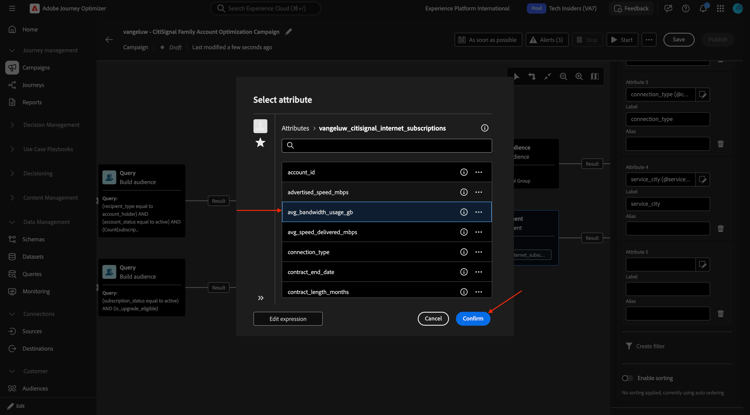
Click Add attribute.
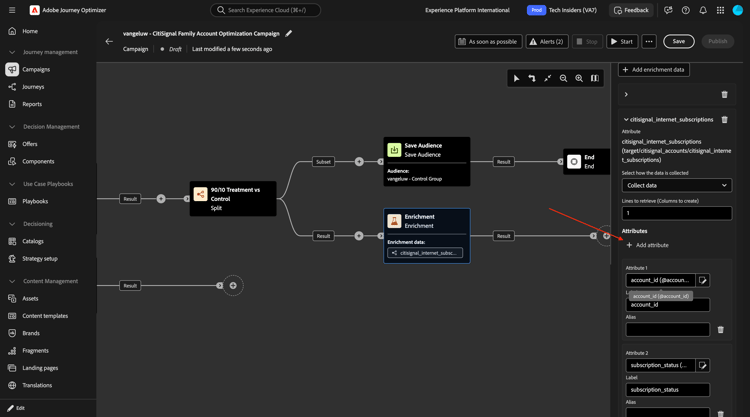
Select data_cap_gb and click Confirm.
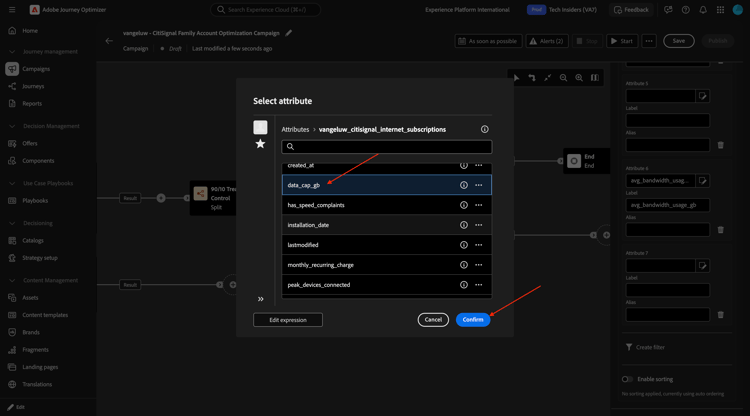
Click Add attribute.
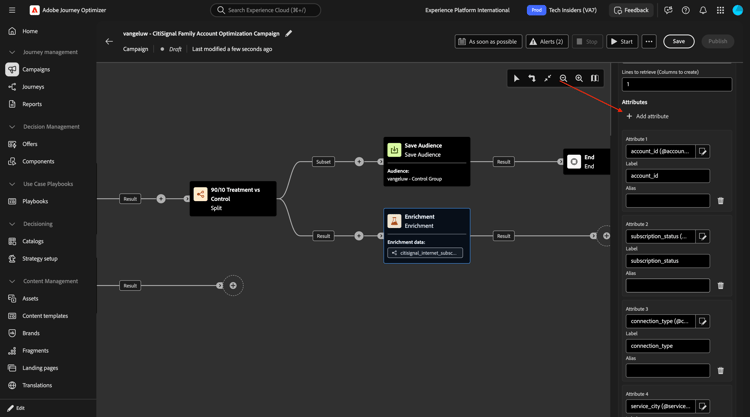
Select advertised_speed_mbps and click Confirm.
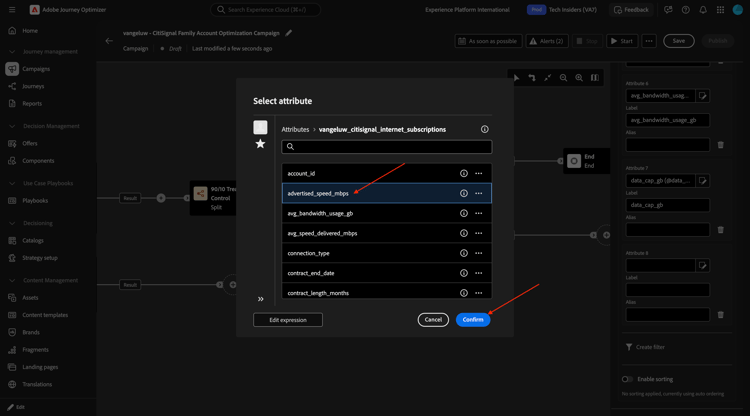
Click Add attribute.
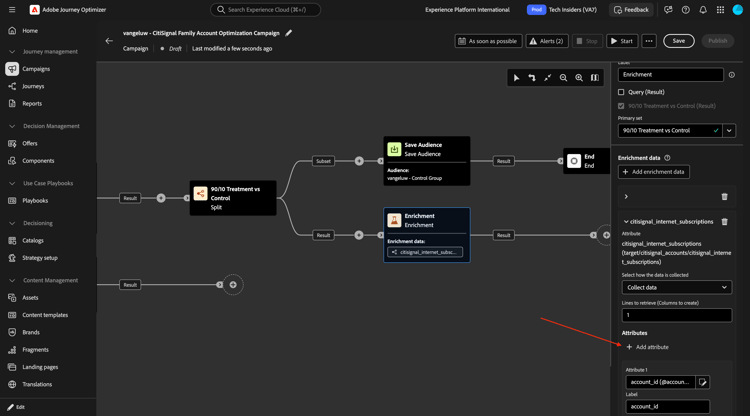
Select monthly_recurring_charge and click Confirm.
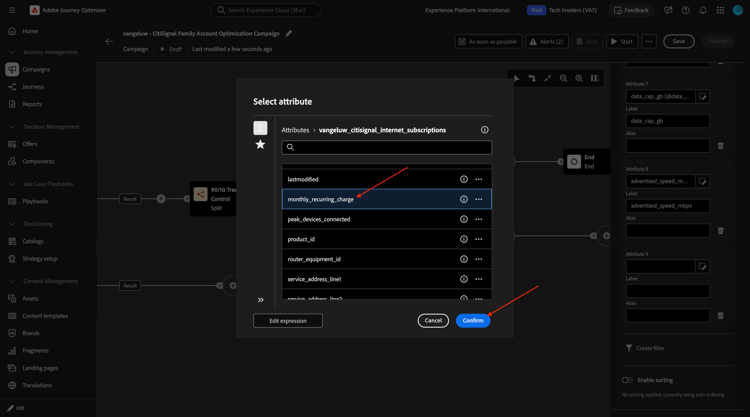
Click Save.
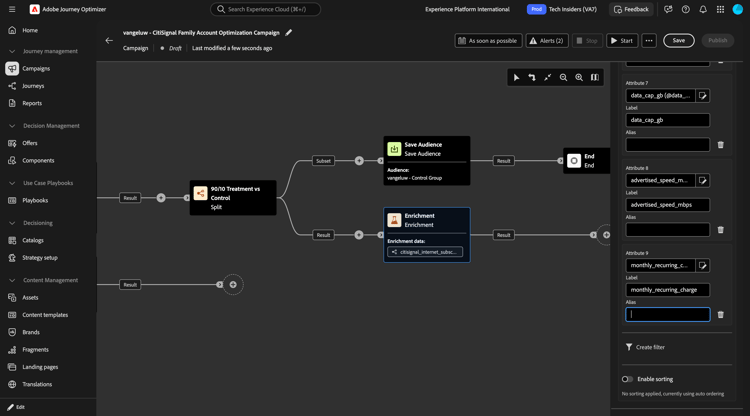
Scroll up and change the field Label to Enrichment: Internet Subscription.
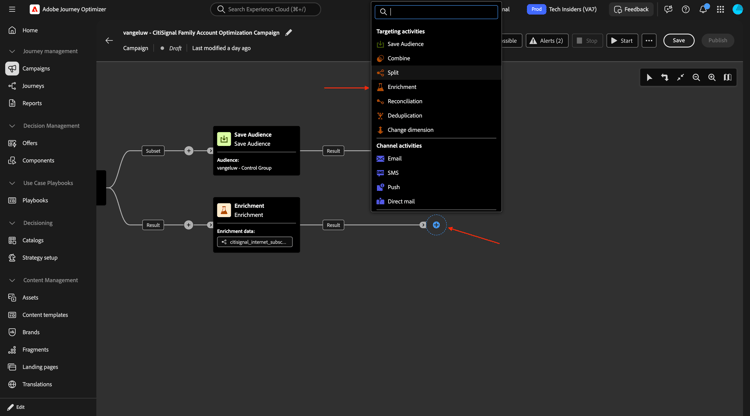
Enrichment: Mobile Devices Subscription
Click the + icon on the next node and select Enrichment.
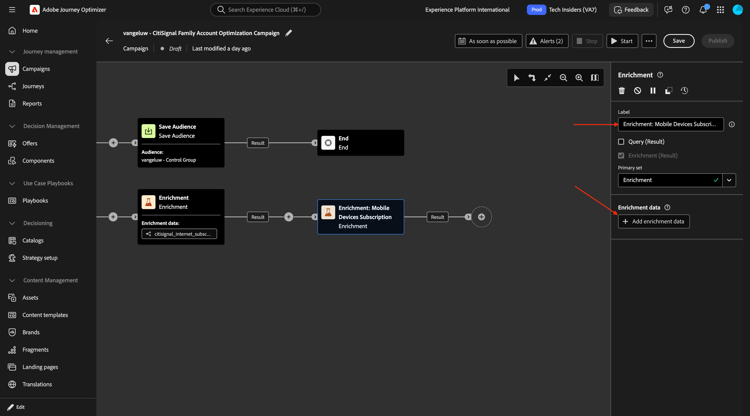
Change the field Label to Enrichment: Mobile Devices Subscription and then click Add enrichment data.
Drill down to Targeting dimension.
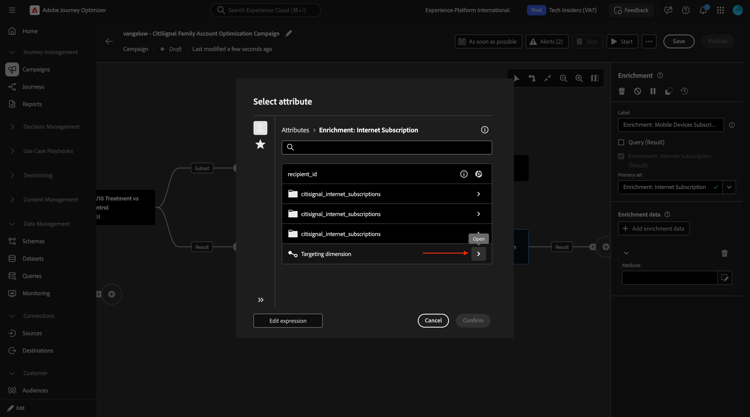
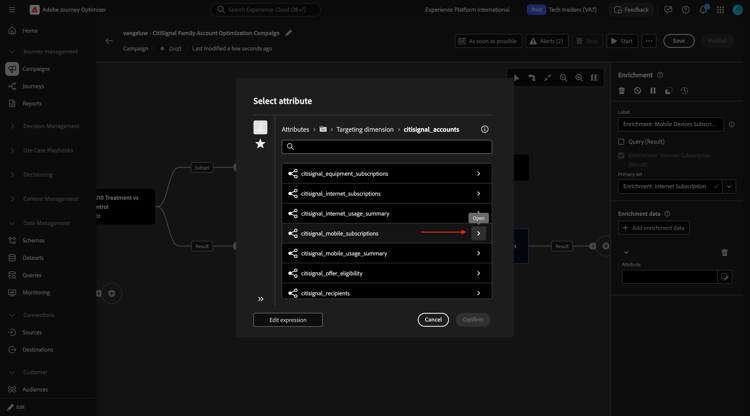
Drill down to citisignal_accounts.
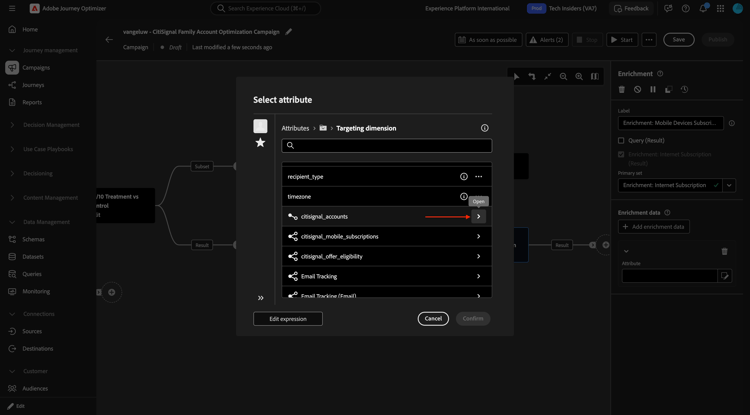
Drill down to citisignal_mobile_subscriptions.
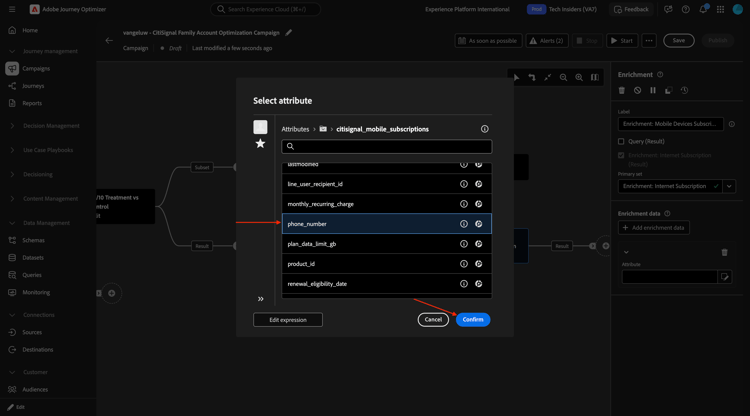
Select phone_number and click Confirm.
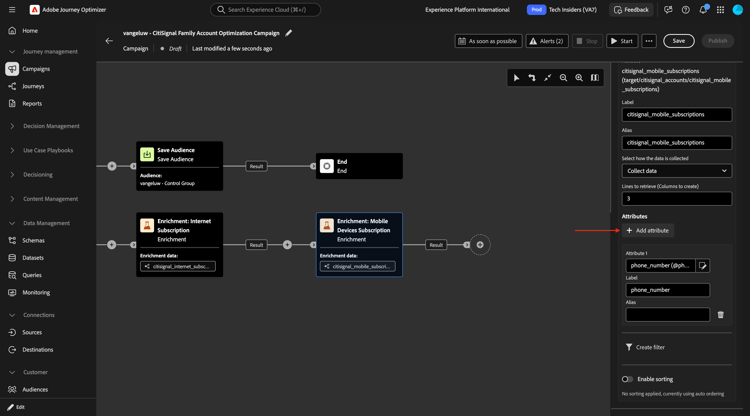
Click Add attribute.
Drill down to citisignal_equipment_subscriptions.
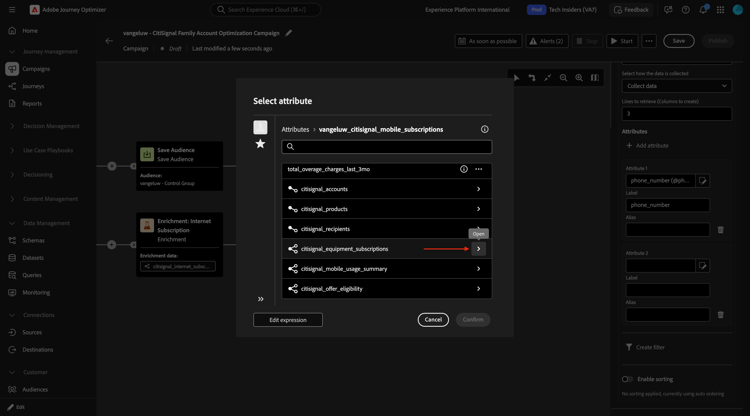
Select model and click Confirm.
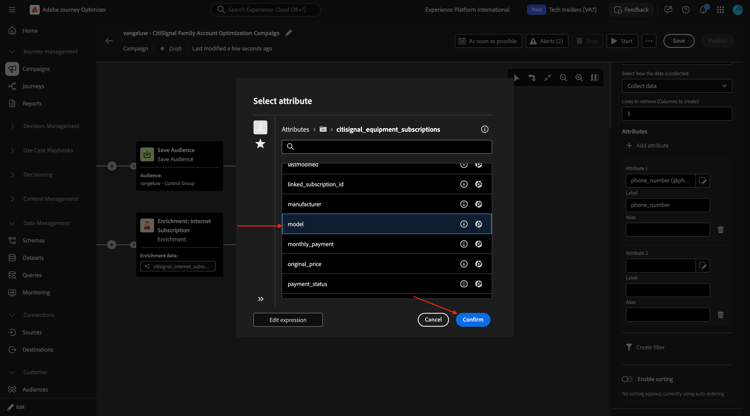
Click Add attribute.
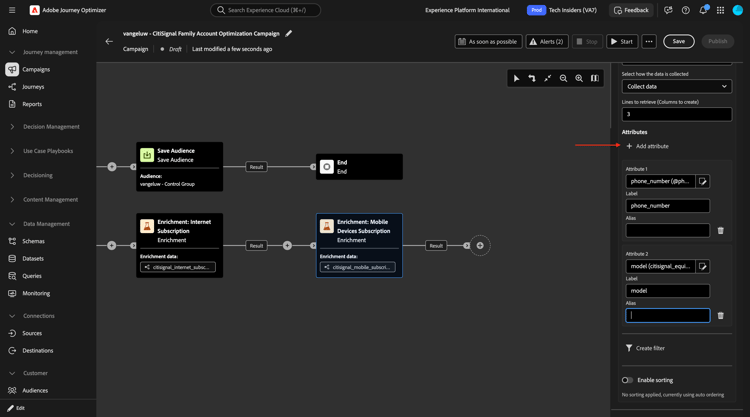
Drill down to citisignal_equipment_subscriptions.
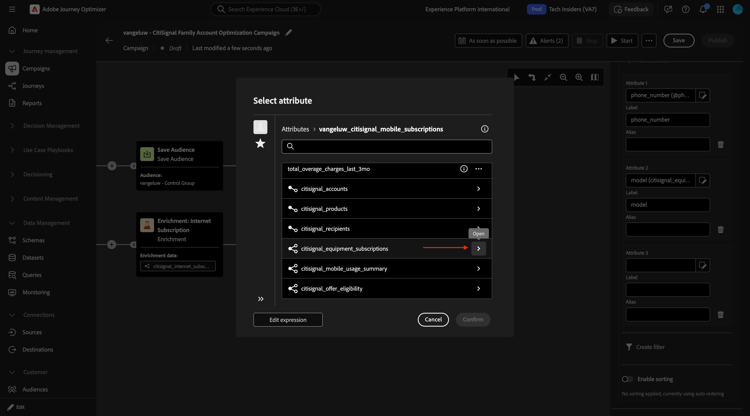
Select recommended_device_model and click Confirm.
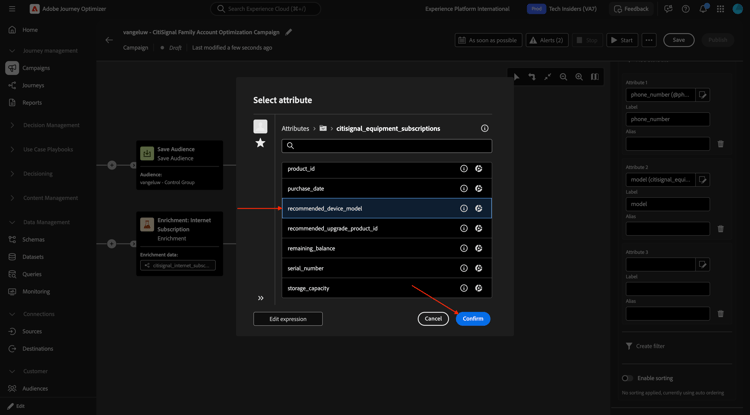
Click Add attribute.
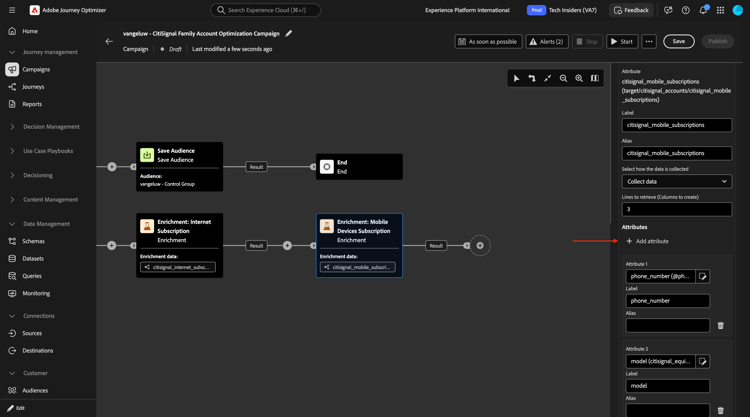
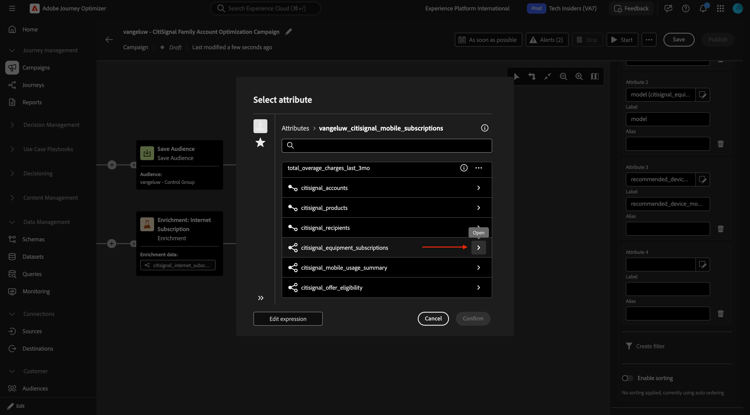
Drill down to citisignal_equipment_subscriptions.
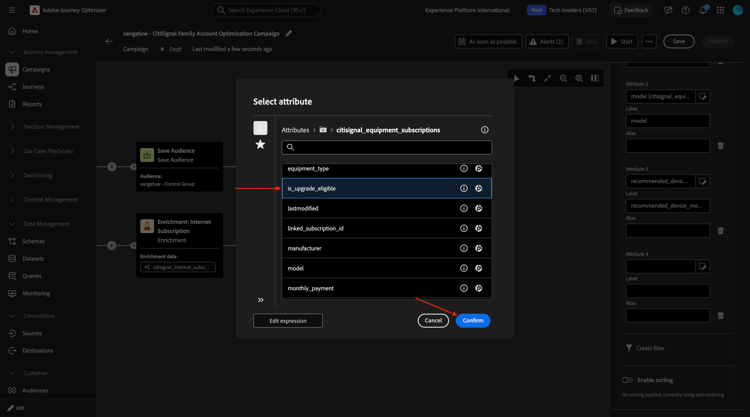
Select is_upgrade_eligible and click Confirm.
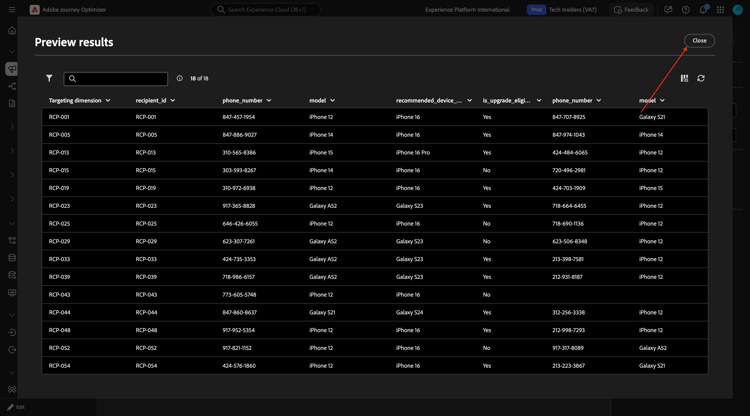
You can now test your progress by doing a test run and see which data is available in your campaign.
Save your changes and then click Start.
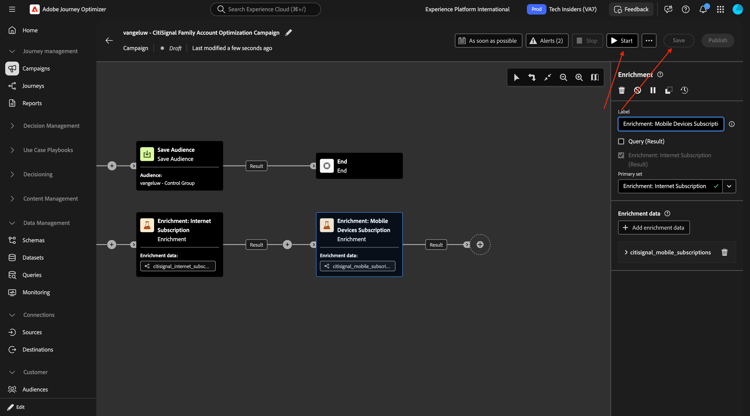
After some time, you should then see this. Click Preview results.
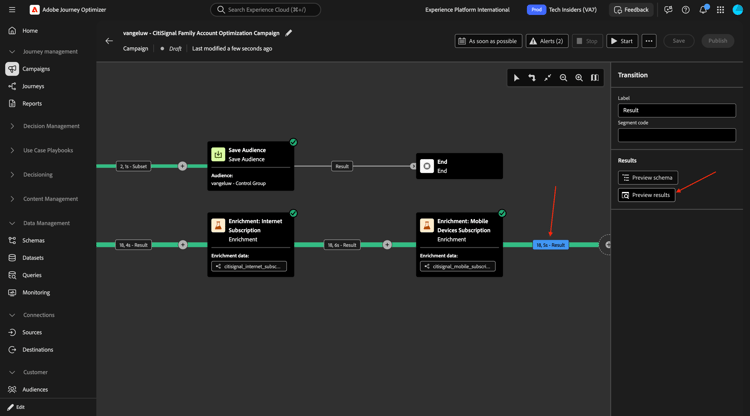
You should then see something similar to this. Click Close.
Go back into the node Enrichment: Mobile Devices Subscription.
Click Add attribute.
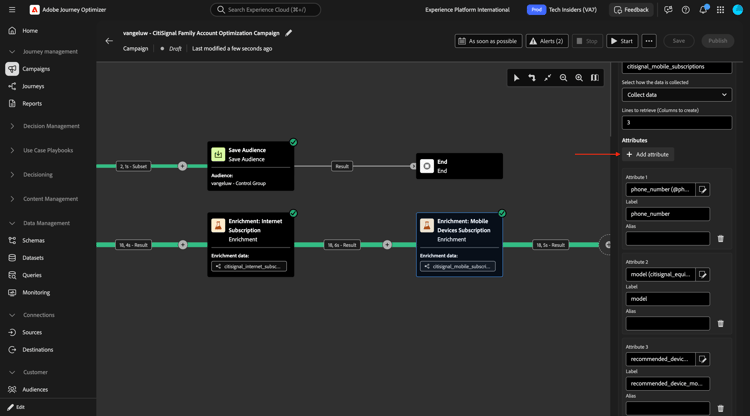
Select account_id and click Confirm.
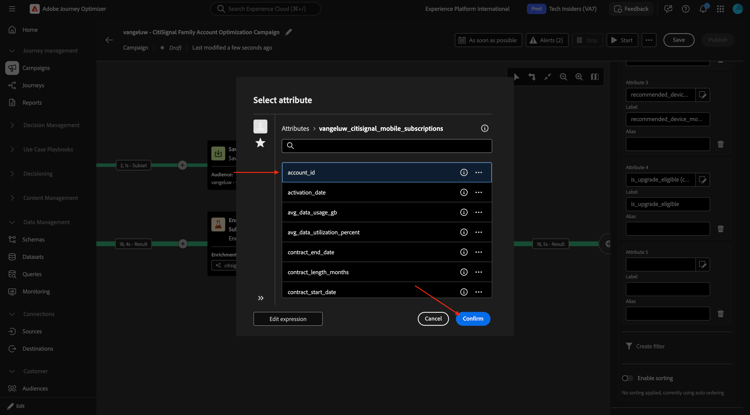
Click Add attribute.
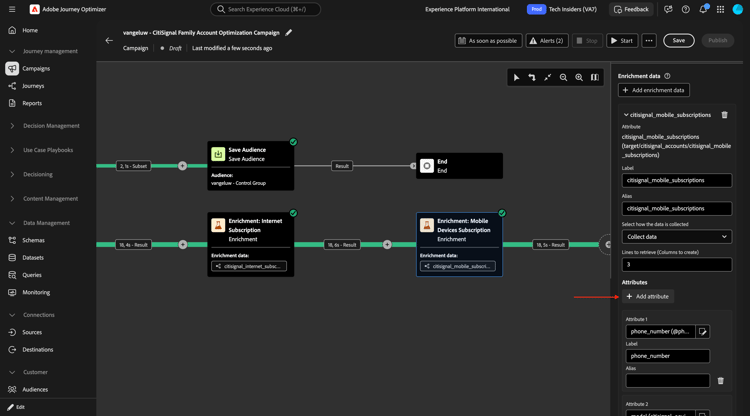
Select subscription_id and click Confirm.
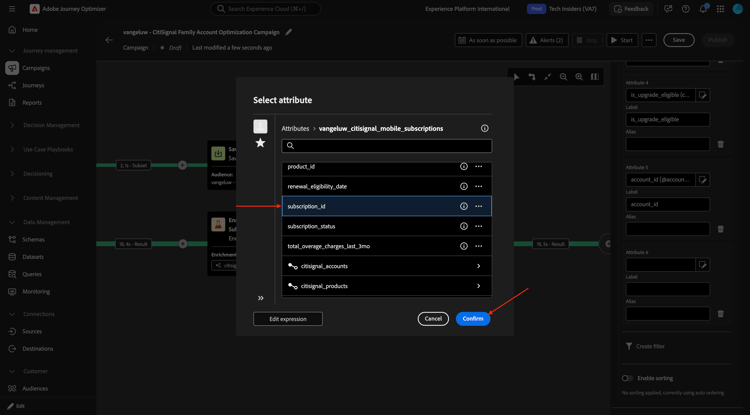
Click Add attribute.
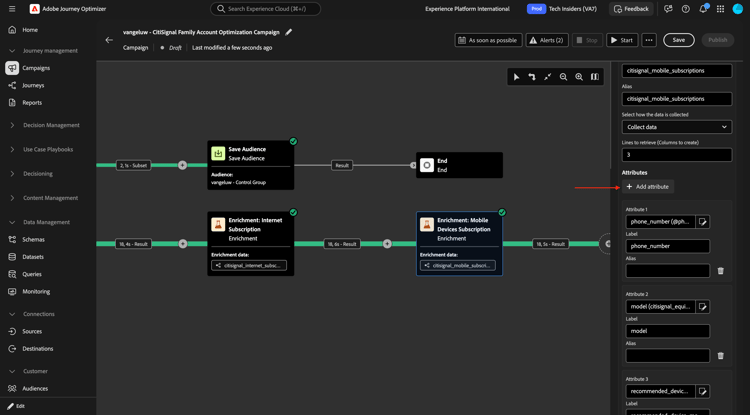
Select renewal_eligibility_date and click Confirm.
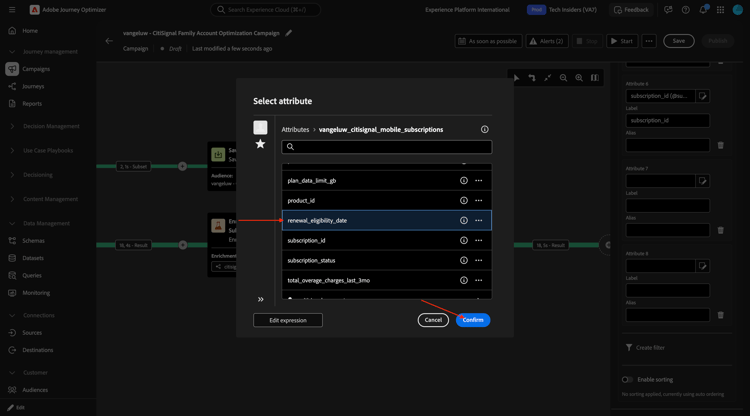
Click Add attribute.
Select line_user_recipient_id and click Confirm.
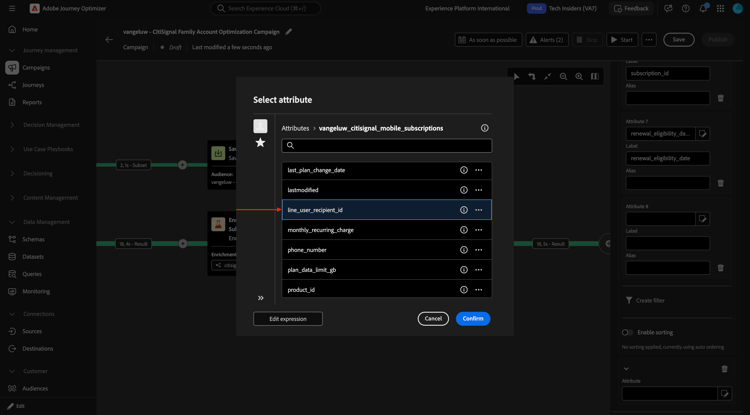
Click Add attribute.
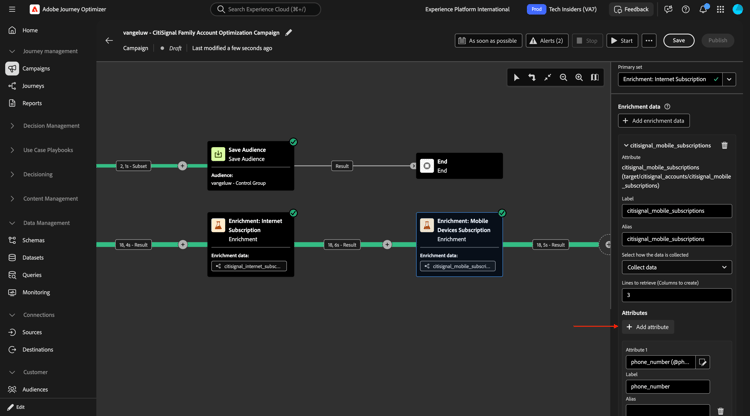
Select current_device_id and click Confirm.
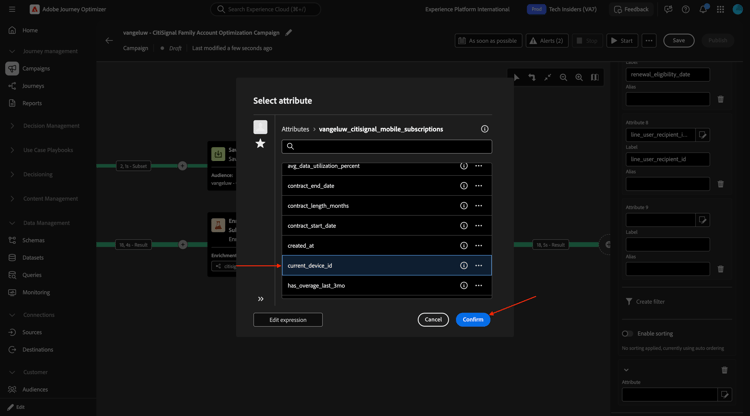
Click Add attribute.
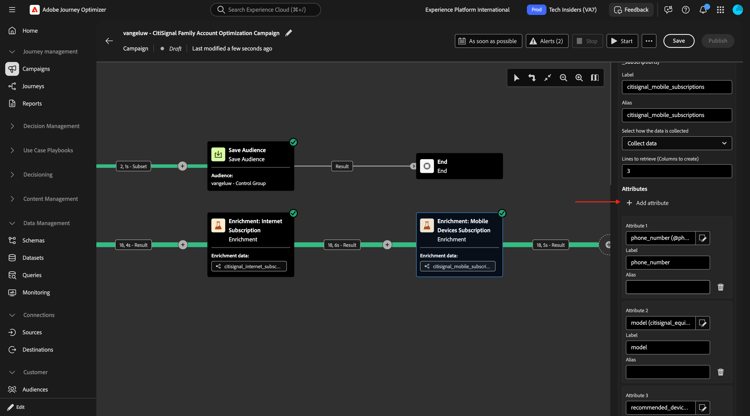
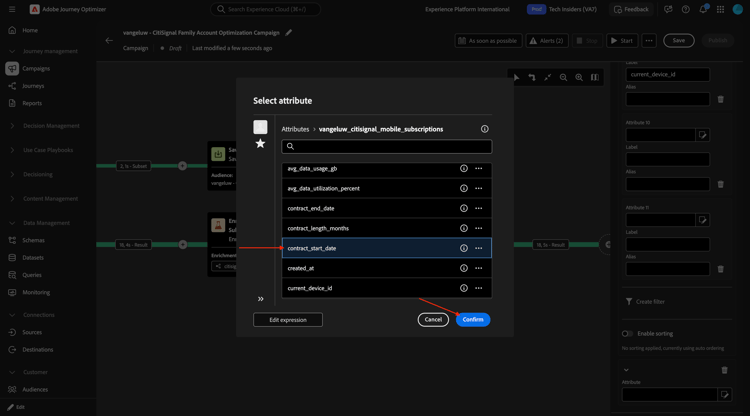
Select contract_start_date and click Confirm.
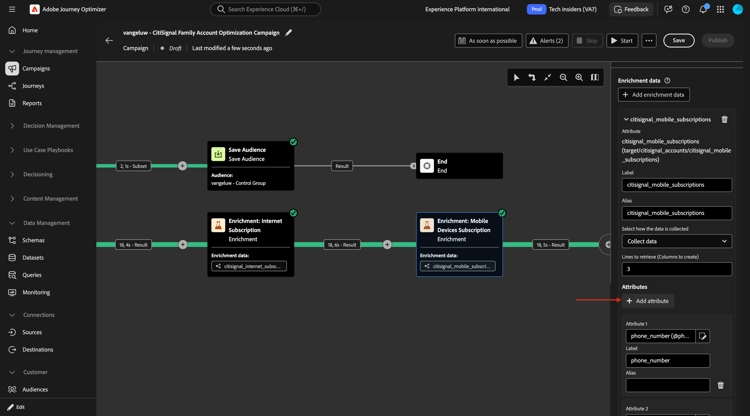
Click Add attribute.
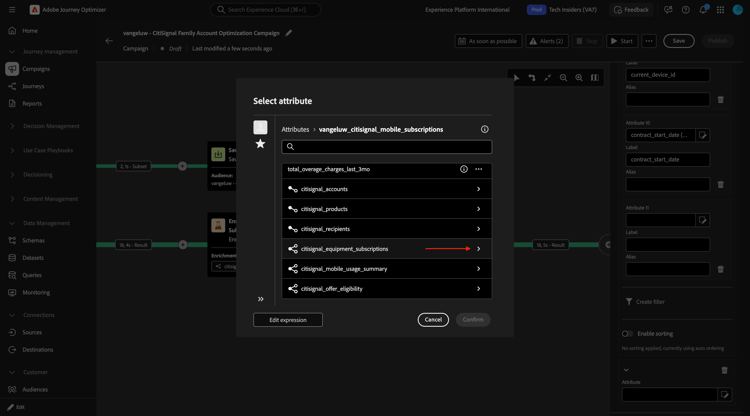
Drill down to citisignal_equipment_subscriptions.
Select manufacturer and click Confirm.
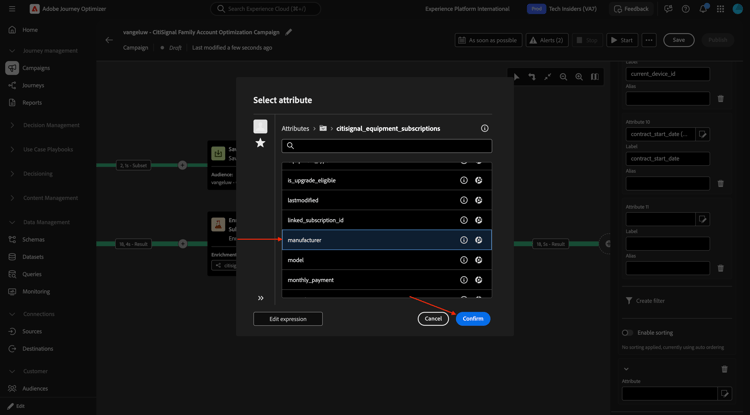
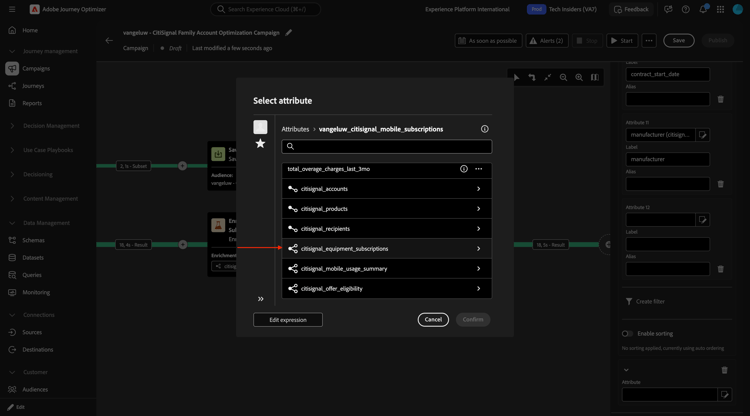
Click Add attribute.
Drill down to citisignal_equipment_subscriptions.
Select device_age_months and click Confirm.
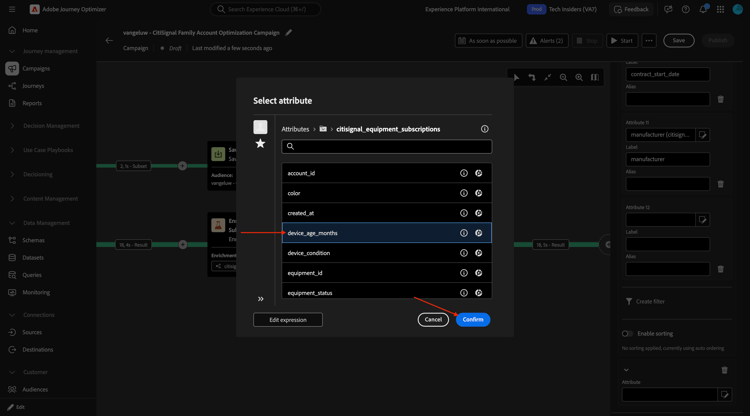
Click Add attribute.
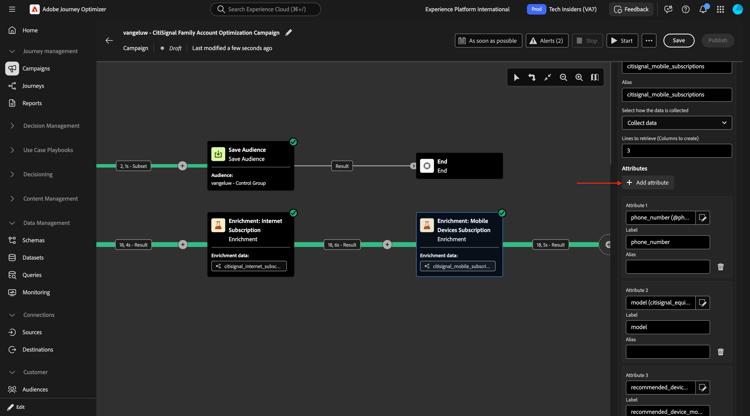
Drill down to citisignal_equipment_subscriptions.
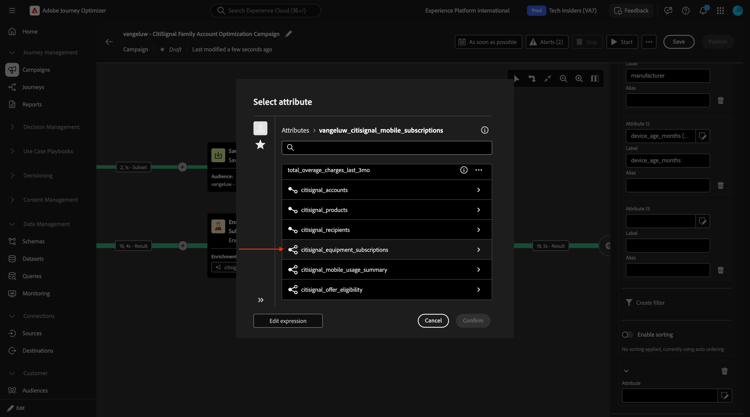
Select trade_in_value and click Confirm.
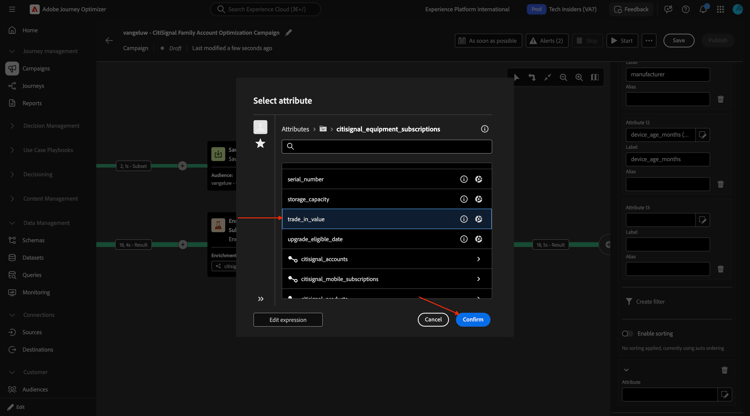
Click Add attribute.
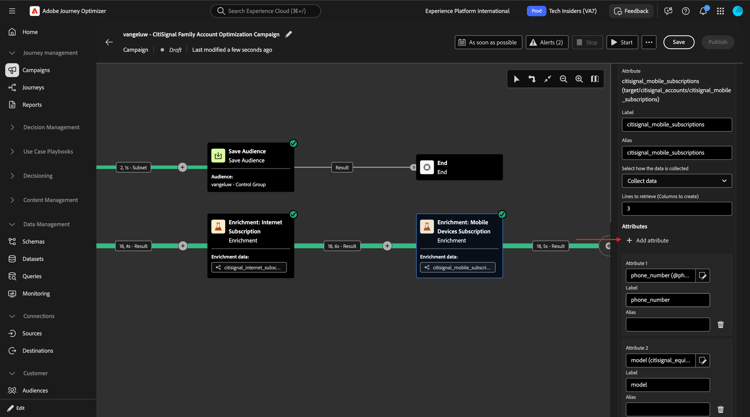
Drill down to citisignal_equipment_subscriptions.
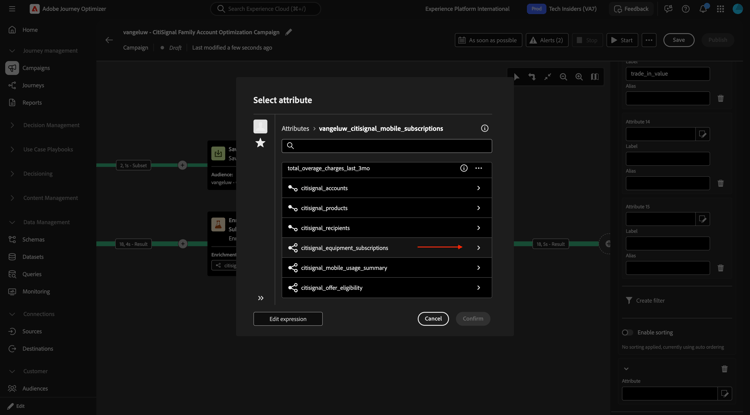
Select monthly_payment and click Confirm.
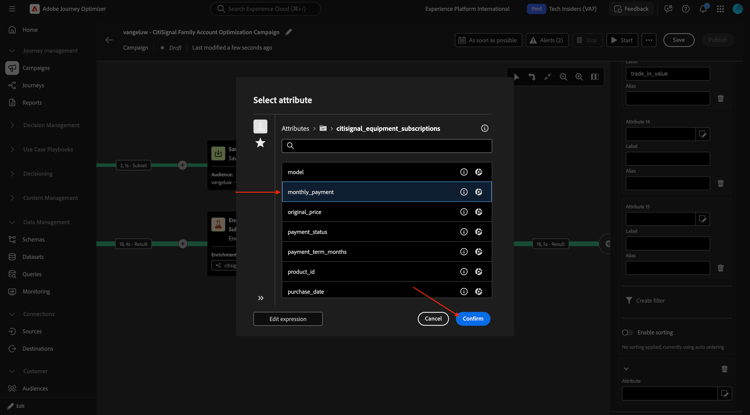
Enrichment: Mobile Devices Subscription
You should then have this. Click Save. Then, click the + icon to add a new node and select Enrichment.
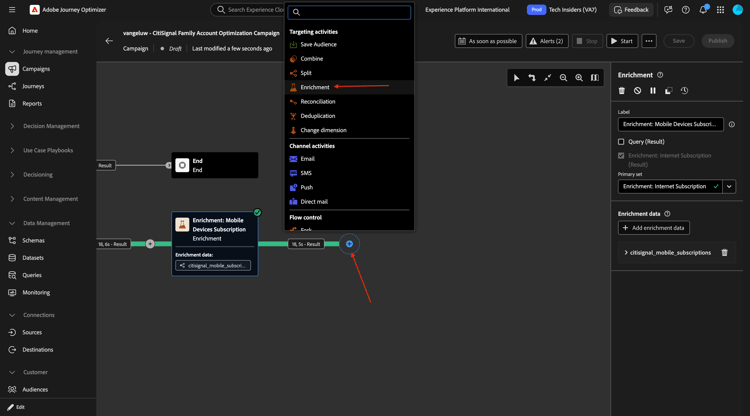
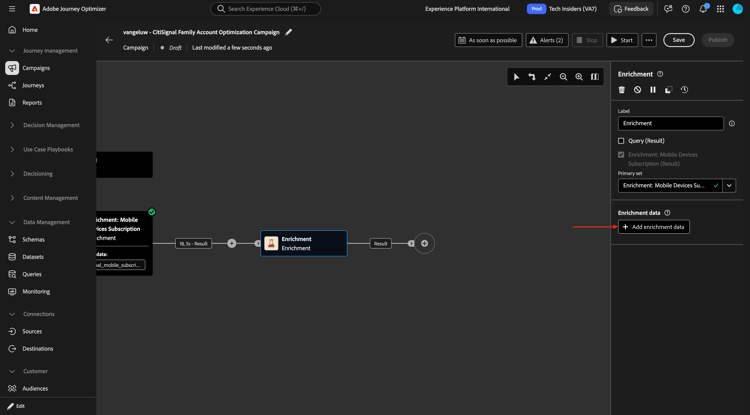
You should then see this. Click Add enrichment data.
Drill down to Targeting dimension.
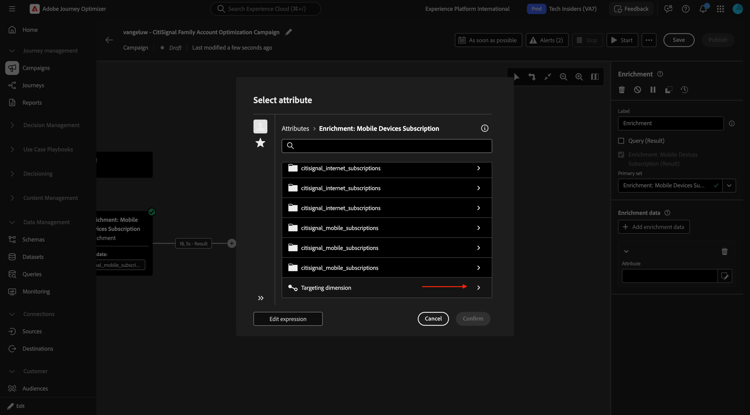
Drill down to citisignal_offer_eligibility.
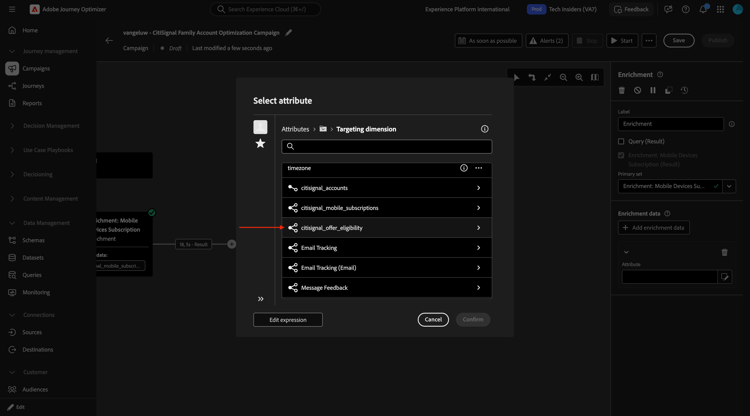
Drill down to citisignal_offers.
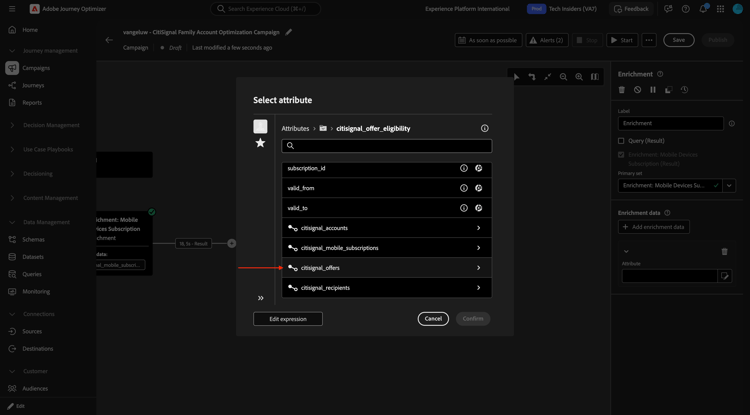
Select offer_name and click Confirm.
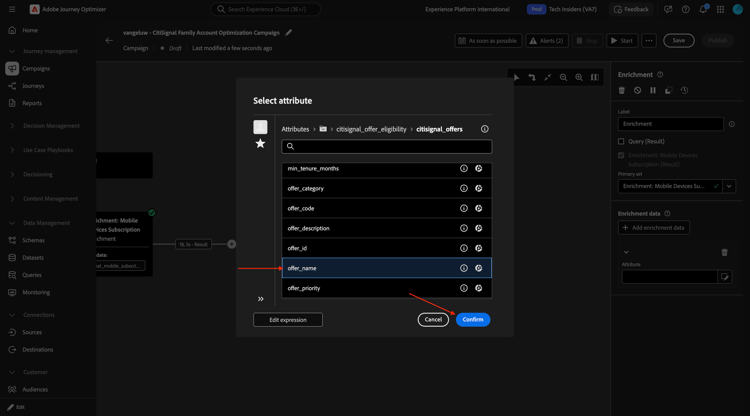
Click Add attribute.

Drill down to citisignal_offers.
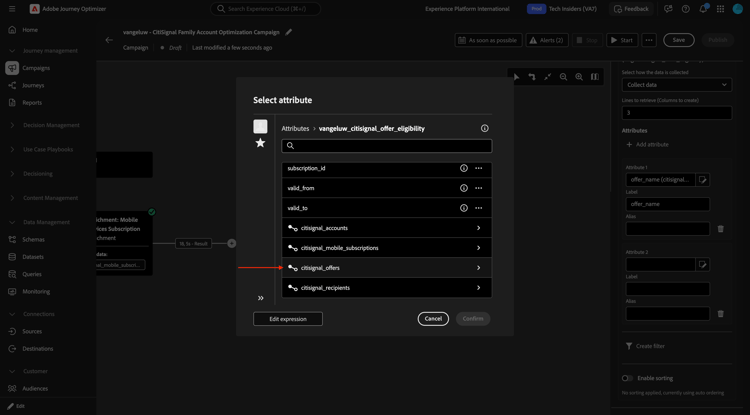
Select offer_code and click Confirm.
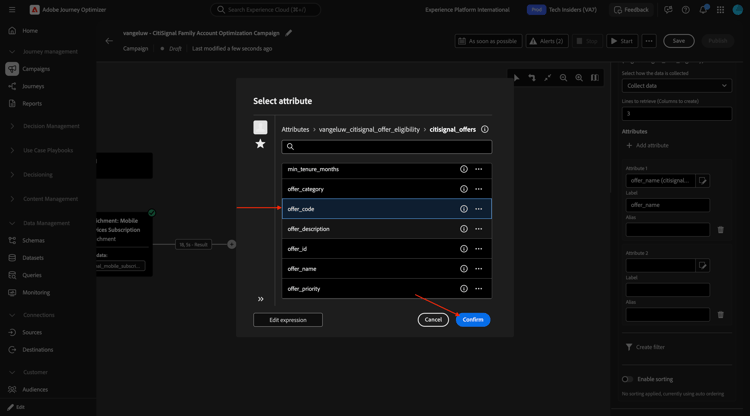
Click Add attribute.
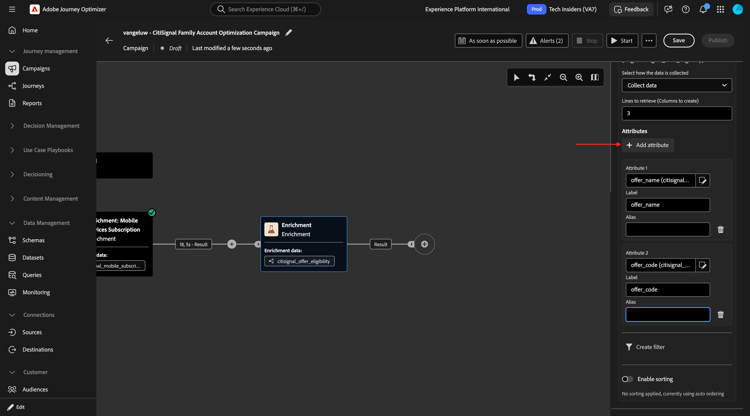
Drill down to citisignal_offers.
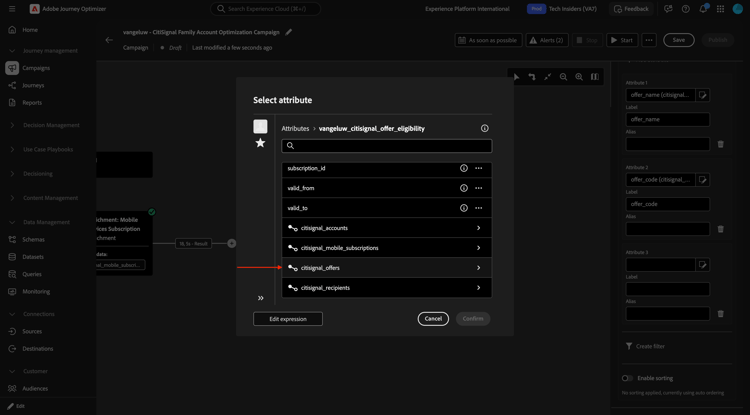
Select offer_description and click Confirm.
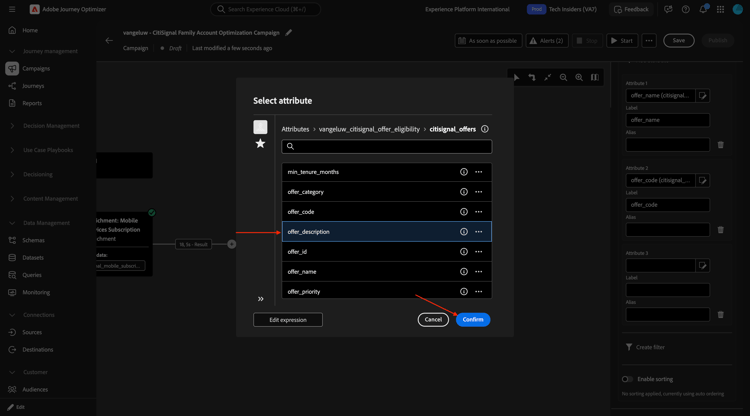
Click Add attribute.
Drill down to citisignal_offers.
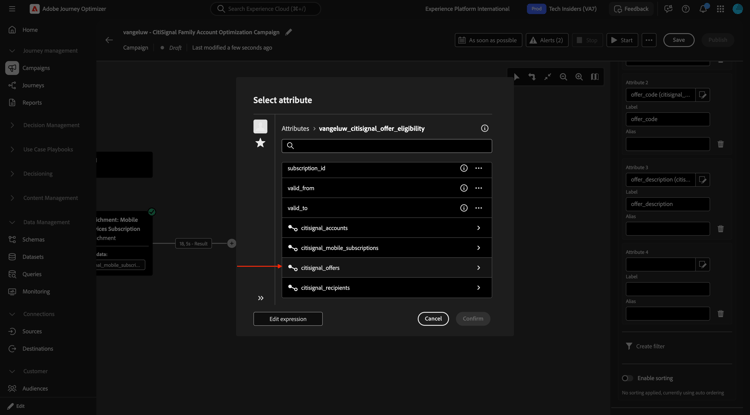
Select offer_description and click Confirm.
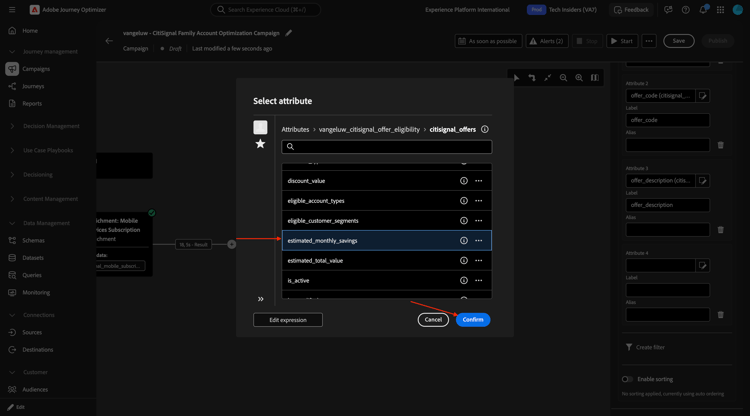
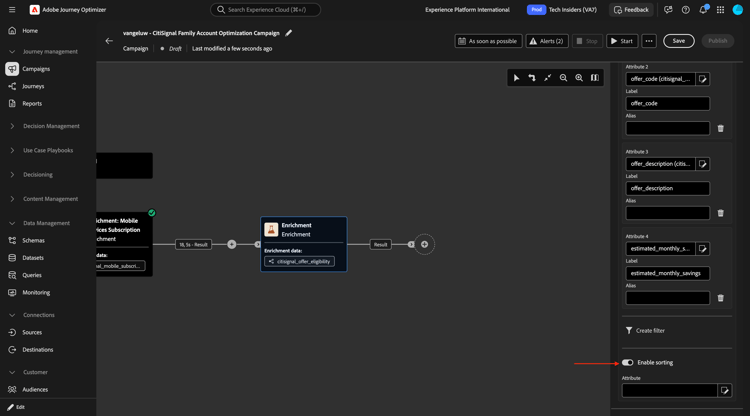
Switch on Enable sorting.
Drill down to citisignal_offers.
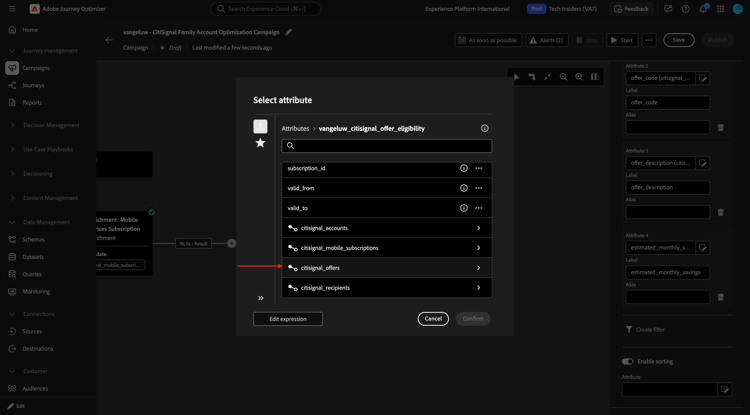
Select offer_priority and click Confirm.
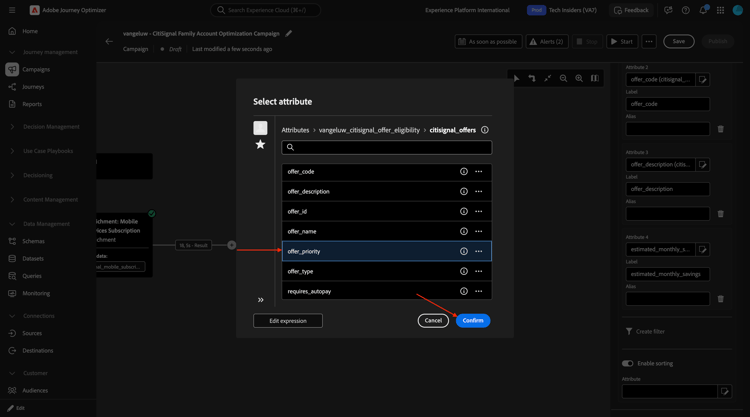
You can now test your campaign. Click Start.
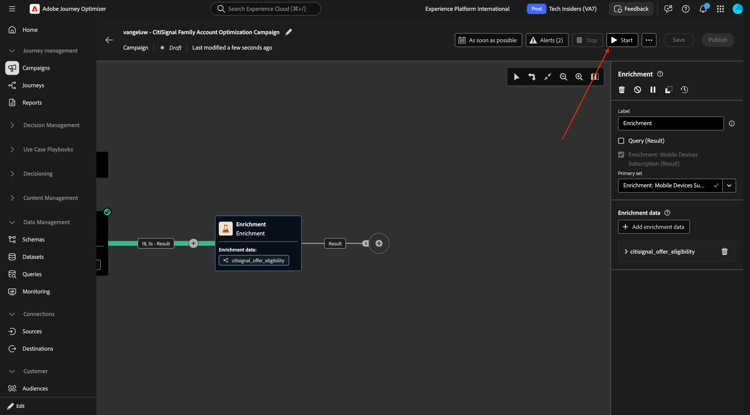
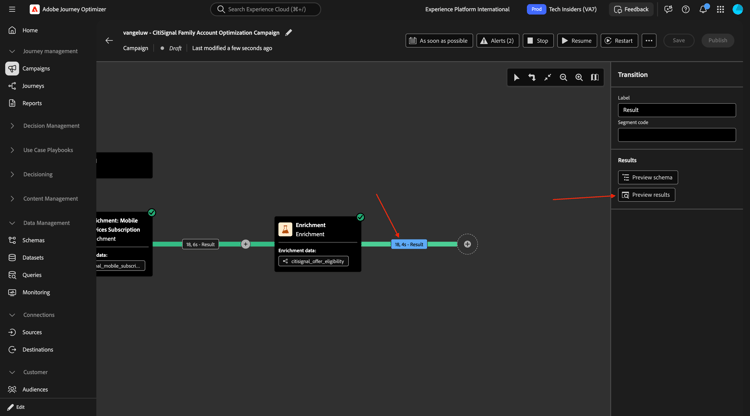
After some time you should see this. Click the Result and then select Preview results.
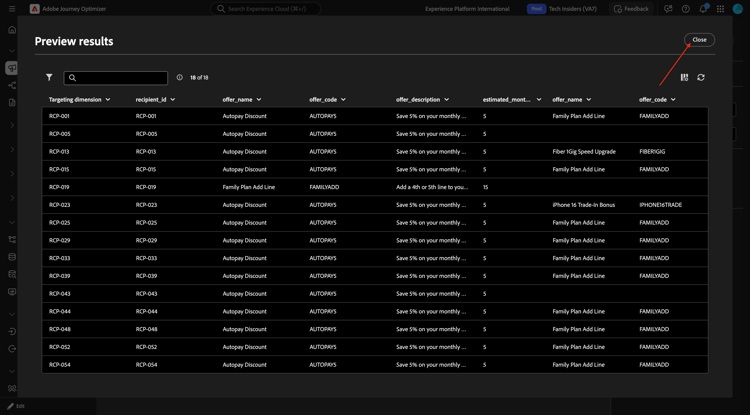
You should then see something similar to this.
Email activity
Click the + icon and then select Email.
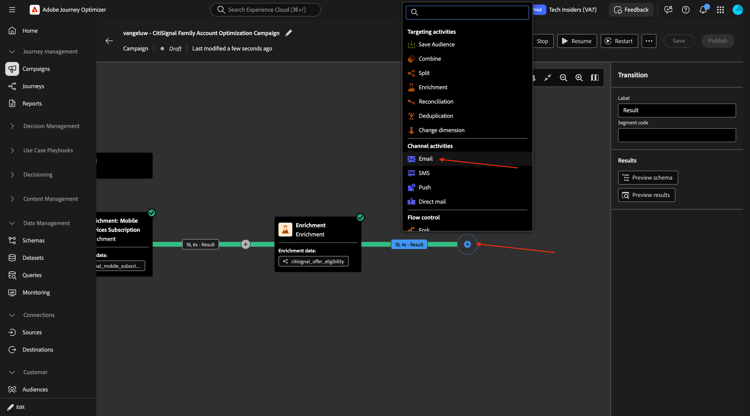
Click Edit email.
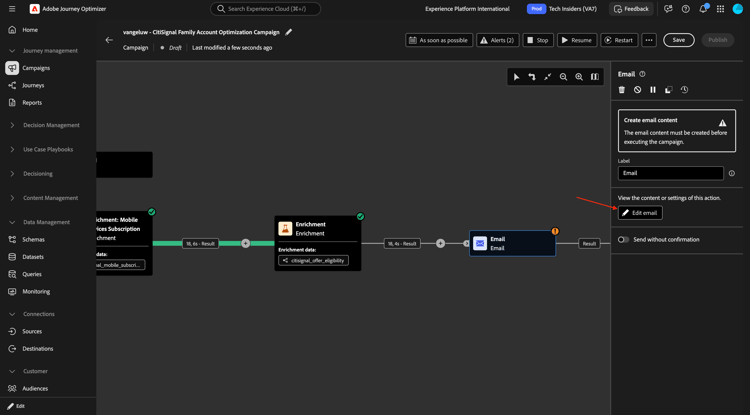
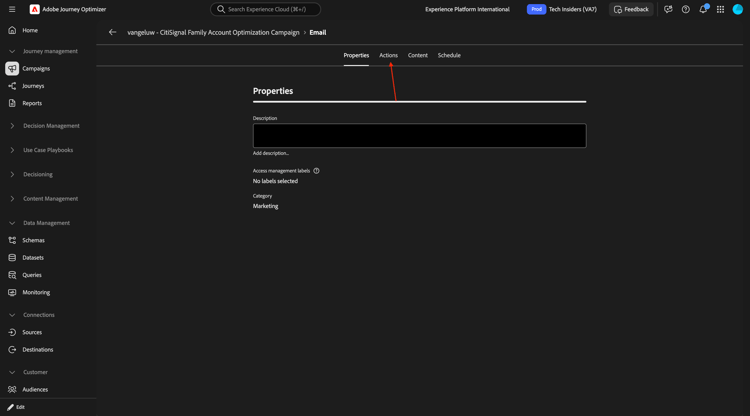
Go to Actions.
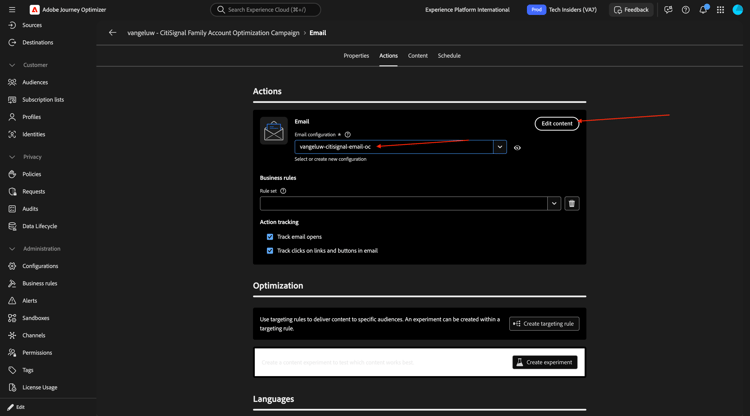
Select the Email channel configuration that you created before and then click Edit content.
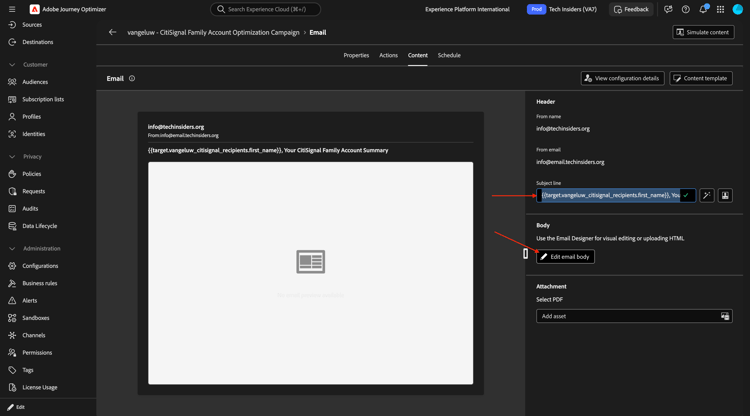
For the Subject line, paste this:
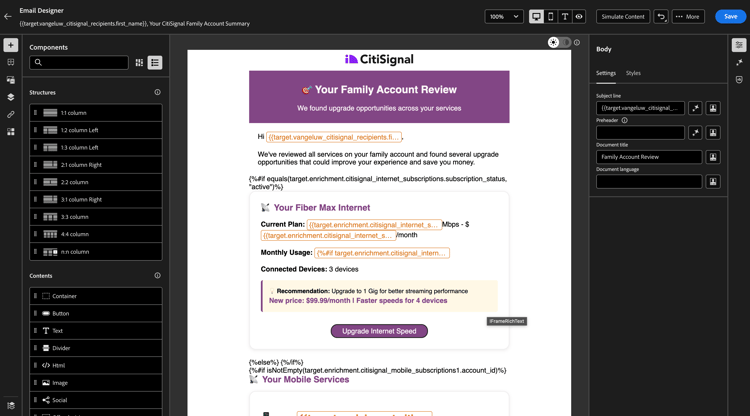
{{target.--aepUserLdap--_citisignal_recipients.first_name}}, Your CitiSignal Family Account Summary
Click Edit email body.
Download the file family_account_review.zip to your desktop.
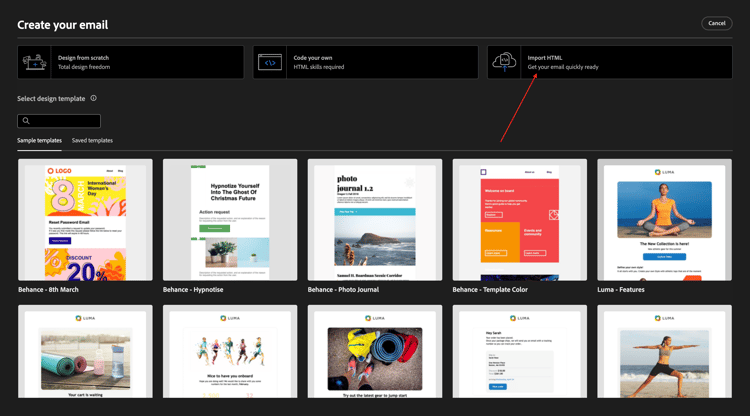
Click Import HTML.
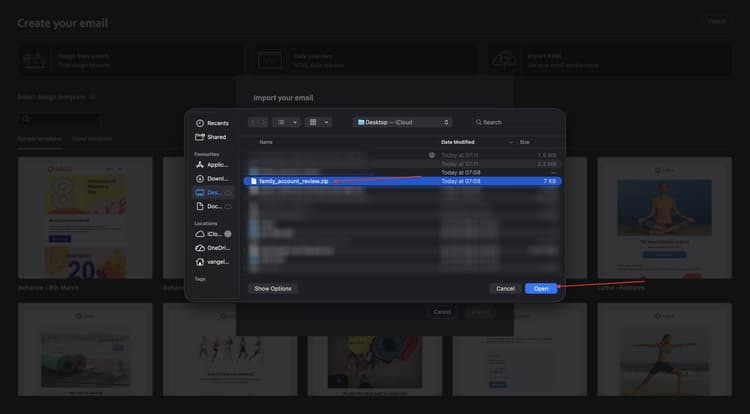
Click to select the file.
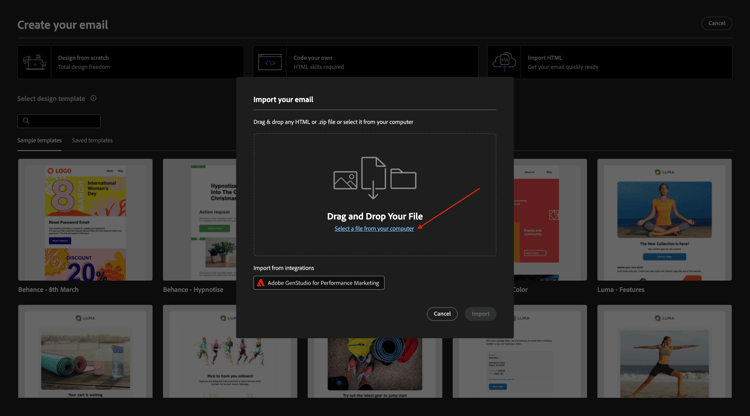
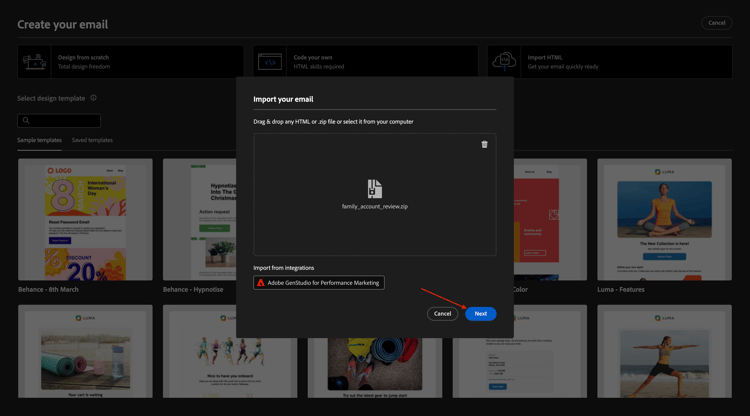
Select the file family_account_review.zip.
Click Next.
You should then see this.
Next Steps
Go back to Adobe Journey Optimizer: Orchestrated Campaigns
Go back to All modules