Services > ACO Restricted Access Keys
Use this setting to control the default expiration period that the Adobe Commerce Optimizer Connector for B2B applies to restricted access keys it provisions for B2B shared catalog views. To create, assign, and delete these keys, see Restricted Access Keys management.
To access the store configuration settings, choose Stores > Settings > Configuration from the Admin sidebar.
Provisioning
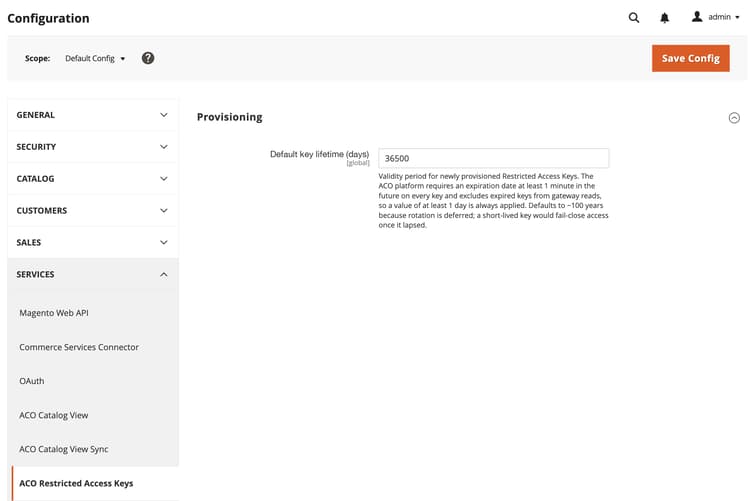
Default key expiry (days)
Global
Validity period for newly provisioned restricted access keys. Adobe Commerce Optimizer requires an expiration date at least one minute in the future on every key, and excludes expired keys from gateway reads, so a value of at least one day is always applied. Default value:
36500NOTE
The default expiry is set to a long expiration period because automatic key rotation is not yet available. See Key selection and rotation.
recommendation-more-help
commerce-admin-help-configuration-reference