Services > ACO Catalog View
Use these settings to control the access tokens issued by the Adobe Commerce Optimizer Connector for B2B. Storefronts use these tokens to authenticate to Commerce Optimizer private catalog views populated with data synchronized from custom shared catalogs configured in the Admin.
To access the store configuration settings, choose Stores > Settings > Configuration from the Admin sidebar.
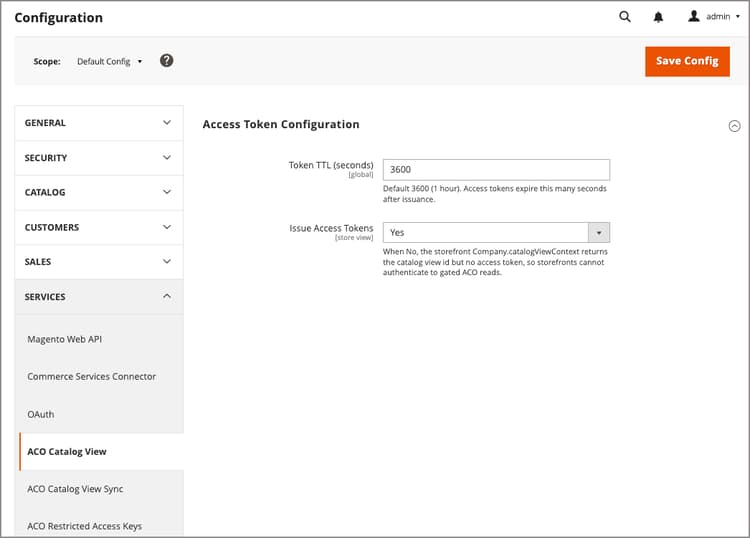
Access Token Configuration
Token TTL (seconds)
Global
Number of seconds an access token remains valid after it is generated. This setting is read only at the default scope. Values configured at the website or store-view scope are ignored. Defaults to: 3600 seconds.
Issue Access Tokens
Store View
Controls whether the storefront can obtain an access token for a catalog view. When set to
No, Company.catalogViewContext returns the catalog view ID but no access token, so storefronts cannot authenticate to read from Adobe Commerce Optimizer private catalog views synchronized from Adobe Commerce.recommendation-more-help
commerce-admin-help-configuration-reference