1.1.1 Agent Orchestrator快速入門
影片
在這段影片中,您將獲得本練習中所有步驟的說明和示範。
1.1.1.1在Agent Orchestrator中設定內容
移至https://experience.adobe.com/#/@experienceplatform/ai-assistant/chat。
您應該會看到此訊息。 請確定您隸屬於 Experience Platform International 組織。
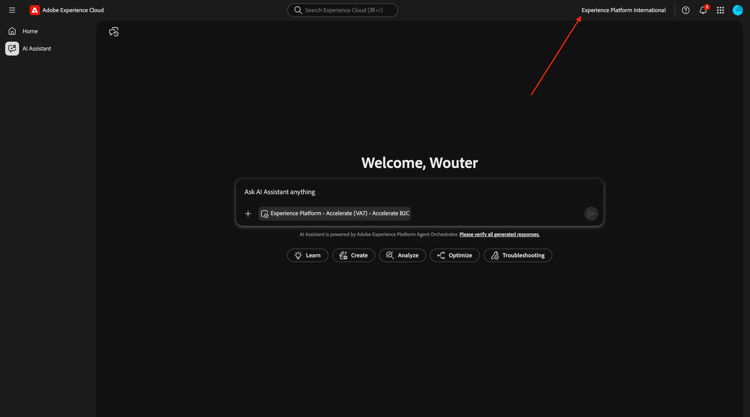
按一下 內容 視窗。
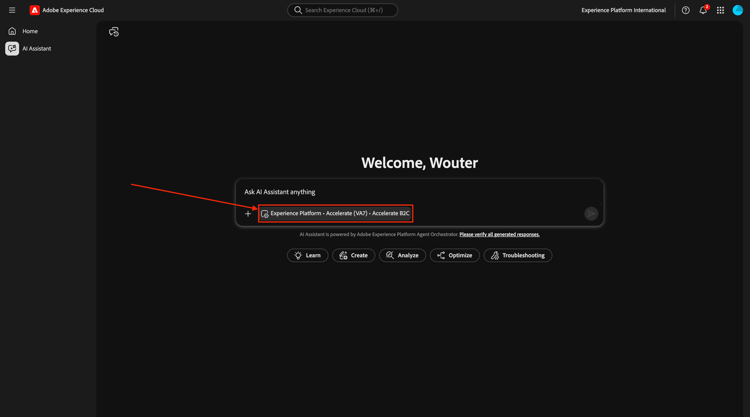
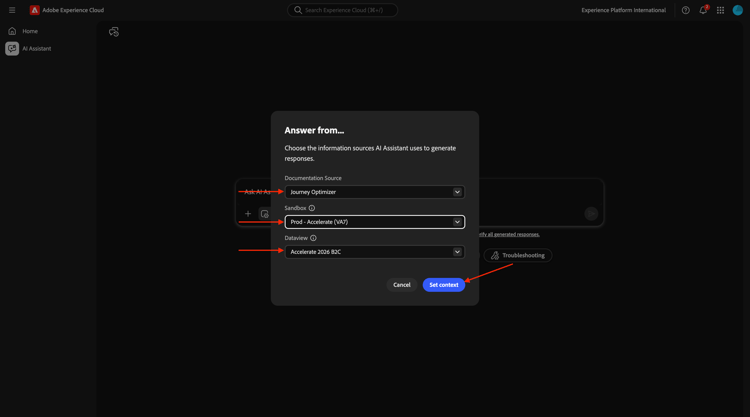
設定內容為:
- 檔案Source: Journey Optimizer
檔案Source設定可協助您偏好使用哪組Experience League檔案,以檢查與產品知識/Experience League相關的問題。
- 沙箱: Prod — 加速(VA7)
沙箱設定可協助識別在詢問問題時哪個沙箱AI小幫手應該檢視。
- 資料檢視: 加速2026 B2C
資料檢視設定可協助識別詢問問題時資料檢視AI助理應該檢視哪個資料檢視。
按一下設定內容。
1.1.1.2從整體購買趨勢開始,錨定內容並放大光纖
意圖
獲得全方位的類別需求脈衝:行動、有線電話、網際網路、電視、光纖,特別是最近60天的應用。 這會設定紐約推出後的季節性、促銷效果及區域差異的基線。
輸入下列 提示 並按一下 傳送 按鈕。
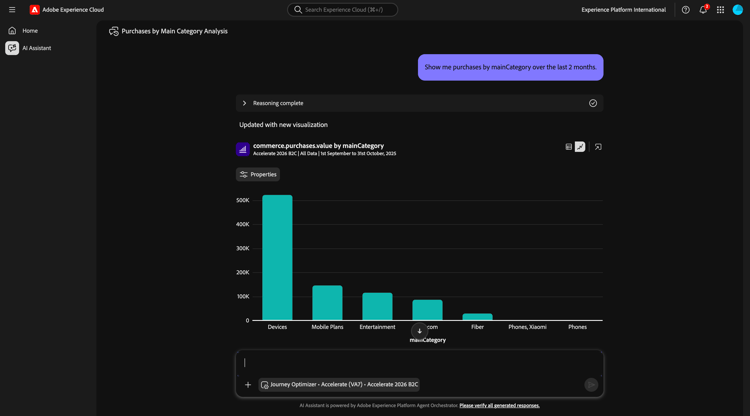
Show me purchases by mainCategory over the last 7 months.
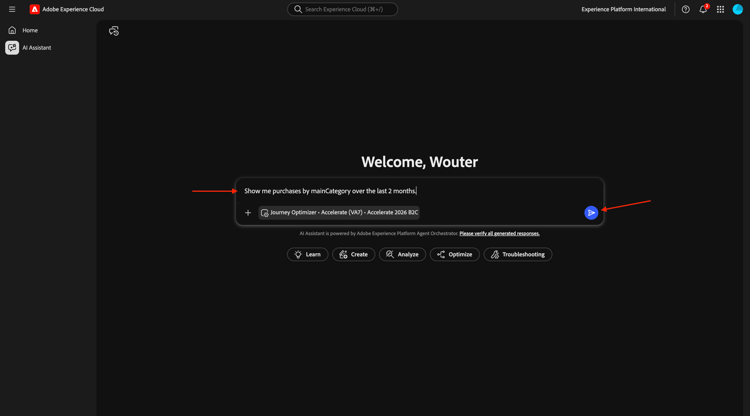
您應該會看到以下內容:
輸入下列 提示 並按一下 傳送 按鈕。
Show me purchases by mainCategory = Fiber over the last 7 months per week
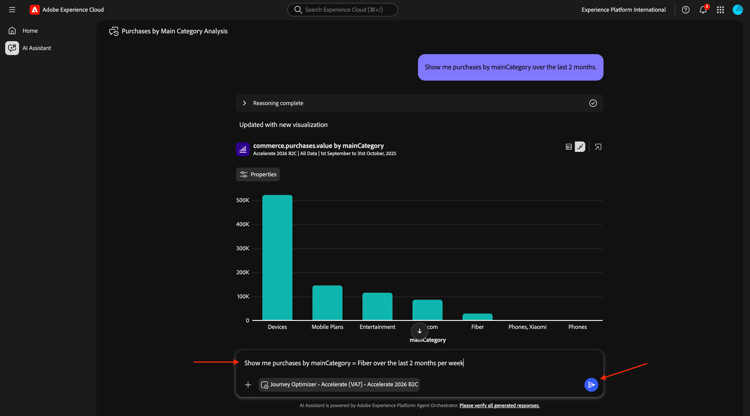
您應該會看到此資訊,深入瞭解光纖特有的趨勢。
1.1.1.3將訂單與內容偏好設定建立關聯
意圖
測試特定型別(例如SciFi、Sports、Drama)的偏好預測寬頻升級行為的假設 — 尤其是針對高頻寬需求。
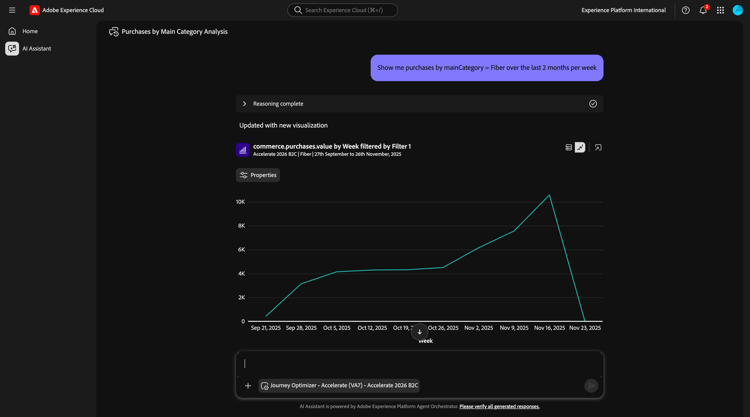
首先,您需要找出哪個欄位用於儲存型別偏好設定。
輸入下列 提示 並按一下 傳送 按鈕。
Which field is used to store the preferred genre?
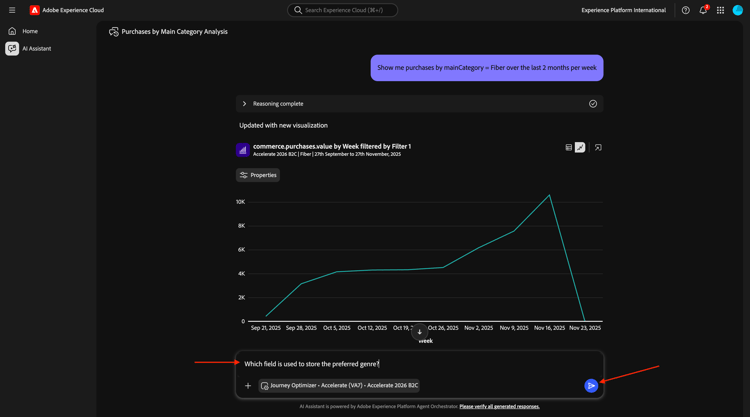
您應該會看到此訊息,其中顯示用於型別的欄位是_experienceplatform.individualCharacteristics.preferences.preferredGenre。
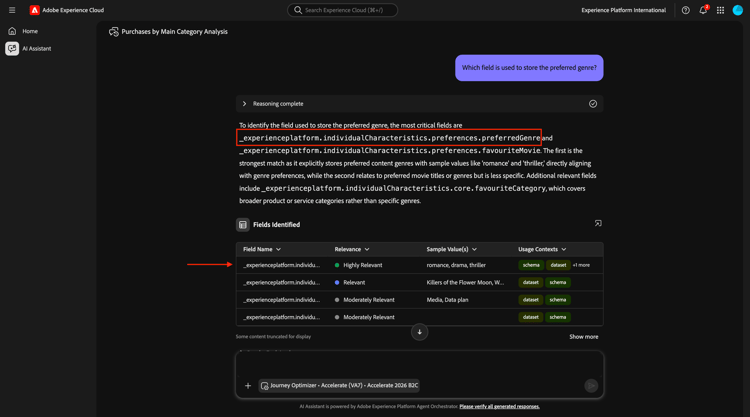
有了這些資訊,您就可以開始向下鑽研購買資料。
輸入下列 提示 並按一下 傳送 按鈕。
Show me ordersYTD by preferredGenre for the last 7 months
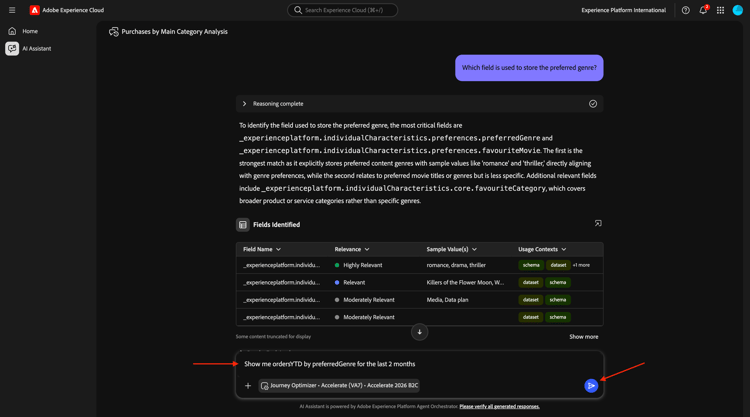
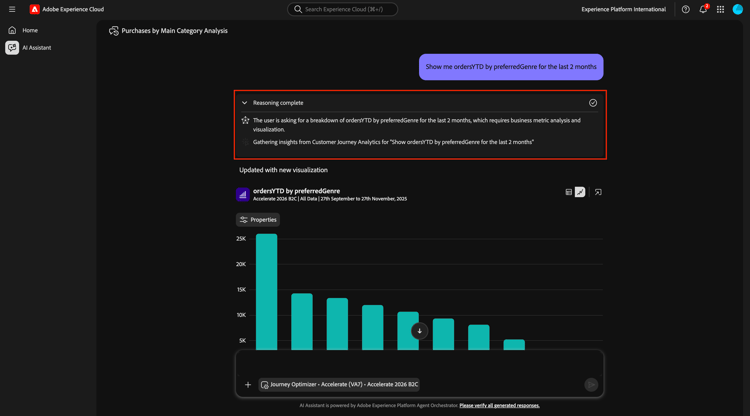
您應該會看到此訊息。 按一下 推理完成 區塊上的圖示,瞭解Agent Orchestrator中在幕後發生的事。
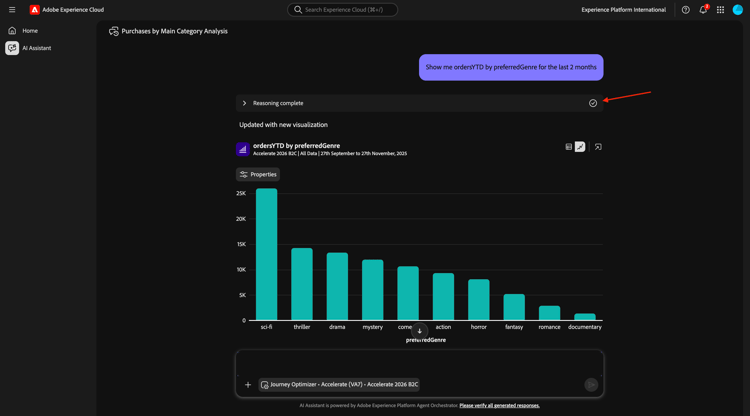
您應該會看到類似的說明。
1.1.1.4識別現有的Fiber歷程
意圖
探索標題中包含「Fiber」的活動或最近結束的歷程,例如「Fiber Upgrade NYC - September」、「Fiber Trial - Streaming Bundle」。
輸入下列 提示 並按一下 傳送 按鈕。
What journeys exist?
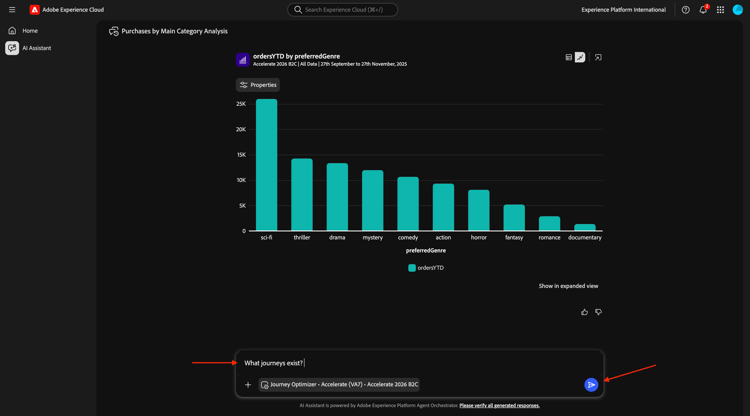
您應該會看到此訊息。 按一下顯示更多。
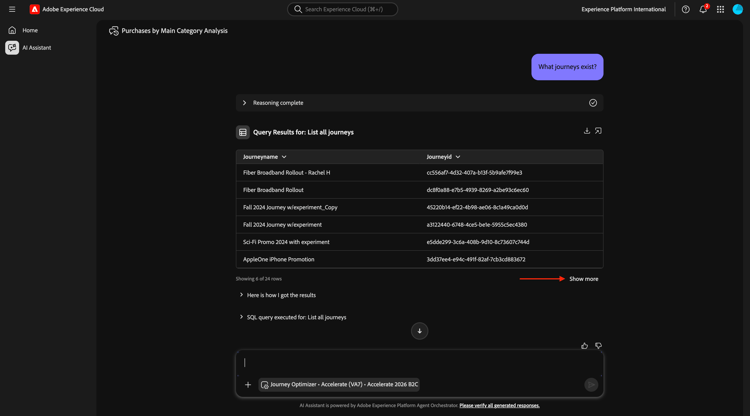
之後,您應該會看到較大的作用中或過去歷程清單。 按一下 下載 圖示以下載這些歷程的清單。
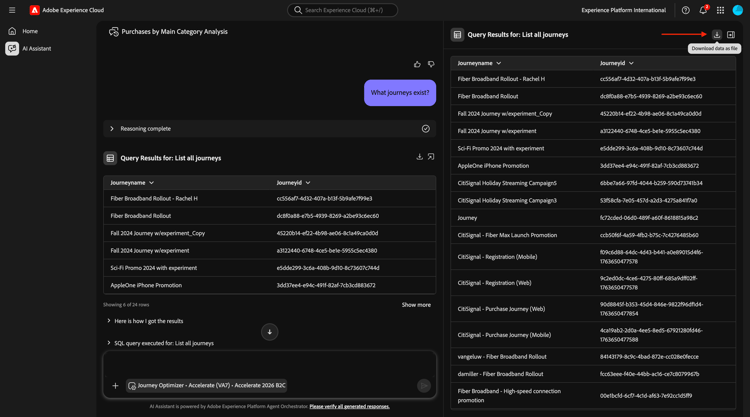
這將會為您產生一個包含AI助理所有輸出的CSV檔案。
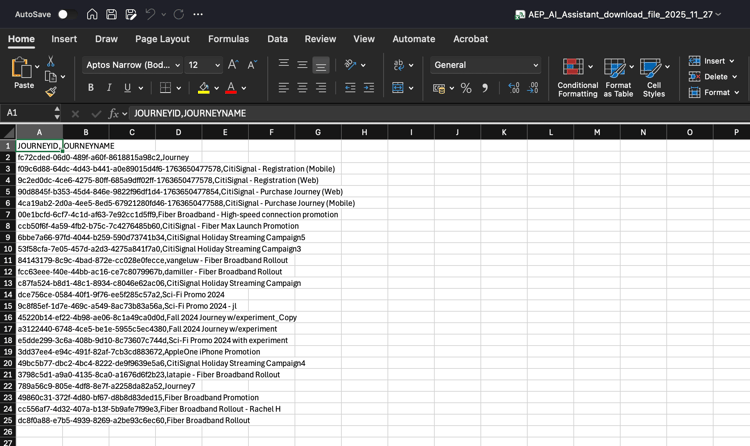
按一下以關閉右窗格。 輸入下列 提示 並按一下 傳送 按鈕。
Which of these journeys has 'Fiber' in its name?
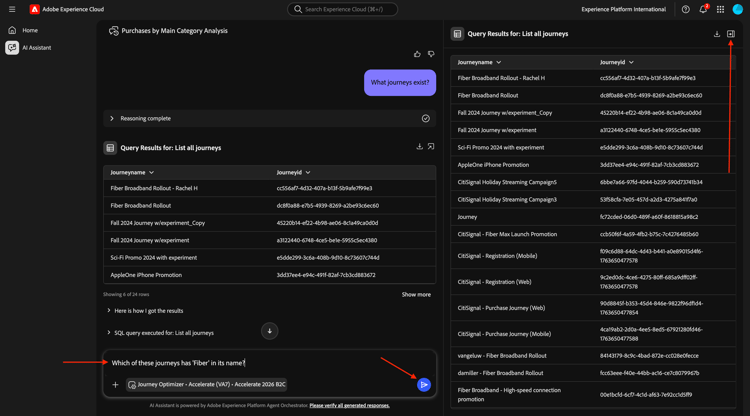
您應該會看到此訊息。 按一下其中一個歷程的連結,然後選取歷程詳細資料。
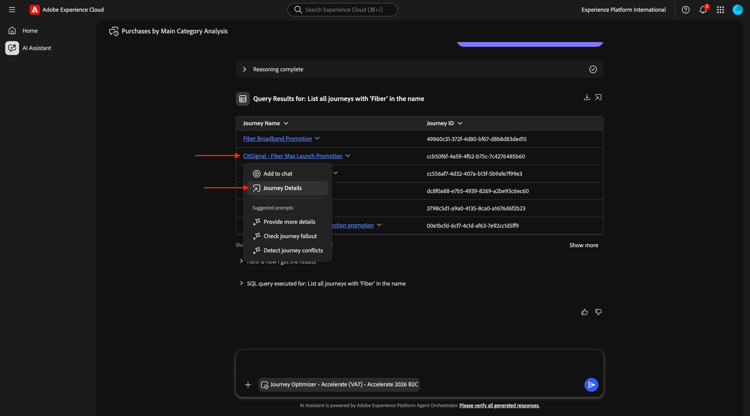
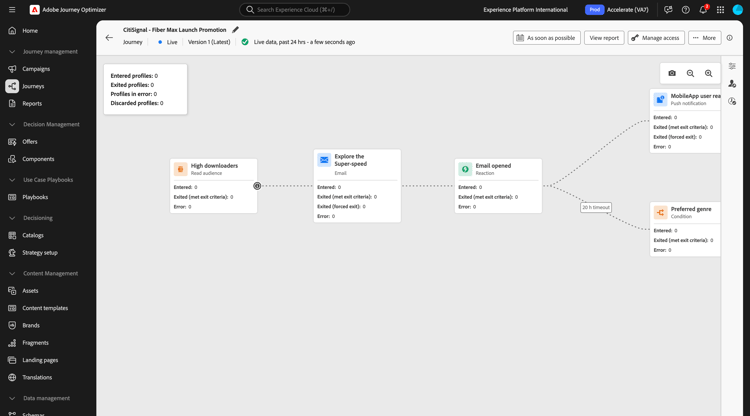
將會開啟新視窗,並立即帶您前往歷程詳細資訊總覽。
1.1.1.5檢查使用的對象
意圖:
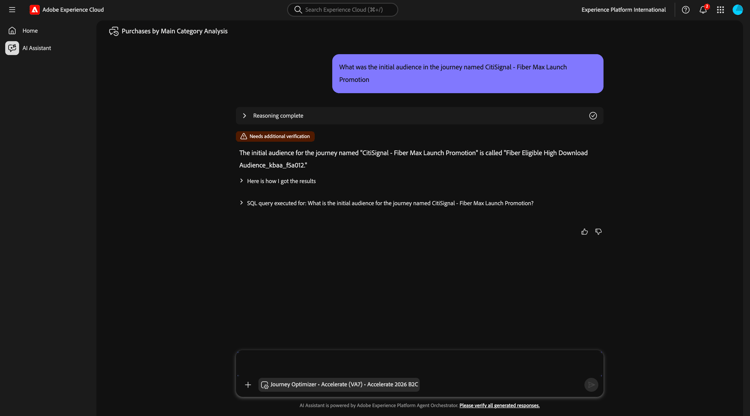
瞭解「CitiSignal - Fiber Max啟動促銷活動」歷程的種子定義 — 哪些特徵會推動目標定位(例如「SciFi型別偏好」、「4+裝置」、「串流≥300GB/月」)。
輸入下列提示:
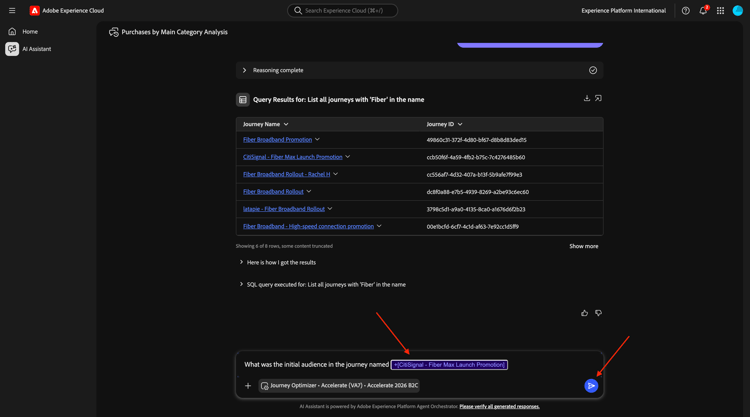
What was the initial audience in the journey named
然後手動輸入+CitiSignal fib以啟用自動完成。 選取歷程CitiSignal - Fiber Max啟動促銷活動。
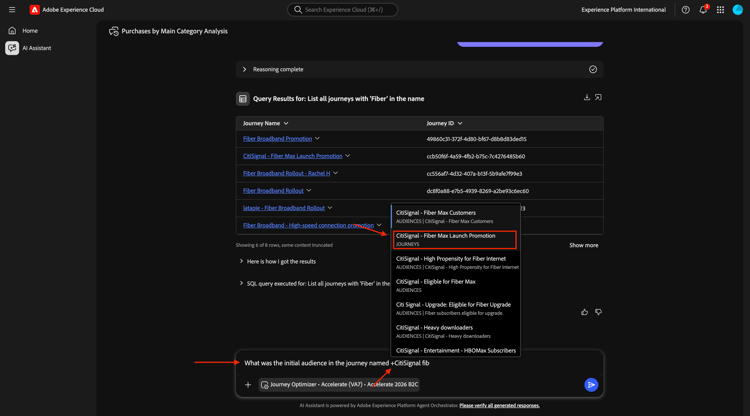
您應該會看到此訊息。 按一下 傳送 按鈕。
您應該會看到此訊息。
1.1.1.6透過流失分析驗證歷程績效
意圖
您想要瞭解歷程效能流失,以瞭解歷程中是否有任何節點或條件發生大量設定檔被捨棄的情況。 這有助於瞭解歷程中是否需要其他調整。
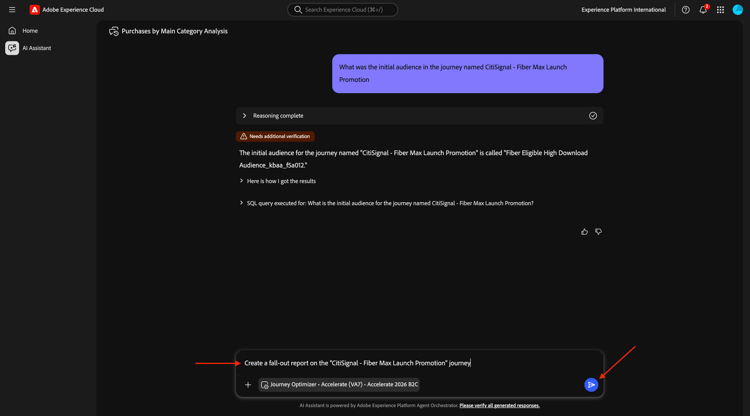
輸入下列 提示 並按一下 傳送 按鈕。
Create a fall-out report on the "CitiSignal - Fiber Max Launch Promotion" journey
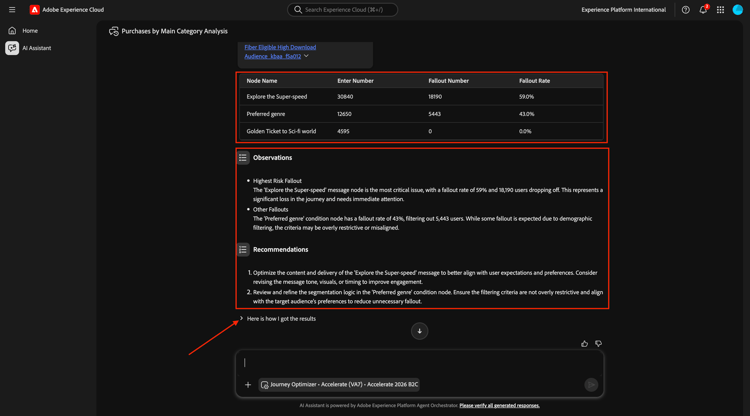
您應該會看到此訊息。
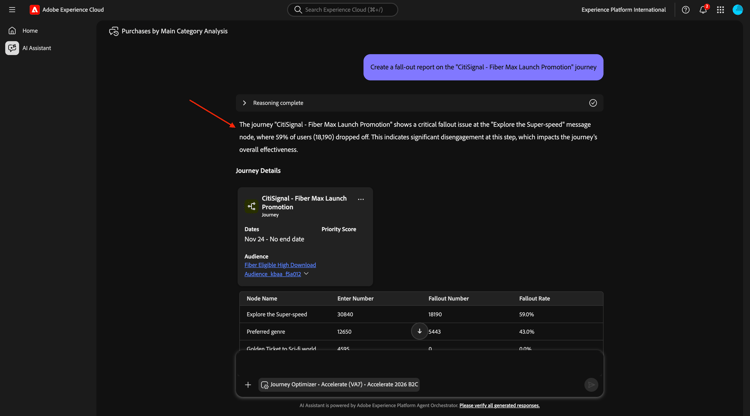
向下捲動一點。 您現在可以透過檢查每個節點及其各自的輸入編號、流失編號和流失率來檢閱表格。
AI Assistant可為您提供觀察和建議。
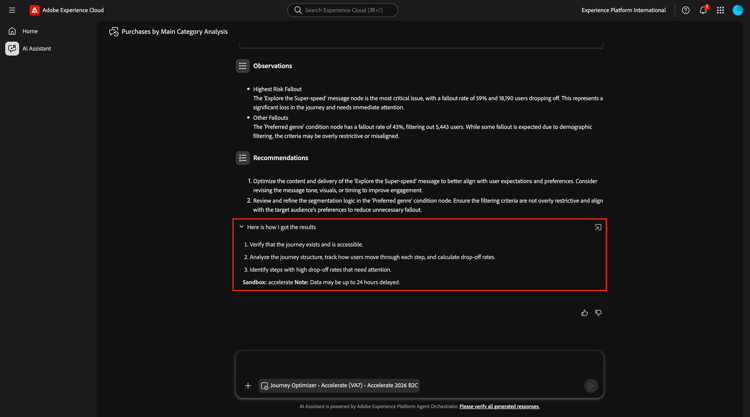
按一下句子以下是我取得結果的方式。
然後您可以看到AI助理員取得結果所遵循的步驟。
1.1.1.7建立新對象
意圖
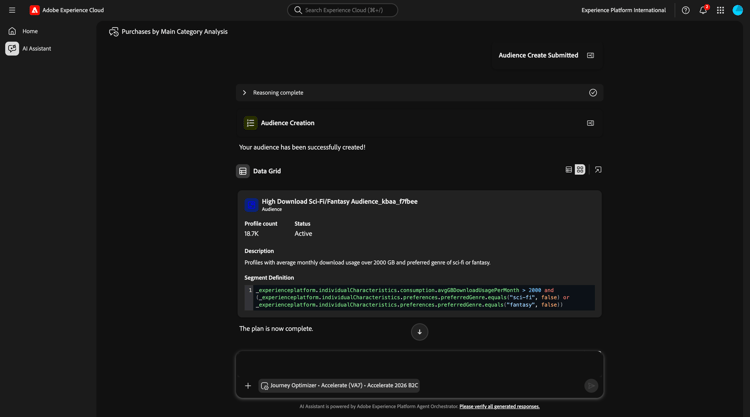
根據上述發現與研究,消費大量資料且偏好科幻或幻想型別的客戶之間存在相關性。 您現在可以在對象中組合這些屬性。
輸入下列 提示 並按一下 傳送 按鈕。
Create an audience that combines people with an average download usage per month of over 2000 GB and a preferred genre of sci-fi or fantasy.
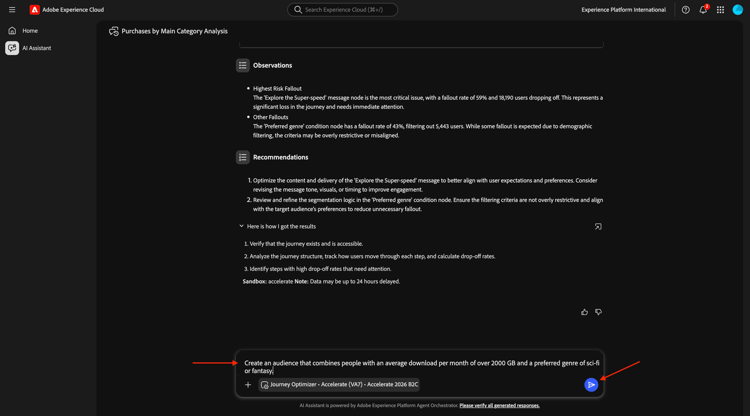
檢閱計畫。 輸入yes並按一下傳送。
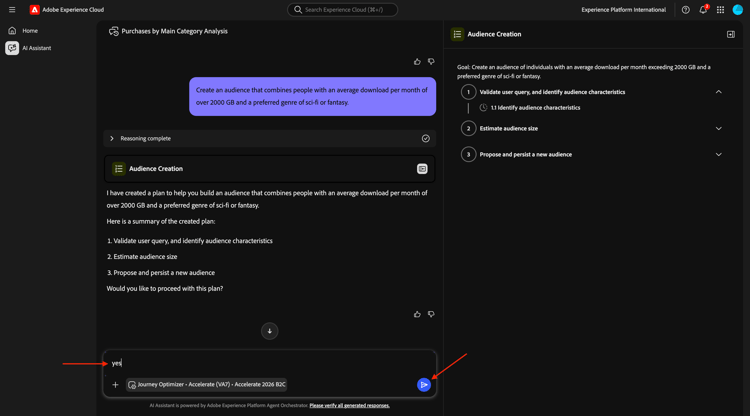
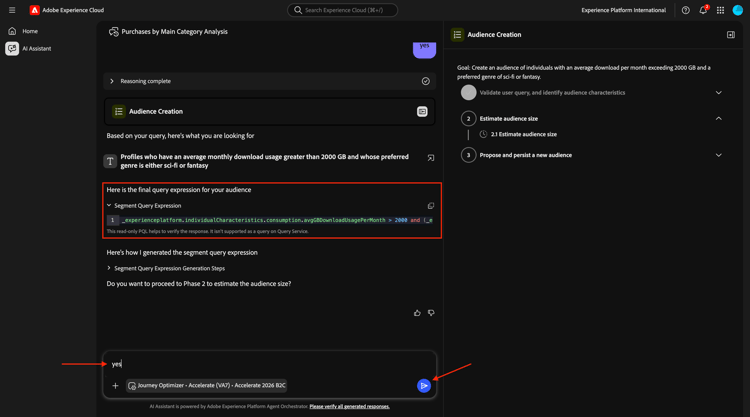
檢閱區段查詢運算式。 輸入yes並按一下 傳送 按鈕。
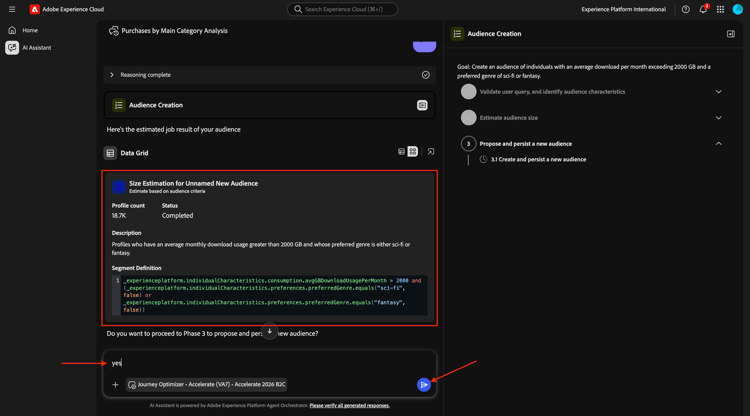
檢閱區段大小估計。 輸入yes並按一下 傳送 按鈕。
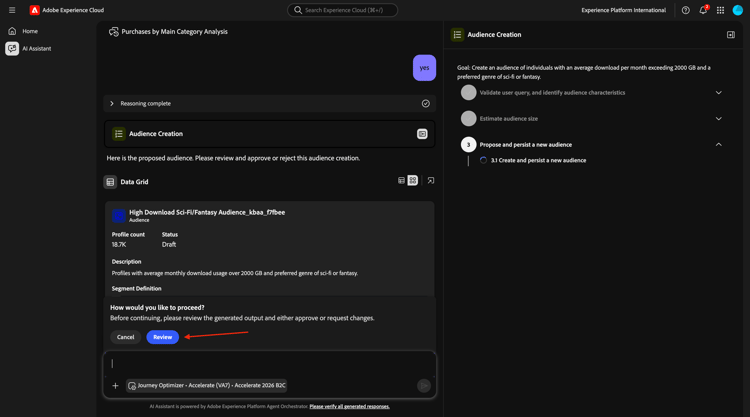
按一下檢閱。
檢閱區段定義。 按一下建立。
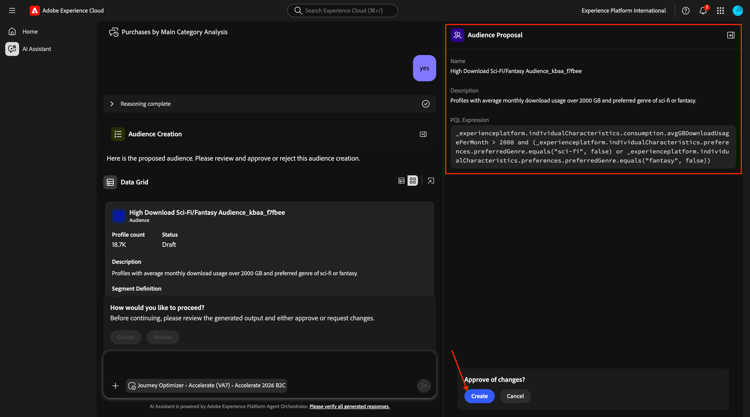
您的對象現已建立。
1.1.1.8尋找符合高使用率的現有對象,並檢查它們是否在使用中
意圖:
找出任何具有「大量下載者」(依每月資料使用量臨界值定義)的受眾。
輸入下列 提示 並按一下 傳送 按鈕。
Is there an audience that has "heavy downloaders" in the title?
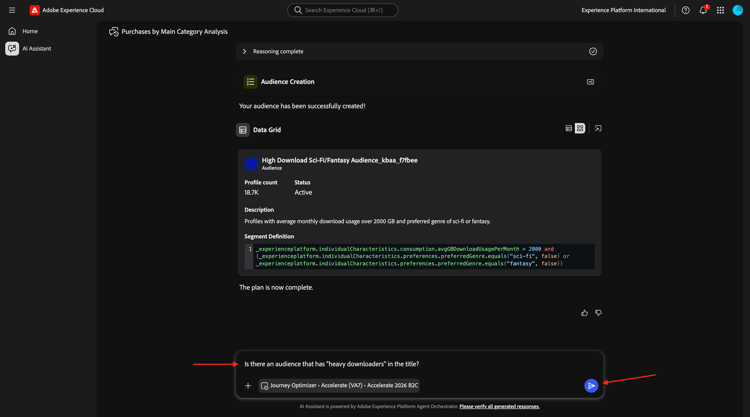
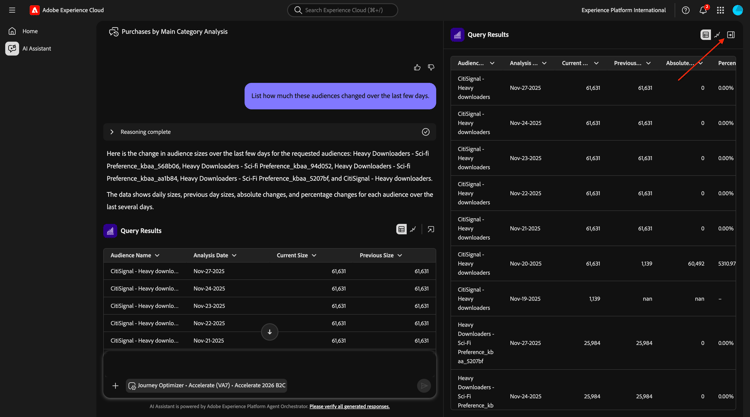
您應該會看到此訊息。 您現在想要檢視您的所有對象,以及這些對象在過去幾天內的變更程度。
輸入下列 提示 並按一下 傳送 按鈕。
List how much these audiences changed over the last few days.
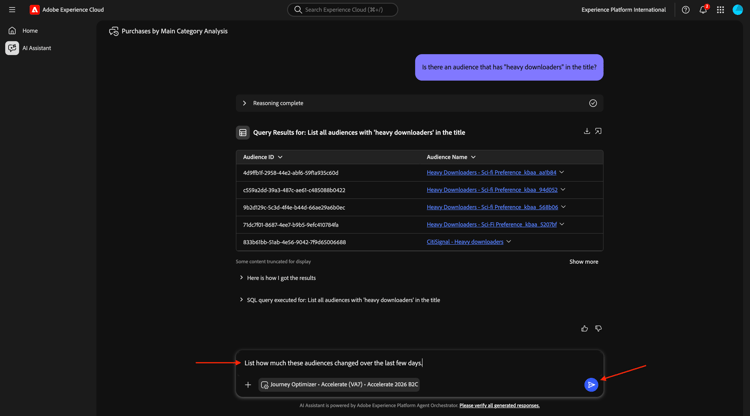
您應該會看到此訊息。 按一下顯示更多。
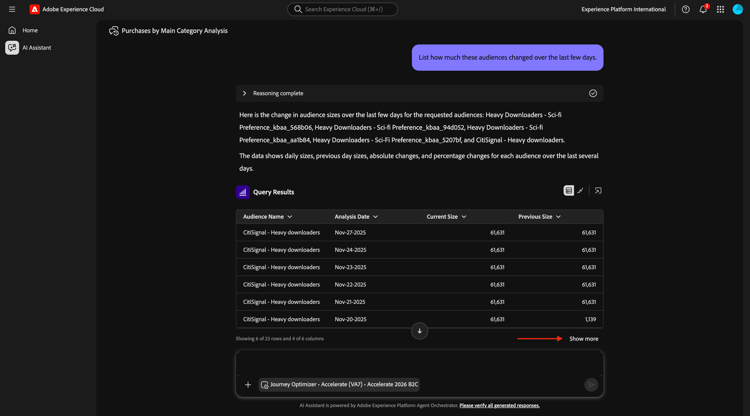
您應該會看到此訊息。 按一下以關閉右窗格。
向下捲動一點以檢閱AI Assistant採取的步驟。
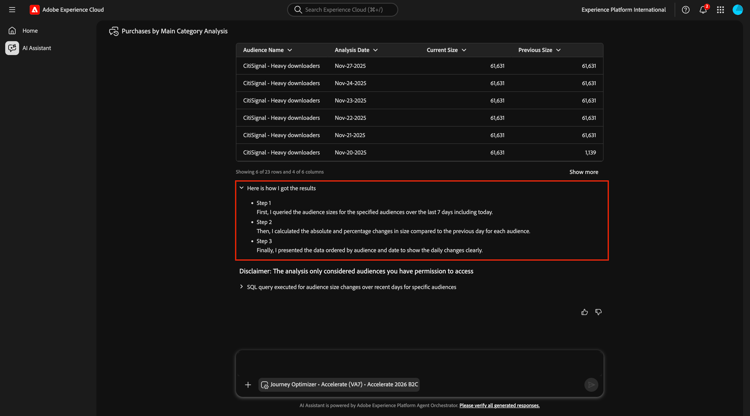
已經有一些針對「大量下載者」的現有受眾。 讓我們看看它們是否已在使用中。
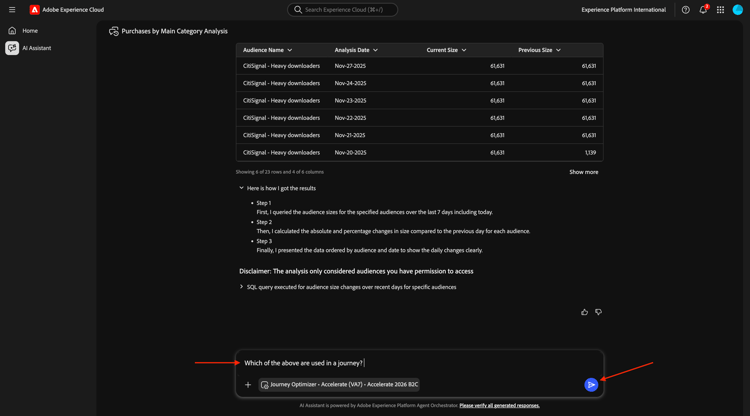
輸入下列 提示 並按一下 傳送 按鈕。
Which of the above are used in a journey?
之後,您應該會看到類似以下內容。
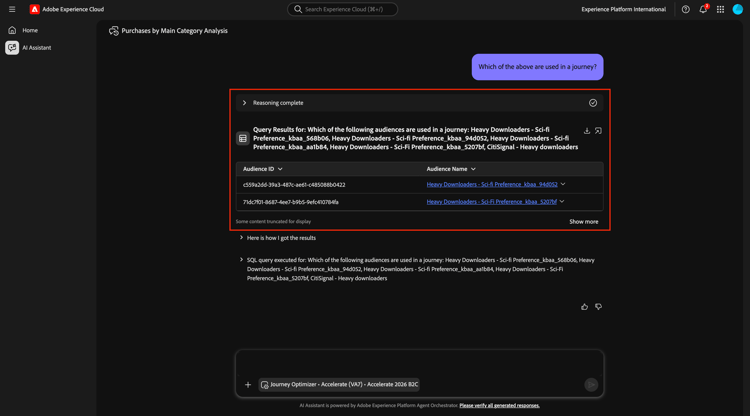
您現在應該確認該歷程是否有效。 輸入下列 提示 並按一下 傳送 按鈕。
Are these journeys active?
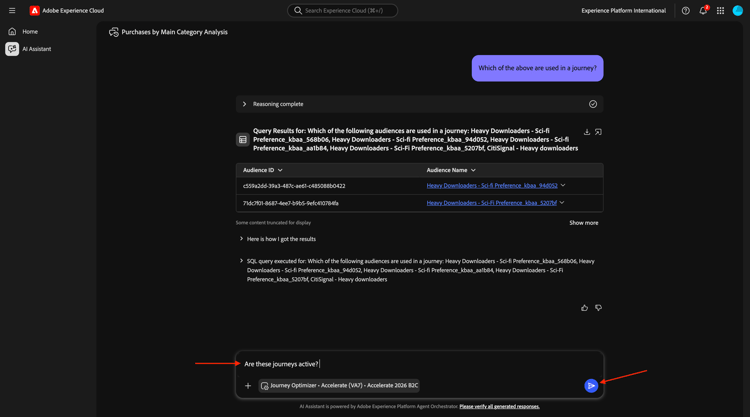
之後,您應該會看到類似以下內容。 這些歷程目前都沒有執行。
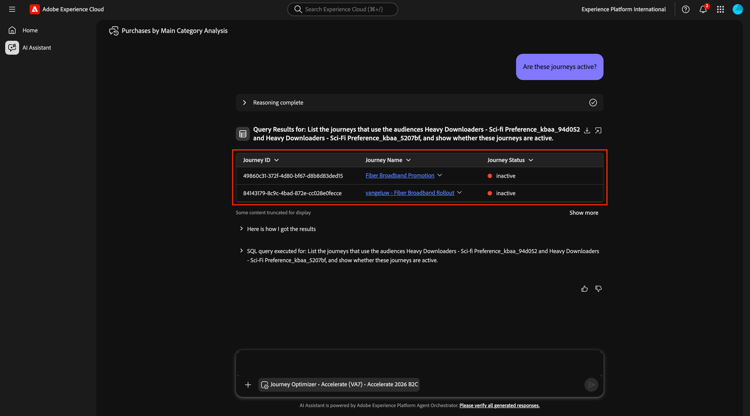
對於即將推出的Fiber Max,您現在應該建立新的歷程。
1.1.1.9建立Fiber Max啟動的新歷程
意圖:
建立以複合對象為目標的新歷程:
大量下載者∩SciFi偏好設定。
輸入下列 提示 並按一下 傳送 按鈕。
Create a journey towards the audience Heavy Downloaders - Sci-Fi Preference_kbaa_5207bf. The journey is for the rollout of fiber broadband. There will 2 versions of an email based on a split of the audience based on who is in the "Eligble for Fiber upgrade" audience. After 3 days, profiles from both email treatments who have not purchased fibre max will be sent a follow up email.
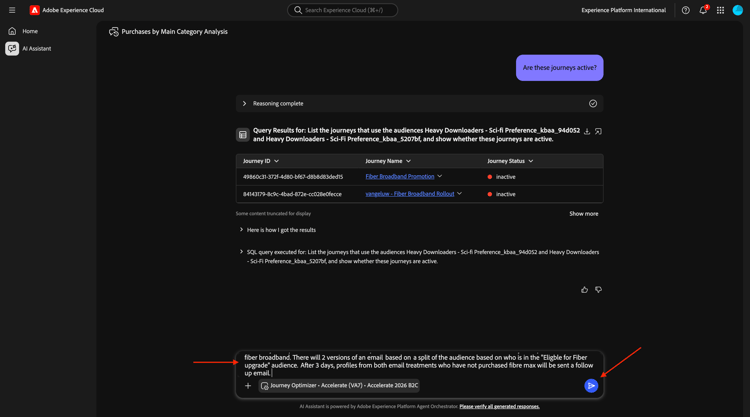
您應該會看到此訊息。 輸入yes並按一下[產生]。
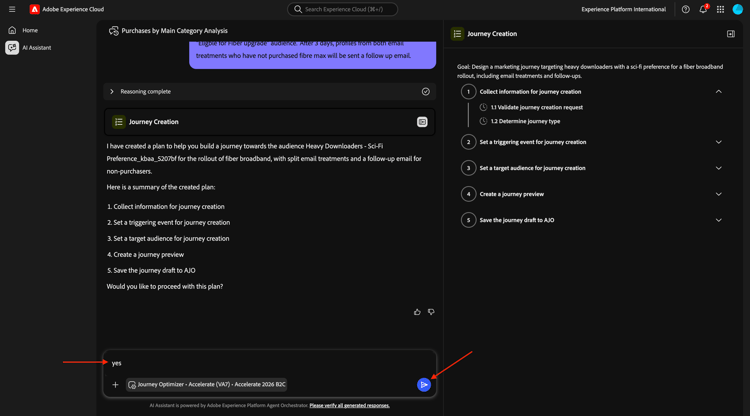
您應該會看到此訊息。 輸入yes並按一下[產生]。
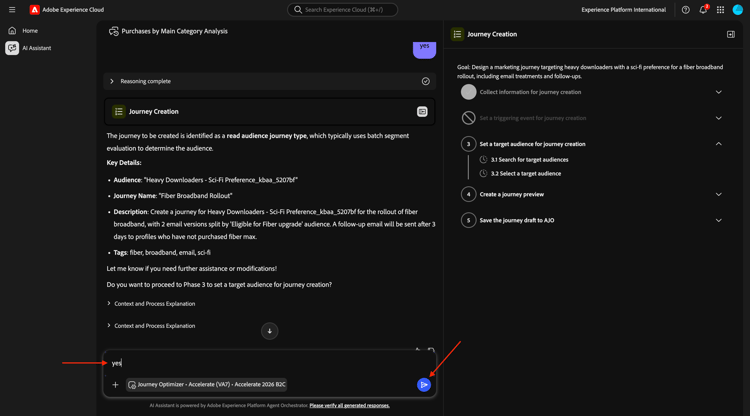
您應該會看到此訊息。 輸入The first one並按一下[傳送]。
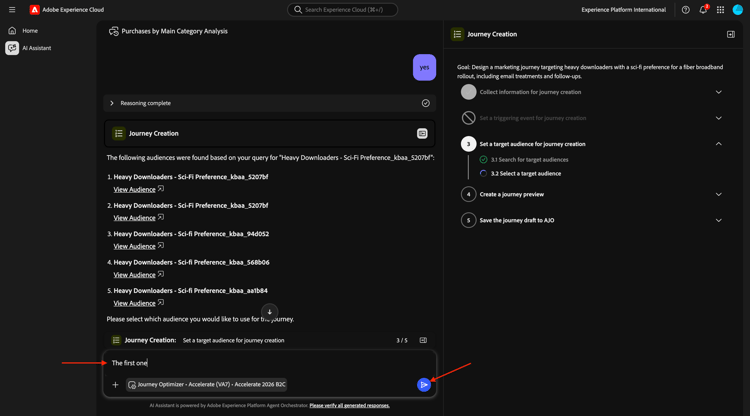
您應該會看到此訊息。 輸入yes並按一下[傳送]。
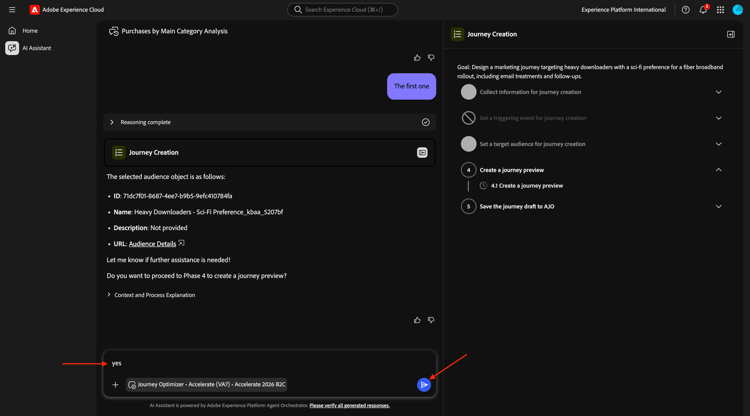
檢閱回應。 輸入yes並按一下[傳送]。
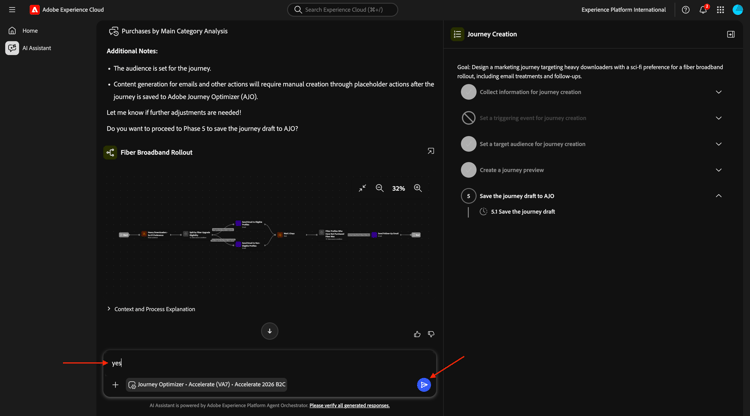
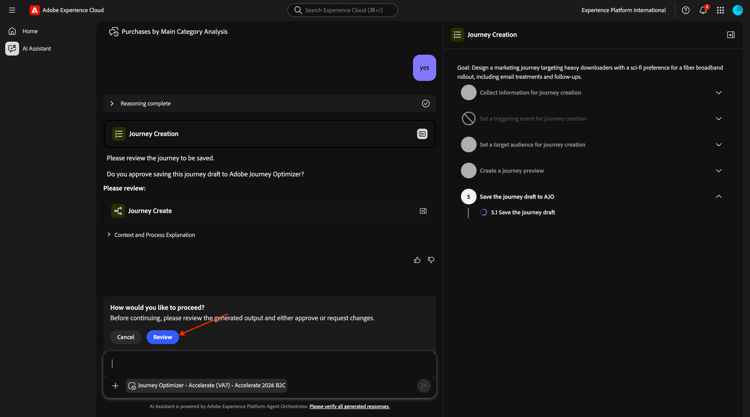
按一下檢閱。
使用您的LDAP更新歷程名稱,使其成為唯一名稱。 按一下儲存。
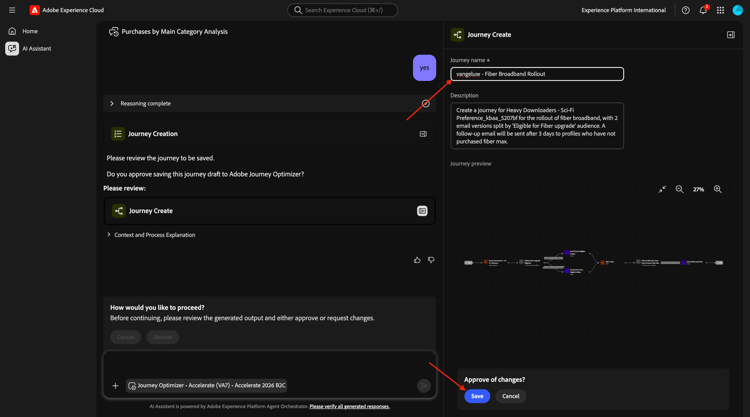
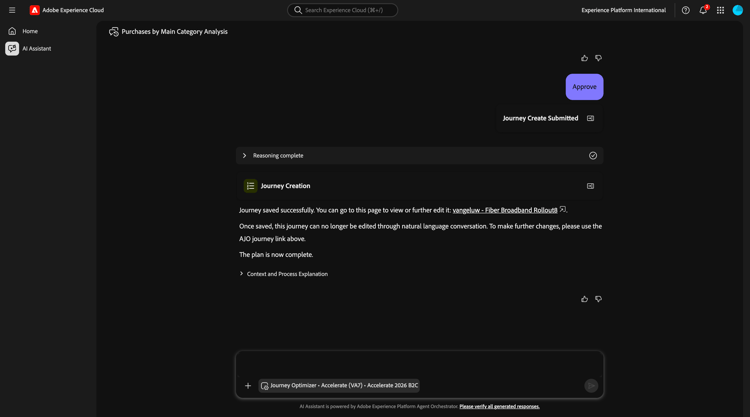
您的歷程現在已建立為草稿模式。
1.1.1.10歷程衝突管理
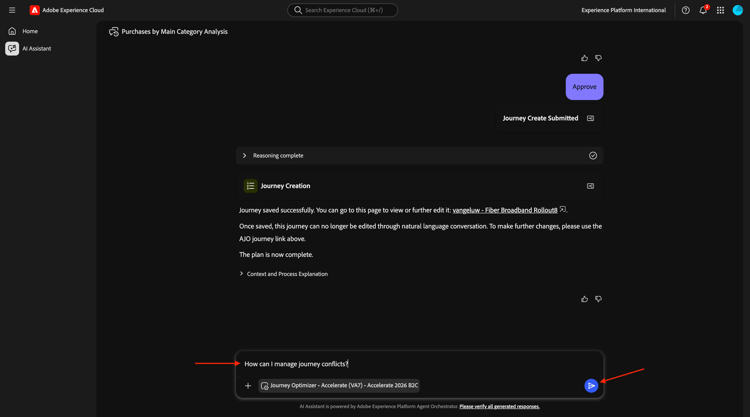
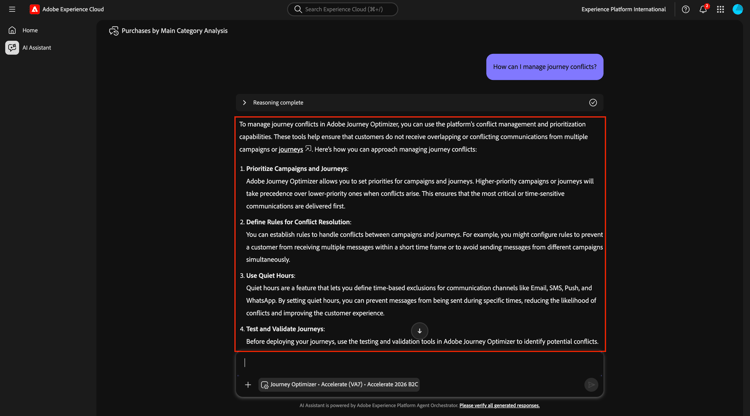
輸入下列 提示 並按一下 傳送 按鈕。
How can I manage journey conflicts?
檢閱資訊。
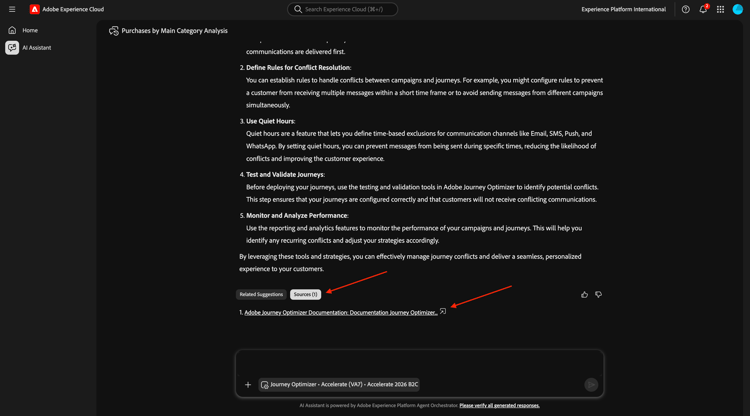
向下捲動並選取來源,以找出資訊來源於Experience League。
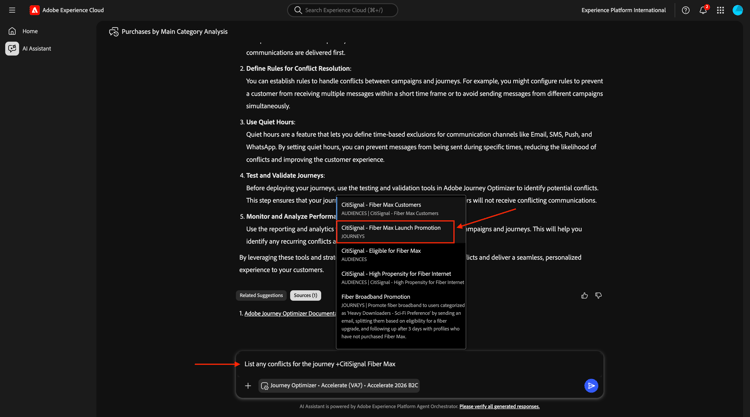
輸入下列 提示 並按一下 傳送 按鈕。
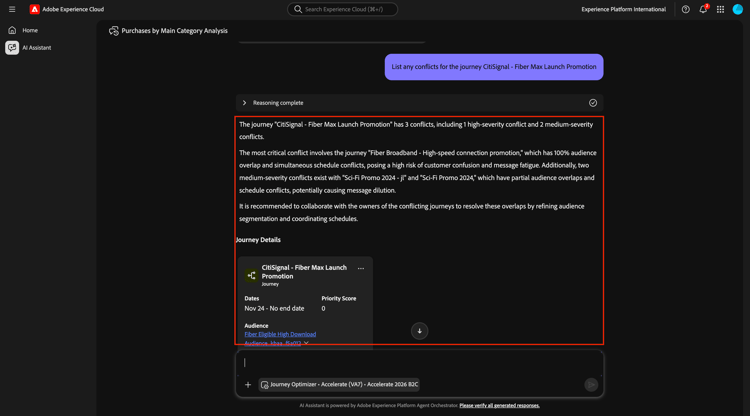
List any conflicts for the journey +CitiSignal Fiber Max
然後從清單中手動選取歷程CitiSignal - Fiber Max啟動促銷活動。
您應該會看到此訊息。 按一下傳送。
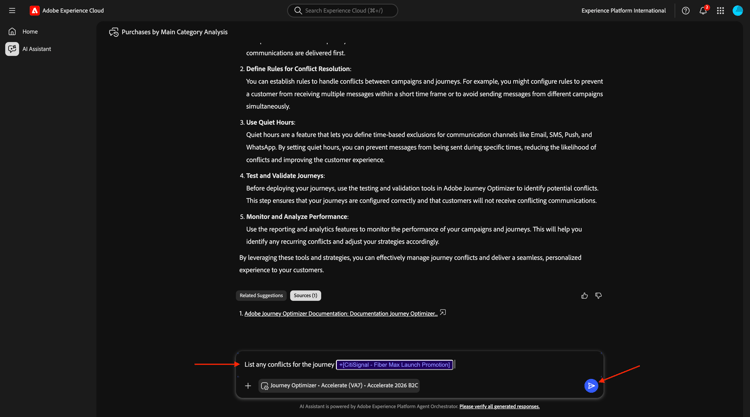
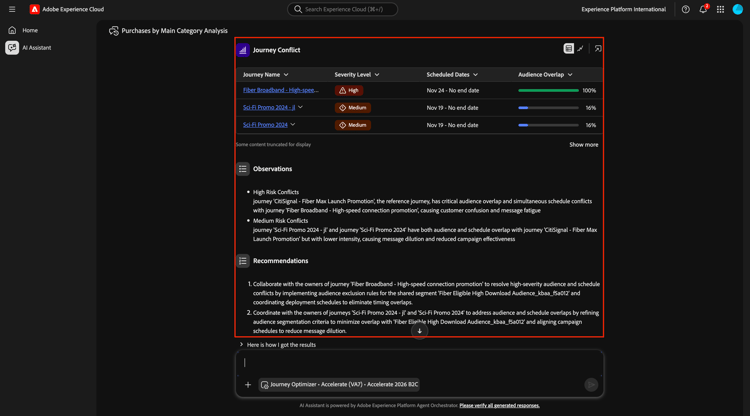
檢閱歷程衝突資訊。
向下捲動以尋找更多歷程衝突詳細資料。
1.1.1.11個實驗
輸入下列 提示 並按一下 傳送 按鈕。
How are the experiments performing for the journey named 'CitiSignal - Fiber Max Launch Promotion'?
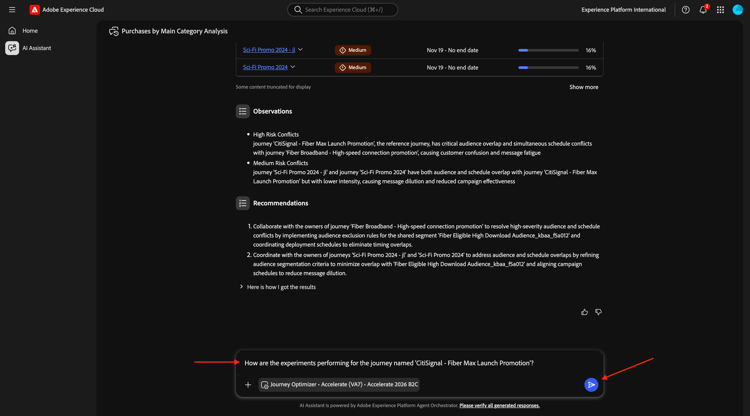
您應該會看到以下內容:
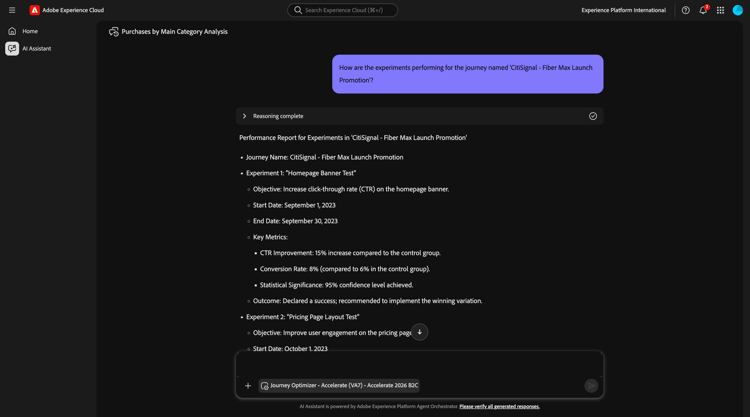
向下捲動,然後按一下其中一個建議。 按一下傳送。
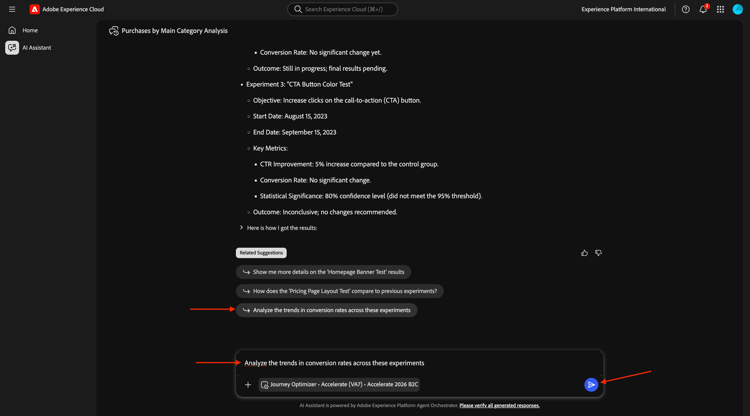
之後,您應該會看到與所選建議相關的詳細答案。
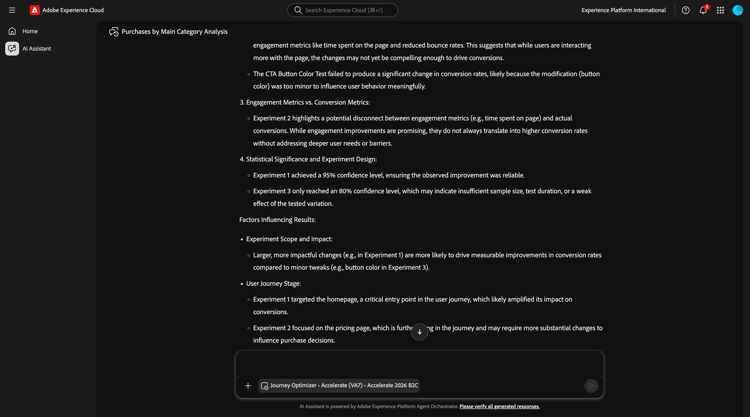
您現在已經完成了這個實驗。
後續步驟
移至ChatGPT Enterprise的Adobe Marketing Agent