This article explores 6 different facets of user adoption. In each section, we’ll provide an overview of the challenge, key indicators that it may be affecting your organization, and practical tips and best practices from Adobe Champions who have successfully navigated these hurdles.
The "Adoption Wheel”
These are the areas where we see Workfront adoption commonly breaking down:
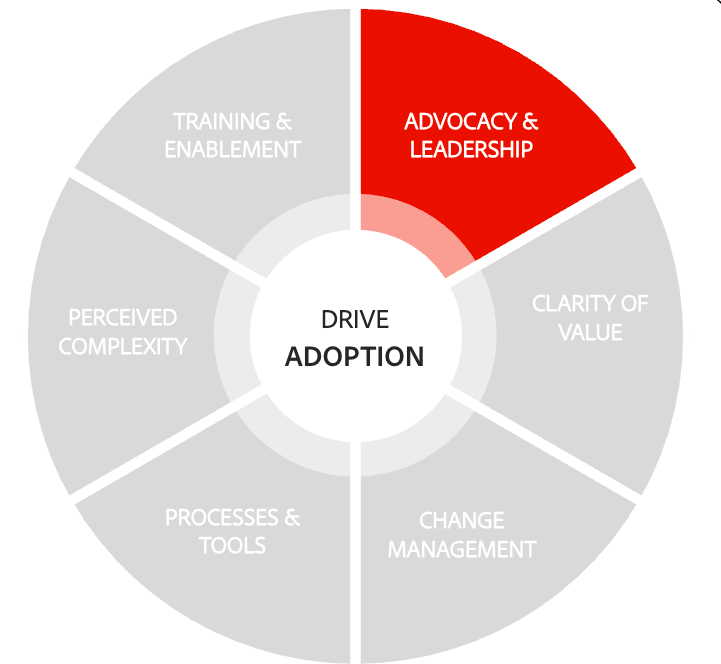
Limited advocacy and leadership support
Challenge: Workfront adoption struggles when there’s no internal champion or leadership buy-in. Without visible support from the top or a go-to advocate, teams lack the guidance and motivation to engage with the platform.
Indicators:
-
No designated SME or go-to person for Workfront
-
Workfront is rarely mentioned in casual conversations or corporate communications
-
Leaders don’t reference Workfront workflows, reports, or dashboards
-
Workfront was never formally mandated by leadership
Next best actions:
-
Find and empower SMEs: Identify individuals who understand Workfront and are willing to support others.
-
Define roles and responsibilities: Clarify what an SME does and ensure they have the bandwidth and support to succeed.
-
Mandate and recognize: Implement an executive mandate and highlight SME contributions through leadership communications.
-
Cascade visibility upward: Encourage managers to share Workfront wins and dashboards with their leaders to build awareness and credibility.
"Gaining leadership buy-in starts with clearly illustrating value—not just for the company, but for leaders’ own teams. Lead with the why: why is Workfront worth it, and how will we see that value in day-to-day work? Don’t oversell—no technology solves every challenge—but Workfront can be the beginning of a real breakthrough. Use concrete examples: we can now see who is over capacity and more effectively spread work across the team in a manageable way. Build a dedicated project team around Workfront early. Their real-life insights and pain points will shape the implementation, and those early advocates will naturally grow into super users and influential allies as Workfront rolls out to the wider organization."
Erika Kratzer, Marketing Technology Manager at OneAmerica Financial and Adobe Workfront Champion
Recommended resources:
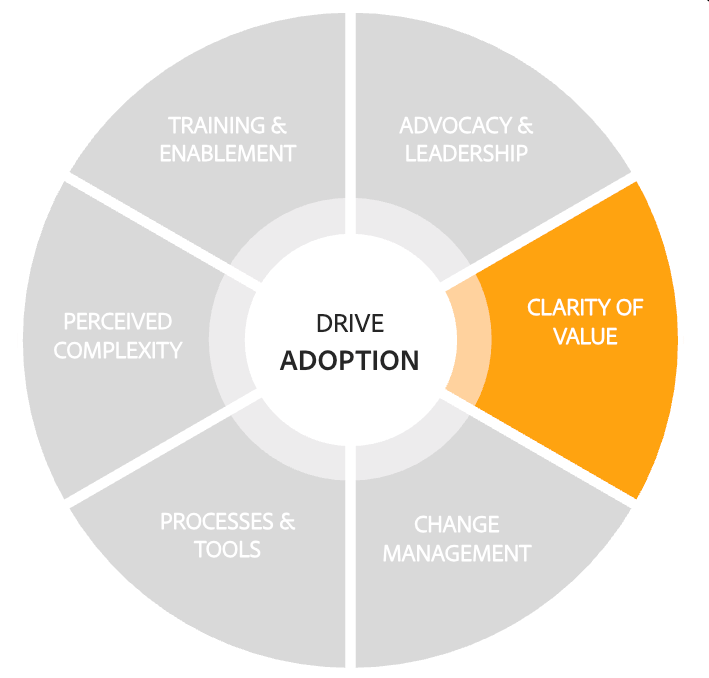
Lack of clarity on purpose and value
Challenge: When teams don’t understand how Workfront supports the organization’s mission - or how it benefits them personally - it becomes just another tool, not a strategic enabler.
Indicators:
-
Only a small percentage of work is tracked in Workfront
-
Data entry is inconsistent or inaccurate
-
Reports and dashboards are underutilized
-
Team members don’t see how their work connects to broader goals
-
Perception that Workfront makes tasks harder, not easier
Next best actions:
-
Connect to the mission: Reinforce why Workfront was chosen and how it supports team and company goals.
-
Make it visible and fun: Gamify usage or display live dashboards to celebrate wins and show impact.
-
Start meetings with data: Use dashboards to spark meaningful conversations in team meetings.
-
Tie usage to personal success: Set Workfront goals and highlight how it improves visibility, recognition, and productivity.
“Treat Workfront as a "Choose your own adventure" and create tailored Project and Home Views for each team, then push them out and explain why you recommend them. Install out-of-the-box integrations like Teams and Sharepoint on Day 1 so users can seamlessly add Workfront to their existing tech stack and naturally lean into it."
Karen Castens, Program Manager, Workfront Implementation and Adobe Workfront Champion
Recommended resources:
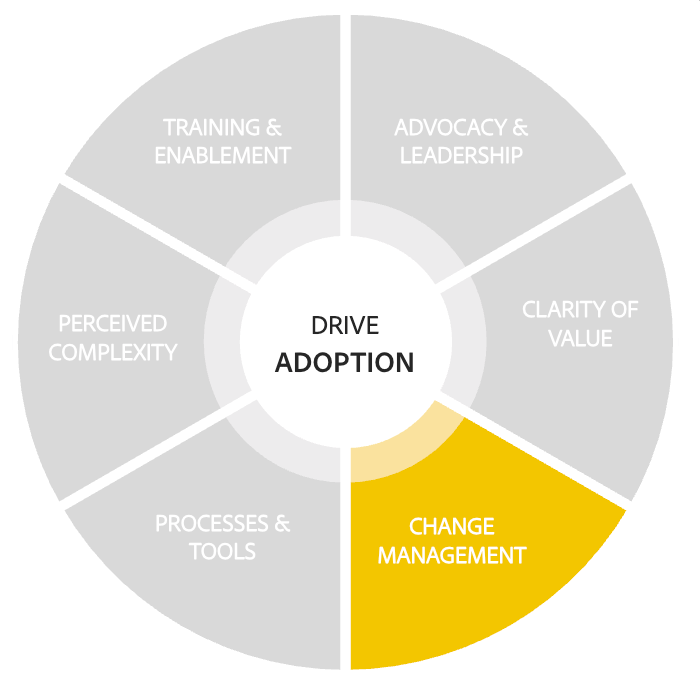
Resistance to change
Challenge: Negative attitudes toward change can derail adoption. If individuals feel overwhelmed or skeptical, they may avoid using Workfront altogether.
Indicators:
-
Hesitation or complaints about using Workfront
-
Minimal participation in Workfront-related initiatives
-
Vocal frustration or disengagement
Next best actions:
-
Communicate clearly and often: Explain what’s changing - and what’s not - to reduce fear and uncertainty.
-
Create listening opportunities: Use surveys, feedback sessions, or 1:1s to understand resistance and address concerns.
-
Address misconceptions: Clarify misunderstandings and show how Workfront supports - not disrupts - existing workflows.
-
Celebrate early adopters: Recognize those who embrace the change to build momentum and shift culture.
“Effective change management takes both clear communication and genuine compassion. Keep the “why” behind the change simple—3–5 key points that connect to your organization’s goals—and repeat that message consistently across every channel, again and again, so people have time to process and let it stick.”
Carol Majewski, Director of Program Management at RAPP and Adobe Workfront Champion
Recommended resources:
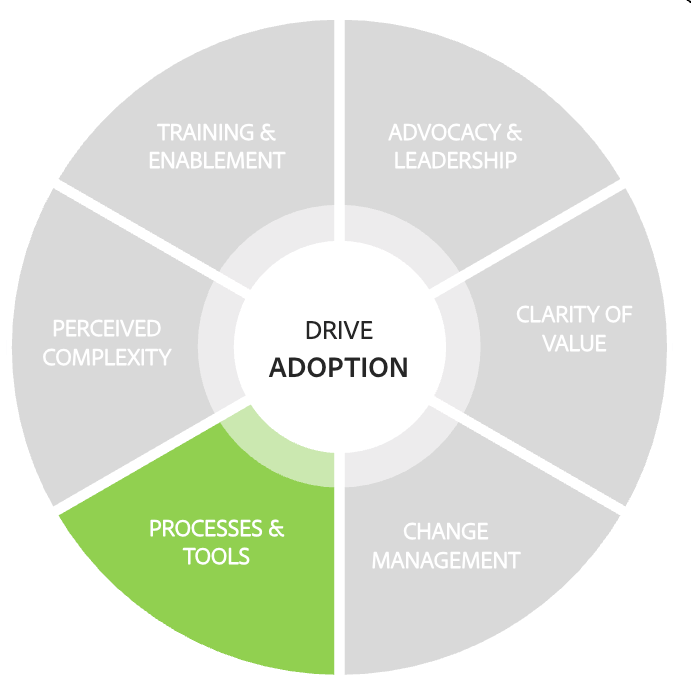
Misalignment with processes and tools
Challenge: Workfront adoption suffers when existing workflows aren’t optimized for the platform or when the tech stack is overloaded. Redundant tasks and unclear tool usage create confusion and inefficiency.
Indicators:
-
Decision-makers are reluctant to modify workflows or approval paths
-
Team members feel they’re repeating tasks unnecessarily
-
Projects are delayed or bottlenecked
-
Teams bounce between apps to find information
-
No single source of truth for project data
Next best actions:
-
Clean up and align workflows: Map current processes, eliminate redundancies, and document updated workflows.
-
Clarify tool purpose: Review all tools in use and eliminate duplication. Communicate which tools are used for what.
-
Integrate and optimize: Use Workfront integrations, Fusion, or APIs to streamline workflows and reduce manual effort.
-
Establish governance: Create a board to define best practices and ensure leadership enforces process consistency.
“Workfront won’t fix broken processes—it will expose them. Before you move to the Workfront platform, define, document, and align on your workflows, involve key stakeholders, and invest in change management, training, and clear communication so you’re not just migrating issues into a new system.”
Lee Anne Murphy, Senior Manager, Workfront Excellence at Abbvie and Adobe Workfront Champion
Recommended resources:
Perceived complexity and time constraints
Challenge: If Workfront feels too complex or time-consuming, users won’t engage. The perception that it adds effort rather than saves time can quietly stall adoption.
Indicators:
-
Users say Workfront is hard to navigate or too complicated
-
Training courses are seen as long or irrelevant
-
Many begin training but don’t complete it
-
Managers hear feedback that teams don’t have time to learn Workfront
Next best actions:
-
Start small and scale gradually: Begin with simple, repeatable tasks and grow into advanced functionality over time.
-
Dedicate time for learning: Block time for training and make it part of the workweek.
-
Tailor training to roles: Enroll users only in courses relevant to their responsibilities.
-
Showcase the payoff: Use meetings to highlight how Workfront saves time and improves productivity.
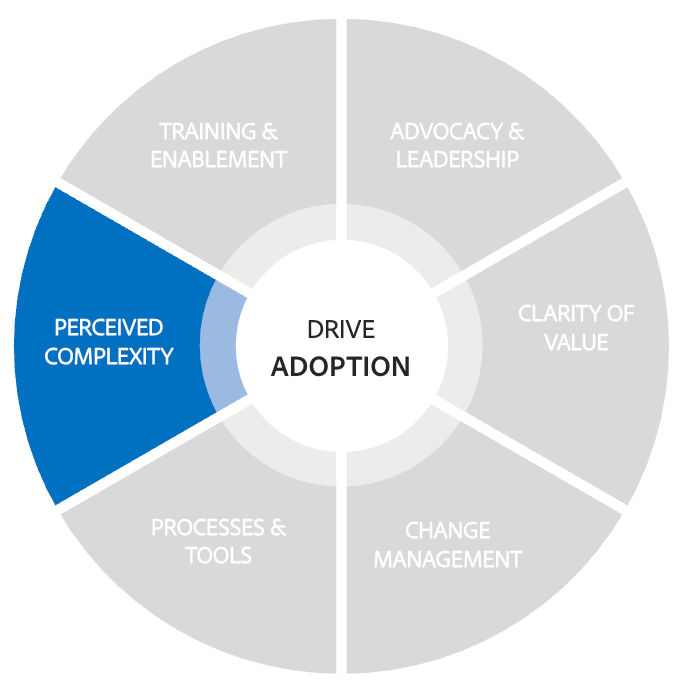
“My Workfront adoption motto: simplify the solution. Workfront is powerful, but showing every bell and whistle up front overwhelms users and drives disengagement. Instead of training on all the different ways to complete the same action, pick one simple path, teach it consistently, and let users discover alternate methods on their own—building confidence, ownership, and adoption over time.”
Carol Majewski, Director of Program Management at RAPP and Adobe Workfront Champion
Recommended resources:
-
Forrester reveals how enterprises hit 285% ROI with Workfront
-
Forrester TEI Study: How Workfront can deliver a $13.8 million productivity boost for IT PMOs
Training and enablement gaps
Challenge: Even the best tools fall flat without the right training. If teams aren’t equipped with the knowledge and confidence to use Workfront, frustration rises and adoption stalls.
Indicators:
-
Low or inconsistent completion of training
-
Frequent questions about basic functions
-
Advanced features like Resource Manager or integrations go unused
Next best actions:
-
Promote and personalize training: Reinforce how to access Workfront Ascent and tailor courses to each role.
-
Incentivize learning: Recognize top learners and reward course completion to build a culture of growth.
-
Identify and close gaps: Regularly assess training progress and adjust enablement materials accordingly.
-
Create a Center of Excellence: Build a hub for best practices, peer support, and shared learning across teams.
-
Add training information as a custom field on the user profile: Build and run reports to highlight training gaps and identify users who need to be trained or retrained
-
Don’t Recreate the wheel: Use Experience League and Adobe tutorials to help users understand the basics of Workfront.
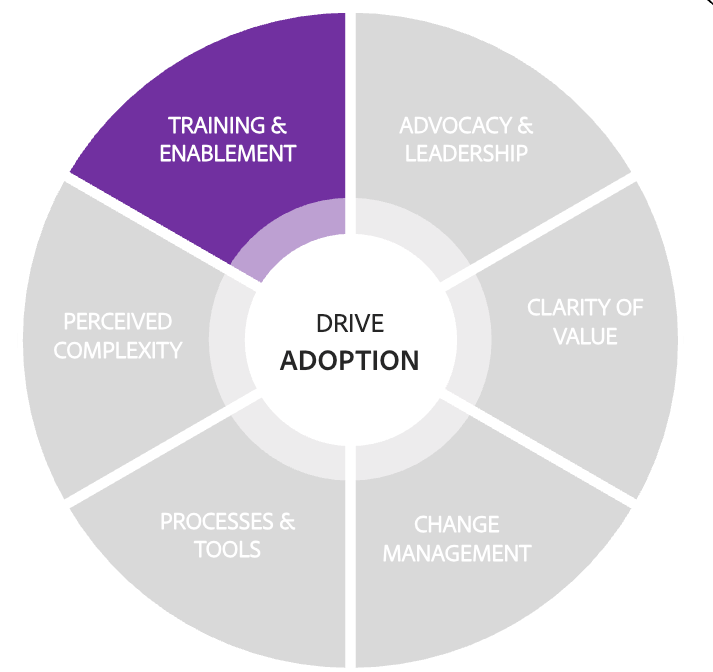
“Pin a 'Support Portal' to every user’s layout and store all training in one place: playbook, recordings, job aids, and Support Queue. Use quick-hit resources like 1-page job aids and 30-second videos to tackle common pain points fast."
Lee Anne Murphy, Senior Manager, Workfront Excellence at Abbvie and Adobe Workfront Champion
Recommended resources:
-
9 Change Management Principles in Action: Insight from the Front Lines
-
Get the most out of Workfront discovery by avoiding 5 common issues
Adobe Workfront Champion shout-out
primary
--spectrum-gray-700
000000
white
primary
--spectrum-gray-700
000000
white