[Beta]{class="badge informative"}
AI insights
The AI insights section is available only for A/B Test activities with Manual traffic allocation.
The AI insights menu in your Activity Overview provides access to insights and optimization opportunities. Use this tab to review experiment learnings, compare treatments, and identify changes that might improve conversion rates.
Setup for AI insights and opportunities
Before you can access AI-generated insights and opportunities, you first need to set up your activity by confirming the primary metric, hypothesis, and experience screenshots.
The primary metric is automatically pulled from the reporting settings and depends on how you set up your Goals & Settings. You must create the hypothesis in the AI insights panel. Learn more
-
Open your activity in Adobe Target.
-
Select the AI insights menu to open the configuration panel.
-
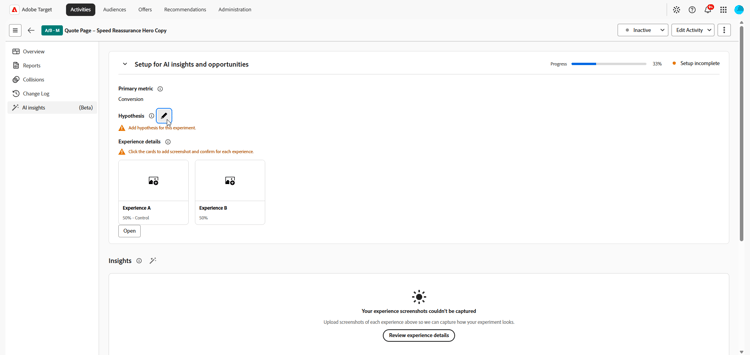
Click

-
Type in your hypothesis by describing the changes that were made and how they will impact the primary metric.
Click Save.
-
Under Experience details, click a card to add a screenshot for your Experiences.
note NOTE Some images may already be captured automatically. If so, confirm the screenshot by clicking Confirm. 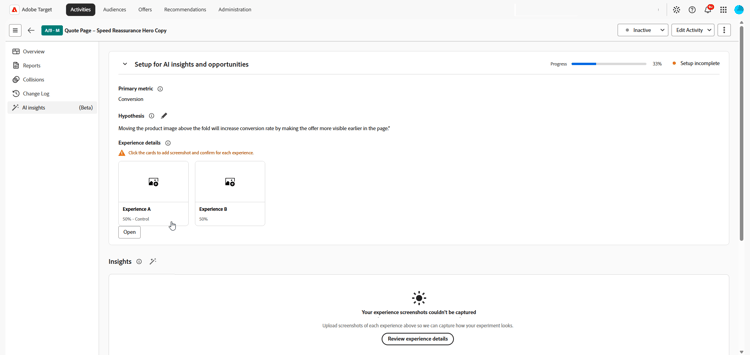
-
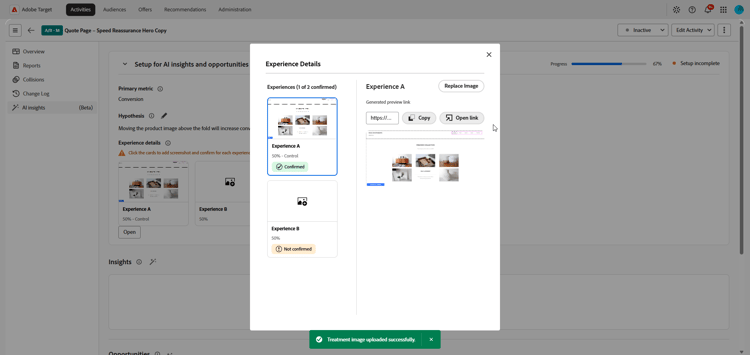
Select Upload image to upload a preferred screenshot from your local files for each Experience.
-
Copy the preview link or open it directly to preview the experience.
-
Once each experience has a screenshot, review the details and click Confirm to complete setup.
After setup is complete, your activity is ready to generate opportunities. Insights become available after the experiment has sufficient data for statistical validation and the required experiment details have been confirmed.
Insights insights
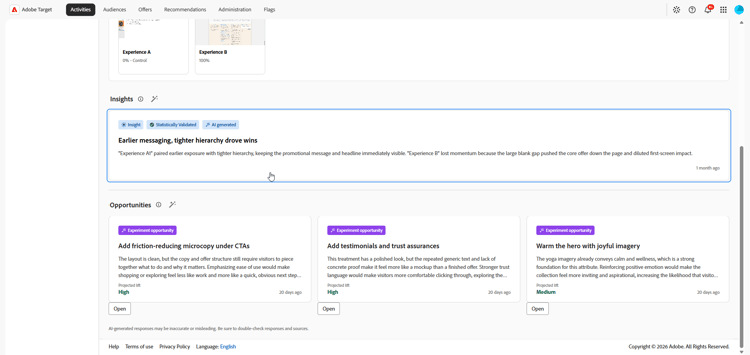
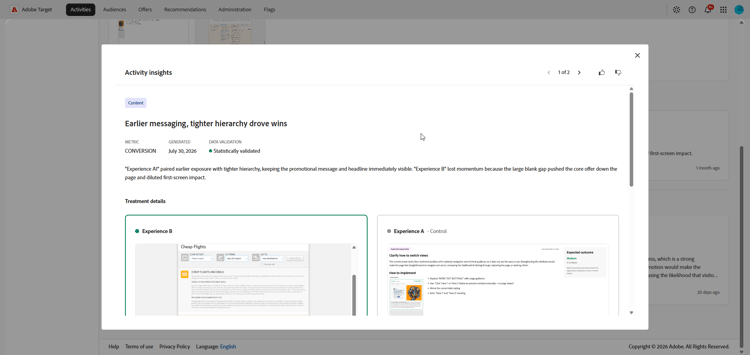
Experiment insights are AI-generated learnings derived from this experiment. These insights become available once the experiment reaches statistical significance and provide context about what contributed to its success. They highlight the key attributes present in the winning Experience that are distinct from the control and likely influenced the outcome.
-
Click the card to access the Insights menu.
-
Browse through your AI-generated insights to review the experiment learning and compare the winning Experience against the control.
-
In What made this Experience win?, review the details explaining why this Experience outperformed the control.
Opportunities
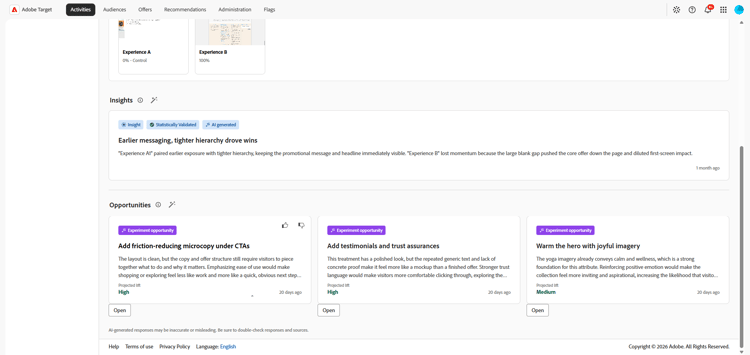
The Opportunities panel shows AI-generated recommendations designed to improve test performance and align with broader business objectives and KPIs.
-
Browse through the suggested opportunities and select the one you want to review.
-
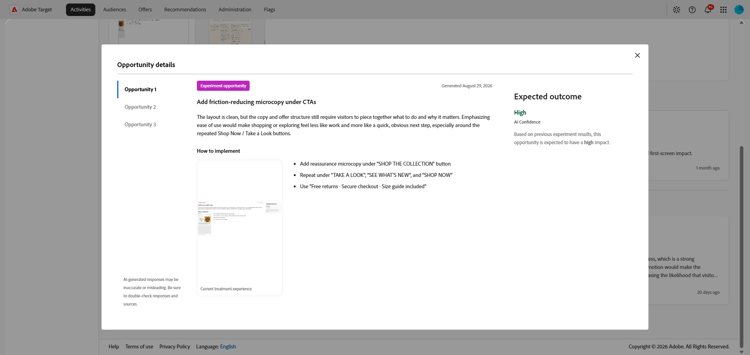
Select an opportunity to open the Opportunity Details window, which outlines a specific Experience or variation. This view includes:
-
The current experience image used to generate the opportunity.
-
An AI-generated hypothesis that explains the expected outcome of the suggested Experience and why it may improve performance.
-
Guidance on how to implement the recommendation in your Experience and measure the effect on the selected metric.
-