Home screen
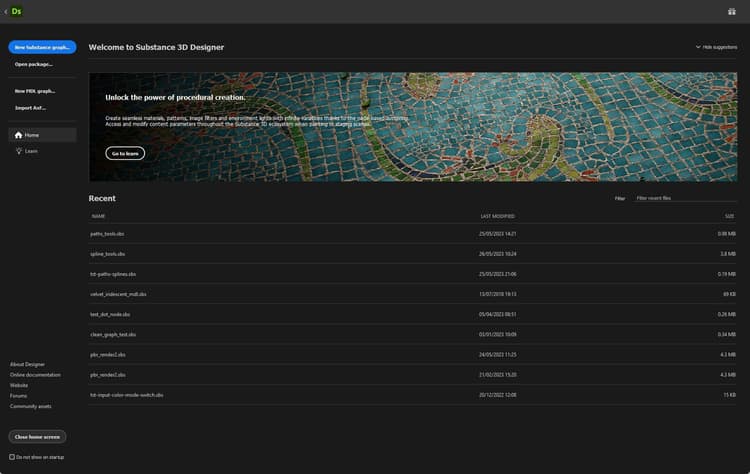
The Home screenwelcomes you when you launch Substance 3D Designer. It helps you get started with your projects and access useful links.

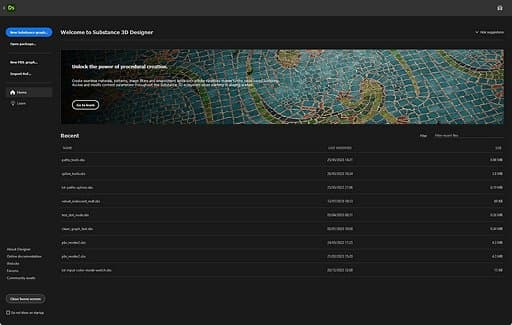
Home
The

This banner can be collapsed using the

Below, a list of recent files under the Recent header offers quick access to the last loaded projects, from most recent to oldest.
Recent files can be filtered using the Filter input field on the top right of the list. Filtering matches any string of characters present in a project’s filename.
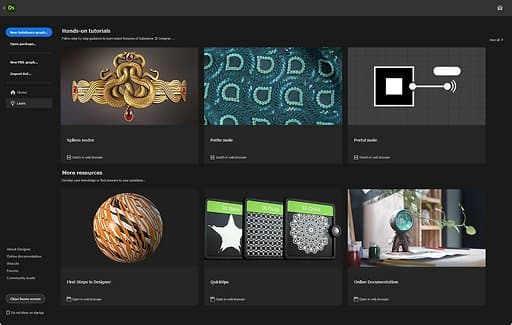
Learn
The

These resources are listed as card links and grouped as follows:
-
Hands-on tutorials covers the latest features;
-
More resources gathers resources that you may find useful to go back to regularly:
- First steps in Designer is our reference tutorial for beginners;
- Quicktips is a curated playlist of techniques for creating materials, patterns, filters, etc.;
- Online documentation brings you to this documentation.
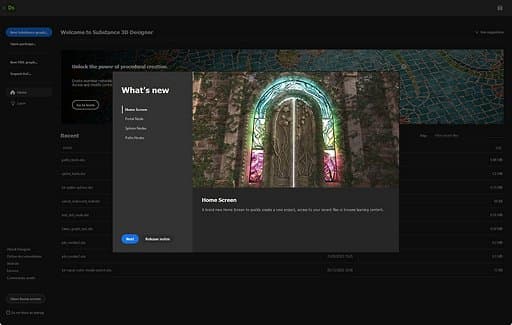
What’s new
The

Start project
On the left of the screen, you can find a list of shortcuts for creating a new graph in a new package:
- New Substance graph: Opens the New Substance graph window;
- Open package: Lets you load an existing package;
- Import AxF: Starts an AxF importing workflow.
Links
On the bottom left of the screen, useful links are listed as follows:
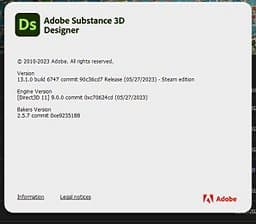
- About Designer: Displays the About Designer screen (see above);
- Online documentation: Opens a webpage to this documentation;
- Website: Opens a webpage to the Substance 3D Designer product page;
- Forums: Opens a webpage to Substance 3D Designer’s Support Community;
- Community assets: Opens a webpage to Substance 3D Community Assets.