Cells 1
Outputs
Output Grayscale
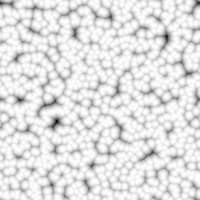
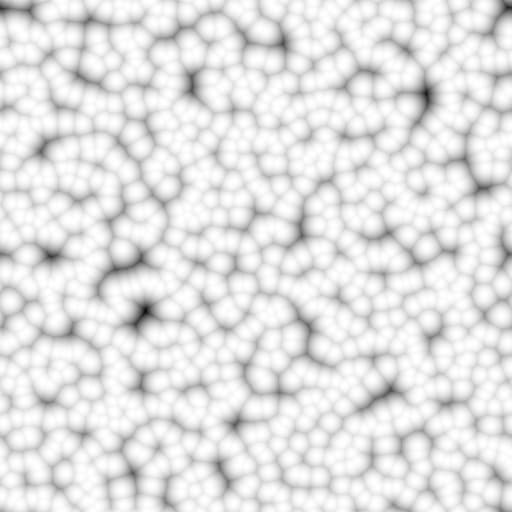
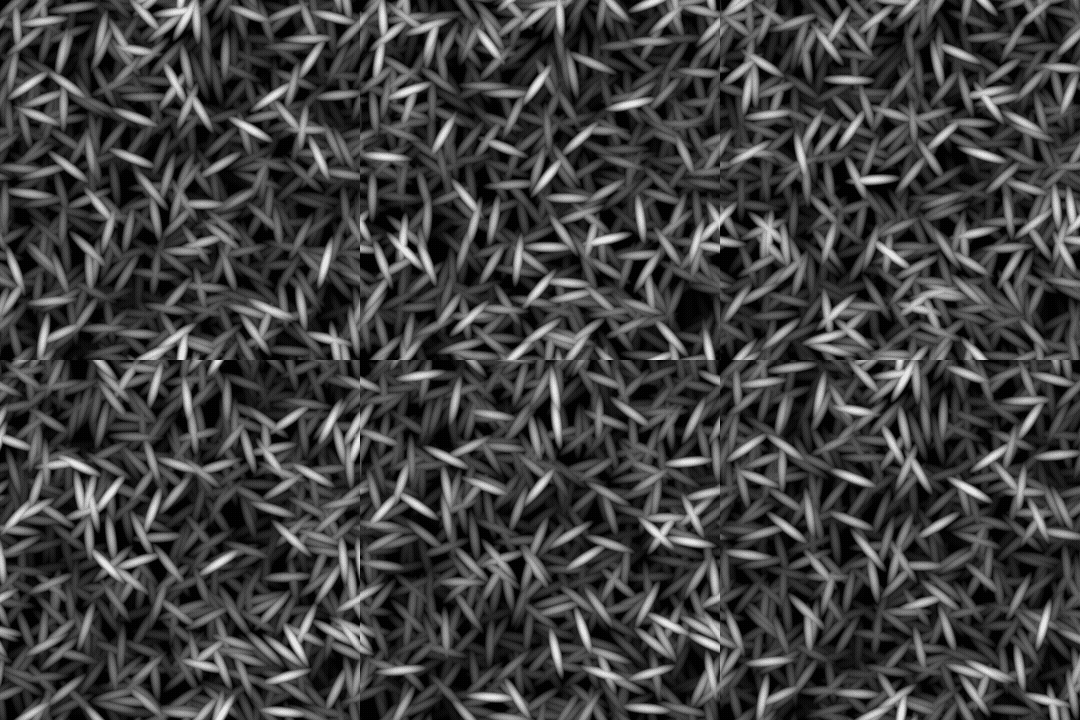
The generated noise as a grayscale bitmap.
Parameters
Scale Integer
The subdivision of the grid used to generate the noise tiles. A higher value results in more tiles being drawn and a denser noise.
Disorder Float
Displaces the ingredients of the noise. This can be used to animate the noise.
Disorder speed Float
Adjusts the distance of displacement applied by the Disorder parameter. This can be used to control the speed of displacement when animating the noise.
Disorder anisotropy Float
Controls the span of directions of the displacement applied by the Disorder parameter, where a higher value results in a narrower, more defined direction. The direction is controlled by the Disorder anisotropy angle parameter.
Disorder anisotropy angle Float
Controls the direction of the displacement applied by the Disorder parameter, when the ‘Disorder anisotropy’ parameter is not zero.
Pattern Integer
The base shape scattered in the generated image.
Pattern size Float2
A multiplier for the size of a scattered pattern in its cell., where 1.0 is the full span of the cell.
Pattern scale Float
A multiplier for the Pattern size, where 1.0 is the full size.
Luminance random Float
The range of luminance randomly subtracted from the cells, where 1 is the full range.
Angle Float
The angle used to set the direction of the cells, in number of turns and starting from horizontal right.
Angle random Float
The maximum amout of random variation applied to the Angle value, in number of turns.
Tile offset Float2
Controls the position of the portion of infinite plane used to render the noise.
Non-square expansion Boolean
In non-square images, keeps the generated tile square and expands the noise generation to the image’s bounds.
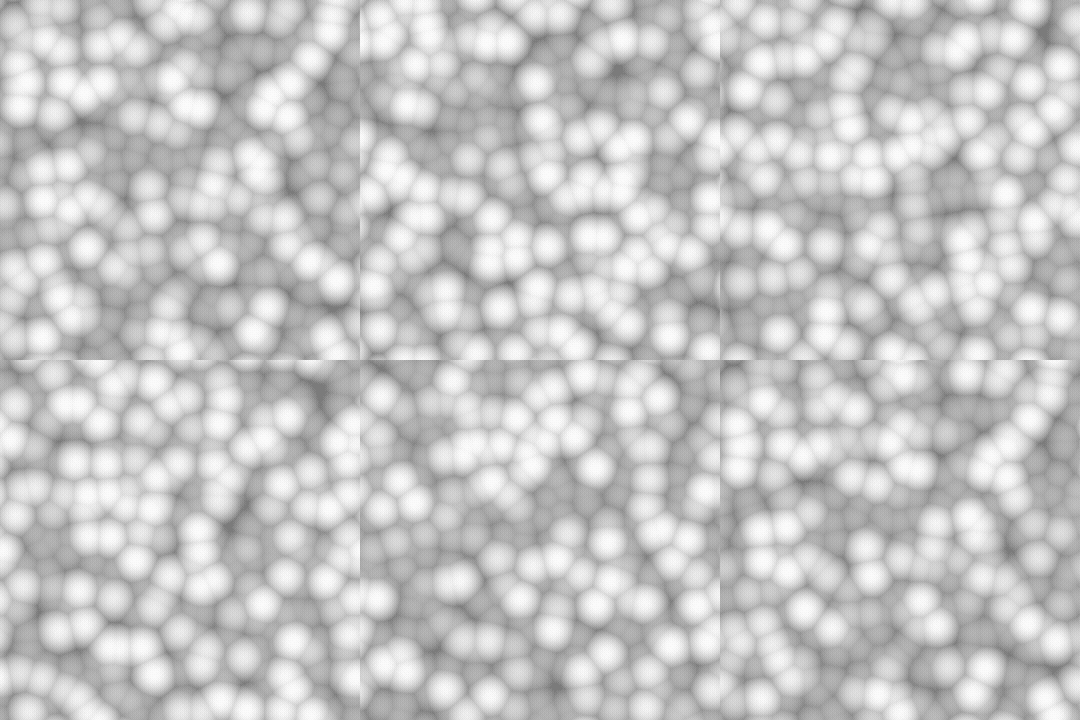
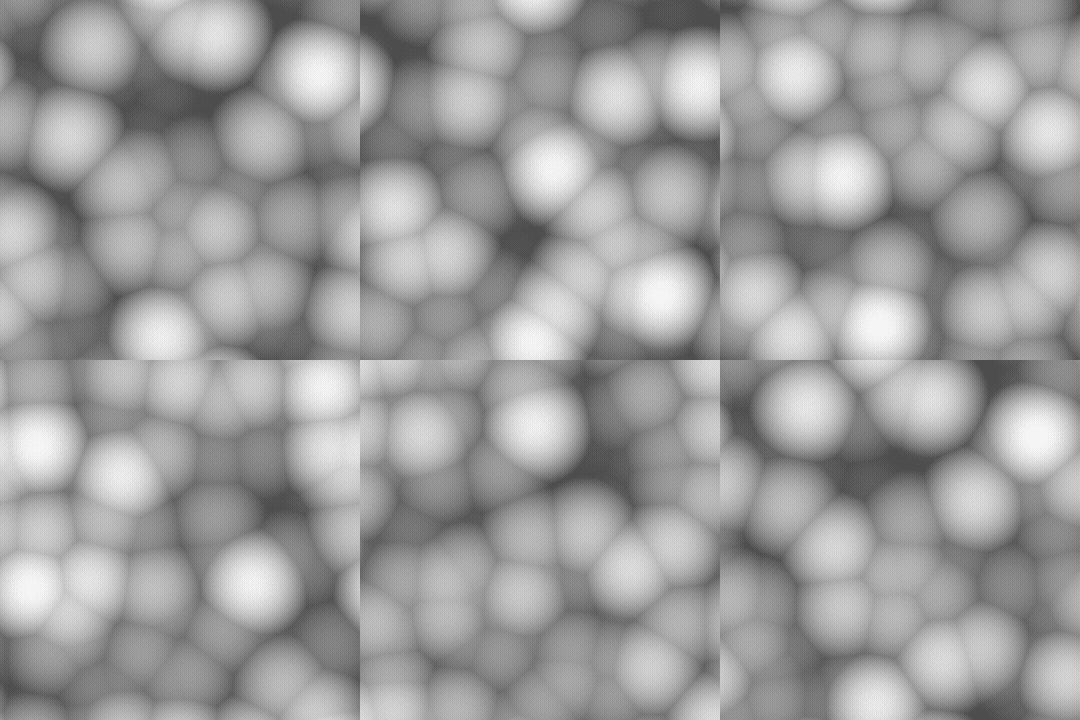
Examples
recommendation-more-help
substance-3d-designer-help-guide