Create Color Palette (16)
In: Filters > Adjustments
Description
Creates an ordered list of colors and outputs it as a palette, with a maximum of 16 colors.
The node can append new colors to an existing palette, using the set of ‘Palette’ inputs.
This node may be used in combination with the following nodes: Quantize Color, Apply Color Palette, Modify Color Palette, View Color Palette.
Input connectors
Palette Color PRIMARY
An ordered list of RGB colors encoded as a row of pixels. The palette can hold a maximum of 256 colors. This input is optional. If used, colors set up by the node are appended to this palette. The palette may be visualized with the View Color Palette node.
Palette Color Amount Integer
The amount of colors stored in the palette. If that number does not match the actual amount of colors in the ‘Palette’ image input, the visualization may be incomplete or have more blank slots than absolutely necessary.
Output connectors
Palette Color
The updated palette with the specified colors appended to it.
Palette Color Amount Integer
The updated amount of colors stored in the palette, with the specified amount of colors added to it.
Parameters
Color amount Integer
The amount of colors which should be added to the palette.
Color # Float3 As many parameters available as the ‘Color amount’ value
A color which should be added to the palette. Colors are appended to the palette in the same order as this numbered list.
Examples
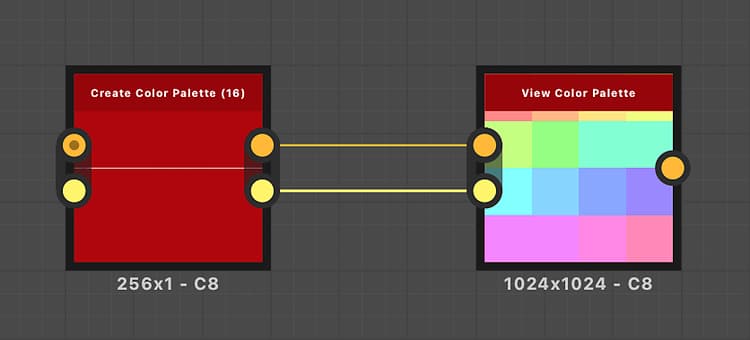
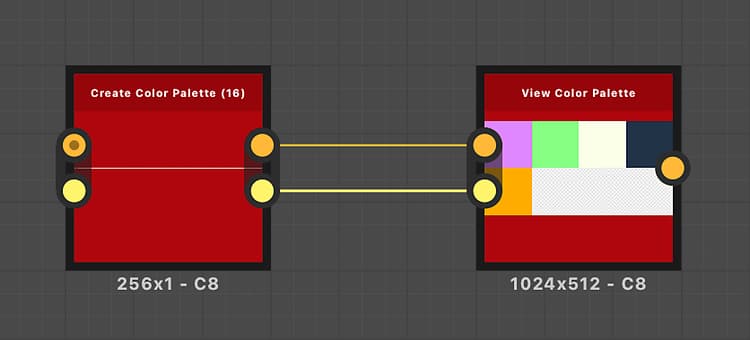
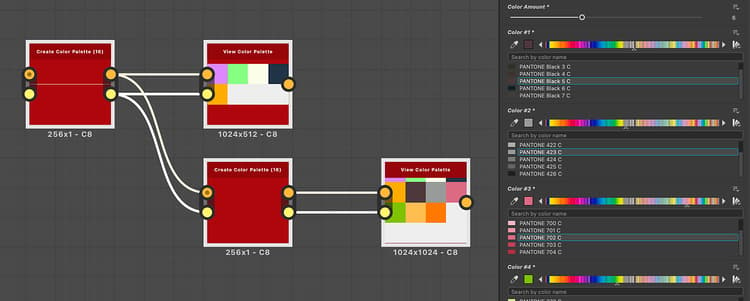
recommendation-more-help
substance-3d-designer-help-guide