Material samples
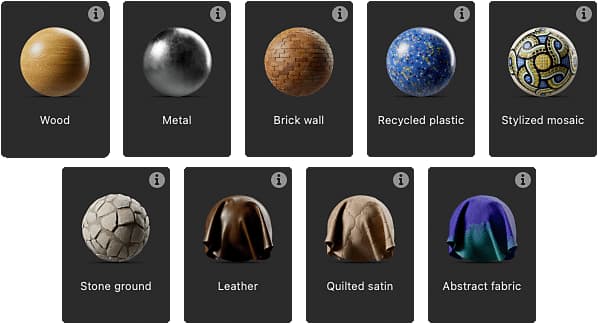
Designer offers a curated selection of sample graphs spanning various materials types to learn from and experiment with.
The samples are meant to be used as a graph template, which means are accessed by creating a new Substance graph.
The new graph is a fully editable copy of the sample, which you may edit, take apart and expand on as you like.
You can create as many new graphs as you like out of the samples.
All samples are based on the OpenPBR material model, a new industry standard with growing support.
When creating a new Substance graph, you will find the samples in the New Substance graph dialog:
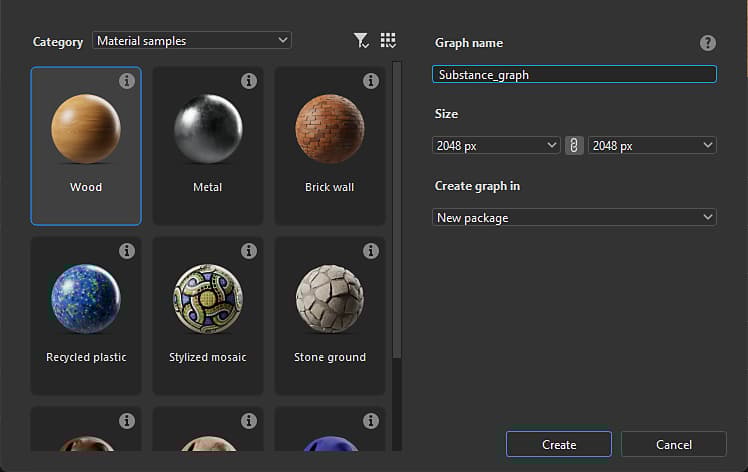
Open the Category combobox and select Material samples to list the available templates.
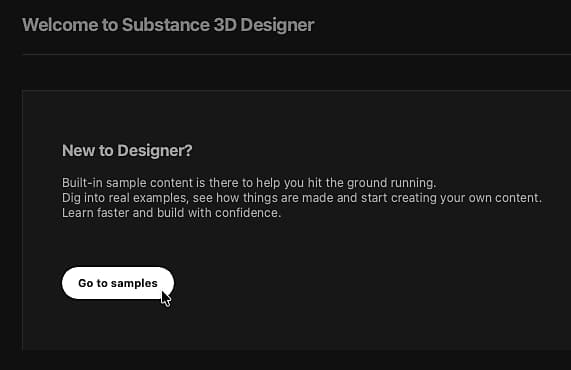
You can go directly to the list of samples in the dialog, by using the Go to samples button conveniently placed
in the Home screen.
explored in the sample.
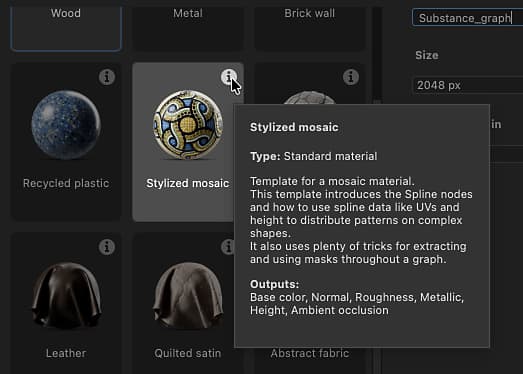
Double-click any item to create a new graph out of that sample. You may also select the sample and click
the Create button.
Double-click any item to create a new graph out of that sample. You may also select the sample and click
the Create button. Once a material sample is selected and the graph creation validated, the dialog closes
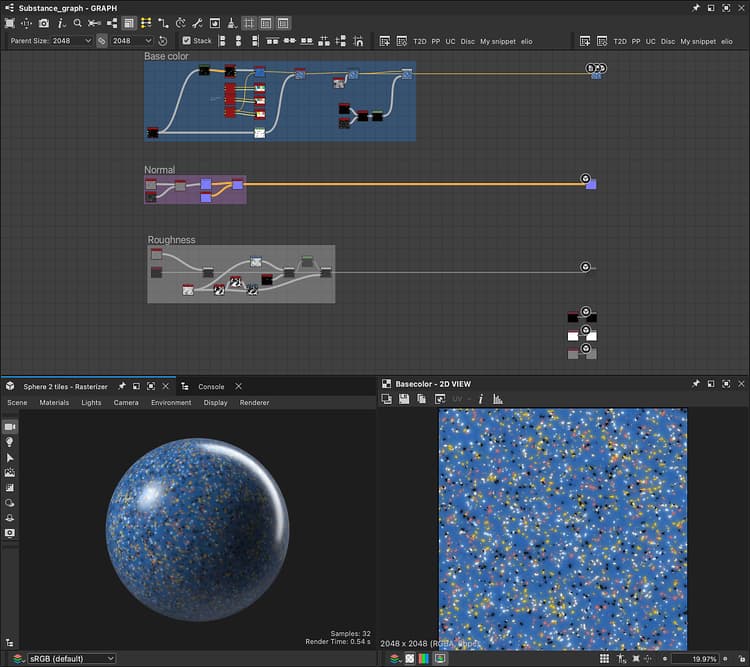
and a copy of the sample is loaded as a new graph in the Graph view.
By default, the first output of the sample is loaded in the 2D View, and the textures are applied to the 3D View.
So your workspace is automatically set up and you are ready to go. (This can be changed in Designer’s preferences)
OpenPBR v1.1 material model and viewing them in the 3D View meansthe material in the 3D View will automatically switch to the
OpenPBR Surface shader in order toview the sample accurately.