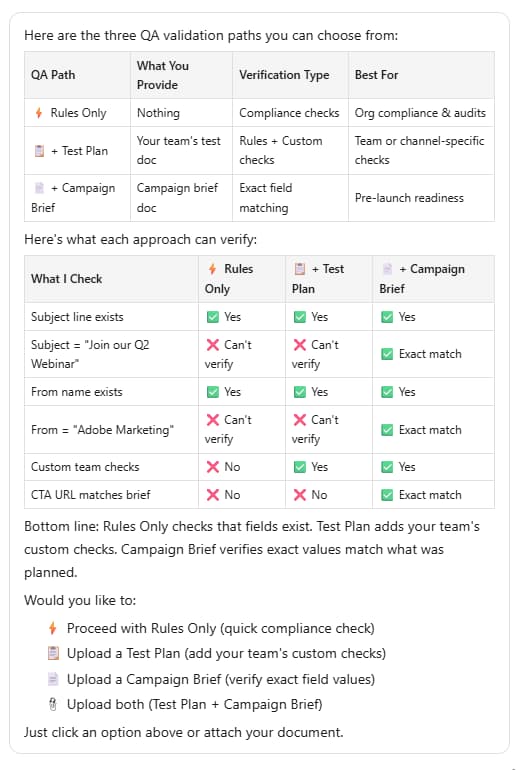
Validate programs validate-programs
Audit your programs for best practices across all components, such as emails, landing pages, campaigns, and more.
How to use how-to-use
-
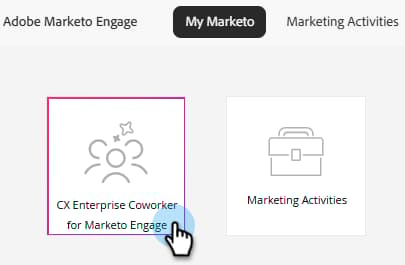
In your My Marketo, click the CX Enterprise Coworker for Marketo Engage tile.
-
Type “I want to validate a Marketo Engage program” in the prompt window.

-
Select the program you want to validate in the right pane.
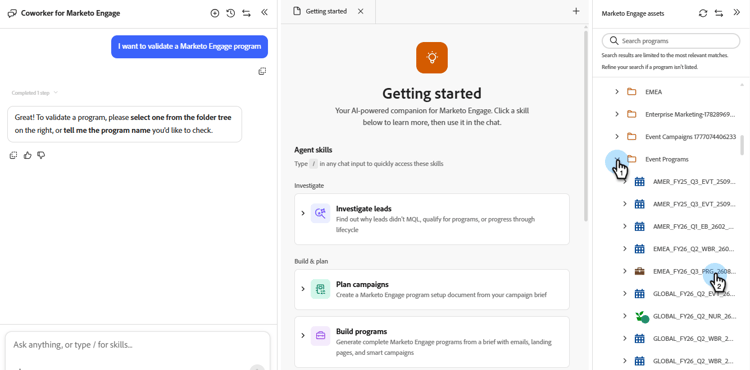
A summary of the selected program appears in the center pane.
-
In the prompt window, enter “validate program” and click Send.
CX Enterprise Coworker for Marketo Engage provides a QA of the selected program, showing you what passed and what failed.