Get started with Journey Optimizer Loyalty
Loyalty Challenges enable you to create engaging, gamified loyalty programs that drive customer behavior and deepen brand relationships. Build challenges that reward customers for specific actions, from making purchases and writing reviews to engaging on social media and referring friends.
Introduction to Loyalty
This section introduces Journey Optimizer Loyalty, covering what it is, where it fits within Adobe Journey Optimizer, and the challenge lifecycle from setup to analysis.
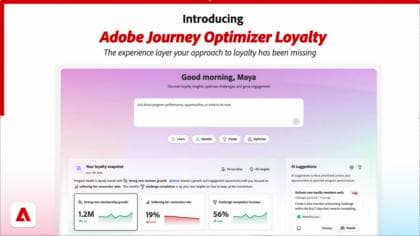
Discover Journey Optimizer Loyalty
Understand what Journey Optimizer Loyalty is, where it sits under AJO, and the challenge lifecycle.
Understand loyalty challenge concepts
Understand the core concepts and vocabulary behind Journey Optimizer Loyalty. You learn what makes up a loyalty challenge - challenges, tasks, and rewards - and how the pieces fit together, so you have the mental model you need before building one in the next module.
Set up Loyalty
This section covers the one-time setup required before you can start creating challenges, including loyalty data ingestion, performance reporting, and reward providers.
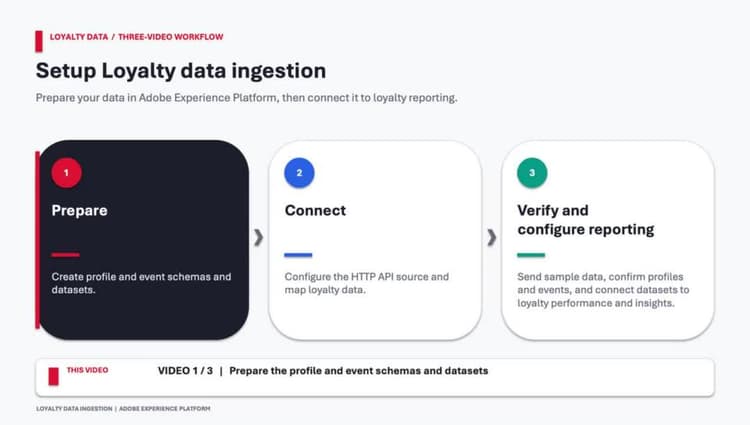
Prepare loyalty data structures
Learn how to create XDM schemas and profile-enabled datasets in Adobe Experience Platform to receive loyalty member profile data and loyalty event data.
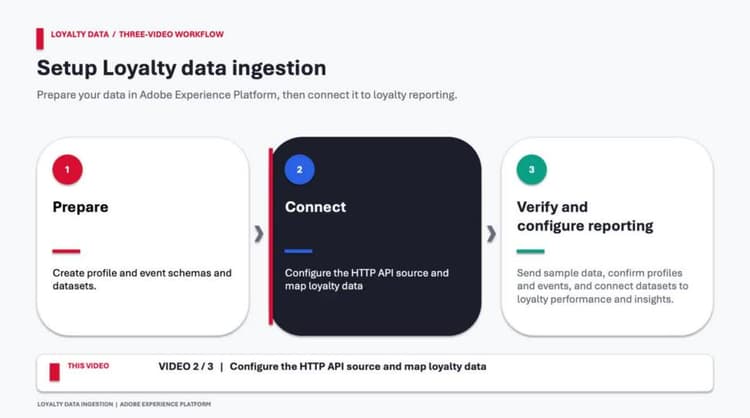
Learn how to configure an HTTP API source connection and dataflows in Adobe Experience Platform, then map loyalty profile and event fields to your datasets.
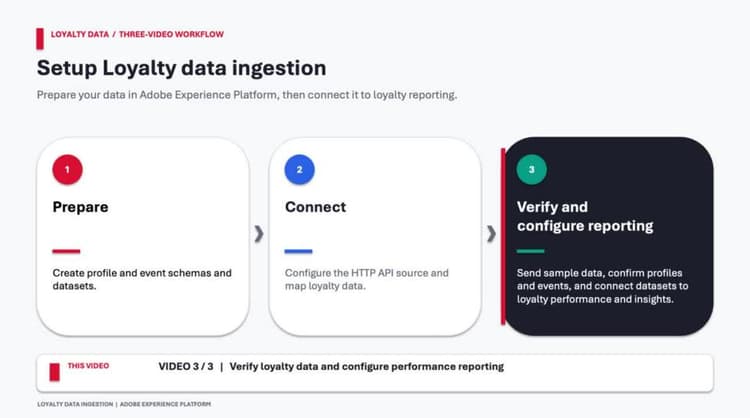
Verify loyalty data and configure performance reporting
Learn how to test loyalty profile and event data ingestion, verify datasets and unified customer profiles, and configure Loyalty Performance settings.
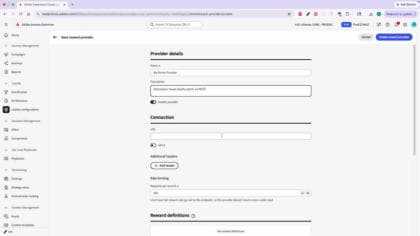
Set up a loyalty reward provider
Learn how to set up a reward provider, create reward definitions, and configure reward payloads so Adobe Journey Optimizer can issue loyalty rewards through your external rewards system.
Configure your challenge
This section walks you through creating and configuring a loyalty challenge end to end, including its type, structure and schedule, tasks, and rewards.
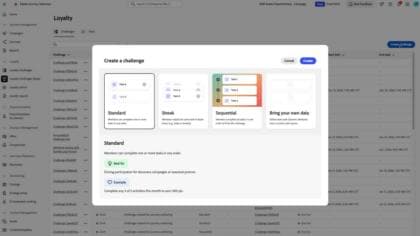
Learn how to set up a loyalty challenge by selecting the right challenge type, configuring audiences and schedules, defining participation rules, and controlling how progress is tracked and rewarded.
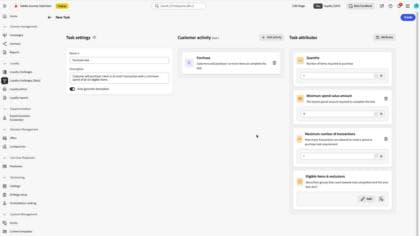
Create tasks for your loyalty challenge
Learn how to set up tasks: purchase & spend, quantities, eligible items & exclusions, and reuse.
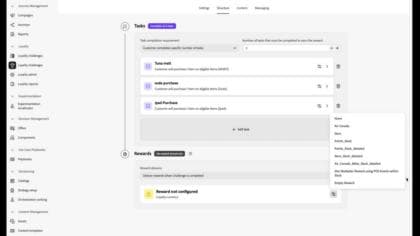
Learn how to configure rewards: provider, milestone vs. completion delivery, reward types & coupons.
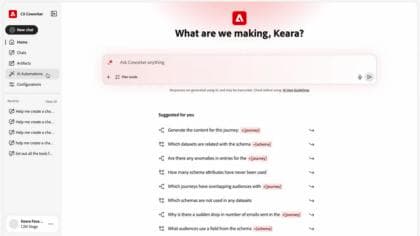
Create a loyalty challenge and surface insights with CX Enterprise Coworker
Learn how to use CX Enterprise Coworker to create, configure, and launch loyalty challenges using natural language, including audiences, rewards, schedules, and automated journey setup.
Apply and display your challenge
This section shows you how to bring a challenge to your customers using content cards and code-based experiences.
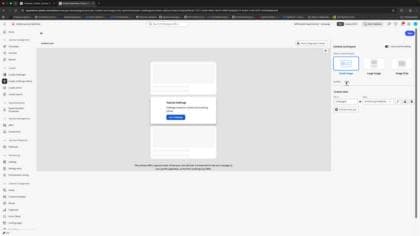
Build a challenge content card
Learn how to build a challenge content card / code-based experience, covering opt-in and dynamic progress across the opt-in, progress, and completed stages, plus rewards and channel configuration.
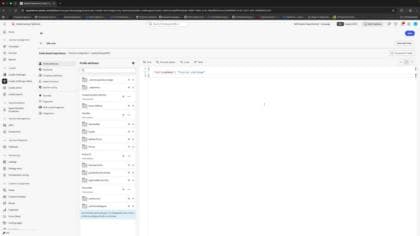
Display challenge content using the code-based experience channel
Learn how to use code-based experiences to promote loyalty challenges, display challenge progress, and deliver personalized content within your app using HTML or JSON.
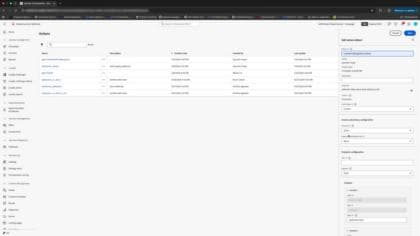
Personalize content with challenge attributes using custom actions
Learn how to retrieve challenge data with a custom action and use it to dynamically personalize content cards and code-based experiences based on each member's challenge progress and rewards.
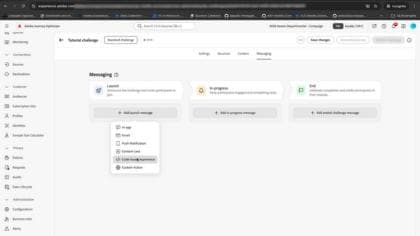
Set up lifecycle messaging for your challenge
Learn how to configure multi-channel messaging for every stage of a loyalty challenge, from invitations and engagement messages to completion and reward notifications.
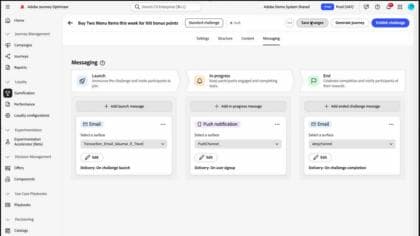
Publish a challenge and generate a journey
Learn how to publish a challenge and automatically generate a journey. Discover how challenge communications are translated into journey orchestration, review the generated journey structure, and customize it with additional conditions, decisioning, or optimization logic.
Analyze and report
This section covers how to measure the performance of your loyalty challenges once they are live.
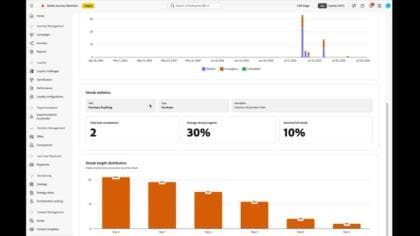
Measure challenge performance with challenge reports
Learn how to use challenge reports and performance dashboards to measure participation, completion rates, revenue attribution, and overall loyalty program performance.
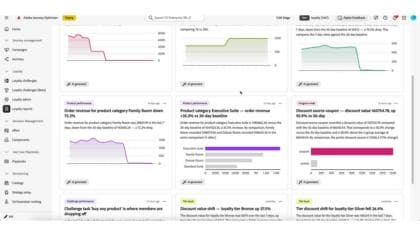
Analyze loyalty performance with the insights dashboard
Explore the Loyalty Insights dashboard and learn how AI-generated insights help you identify significant changes in loyalty program performance, prioritize findings based on business KPIs, and take action on the metrics that matter most.