MCP Servers in AEM

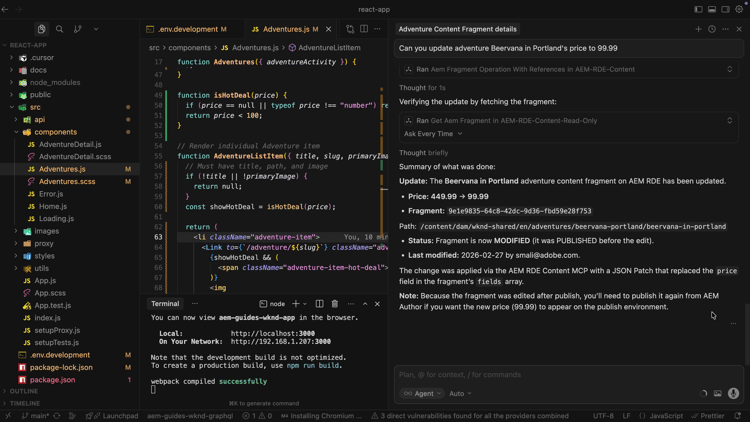
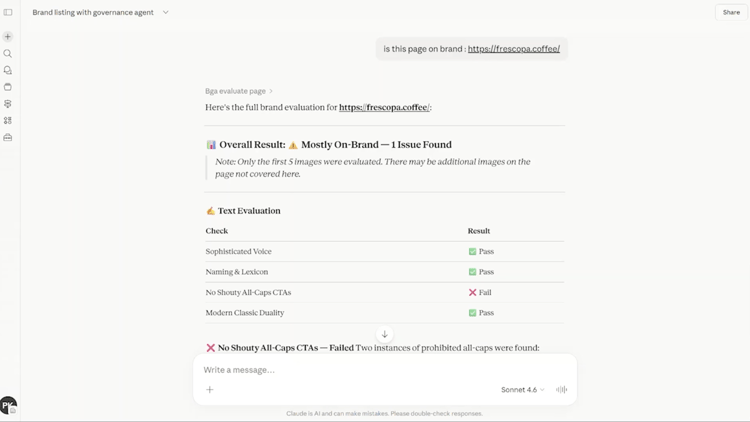
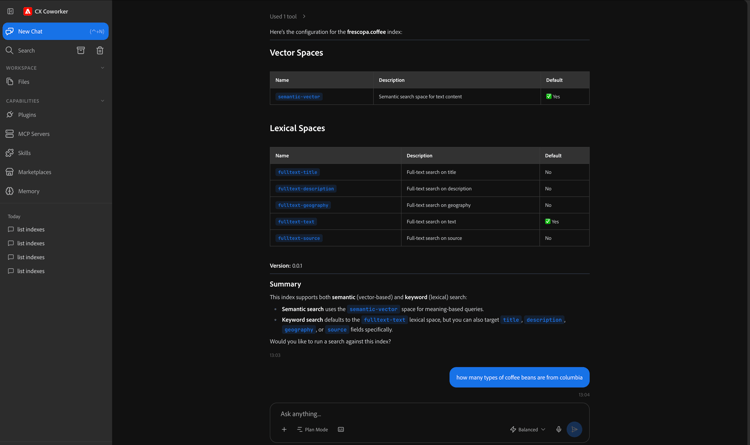
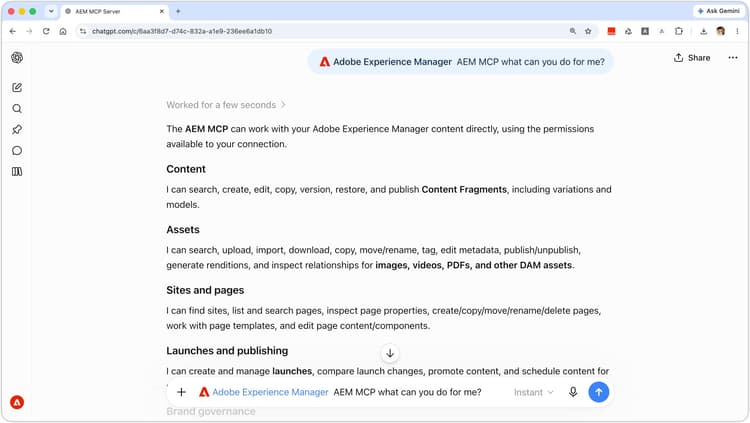
Learn how to use the AEM Model Context Protocol (MCP) Servers from your preferred AI-powered IDE or Chat-based applications to streamline and accelerate your AEM content work. You describe what you want in a natural language instead of writing low-level API code or navigating through the AEM UI.
List of AEM MCP Servers

All AEM MCP Servers are available under https://mcp.adobeaemcloud.com/adobe/mcp/. See Using MCP with AEM as a Cloud Service for more information.

  • Content (/content) — Full access to create, read, update, and delete pages, fragments, and assets.
  • Content (read-only) (/content-readonly) — Read-only to list and get pages, fragments, and assets (no changes).
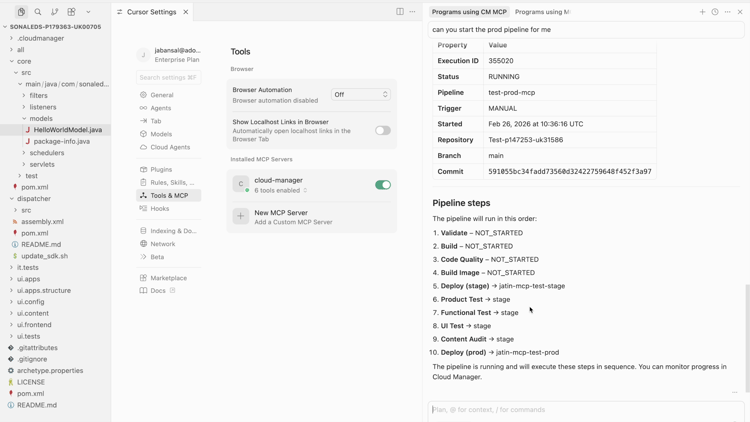
  • Cloud Manager (/cloudmanager) — To manage Adobe Cloud Manager programs, environments, repositories and pipelines.
TIP
The tools each server exposes can change over time. To see what is available now, ask your AI to list all AEM MCP tools (for example, List all AEM MCP tools available from this server and describe what they do) or type the tools/list prompt in your IDE.

Usage Patterns for the MCP Server

Before you start using the AEM MCP Servers, let’s understand the two main usage patterns for the MCP Servers:

  • Human-centric — You’re in the driver’s seat. You ask, the AI suggests or runs tools for you in the IDE.
  • Agentic — An agentic application (agent or sub-agent) calls the server on its own, choosing tools and working toward a goal with little human input.

Here’s how these two usage patterns compare:

Aspect
Human-centric
Agentic
Who drives actions
You.
The AI suggests or runs tools for you in the IDE or Chat-based application.
The AI.
It picks which tools to use and keeps going with minimal guidance.
Decision authority
You stay in control. You approve or trigger each step.
The AI has more freedom. The high-impact actions may need guardrails or approvals.
Typical usage pattern
Per-developer, you use it from your own IDE or Chat-based application, one developer per session, good for daily dev work.
Shared via an agentic application, as shared services and gateways for many users or agents.
Best suited for
Reviewing content, making guided updates, exploring, or repeating tasks while staying in the loop.
Agentic workflows, batch jobs, pipelines, and goals where the system should run with minimal intervention.

When Using MCP in Agentic Systems

MCP Servers are designed for human-operated MCP Clients with interactive UX and human oversight. The MCP Tools spec recommends a human in the loop who can approve or deny tool invocations.

If you use MCP Servers in an agentic or autonomous system, treat that as a separate compatibility tier. Do not hardcode tool names in prompts, allowlists, or routing logic. In MCP, the tool name is a programmatic identifier, the description is the model-facing hint for the LLM. Prefer capability or description based prompting and selection.

Implement runtime discovery via tools/list, handle tool-list changes (notifications/tools/list_changed), and align with the MCP Server provider on onboarding and versioning if you need stability guarantees beyond the protocol baseline.

MCP Entities and Their Mapping

MCP is built around three entities, host, client, and server. The MCP specification defines them formally. However, the table below explains each in plain terms and their mapping when using AEM MCP Servers.

Component
Standard Definition
When Using AEM MCP Servers
Host
The app that runs everything, it gathers context, talks to the AI, handles permissions, and creates clients.
Your IDE (Cursor) or Chat-based application is the host. It runs the MCP client and decides which tools and servers your session can use.
Client
A single connection from the host to one server. It passes messages back and forth and keeps that server’s access separate from others.
The MCP client lives in your IDE or Chat-based application. When you add the AEM Content MCP Server in settings, the IDE or Chat-based application creates a client that talks to that server. Your prompts and tool calls go through this client.
Server
A service that exposes tools, data, and prompts over MCP. It can run on your machine or remotely.
The Adobe hosted AEM MCP Servers offers tools to create, read, update, and delete pages, content fragments, and assets so the AI in your IDE or Chat-based application can work with your AEM environment.

Simply put, Host is your IDE or Chat-based application, Client is the connection from the IDE or Chat-based application to AEM, Server is the Adobe hosted AEM MCP Servers that do the work.

Setup

AEM MCP Servers are designed to work with a defined set of MCP-compatible applications.
To setup the AEM MCP Servers in your preferred IDE or Chat-based application, see Supported MCP Applications for more information.

Use Cases

Accelerate Content Operations with AEM MCP Server

Accelerate Content Operations with AEM MCP Server

Learn how to use the AEM Content MCP Server from Cursor IDE to streamline and accelerate your AEM content work.

Learn Content MCP Server

Cloud Manager MCP Server

Cloud Manager MCP Server

Learn how to use the AEM Cloud Manager MCP Server from Cursor IDE to streamline and accelerate your AEM cloud manager work.

Learn Cloud Manager MCP Server

recommendation-more-help
4859a77c-7971-4ac9-8f5c-4260823c6f69