[AEM Forms]{class="badge positive" title="Applies to AEM Forms)."}
JWT (JSON Web Token) Server-to-Server Authentication
JWT server-to-server authentication in AEM Forms, particularly for server-side integrations with AEM as a Cloud Service, involves a specific process to securely interact with AEM services. JWT server-to-server authentication is supported by AEM Developer Console.
Prerequisites
Before you begin, make sure the following prerequisites are met:
- Ensure that you have access to the Adobe Cloud Manager specific to the environment you use.
- Assign the System Administrator or Developer role to access Adobe Cloud Manager.
How to Generate an Access Token Using JWT Credentials?
Follow the steps below which shows you how to generate an access token from the JWT credentials.
-
Adobe Cloud Manager
-
Log in to your Cloud Manager account.
-
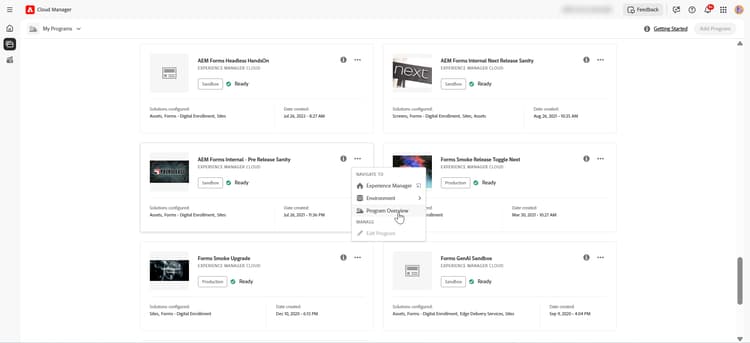
On your selected program, click Program Overview.
-
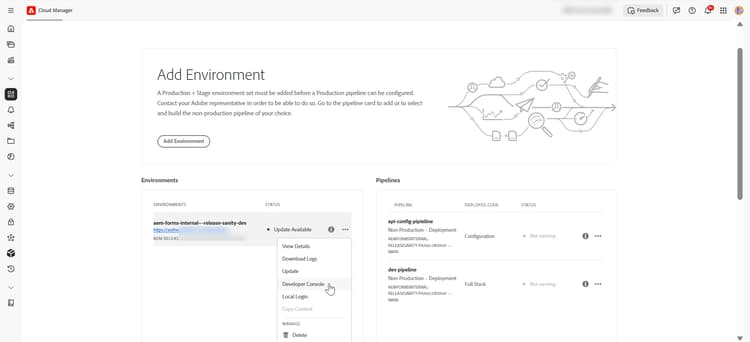
On your program, click three-dots menu and select Developer Console.
-
-
AEM Developer Console
-
Login in AEM Developer Console
-
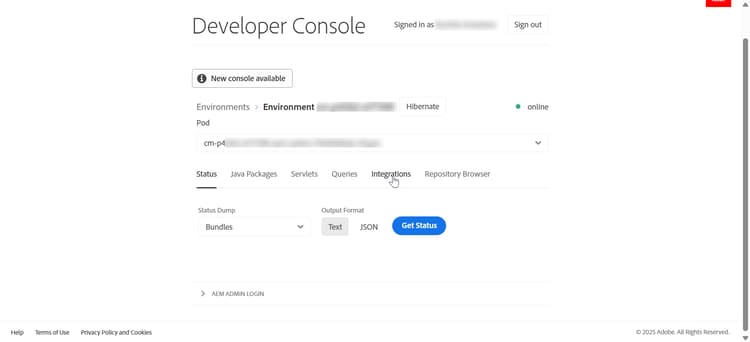
Click Integrations located on the upper menu bar.
-
Click the option to Create new technical account.
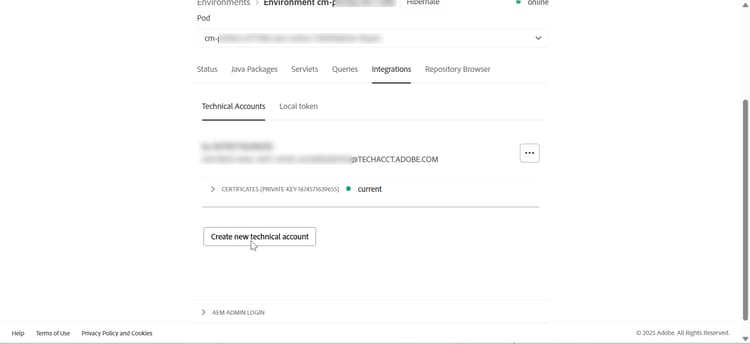
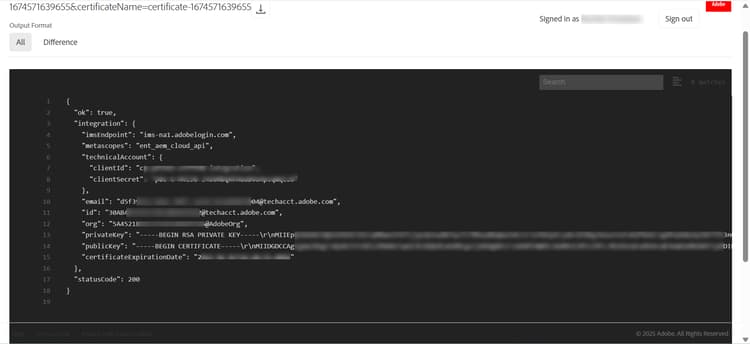
Once you click on create a new technical account, required information to generate access token such as client id and client secret along with other technical account information including private key, public key, expiration date generates.
-
-
Generate and Save Credentials
-
Record API Credentials
code language-text API Credentials: ================ Client ID: <your_client_id> Client Secret: <your_client_secret> Technical Account ID: <tech_account_id> Organization ID: <org_id> Scopes: AdobeID,openid,read_organizations
-
-
Access Token Generation
Generate tokens programmatically using cURL command:
Required Credentials:
- Client ID
- Client Secret
- Scopes (typically:
openid, AdobeID, read_organizations, additional_info.projectedProductContext, read_pc.dma_aem_cloud, aem.document)
Token Endpoint:
code language-none https://ims-na1.adobelogin.com/ims/token/v3Sample Request (cURL):
code language-bash curl -X POST 'https://ims-na1.adobelogin.com/ims/token/v3' \ -H 'Content-Type: application/x-www-form-urlencoded' \ -d 'grant_type=client_credentials' \ -d 'client_id=<YOUR_CLIENT_ID>' \ -d 'client_secret=<YOUR_CLIENT_SECRET>' \ -d 'scope=AdobeID,openid,read_organizations'Response:
code language-json { "access_token": "eyJhbGciOiJSUz...", "token_type": "bearer", "expires_in": 86399 }
You can now use the generated access token to make API call for development, stage, or production environments.
Related Articles
Learn how to set environment for Synchronous (On-Demand) and Asynchronous (Batch) Forms Communications APIs:
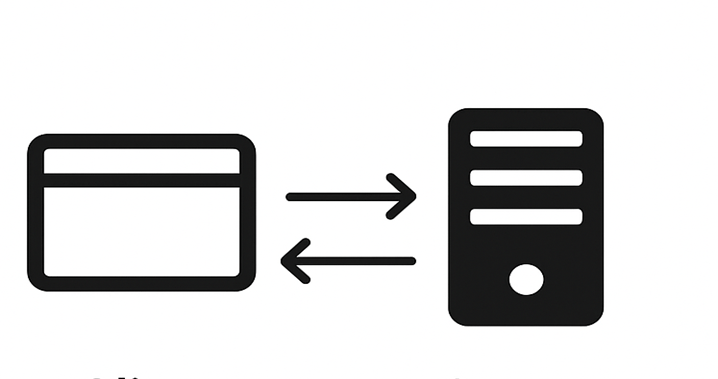
AEM Forms Communications APIs - Synchronous
Learn how to set up environment for Synchronous (on-demand) Forms Communications APIs that generate or process documents instantly.
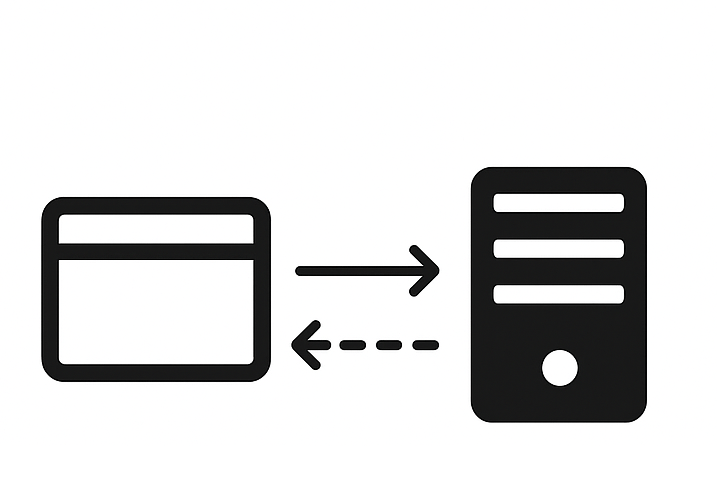
AEM Forms Communications APIs - Asynchronous (Batch)
Learn how to set up environment for Asynchronous (Batch) Forms Communications APIs that generate or process multiple documents in a scheduled manner.