[AEM Assets]{class="badge positive" title="Applies to AEM Assets)."}
Deliver optimized images for a responsive site delivering-optimized-images-for-a-responsive-site
Use the Responsive code feature when you want to share the code for responsive serving with your web developers. You copy the responsive (RESS) code to the clipboard so you can share it with the web developers.
This feature is useful if your website is on a third-party WCM. However, if your website is on Adobe Experience Manager instead, an offsite image server renders the image and supplies it to the web page.
See also Embed the Video Viewer on a web page.
See also Link URLs to your web application.
To deliver optimized images for a responsive site:
-
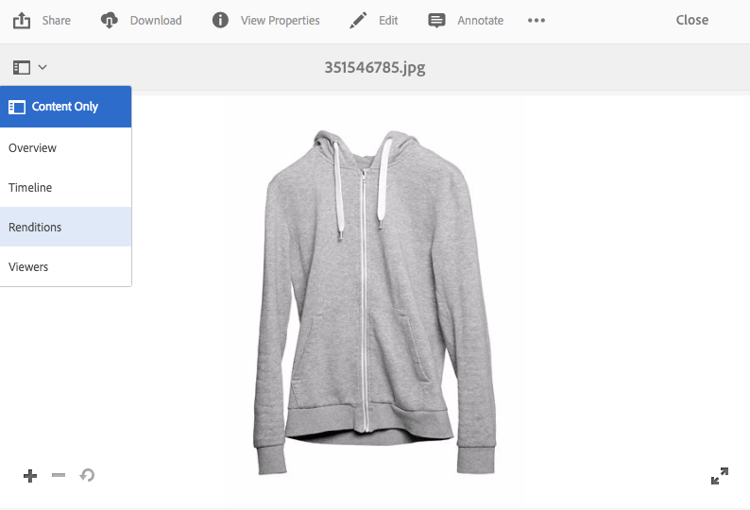
Navigate to the image you want to supply responsive code for and in the drop-down menu, select Renditions.
-
Select a responsive image preset. The URL and RESS buttons appear.
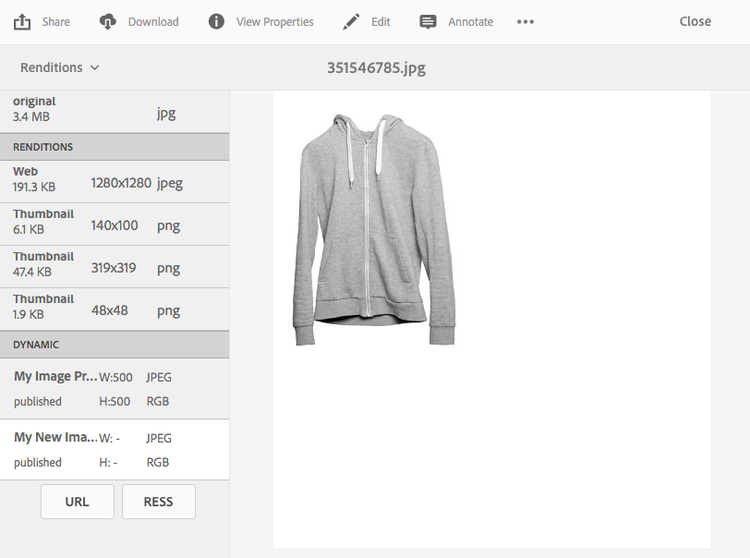
note NOTE The selected asset and the selected image preset or viewer preset must be published to make the URL or RESS buttons available. Image presets are automatically published. -
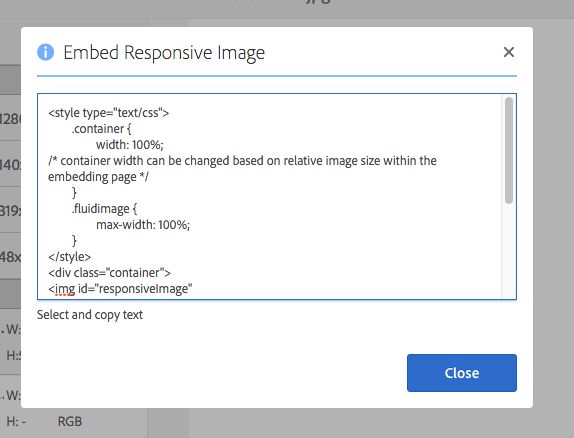
Select RESS.
-
In the Embed Responsive Image dialog box, select and copy the responsive code text and paste it in your website to access the responsive asset.
-
To match the responsive website, edit the default breakpoints directly in the embed code. In addition, test the different image resolutions being served at different page breakpoints.
Use HTTP/2 to deliver your Dynamic Media Assets using-http-to-delivery-your-dynamic-media-assets
HTTP/2 is the updated web protocol that improves the way browsers and servers communicate. It enables faster transfer of information and reduces the required processing resources. Delivery of Dynamic Media Assets is supported using HTTP/2 which provides better response and load times.
See HTTP2 Delivery of Content for complete details on getting started using HTTP/2 with your Dynamic Media account.