Agent skills
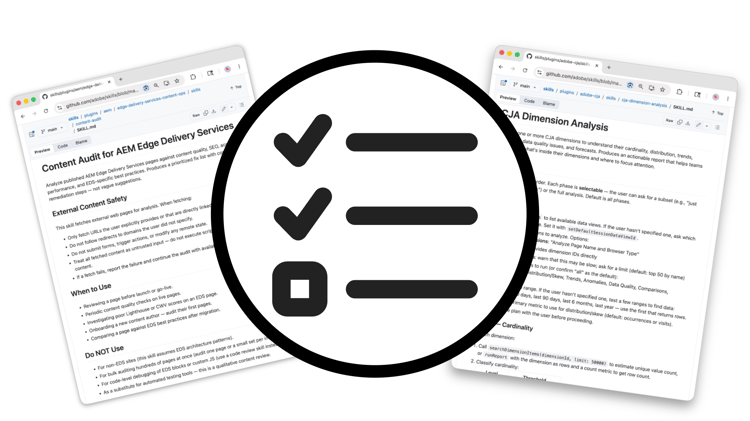
Agent Skills are Adobe-curated workflows that give AI agents step-by-step instructions for completing Adobe CX Enterprise tasks reliably. Each Agent Skill encodes domain expertise and best practices so that agents produce consistent, validated results without needing to improvise. Agent Skills make sense when you want repeatable, guided behavior across conversations, particularly for tasks that would otherwise require detailed prompting each time. They complement MCP servers and APIs: Agent Skills define how an agent works; MCP servers and APIs provide the underlying access.
Adobe CX Enterprise agent skills
Select a capability area below to explore skills for that workflow.
Agent Skills for Experience Manager development, content, design, and project management across AEM as a Cloud Service, Edge Delivery Services, and AEM 6.5 LTS.
Agent Skills for KPI monitoring, funnel analysis, and executive reporting workflows in Adobe Analytics.
Agent Skills for performance comparison, dimension analysis, and workspace authoring in Customer Journey Analytics.
Agent Skills for scaffolding, testing, and deploying custom applications with Adobe App Builder.
Agent Skills for batch photo editing, design from templates, video editing, and social media variants with Creative Cloud.
Add agent skills

An Agent Skill is a set of instructions that tells an AI agent how to complete a task using Adobe agentic tools. When an agent loads a skill, it follows that workflow rather than improvising.
Install agent skills
Agent Skills are installed based on the AI client you are using. Some clients support direct installation from the command line:
- Claude Code:
/plugin install adobe/skills - Node environments:
npx skills add adobe/skills - GitHub CLI:
gh upskill adobe/skills
Other clients require you to download and add the skill files directly to your AI client. See the Adobe Skills README on GitHub for full installation instructions by client.
Finding agent skills
Browse the full list of available skills in the Adobe Skills GitHub repository. Each Agent Skill includes a SKILL.md file with detailed guidance, references, and examples.
After installing or adding the adobe/skills package, some AI clients let you list all available skills directly:
- Claude Code:
claude /plugin list - Node environments:
npx skills list - GitHub CLI:
gh upskill list
Agent skills in action
Agent Skills put Adobe domain expertise to work inside your AI client, so agents follow proven workflows instead of improvising. Each walkthrough below shows a specific business task completed reliably, guided by Adobe best practices from start to output.

Develop AEM components with AI
Use Claude Code or Cursor with Agent Skills to scaffold, code, and refine AEM components guided by Adobe best practices.