Delivery statuses delivery-statuses
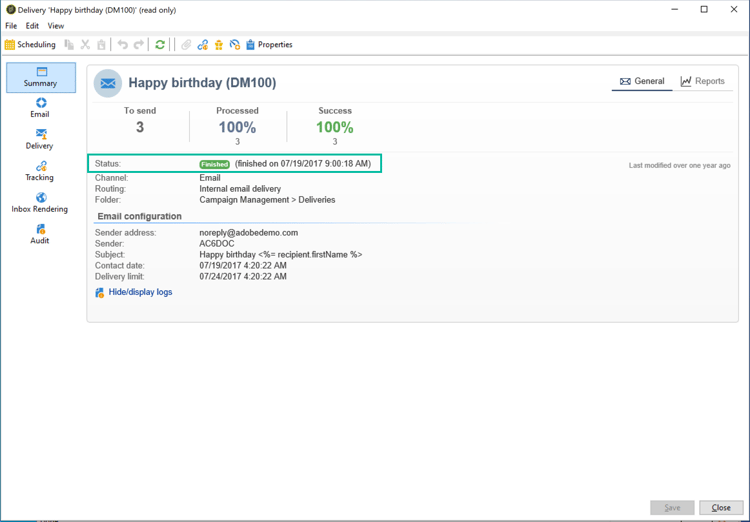
Once a delivery has been sent, the delivery dashboard displays a status that allows you to monitor if the sending has been successful. Possible statuses are detailed in the section below.
For more details on the different delivery failures you can encounter, and how to solve them, refer to Understanding delivery failures.
Related topics:
List of delivery statuses list-delivery-statuses
For email deliveries, the message was successfully relayed from Campaign to the MTA (Mail Transfer Agent).
To learn how to optimize the deliverability of your Adobe Campaign emails, refer to this section. For a deeper dive on deliverability, refer to the Adobe Deliverability Best Practice Guide.
Pending status pending-status
After confirming your delivery, you can see that the status of your delivery is Pending. This status means that the execution process is waiting on the availability of some resources.
The Pending status can first mean that your delivery has been scheduled and is pending until the given date. For more on this, refer to the Schedule delivery sending section.
If your delivery is not being sent and its status remains Pending, it can be the result of:
-
Too many campaigns running simultaneously
The limit of simultaneous campaigns is defined in the NmsOperation_LimitConcurrency option. Default value is 10.
As a Managed Cloud Services user, you can work with Adobe to adjust this limit if needed. Learn more about options in Campaign Classic v7 documentation.
-
Resource availability issues
The MTA (Message Transfer Agent) may be waiting for resources to become available before processing your delivery.
Related topics: