1.3.1設定:品牌
品牌可將組織、產品、服務或概念與其他人區分開來。 品牌的某些方面是客觀的,例如標誌,而其他方面則是主觀的,例如語調。
GenStudio for Performance Marketing運用您品牌的豐富品牌資訊,並與產品和角色資訊合作,以及建立完整的品牌識別。 此品牌身分可用於通知您使用Adobe的創作AI技術建立品牌上內容。
若要開始建立您自己的品牌,請遵循下列步驟。
移至https://experience.adobe.com/。 開啟GenStudio。
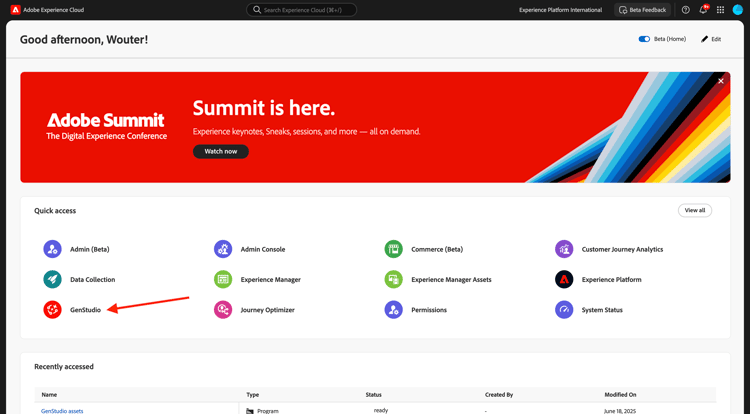
您應該會看到此訊息。
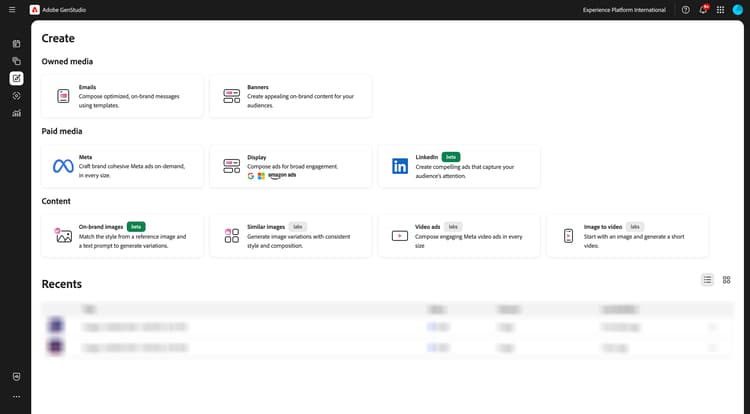
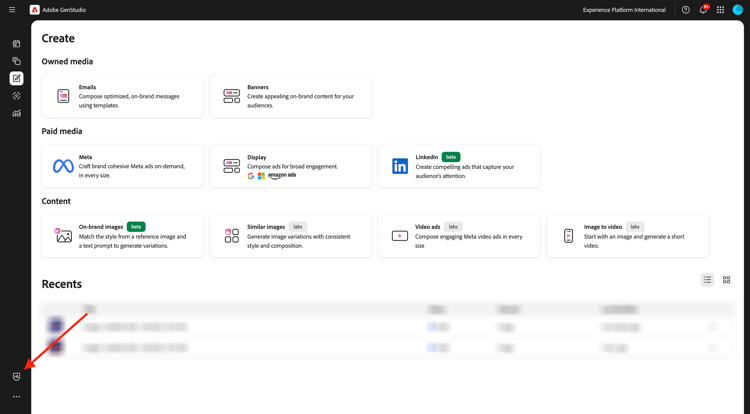
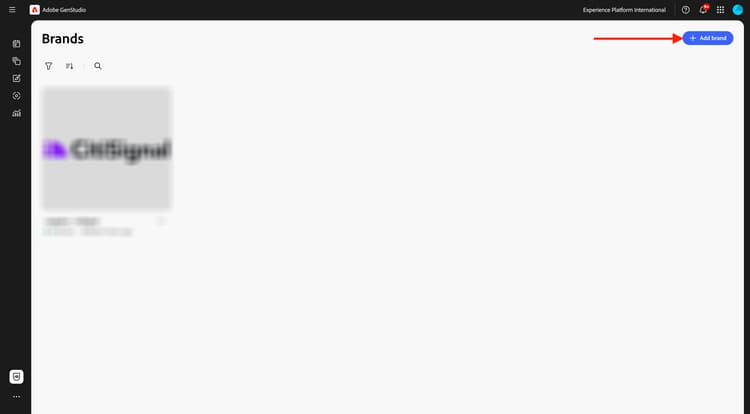
使用GenStudio for Performance Marketing的第一件事就是設定您的品牌。 按一下 品牌 圖示。
按一下+新增品牌。
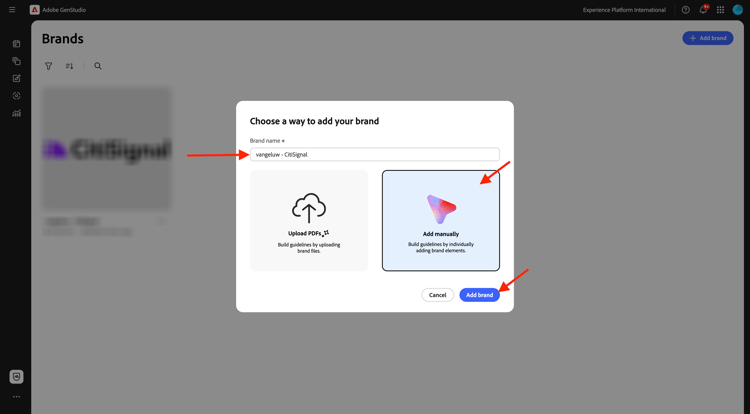
輸入您品牌的名稱--aepUserLdap-- - CitiSignal。 選取手動新增,然後按一下新增品牌。
1.3.1.1色彩
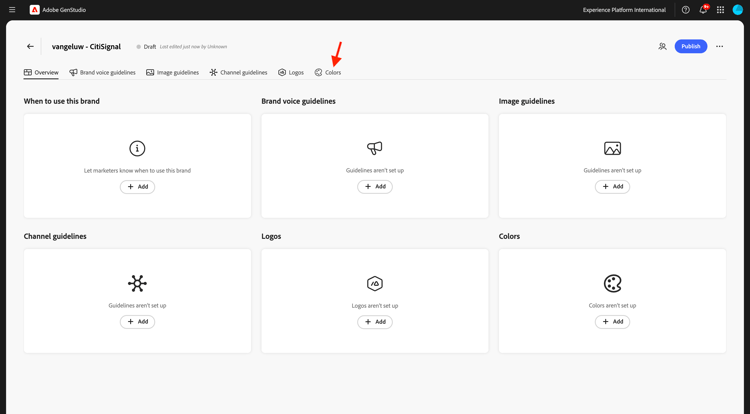
您應該會看到此訊息。 按一下色彩。
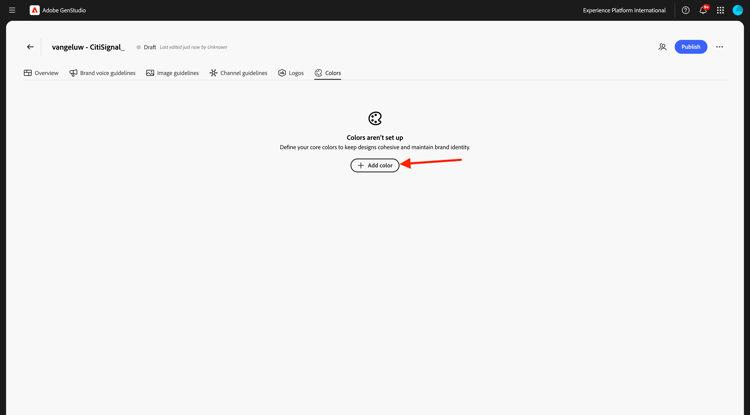
按一下+新增色彩。
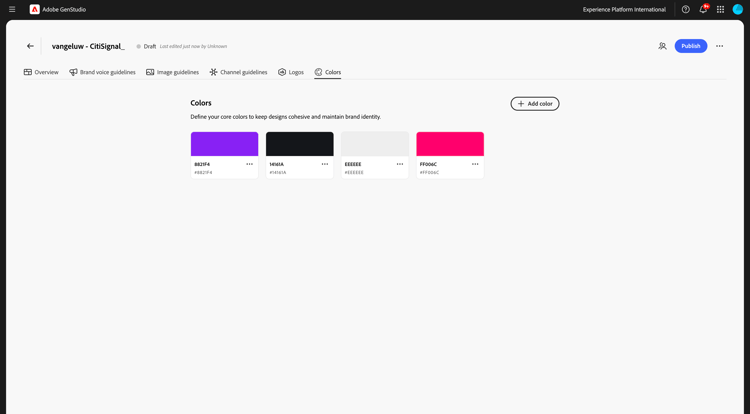
有4種不同的顏色可新增:
#8821F4#14161A#EEEEEE#FF006C
輸入色彩#8821F4的十六進位代碼。 按一下新增。
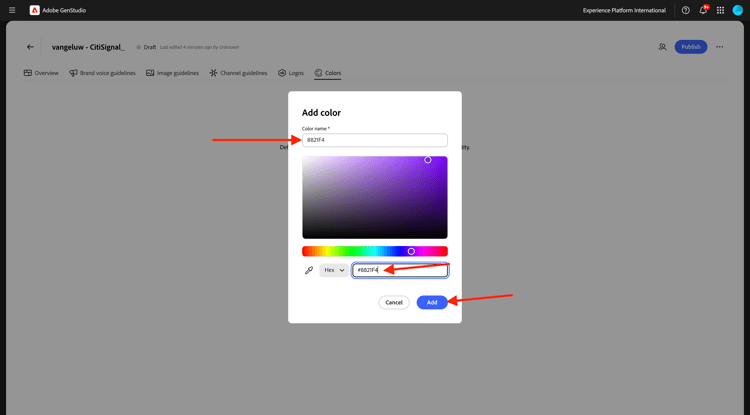
按一下+新增色彩。
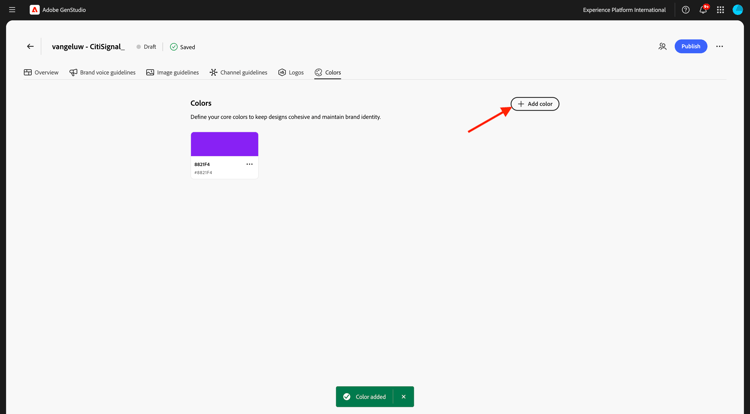
輸入色彩#14161A的十六進位代碼。 按一下新增。
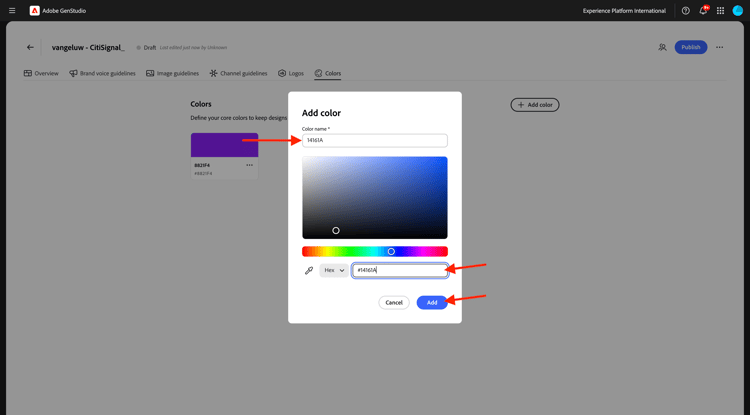
按一下+新增色彩。
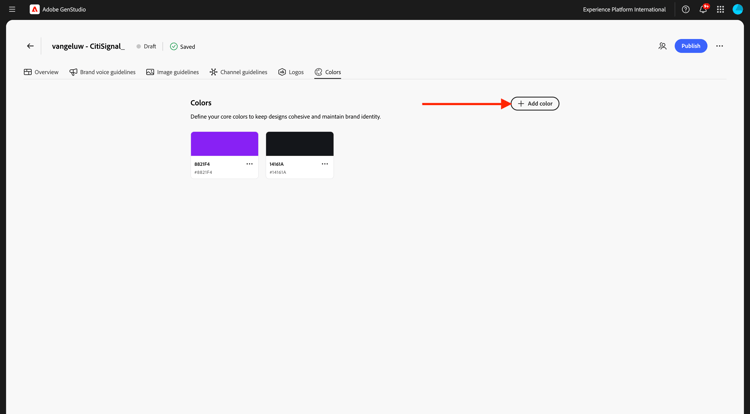
輸入色彩#EEEEEE 的十六進位代碼。 按一下新增。
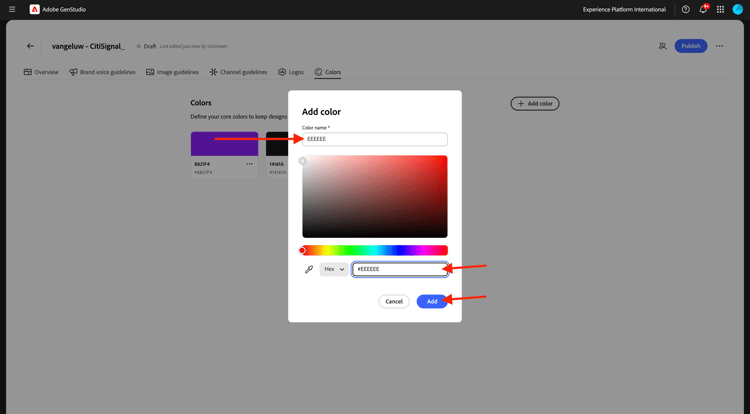
按一下+新增色彩。
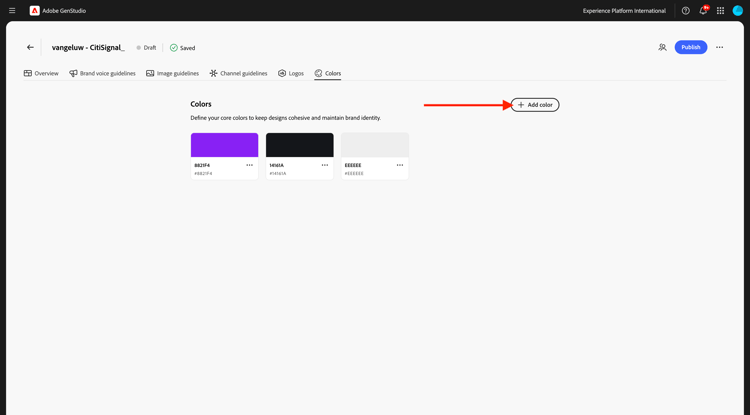
輸入色彩#FF006C 的十六進位代碼。 按一下新增。
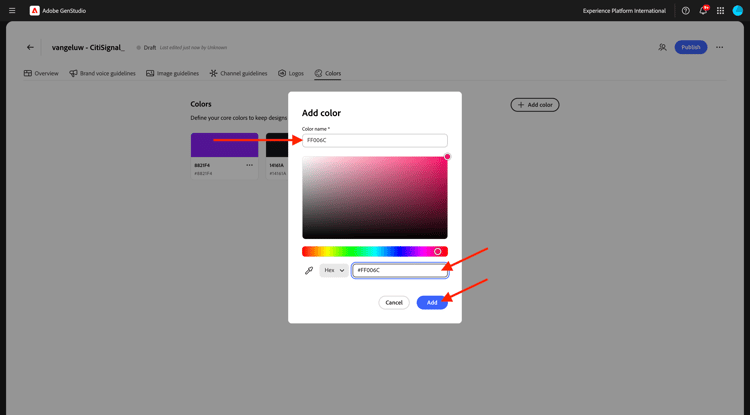
您現在應該擁有此專案。
1.3.1.2標誌
將檔案CitiSignal-GSPeM-assets.zip下載到您的案頭並解壓縮。
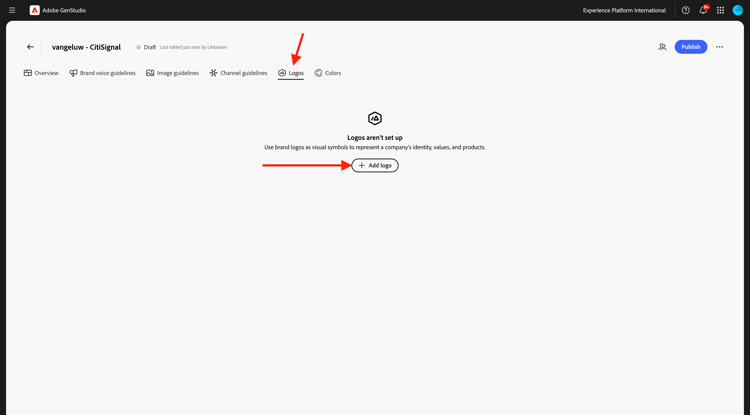
接著,移至標誌。 按一下+新增標誌。
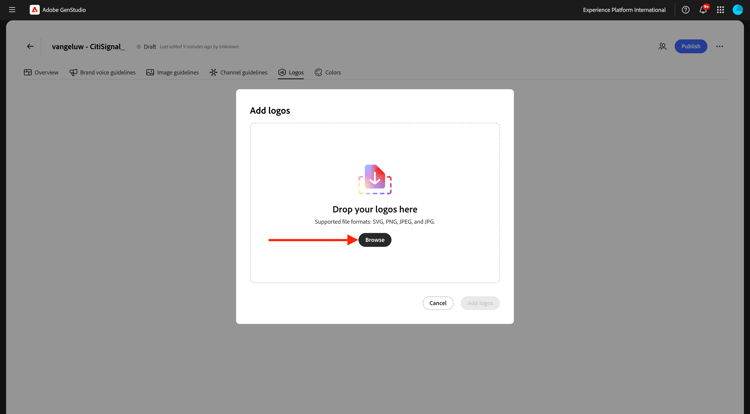
按一下瀏覽。
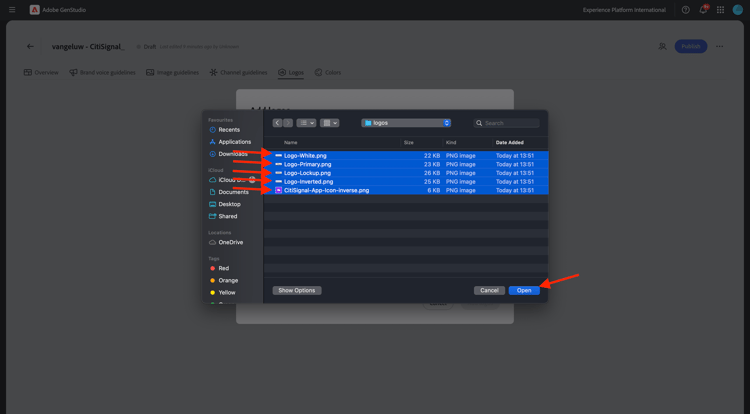
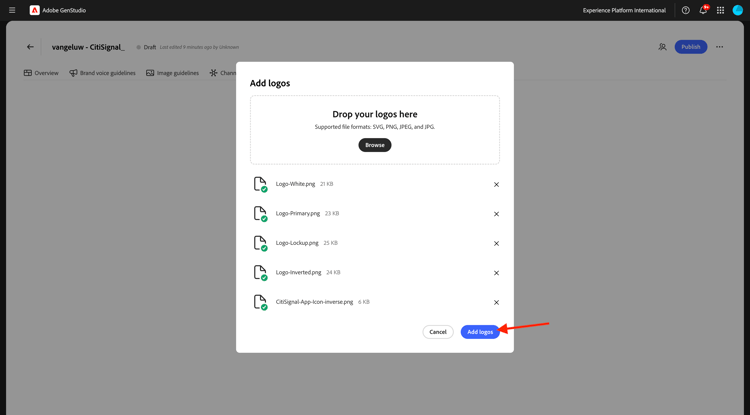
前往資料夾CitiSignal-GSPeM-assets > 標誌,並選取這些檔案。 按一下「開啟」。
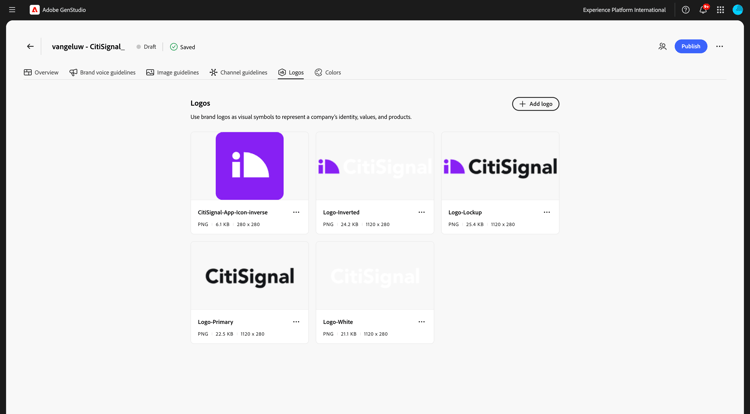
然後您應該擁有此專案。 按一下新增標誌。
然後您應該擁有此專案。
1.3.1.3品牌語音准則
接著,移至品牌語音准則。
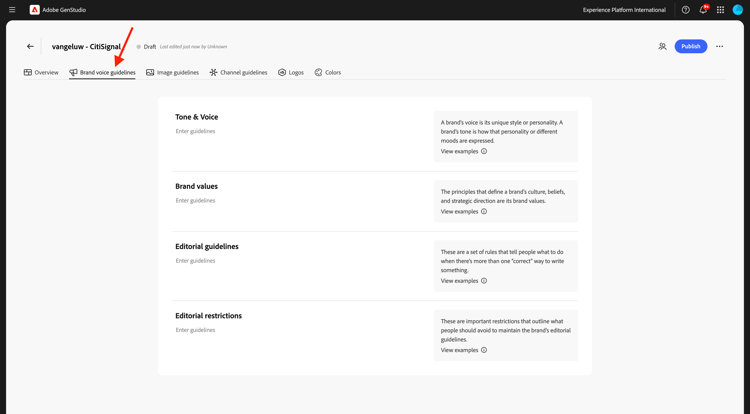
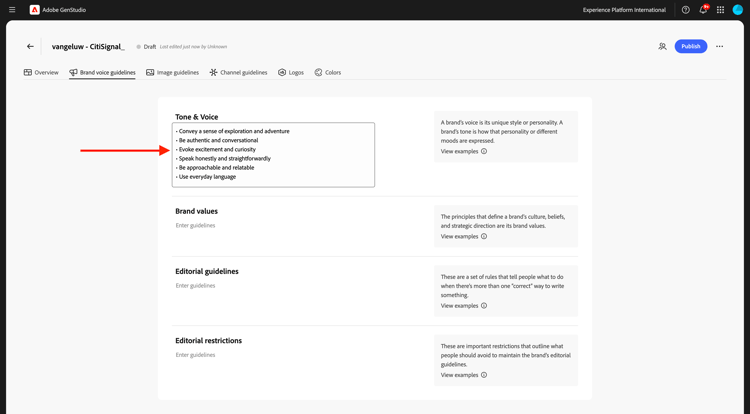
對於音調和語音,請使用這個選項:
• Convey a sense of exploration and adventure
• Be authentic and conversational
• Evoke excitement and curiosity
• Speak honestly and straightforwardly
• Be approachable and relatable
• Use everyday language
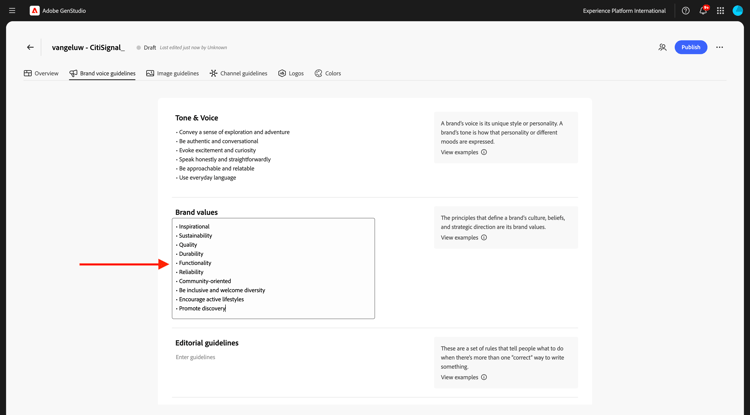
對於品牌值,請使用此:
• Inspirational
• Sustainability
• Quality
• Durability
• Functionality
• Reliability
• Community-oriented
• Be inclusive and welcome diversity
• Encourage active lifestyles
• Promote discovery
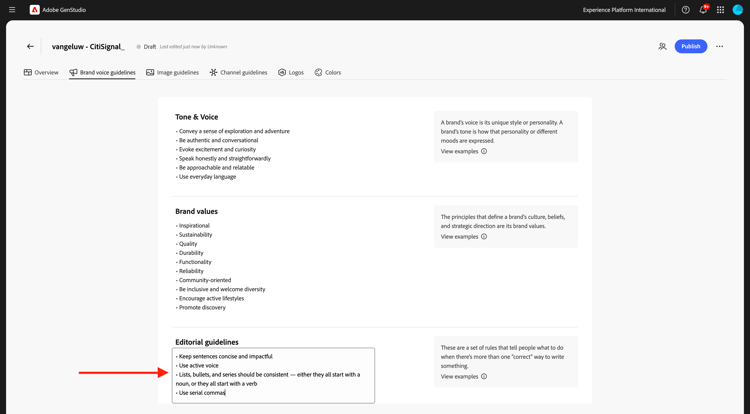
對於編輯指南,請使用以下內容:
• Keep sentences concise and impactful
• Use active voice
• Lists, bullets, and series should be consistent — either they all start with a noun, or they all start with a verb
• Use serial commas
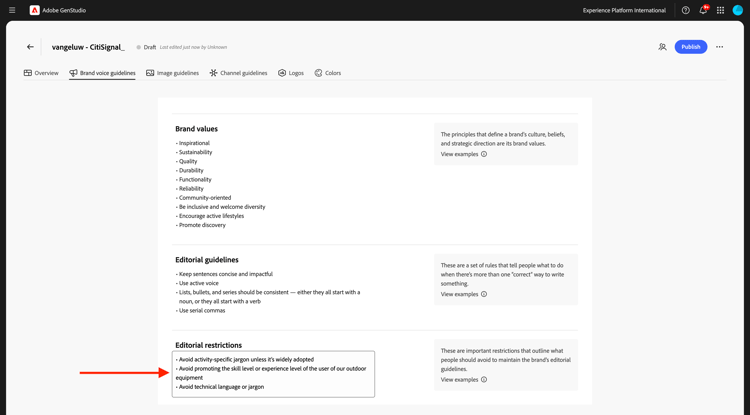
對於編輯限制,請使用以下專案:
• Avoid activity-specific jargon unless it’s widely adopted
• Avoid promoting the skill level or experience level of the user of our outdoor equipment
• Avoid technical language or jargon
1.3.1.4影像指導方針
接著,移至影像指導方針。
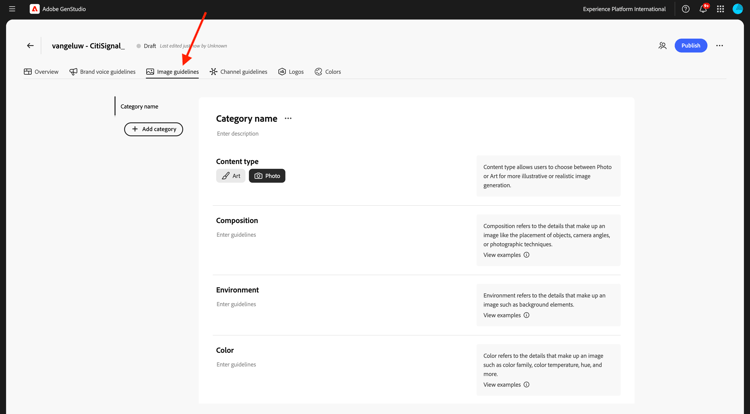
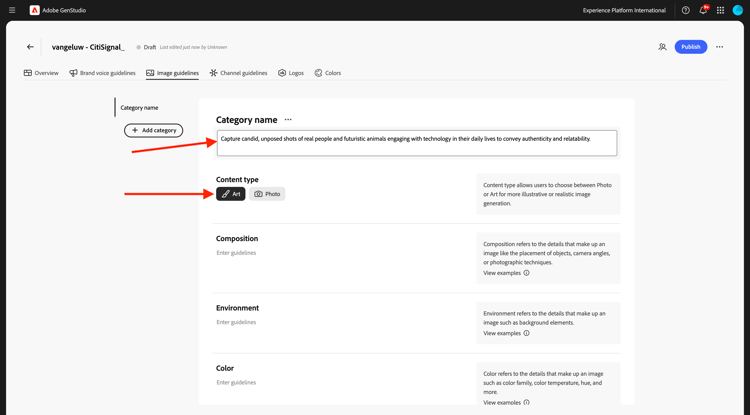
將 內容型別 設定為Art,對於描述,請使用下列專案:
Capture candid, unposed shots of real people and futuristic animals engaging with technology in their daily lives to convey authenticity and relatability.
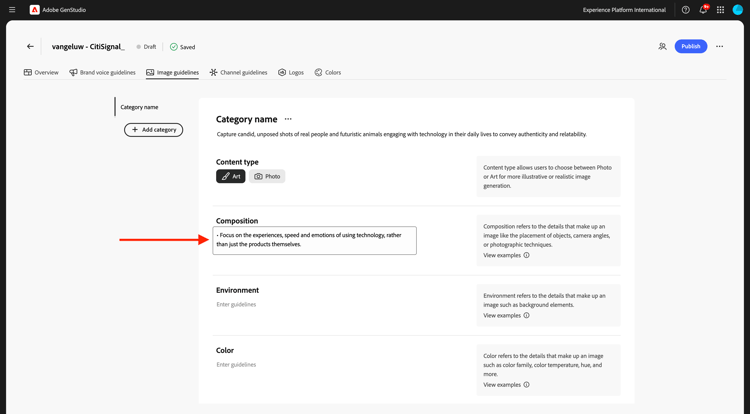
對於組合,請使用此:
Focus on the experiences, speed and emotions of using technology, rather than just the products themselves.
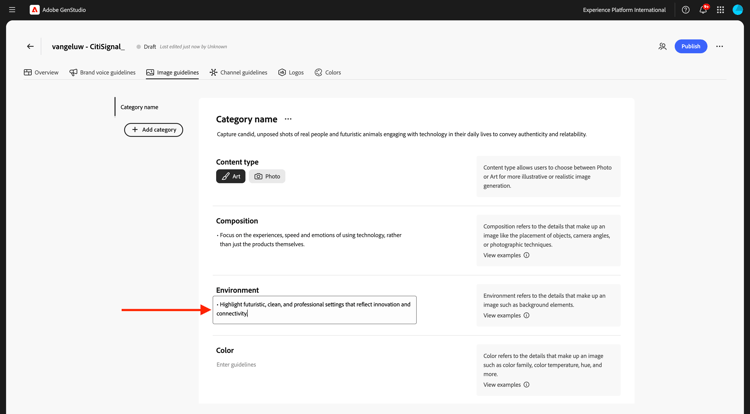
針對環境,請使用此:
Highlight futuristic, clean, and professional settings that reflect innovation and connectivity.
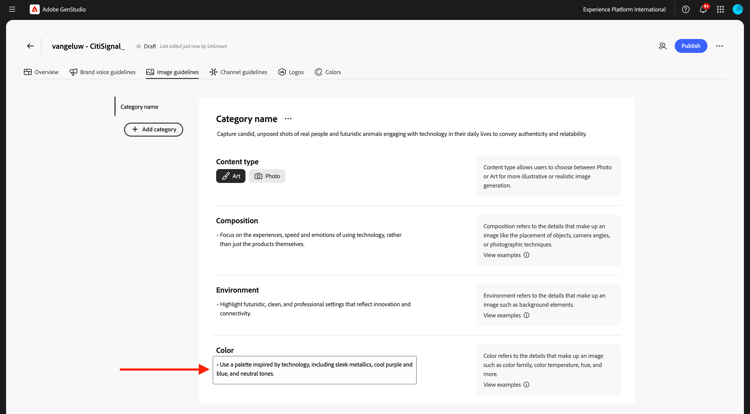
若為色彩,請使用此選項:
Use a palette inspired by technology, including sleek metallics, cool purple and blue, and neutral tones.
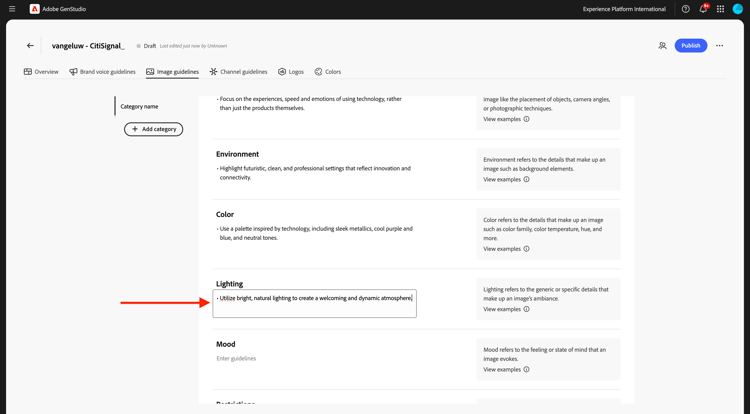
對於照明,請使用此:
Utilize bright, natural lighting to create a welcoming and dynamic atmosphere.
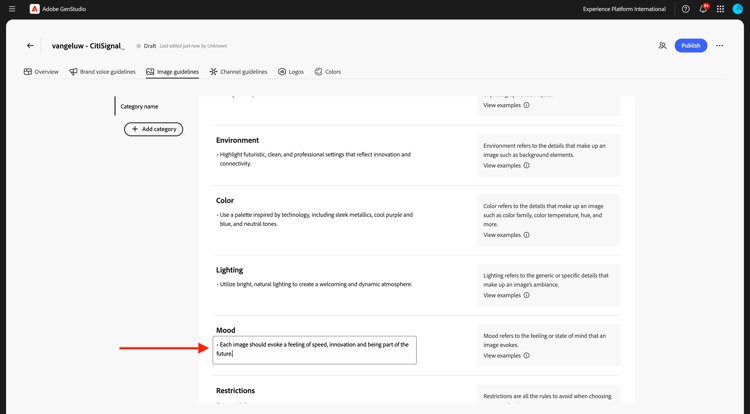
針對情境,請使用此專案:
Each image should evoke a feeling of speed, innovation and being part of the future.
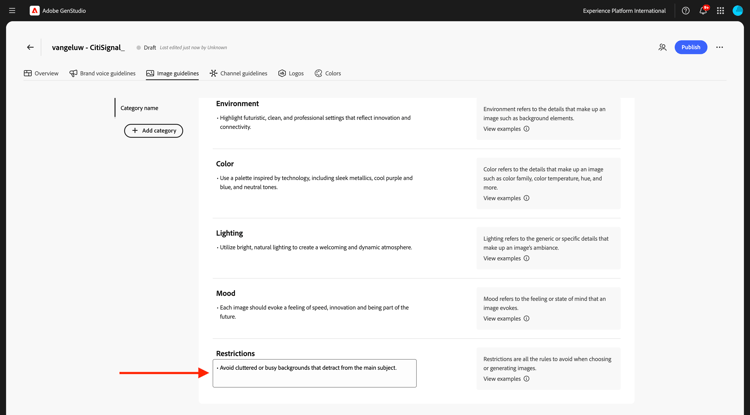
對於Restrictions,請使用此:
Avoid cluttered or busy backgrounds that detract from the main subject.
1.3.1.4頻道准則
接著,移至頻道准則。
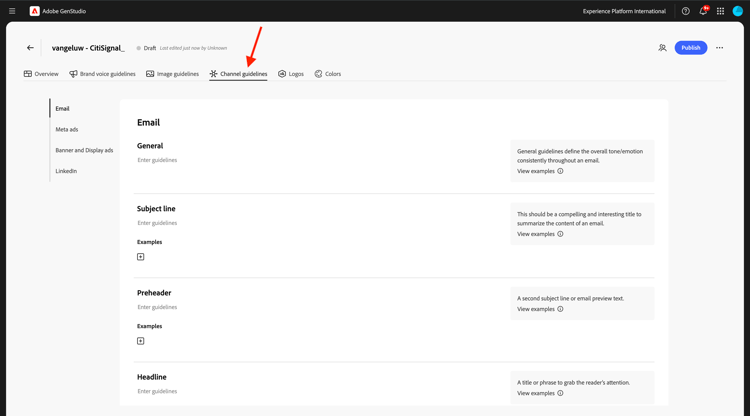
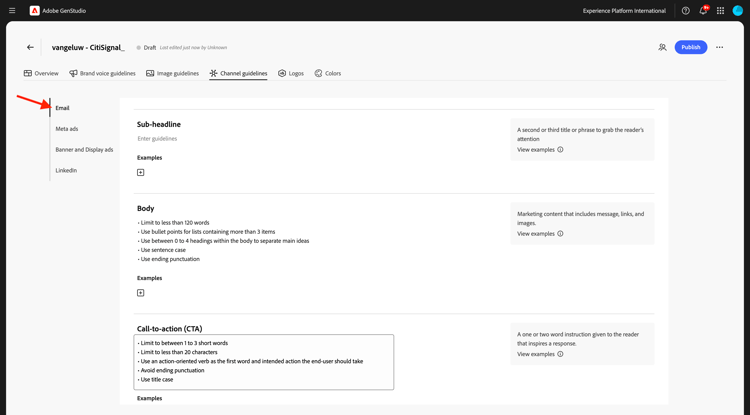
對於電子郵件,請使用下列值:
- 一般
• Use simple, short sentences
• Be clear and concise
• Invoke a sense of adventure and exploration
- 主旨列
• Limit to less than 8 words
• Provide specific details about what’s inside the email
• Use sentence case
• Do not use end punctuation
- Preheader
• Limit to less than 80 characters
• Provide specific details about what’s inside the email
• Use sentence case
• Use ending punctuation
- 標題
• Limit to less than 12 words
• Generate excitement through compelling and exciting statements
• Use sentence case
-
Sub-headline:暫時留空
-
內文
• Limit to less than 120 words
• Use bullet points for lists containing more than 3 items
• Use between 0 to 4 headings within the body to separate main ideas
• Use sentence case
• Use ending punctuation
- Call-to-action (CTA)
• Limit to between 1 to 3 short words
• Limit to less than 20 characters
• Use an action-oriented verb as the first word and intended action the end-user should take
• Avoid ending punctuation
• Use title case
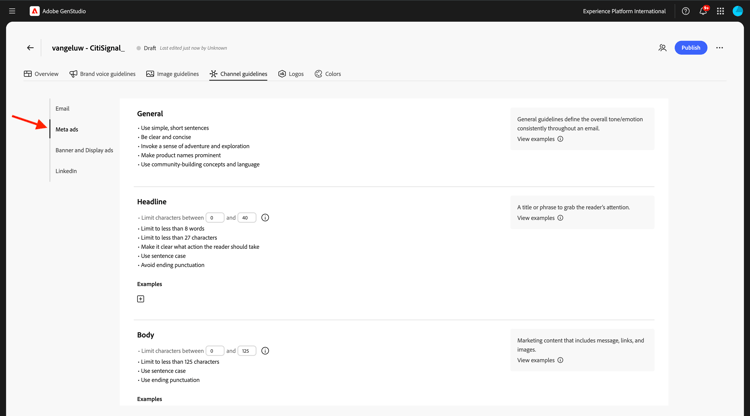
對於中繼廣告,請使用下列值:
- 一般
• Use simple, short sentences
• Be clear and concise
• Invoke a sense of adventure and exploration
• Make product names prominent
• Use community-building concepts and language
- 標題
• Limit  to less than 8 words
• Limit to less than 27 characters
• Make it clear what action the reader should take
• Use sentence case
• Avoid ending punctuation
- 內文
• Limit to less than 125 characters
• Use sentence case
• Use ending punctuation
- 在影像文字上:暫時留空
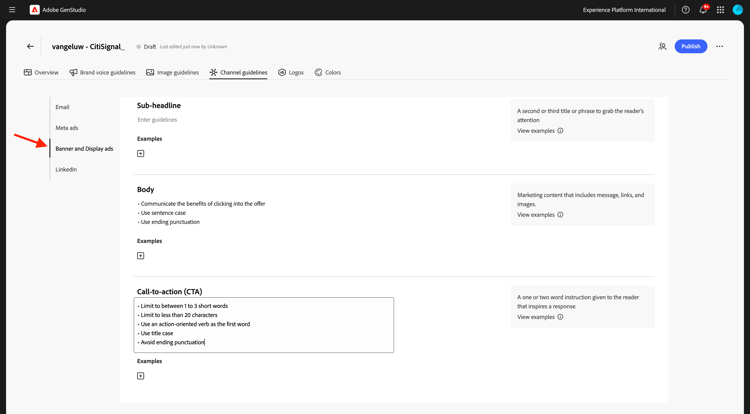
針對橫幅和顯示廣告,請使用下列值:
- 一般
• Make readers feel inspired, interested, and sure of the next step
• Avoid word repetition
• Make product names prominent
- 標題
• Clearly state the main benefit of the offer
• Use sentence case
• Use ending punctuation
• Limit to less than 60 characters
-
Sub-headline:暫時留空
-
內文
• Communicate the benefits of clicking into the offer
• Use sentence case
• Use ending punctuation
- Call-to-action (CTA)
• Limit to between 1 to 3 short words
• Limit to less than 20 characters
• Use an action-oriented verb as the first word
• Use title case
• Avoid ending punctuation
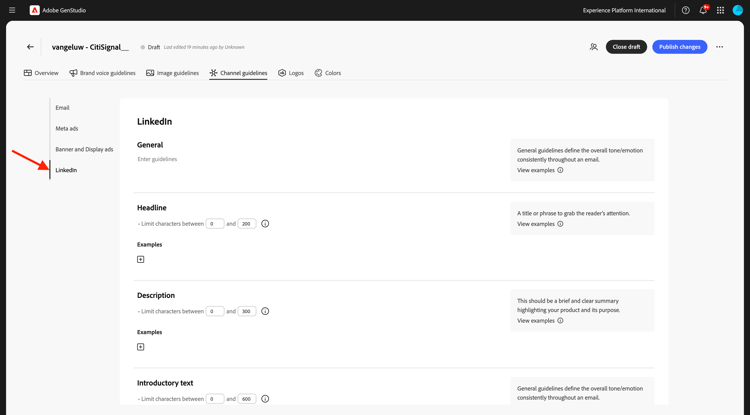
對於LinkedIn,請使用下列值:
-
一般:暫時留空
-
Headline:暫時留空
-
描述:暫時留空
-
簡介文字:暫時留空
-
在影像文字上:暫時留空
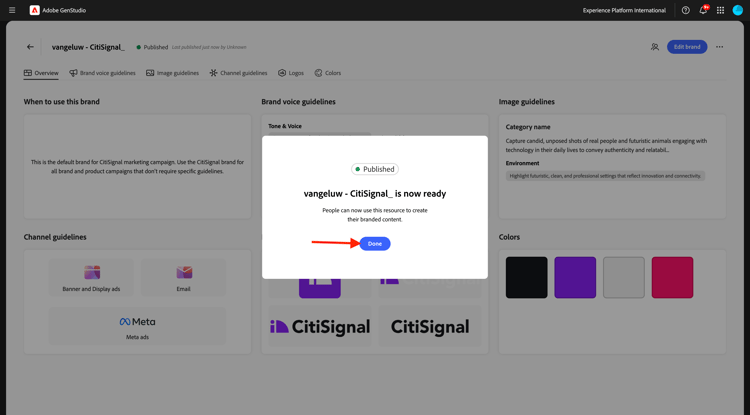
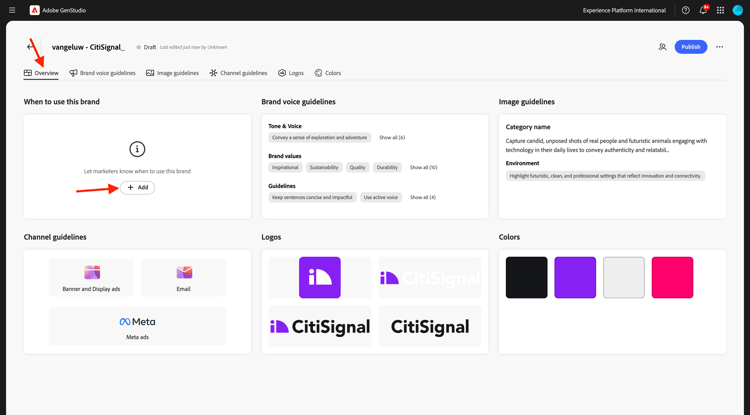
最後,移至總覽。 您現在可以看到所有已設定專案的概觀。 最後要做一件事。 按一下 何時使用此品牌 下的+新增。
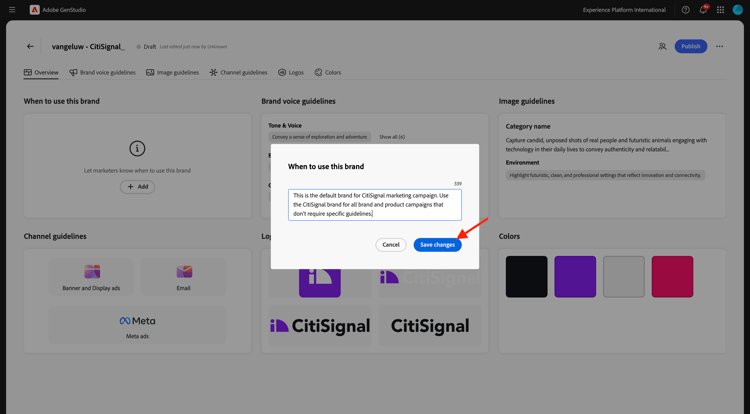
輸入以下文字並按一下儲存變更。
This is the default brand for CitiSignal marketing campaign. Use the CitiSignal brand for all brand and product campaigns that don't require specific guidelines.
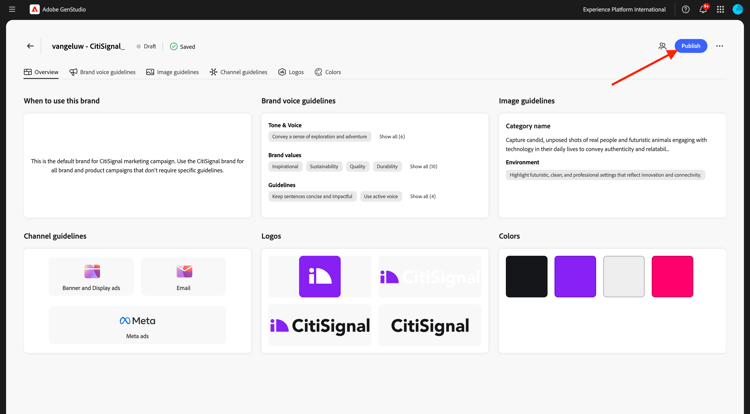
按一下發佈。
再按一下發佈。
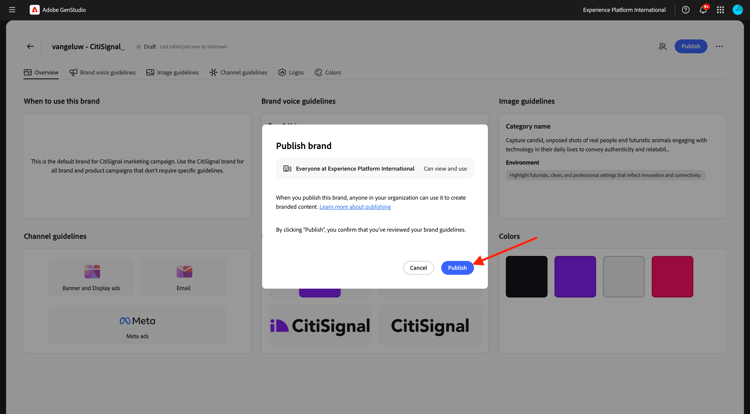
您的品牌現已發佈,此品牌現在可用於建立品牌內容。 按一下「完成」。