要安裝的應用程式
以下是啟動教學課程之前,您在電腦上需要安裝的應用程式概述。
Adobe Creative Cloud
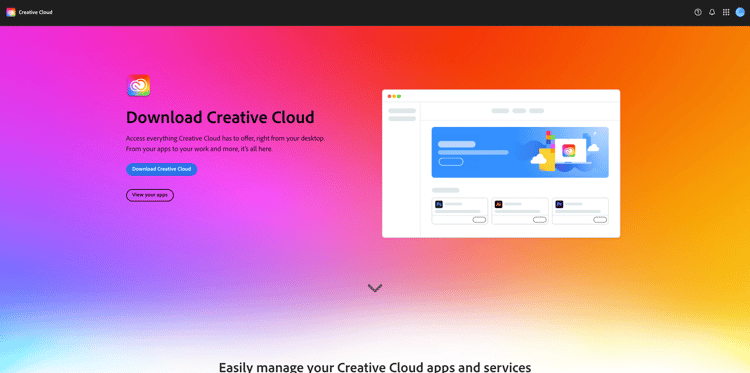
移至https://creativecloud.adobe.com/apps/download/creative-cloud。
Adobe Photoshop
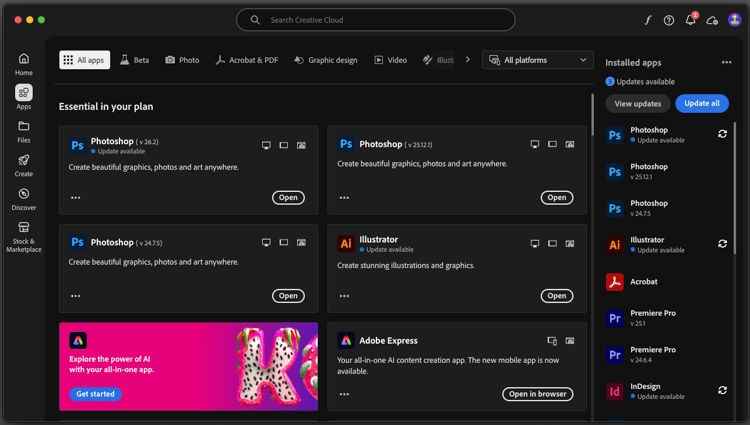
開啟 Adobe Creative Cloud 應用程式,前往應用程式。 在電腦上安裝Photoshop。
Adobe Illustrator
開啟 Adobe Creative Cloud 應用程式,前往應用程式。 在電腦上安裝Illustrator。
Adobe Premiere Pro
從https://helpx.adobe.com/tw/premiere-pro/using/premiere-pro-beta.html在您的電腦上安裝Adobe Premiere Pro Beta版本
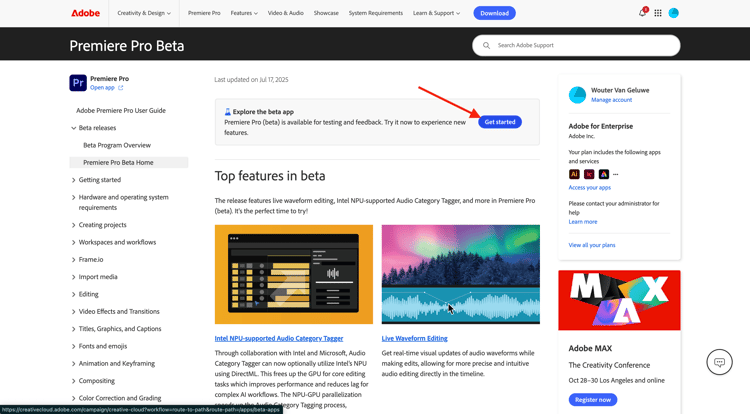
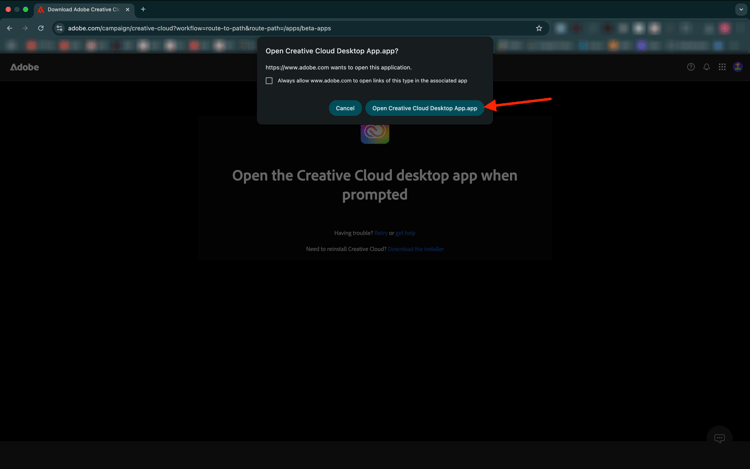
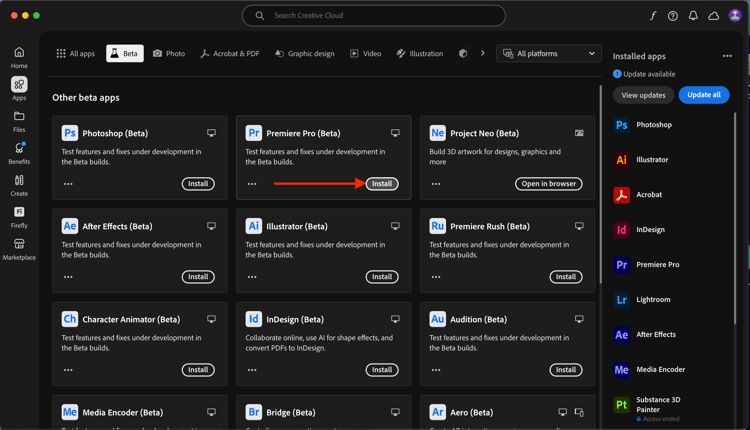
按一下開啟Creative Cloud案頭應用程式。
在 Premiere Pro (Beta) 應用程式的卡片上,按一下安裝。
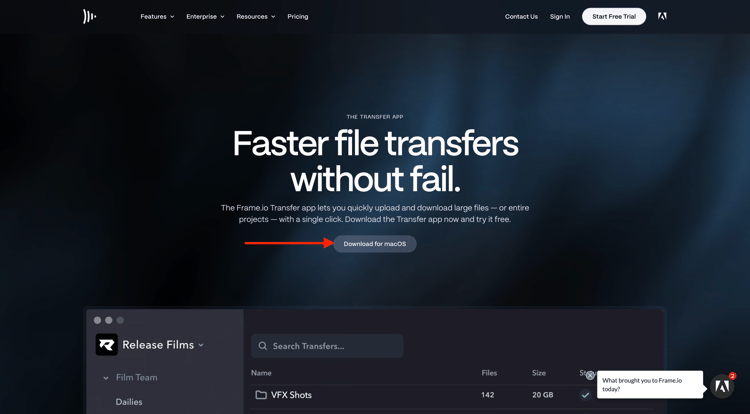
Frame.io傳輸應用程式
移至https://frame.io/transfer下載電腦的版本。
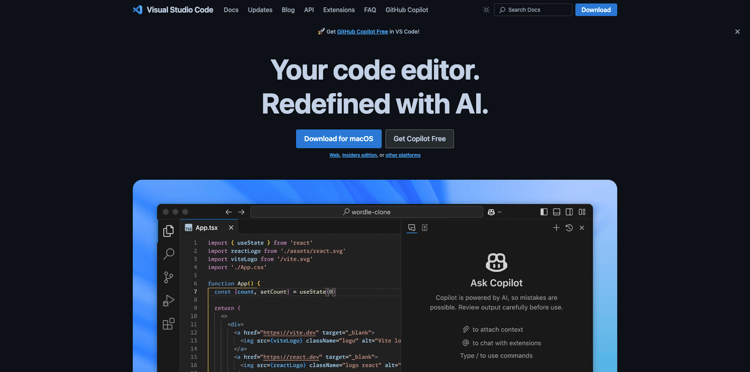
Visual Studio Code
移至https://code.visualstudio.com/,下載並安裝Visual Studio Code。
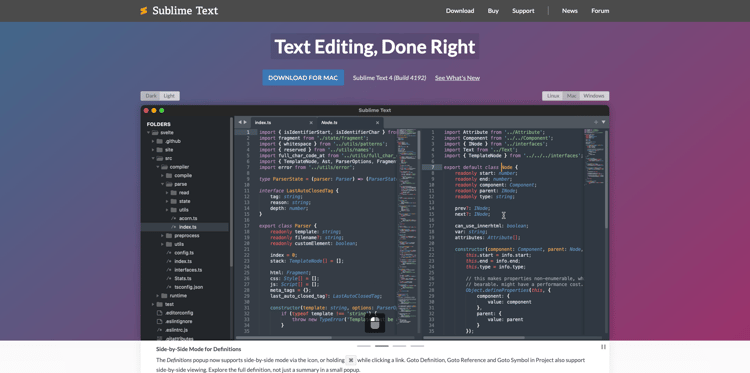
文字編輯器
如果您沒有文字編輯器應用程式,可以前往https://www.sublimetext.com/下載並安裝此文字編輯器。
GitHub帳戶
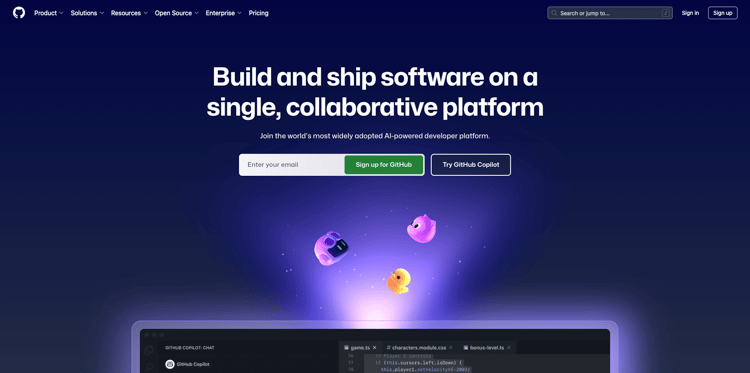
如果您還沒有GitHub帳戶,請前往https://github.com/,然後按一下註冊。 使用您的個人電子郵件地址並建立您的帳戶。
GitHub Desktop
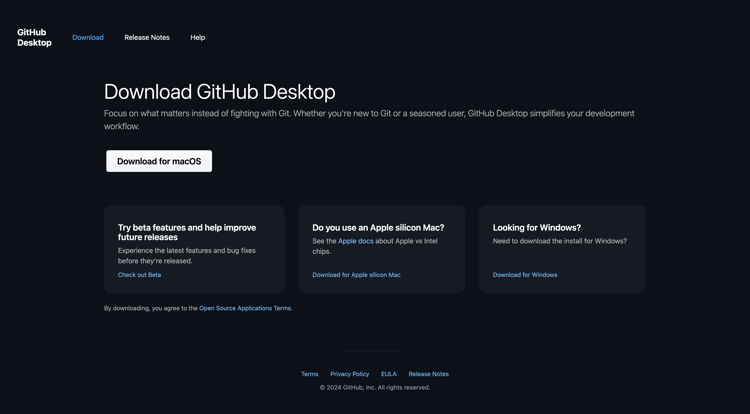
移至https://desktop.github.com/download/,下載並安裝Github案頭版。
Azure儲存體總管
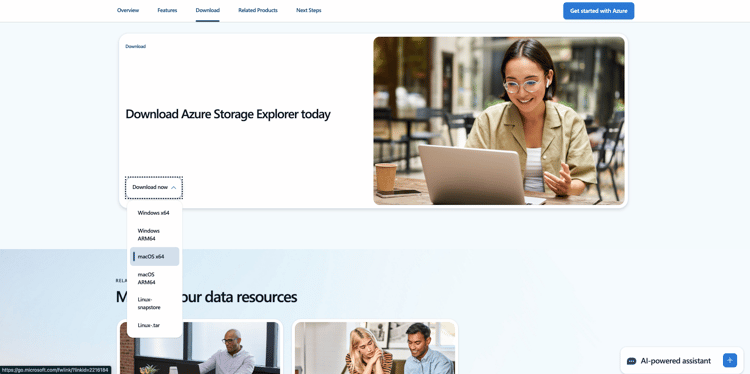
下載Microsoft Azure Storage Explorer以管理您的檔案。 選取適合您特定作業系統的正確版本,下載並安裝。
您現在已完成快速入門模組。
後續步驟
返回快速入門
返回所有模組。/images