1.2.6 CX Enterprise Co-worker和AEM
视频
现场研讨会说明
在本练习中,您需要使用:
- 实例:Adobe技术内部人士
- 用户名: adobetechinsiders-XXX@adobeeventlab.com
- 密码:使用与您共享的密码
- AEM计划:技术内部人士 — AEM + ACCS XXX,您可以通过https://my.cloudmanager.adobe.com访问它
- GitHub存储库: https://github.com/woutervangeluwe/techinsidersXXX-citisignal-aem-accs
1.2.6.1正在查找资源
转到https://experience.adobe.com/#/coworker/chat。 使用您的Adobe帐户登录。 登录后,单击屏幕左下方的用户缩写,并通过如下所示选择实例(--aepImsOrgName--)和沙盒(--aepSandboxName--)来确保已选择正确的实例()和沙盒。
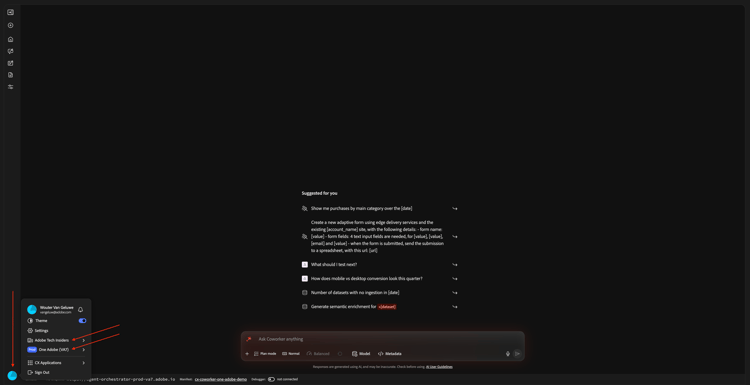
输入以下提示并单击发送。
I want to work with AEM next, please use the AEM environment Tech Insiders - AEM + ACCS X going forward

您应该会看到此内容。
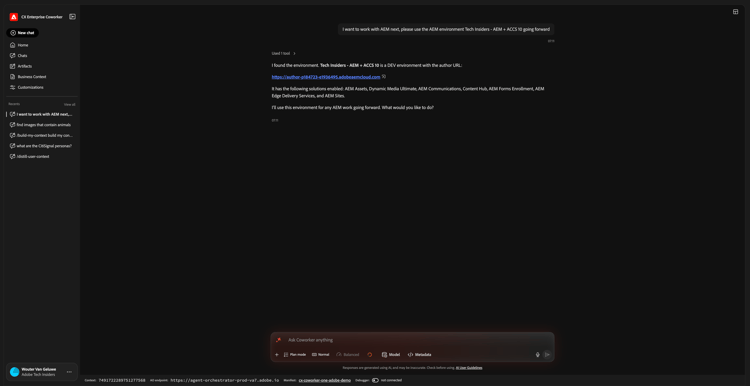
输入以下提示并单击发送。
find all images that contain a gorilla, a lion, a rabbit or a leopard

您应该会看到类似的答案。

1.2.6.2正在更新资源
内容优化 — Assets
内容更新技能可以轻松更新现有内容,包括内容片段、页面、表单和资产。 代理可以执行更新、删除、替换或添加内容元素等操作,以保持体验准确且最新。 输入可以是自然语言描述,在与Jira PDF一起使用时,屏幕截图也可以提供输入。
返回CX Enterprise Co-worker。 输入以下 提示符 并单击发送。
For the first image, generate renditions for Instagram and LinkedIn posts
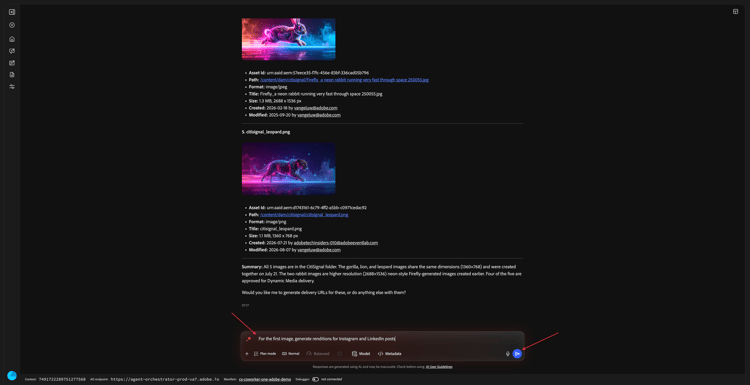
几分钟后,您应该会看到类似的响应。

您可以尝试其他提示。 向上滚动并选择其他建议的提示之一,或输入您自己的提示,然后单击发送。
For the first image, generate a mirrored image

查看生成的图像。

内容更新 — 页面
粘贴以下提示并单击发送。
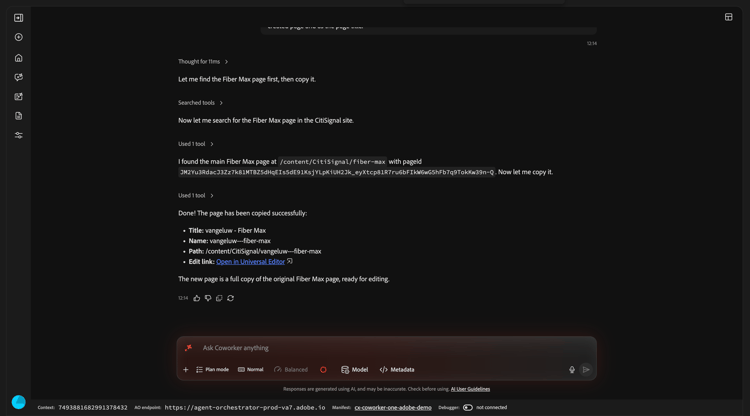
Find the page Fiber Max in the site CitiSignal and make a copy, use the name --aepUserLdap-- - Fiber Max as the newly created page and as the page title.

您应该会看到此内容。
粘贴以下提示并单击发送。
On the newly created page --aepUserLdap-- - Fiber Max in the site CitiSignal, please make the following changes:

- change the word 'winter' to 'spring'
- change the word 'lion' to 'leopard'
- change the image in the hero block to use the image 'citisignal_leopard.png'
- change the text '99.9% network reliability' to '99.999% network reliability'

出现提示时,查看更改,然后选择 继续 并单击提交。

您应该会看到此内容。 单击链接以预览更改的页面。

这是您的页面。

如果您对更改感到满意,请选择提升,然后单击提交。
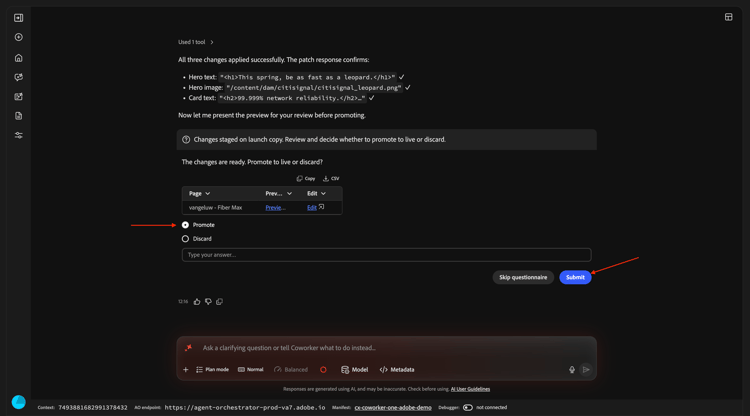
在出现提示时提供所需的权限。

您应该会看到此内容。

输入以下提示并单击发送。
Add a link to the newly created page --aepUserLdap-- - Fiber Max in the navigation of the website next to Entertainment, which is in the Header (nav) page

如果您对更改感到满意,请选择继续,然后单击提交。

如果您对更改感到满意,请选择提升,然后单击提交。

在出现提示时提供所需的权限。

您应该会看到此内容。

访问您的网页,您现在应该会看到更新的导航和Fiber Max页面。

内容更新 — 表单创建
输入以下提示。 单击 + 图标。
Create a new Edge Delivery Service Adaptive Form using the attached screenshot and https://github.com/woutervangeluwe/techinsidersX-citisignal-aem-accs github repository

选择附加文件。

将文件CitiSignal_Form.jpg下载到您的桌面。


打开文件。 你会看到一个手写的表格。 现在,您将根据该手写文件在AEM中创建一个新表单。

选择文件CitiSignal_Form.jpg,然后单击打开。

您应该会看到此内容。 单击发送。

在提示时提供对同事的权限。

您的表单现已创建。 在AEM中打开表单。

您的表单现在看起来像这样,与之前提供的手写绘图完全相同。

输入以下提示并单击发送。
Configure the form submission to post to 'https://hook.fusion.adobe.com/towc5m6h2ggdxkrrp5i0d277732uaqv8' and configure a thank you message that shows 'Thank you for submitting the form' after submitting it.

您应该会看到此内容。

输入以下提示并单击发送。
Create a new page in the website CitiSignal with the name `--aepUserLdap-- - Fiber-Max-Interest-Form'. Set the Page Title to `Fiber Max Interest Form'. Make sure that the page doesn't have any other content. Embed the form in a new section on that page.

您应该会看到此内容。

预览页面。

输入以下提示并单击发送。
Publish the new page. Also, on the existing page '--aepUserLdap-- - Fiber Max', there's a text that says 'Fill out the form here to get started.'. Add a link to that line which takes people who click the link to the new page that has the form.

您应该会看到此内容。
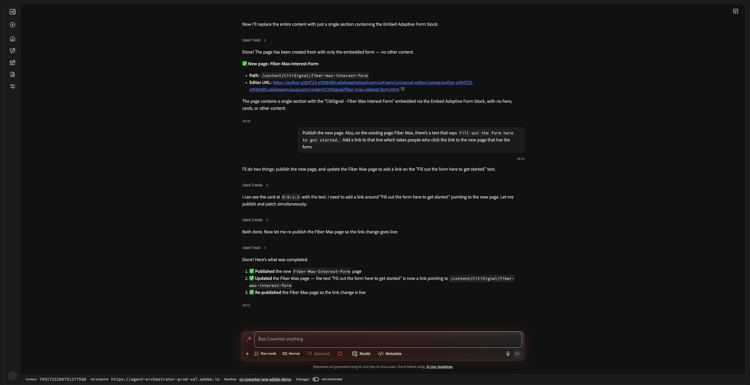
输入以下提示并单击发送。
Can you also publish the form?
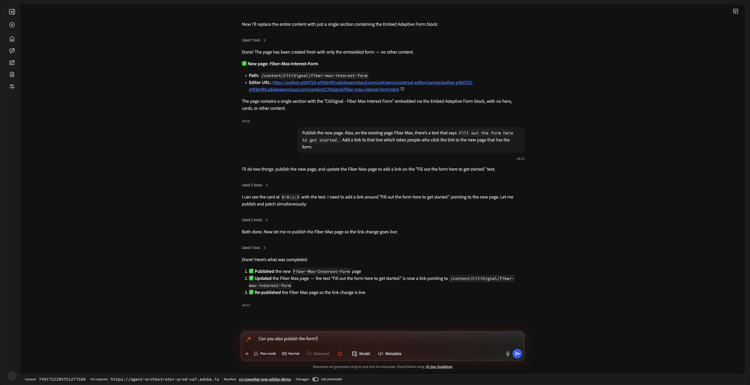
您应该会看到此内容。

转到您的网站,转到页面Fiber Max。 单击链接以填写表单。
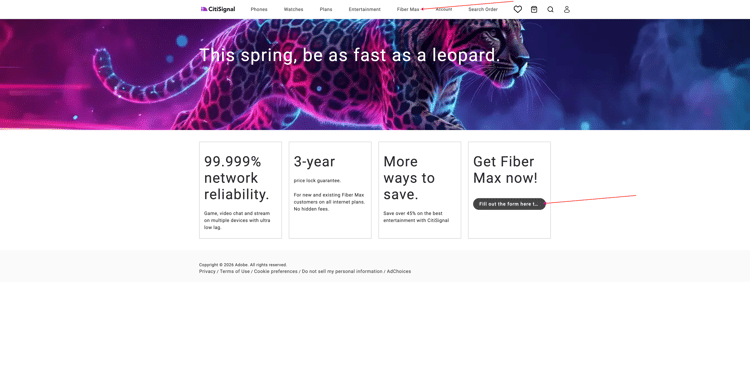
填写表单,然后单击提交。

内容更新 — 内容片段
返回到https://experience.adobe.com/#/coworker/chat上的同事聊天。
输入以下提示并单击发送。
Find the content fragment CitiSignal Fiber Max and make a copy, use the name --aepUserLdap-- - CitiSignal Fiber Max for the newly created content fragment

在出现提示时提供所需的权限。

您应该会看到此内容。

打开您的AEM创作环境,然后转到内容片段。

您现在应该会看到之前创建的内容片段。

返回到CX Enterprise Co-worker聊天。 输入以下提示并单击发送。
Find the content fragment --aepUserLdap-- - CitiSignal Fiber Max and make a variation called --aepUserLdap-- - CitiSignal Fiber Max (FR), then translate all fields into french

在出现提示时提供所需的权限。

您应该会看到此内容。 已成功创建您的片段变量。

您现在还可以在AEM UI中看到新变量。

接下来,使用CX Enterprise Co-worker将您的内容片段翻译成更多变体。 输入以下提示并单击发送。
now do the same thing for CitiSignal's top markets and their languages

然后, CX Enterprise Co-worker将从您在上一个练习中上传的Business Context文件中获取有关主要市场的信息。
几分钟后,您应该会看到此内容。

返回到AEM UI并刷新屏幕。 您现在可以在内容片段中看到新变体。

您现在已经完成了这个实验。
后续步骤
转到CX Enterprise Co-worker和Workfront