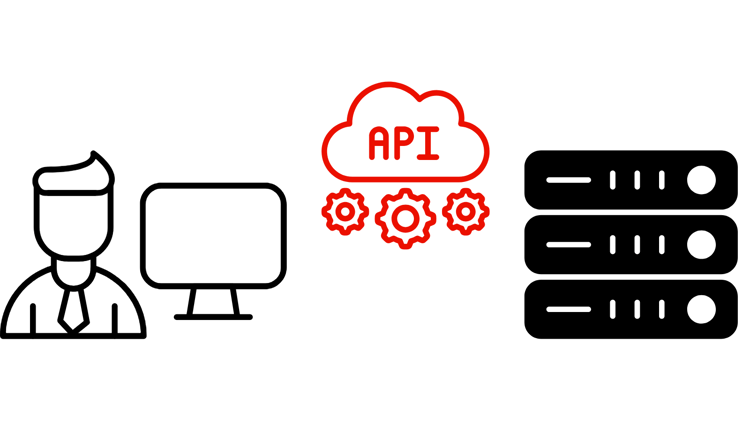
用于构建器的API
Adobe CX Enterprise API允许开发人员和人工智能辅助编码代理工具直接访问Adobe数据和工作流。 使用它们可以构建自定义应用程序、自动集成,并将Adobe功能嵌入您自己的系统中。 当您需要以编程方式全面控制系统集成,或需要在Adobe数据的基础上构建应用程序时,API是您的正确选择。 有关对Adobe工作流的代理驱动对话访问,请参阅MCP服务器。
Adobe CX Enterprise API
报表、数据馈送、计算量度和区段管理。
用于目录、购物车、订单、客户和促销的REST和GraphQL API。
用于数据集、架构、配置文件、身份、查询和分段的CRUD操作。
历程编排、营销活动管理、内容模板和Offer Decisioning。
适用于Adobe Experience Manager的内容、资源和工作流管理API。
受众管理和激活工作流。
Mobile SDK、边缘SDK和应用程序内消息传送。
Analytics数据访问、报表和CJA分析工作流。
Edge Network数据摄取、实时事件收集和流式数据交付。
API项目设置、身份验证和凭据管理。
事件驱动型集成、Webhook和自动化触发器。
隐私工作流、数据治理和数据主体请求。
用户管理、身份管理和企业帐户自动化。
使用API构建

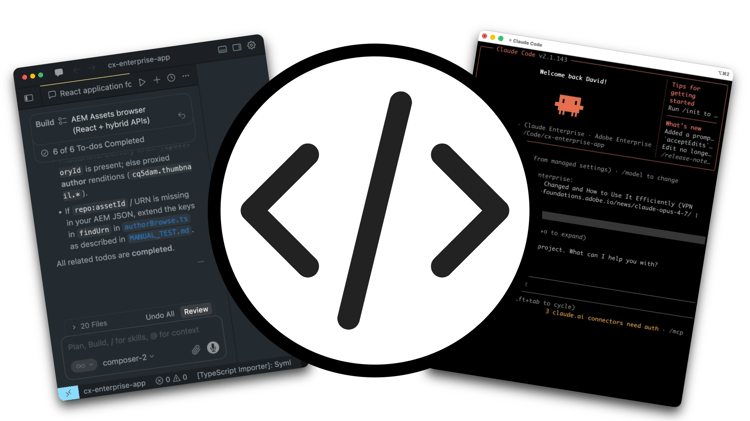
编码代理(如Claude Code 、 Cursor和OpenAI Codex )非常适合于使用Adobe CX Enterprise API进行构建。 将OpenAPI规范添加到您的项目中,代理程序无需手动布线即可发现端点、构建请求以及有关API行为的原因。 首先,您需要以下两项内容:来自Adobe Developer Console的经过身份验证的凭据以及添加到项目中的API文档。
在Adobe Developer Console中设置API凭据
所有Adobe CX Enterprise API访问均通过Adobe Developer Console进行管理。 创建项目、添加应用程序所需的API并生成凭据。
- 登录并在Adobe Developer Console中创建项目。
- 为所需的Adobe CX Enterprise应用程序添加API。
- 选择身份验证类型。 将 OAuth服务器到服务器 用于自动化工作流,或将 OAuth Web应用程序 用于面向用户的应用程序。
- 生成您的凭据。 请注意要在应用程序中使用的客户端ID、客户端密钥和令牌端点。
大多数Adobe CX Enterprise API都需要应用程序许可。 如果API在您的Developer Console项目中不可用,请联系您的Adobe代表。
将Adobe API上下文添加到您的项目
当您将正确的参考资料添加到项目时,AI编码代理可以可靠地发现并使用Adobe API。 这适用于发布OpenAPI规范的任何Adobe CX Enterprise API。
1. 查找API规范
浏览上面列出的Adobe CX Enterprise API,或直接转到Adobe Developer API目录。
2. 下载OpenAPI规范
在您的项目中创建一个/specs目录。 从developer.adobe.com上的API引用页面下载OpenAPI YAML并将其保存在该处。 添加README.md以记录源URL和下载日期。
/specs/README.md
/specs/aem-assets.openapi.yaml
3. 生成API索引
将此提示粘贴到编码代理中,将<API-SPEC-FILE>替换为您的文件名:
Read /specs/<API-SPEC-FILE>.openapi.yaml and generate /docs/<API-SPEC-FILE>.api.md.

Create a concise API index for AI coding agents. For each operation include: operationId, HTTP method, path, purpose, authentication requirements, required inputs, response shape, common error responses, pagination behavior, asynchronous behavior, and deprecation status.

Do not invent endpoints, parameters, request bodies, response fields, or behavior not present in the OpenAPI specification.
4. 生成代理说明
Read /specs/<API-SPEC-FILE>.openapi.yaml and /docs/<API-SPEC-FILE>.api.md.

Generate AGENTS.md. Instructions should:
- Treat the OpenAPI specification as the source of truth.
- Use the API index as a navigation guide.
- Never invent endpoints, parameters, response fields, or status codes.
- Prefer documented operationIds.
- Avoid deprecated or experimental APIs unless explicitly requested.
- Follow authentication requirements defined in the specification.
- Use the local OpenAPI snapshot for implementation decisions.
5. 验证
要求编码代理仅使用生成的文件完成简单任务:
Write a function that takes an AEM asset ID and returns the asset title and description. Use only /specs/aem-assets.openapi.yaml and /docs/aem-assets.api.md.
如果代理程序正确完成它而没有发明行为,则设置完成。
推荐的项目结构
project/
├── specs/
│   ├── README.md
│   └── aem-assets.openapi.yaml
├── docs/
│   └── aem-assets.api.md
└── AGENTS.md
保持规格为最新
当Adobe发布新的API版本时:将新的快照下载到/specs中,更新README.md中的日期,并重新生成索引和AGENTS.md。
正在运行的API
API为开发团队提供了完全的编程控制,以构建可自动执行特定CX Enterprise工作流的重点应用程序。 这些演练展示了端对端构建的实际集成,从凭据设置到组织可发送的工作代码。