Specify a preferred support phone number
When you are assigned an Admin role, such as Product Support Admin, you receive an email confirming that you have administrator permissions to manage the instance.
The email now contains the text below in red that explains how to go to your Account Profile and share with us your preferred Support Phone Number.
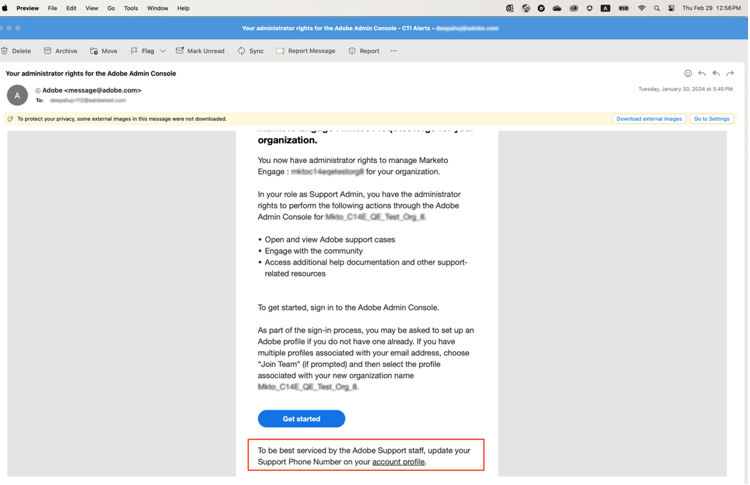
To specify your preferred phone number:
-
Click on the Account Profile link to open a new window to sign in using
account.adobe.com.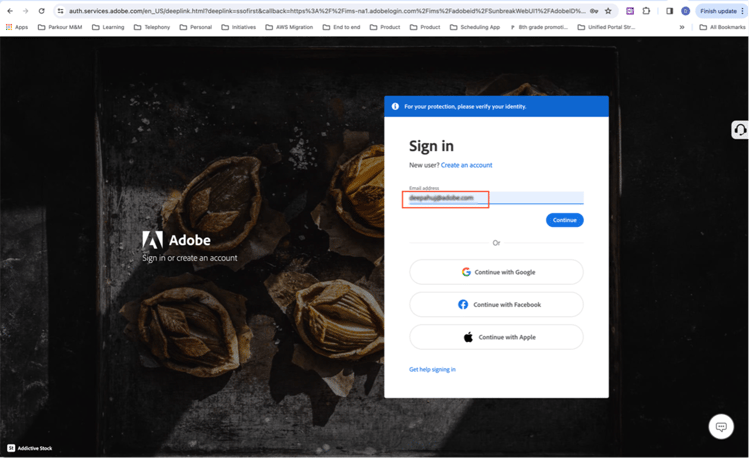
-
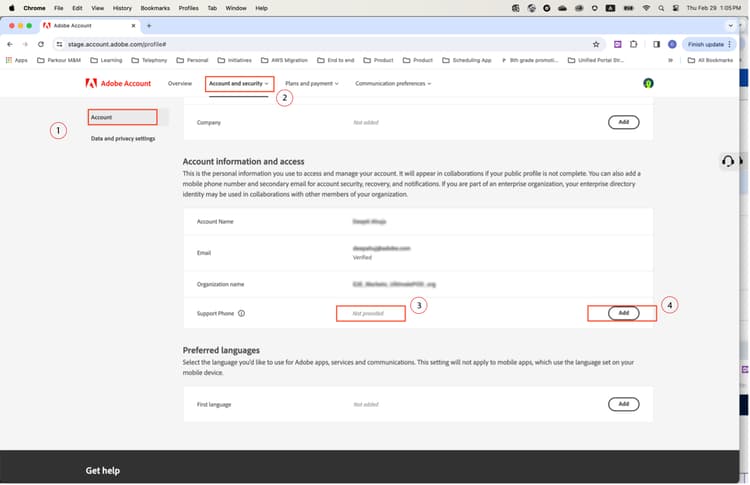
Go through the login process and land on the screen below on
account.adobe.com. -
Select Account and security > Account to see the Support phone number field.
-
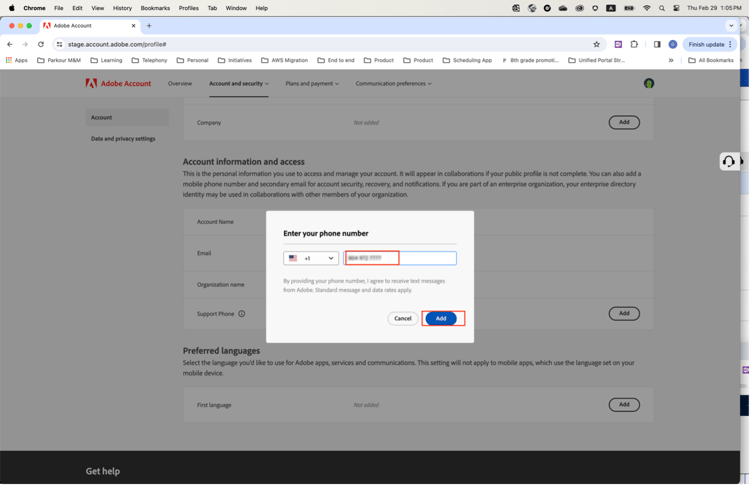
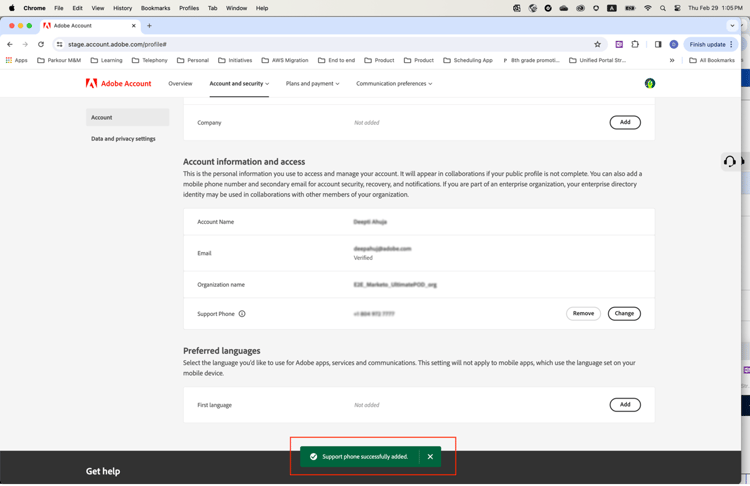
Add a phone number here that you would like us to use for recognizing you for your support needs.