Cycles and Eevee - Susbtance Painter
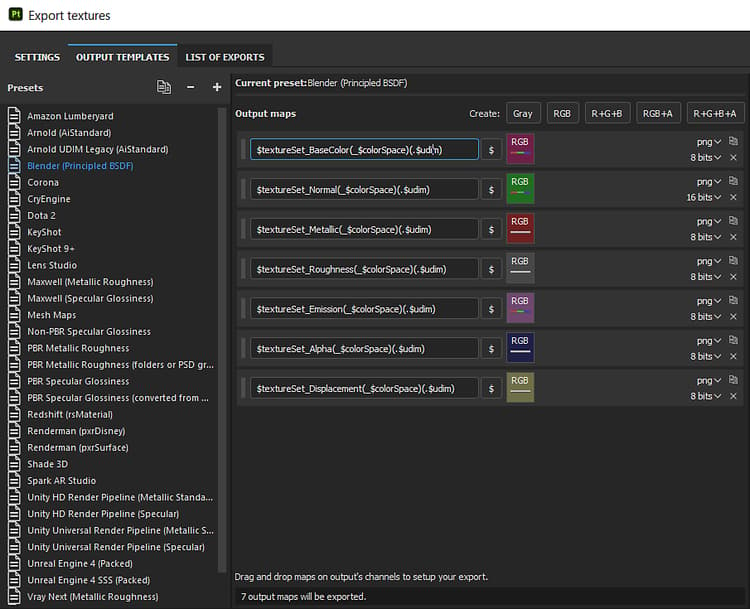
A custom template can be made for exporting textures to Blender.
- With the PBR Metal Roughness template selected, click the Duplicate button to make a copy.
- Change the Normal type on the copy from DirectX to OpenGL by dragging the option from Converting Maps to the Normal RBG square and selecting “From RBG”.
- Rename the Preset if desired
NOTE
Maps that represent data will need to be interpreted correctly. Please see the Color Managementpage for more information.
recommendation-more-help
substance-3d-help-substance-3d-integrations