Managing Substance Graphs
Managing Substance Graphs
You can create new materials based on the Substance material using the Substance Graph Manager (SGM).
-
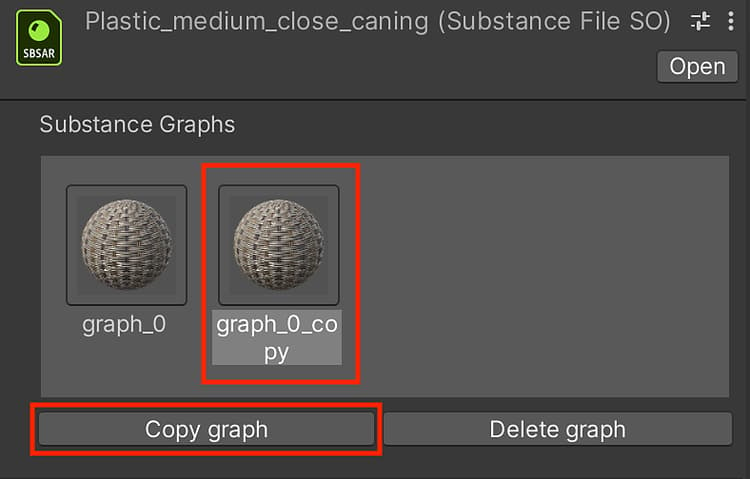
Click on the sbsar root object in the Project window.
-
In the Inspector, you can create a new material by clicking “Copy graph” button in the manager window as shown in step 1.
-
A new material and Substance Graph Object (SGO) are created in the Project.
-
You can click the “Delete graph” button to properly remove the material.
recommendation-more-help
substance-3d-help-substance-3d-integrations