API Overview
Substance.Game
Using Substance.Game
Substance.Game is the assembly that contains the classes used for scripting. These classes are as follows:
**Substance.Game.**Substance: References the sbsar
Substance.Game.SubstanceGraph: Individual graph in the sbsar.(used to be ProceduralMaterial in Unity 2017)
Scripting Process
- Create an instance of SubstanceGraph
- Set parameters on the graph instance.
- Queue the Substance for Rendering: QueueForRender() will add the substance graph to a queue. This list will be processed by the next call to RenderAsync or RenderSync.
Graph instance parameters
// panel color

mySubstance.SetInputColor("paint_color", color);


// panel size

mySubstance.SetInputVector2("square_open", panelSize);


// wear level

mySubstance.SetInputFloat("wear_level", wearLevel);
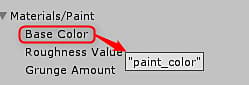
The value in quotes is the parameter Identifier set in Substance Designer.
In the Unity Inspector, you can mouse over a parameter to reveal a tooltip that showcases the name of the Identifier set in Substance Designer.
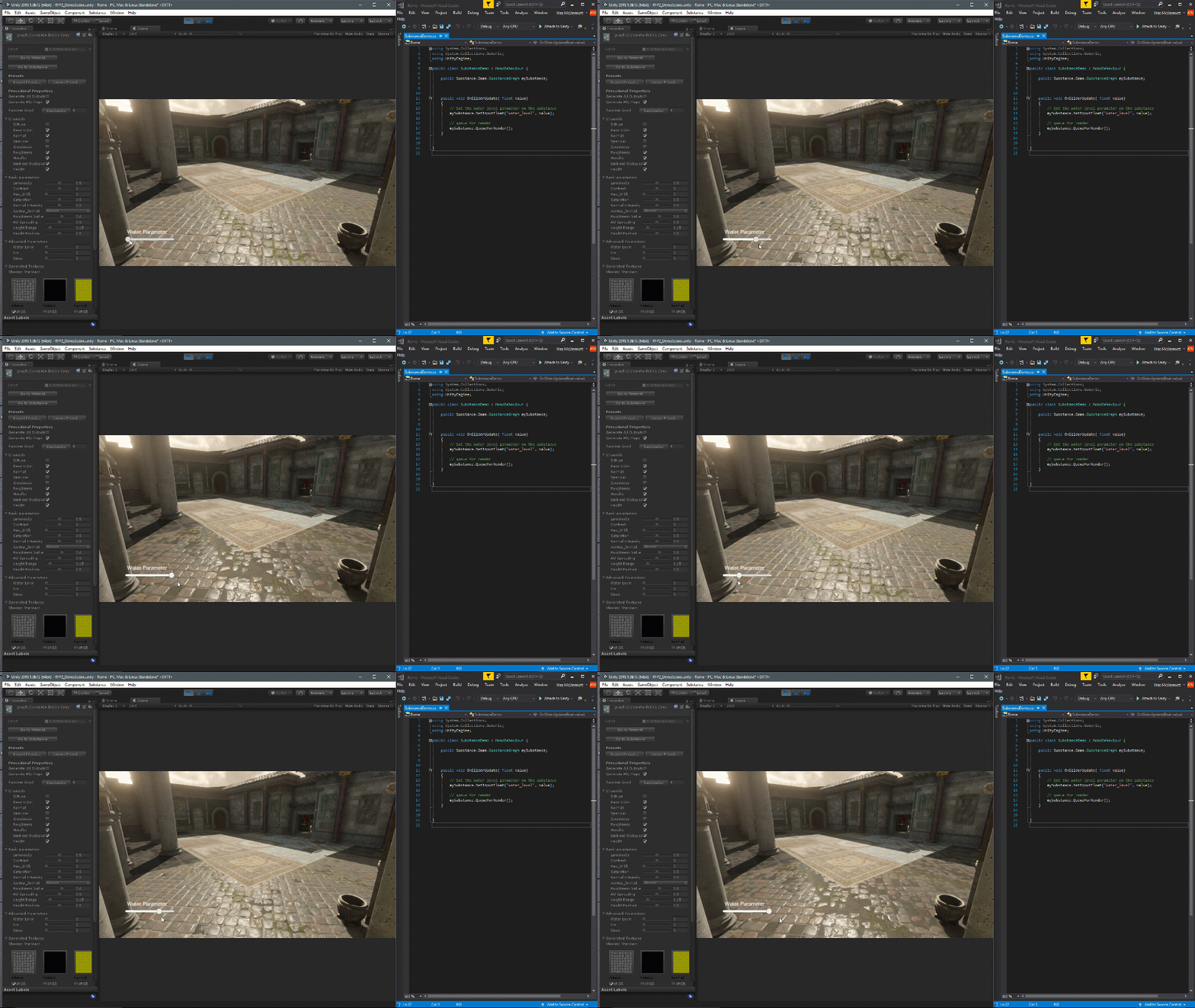
Queue the substance for rendering
// queue the substance to render

mySubstance.QueueForRender();


//render all substances async

Substance.Game.Substance.RenderAsync();
NOTE
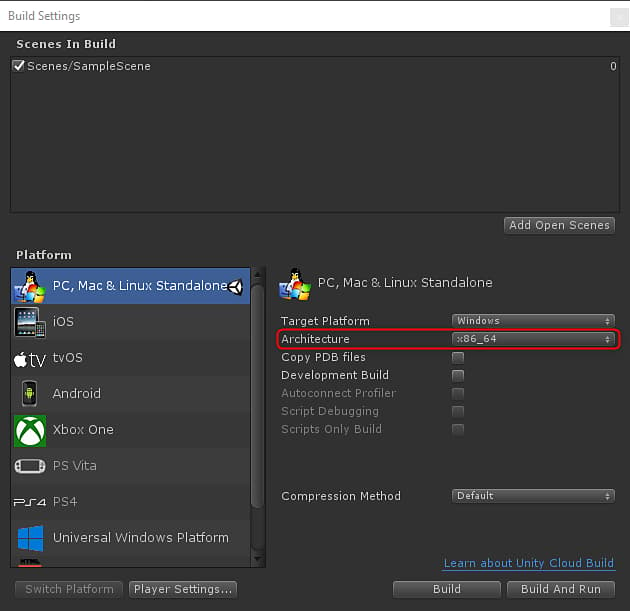
Currently, we only support x86_64 Architecture. You need to set x86_64 in the Build Settings
recommendation-more-help
substance-3d-help-substance-3d-integrations