GPU Raytracing
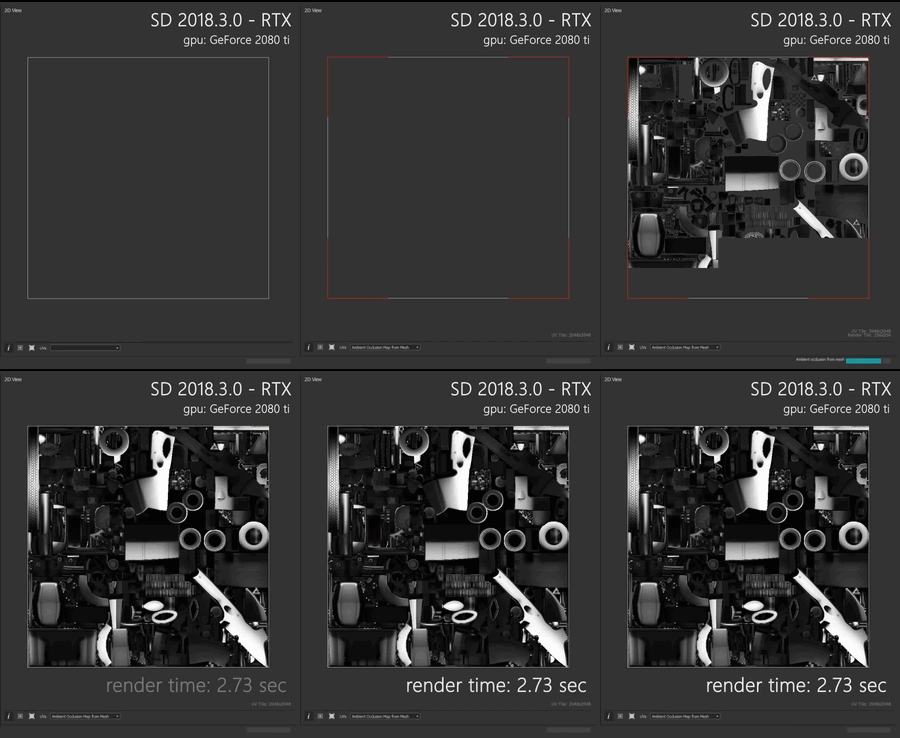
Some bakers support hardware acceleration of raytracing on the GPU, which usually increases computation speed by a factor of 25 or more.
Hardware requirements
Ray tracing will automatically be enabled if the system follows these requirements:
- A compatible GPU is installed* (RTX series, Titan V or GeForce 10xx)
- GPU drivers are up to date
- Windows 10 ‘Fall Creator’ / October update (ver 1809) or higher is installed**
*: Compatible NVIDIA GPUs include all GPU using the Pascal architecture or more recent. I.e., the GTX 10 series, Titan V series, RTX 20 series, or more recent.
**: To check your Windows version, click on the Start menu, type ‘winver’ and press Enter.
You can get the update through the dedicated page on the Microsoft support website.
Supported bakers
The tables below lists GPU raytracing support for every baker, according to the Substance 3D bakers version:
| table 0-row-2 1-row-2 2-row-2 3-row-2 4-row-2 5-row-2 6-row-2 7-row-2 | |
|---|---|
| Baker | Supports GPU raytracing |
| Ambient occlusion |

|
| Bent normal |
|
| Color |
|
| Curvature |
|
| Height |
|
| Normal |
|
| Normal world space |

|
| table 0-row-2 1-row-2 2-row-2 3-row-2 4-row-2 5-row-2 6-row-2 | |
|---|---|
| Baker | Supports GPU raytracing |
| Opacity mask |
|
| Position |
|
| Position low |
|
| Thickness |
|
| Transferred texture |
|
| World to tangent |
|
| table 0-row-2 1-row-2 2-row-2 3-row-2 4-row-2 5-row-2 6-row-2 7-row-2 8-row-2 | |
|---|---|
| Baker | Supports GPU raytracing |
| Ambient occlusion |
|
| Ambient occlusion from mesh |
* |
| Bent normals from mesh |
* |
| Color from mesh |
* |
| Convert UV to SVG |
|
| Curvature from mesh |
* |
| Height from mesh |
* |
| Normal from mesh |
* |
| table 0-row-2 1-row-2 2-row-2 3-row-2 4-row-2 5-row-2 6-row-2 7-row-2 | |
|---|---|
| Baker | Supports GPU raytracing |
| Opacity mask from mesh |
* |
| Position from mesh |
* |
| Position |
|
| Thickness from mesh |
* |
| Transferred texture from mesh |
* |
| World space direction |
|
| World space normals |
|
*: Supports CPU raytracing, which is significantly slower than GPU raytracing.