Mesh parts bleed between each other
WARNING
Issue
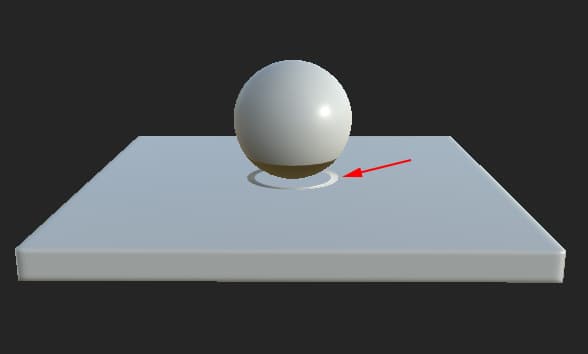
Mesh geometry bleeds on other parts and create artifacts.
NOTE
Explanation
The baking process sends rays from the low-poly mesh surface to hit the high-poly mesh to create a match. Sometimes the rays go too far and hit the wrong geometry, creating the bleeding and artifacts.
NOTE
Solution
A few solutions are available to avoid this issue :
- Use the Matching by Name feature to isolate the meshes
- Use a cage to limit the ray distance.
- Change the default ray distance in the common baker settings to a lower value.
recommendation-more-help
substance-3d-help-substance-3d-bake