Export
IMPORTANT
Future change
Support for environment lights and meshes will be removed with the release of Sampler V5.2
Sampler supports major file formats for your assets:
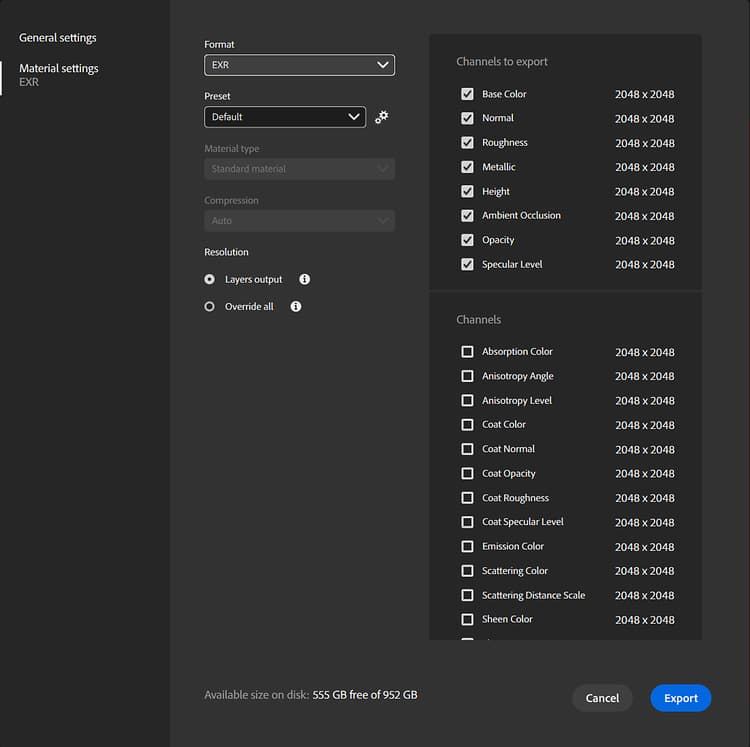
- Materials as Substance files (.SBS and .SBSAR), or bitmap textures (.PNG, .JPG, .TIFF, …)
- Environment lights as Substance files (.SBS and .SBSAR), or textures (.EXR)
- Meshes (USD/USDA/USDZ, glTF/GLB, obj, fbx, stl)
See the following pages for more information:
recommendation-more-help
cfc4e62b-a372-4470-ab96-9509c6c56b57