Snow

In: Wear and Finish
Description
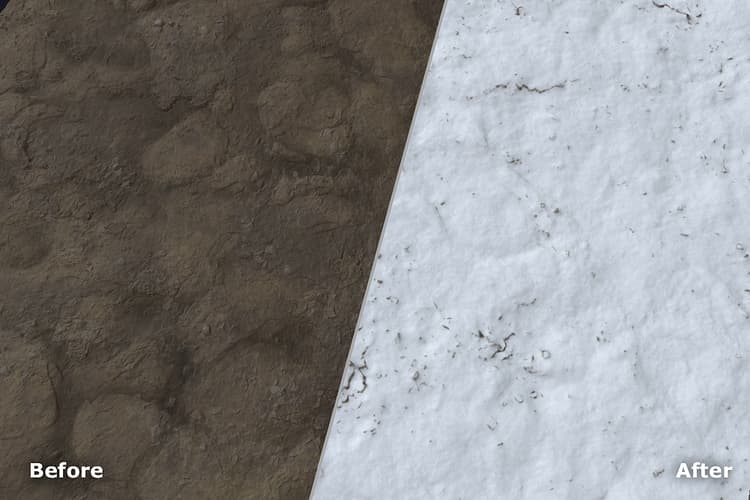
Use the Snow filter to add anything from a dusting to a few feet of snow to your material.
Parameters
Basic parameters
-
Random Seed:
The random seed determines the random values of other parameters that use randomness in this filter. -
Fresh Snow: 0-1
Change the amount of snow. -
Melted Snow: 0-1
Control the amount of melted snow. This parameter is highly sensitive. -
Buildup: 0-1
Adjust how much the snow has built up over time. This obscures underlying height details. -
Smoothness: 0-1
Control how smooth the snow appears. This obscures underlying height details when increased, and can make snow appear softer and deeper. -
Flakes Intensity: 0-1
Adjust how visible individual flakes of snow are. -
Use Custom Mask: toggle
Enable or disable the use of a custom mask. If enabled the following parameters appear:- Custom Mask: image/brush
Select an image to use as a mask or use the brush to paint a custom mask directly in the 2D view. - Mask Blur: 0-1
Blur the mask. - Mask Intensity: 0-1
Adjust the opacity of the mask.
- Custom Mask: image/brush