Match

In: Tools
Description
The Match filter allows you to to match the color and roughness of your material with chosen parameters or another material.
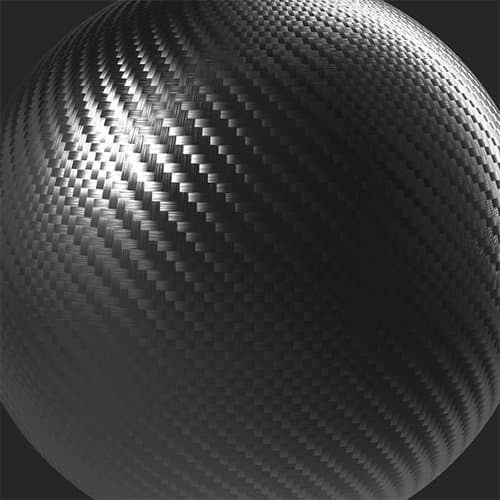
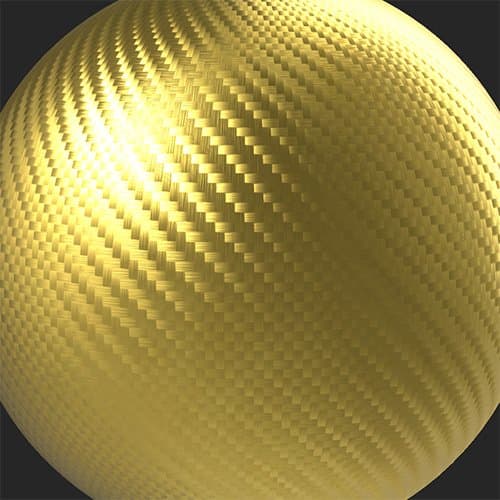
The images below show the Match filter being used to convert a carbon fiber material into patterned gold by adjusting the base color.
| table 0-row-2 0-border-0 1-border-0 2-border-0 html-authored no-header | |
|---|---|
|
|
Parameters
Basic parameters
-
Target Mode:
Choose whether to match with an input material or custom parameters. Available parameters depend on which Target Mode is selected.-
Input
- Radius: 0-50
Adjust the radius of the matched area - Presets:
Select whether to match just color, or both color and roughness. This selection changes what options are available in Advanced Parameters
- Radius: 0-50
-
Parameter
- Presets:
Select whether to match just color, or both color and roughness. This selection changes what options are available in Advanced Parameters - Base Color: color select
Select the color to match - Roughness: 0-1
Set the roughness to match
- Presets:
-
Advanced Parameters
- Input Tiled: toggle
Enable this if the input tiles to improve the match at the edges of the material - Basecolor - Match Target: 0-1
Adjust the strength of the basecolor matching - Roughness - Match Target: 0-1
Adjust the strength of the roughness matching
recommendation-more-help
substance-3d-sampler-help-guide