Pavement
In: Generators
Description
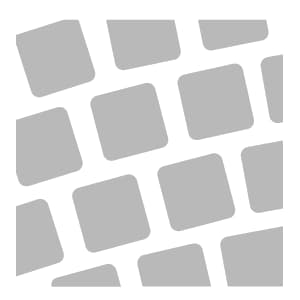
Convert your material into a pavement pattern. The Pavement filter includes a number of options to change the style of pattern quickly and easily.
An example of the Pavement filter.
Parameters
Basic parameters
- Random Seed:
The random seed determines the random values of other parameters that use randomness in this filter. - Base Material Scale: 0-1
Control the scale of the material used in each brick - Brick Spacing: 0-1
Modify the amount of space between bricks - Corner Roundness: 0-1
Make the corners of bricks more or less rounded. - Edge Roundness: 0-1
Smooth the edges of bricks to make them appear more worn from use - Tilt Intensity: 0-1
Change the strength of the random tilt applied to each brick - Random Elevation Intensity: 0-1
Modify the height variation of bricks relative to each other.
Pattern
Each pattern has a different set of parameters available that will appear when the pattern is select in Pattern Type. Experiment with parameters to see the effect.
- Pattern Type:
Select the pattern to lay the bricks.
Joint
- Joint Height: 0-1
Modify the height of the material between bricks - Joint Width: 0-1
Adjust how far the material between bricks overlaps the edges of bricks - Joint Width Variation: 0-1
Adjust the randomness of the Joint Width - Joint Luminosity: 0-1
Modify the appearance of the material between bricks. This can be useful for masking purposes.
Advanced parameters
- Surface Intensity: 0-1
Control the strength of the normals for surface deformations like cracks or dents. - Surface Size (cm): 0-1000
Adjust the physical size represented by the material - Surface Height Scale (cm): 0-1000
Change the physical space represented by the height map - Surface Smoothness: 0-1
Control the amount of variation and detail in the surface - Surface Poke: 0-1
Add damage or variation to the surface by modifying the height and normals at random - Surface Poke Mask Threshold: 0-1
Modify the threshold of the mask used to control Surface Poke - Enable Scalemap: toggle
Use a scalemap to adjust the size of bricks based on their position - Scalemap Intensity: 0-1
Adjust how much the scalemap impacts the scale of bricks.
recommendation-more-help
substance-3d-sampler-help-guide