Pattern
In: Generators
Description
Add a pattern to your material from one of the available options, or use an image or brush to customize your own.
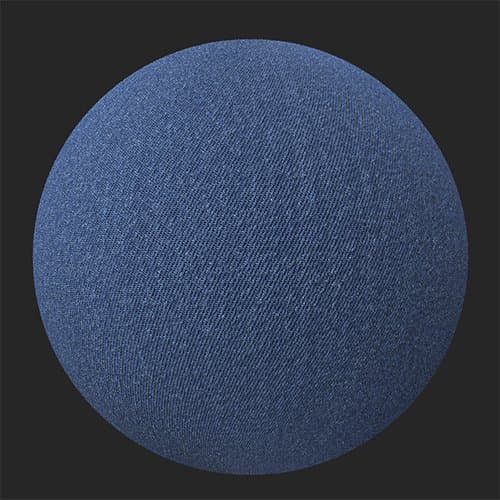
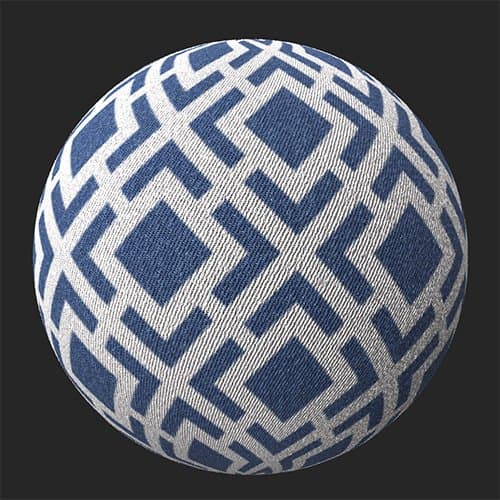
An example of the Pattern filter applied to denim.
| table 0-row-2 0-border-0 1-border-0 2-border-0 html-authored no-header | |
|---|---|
|
|
Parameters
Basic parameters
- Random Seed: 0-1
The random seed determines the random values of other parameters that use randomness in this filter. - Pattern : Image picker and/or paint
Select a pattern in the texture generator or import one - Color Mode Selection : Material or Color Only\ Material mode influence all PBR channels and the Color Only mode influence only the BaseColor of the material.
- Color Amount : 1-10
Select the amount of color active from the pattern - hue: 0-1
Adjust the color hue of the pattern - Mask Color : toggle
Mask the color selected, depends on the Color Amount - Replace Color: toggle
Replace the color selected, depends on the Color Amount - Roughness: 0-1
Set the roughness of the selected color, depends on the Color Amount - Metallic: 0-1
Set the roughness of the selected color, depends on the Color Amount - Emboss Mode: toggle
Select the direction of the Emboss of the selected color,depends on the Color Amount - Emboss Intensity: 0-1\ Adjust the strengh of the embossing of the selected color, depends on the Color Amount
- Emboss Distance: 0-1
Stretch and smooth the embossing zone of the selected color, depends on the Color Amount - Emboss Grain: 0-1
Add grain in the selected color, depends on the Color Amount
recommendation-more-help
substance-3d-sampler-help-guide