Output templates
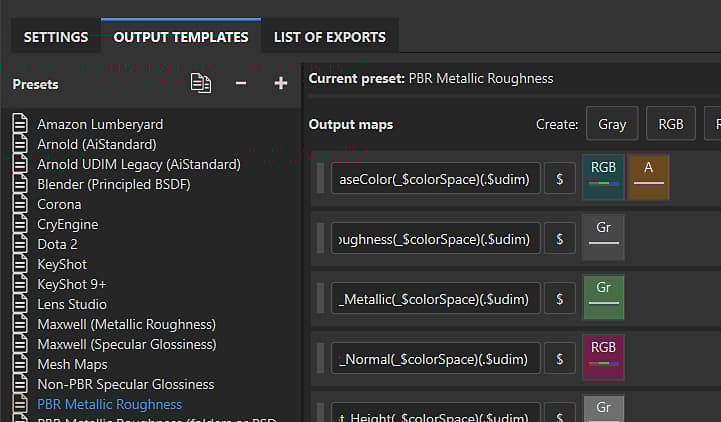
Substance 3D Painter has two types of Output template that can be used to control the behavior of the export process.
- Default Output templates are designed to work with specific 3D applications or workflows, and are available in the Output templates tab of the Export window. It’s possible to duplicate and modify a Default template or create your own template from scratch.
- Predefined Output templates cannot be modified. Predefined templates appear at the top of the Output template dropdown list on the Settings tab of the Export window.
recommendation-more-help
substance-3d-painter-help-guide