Node alignment tools

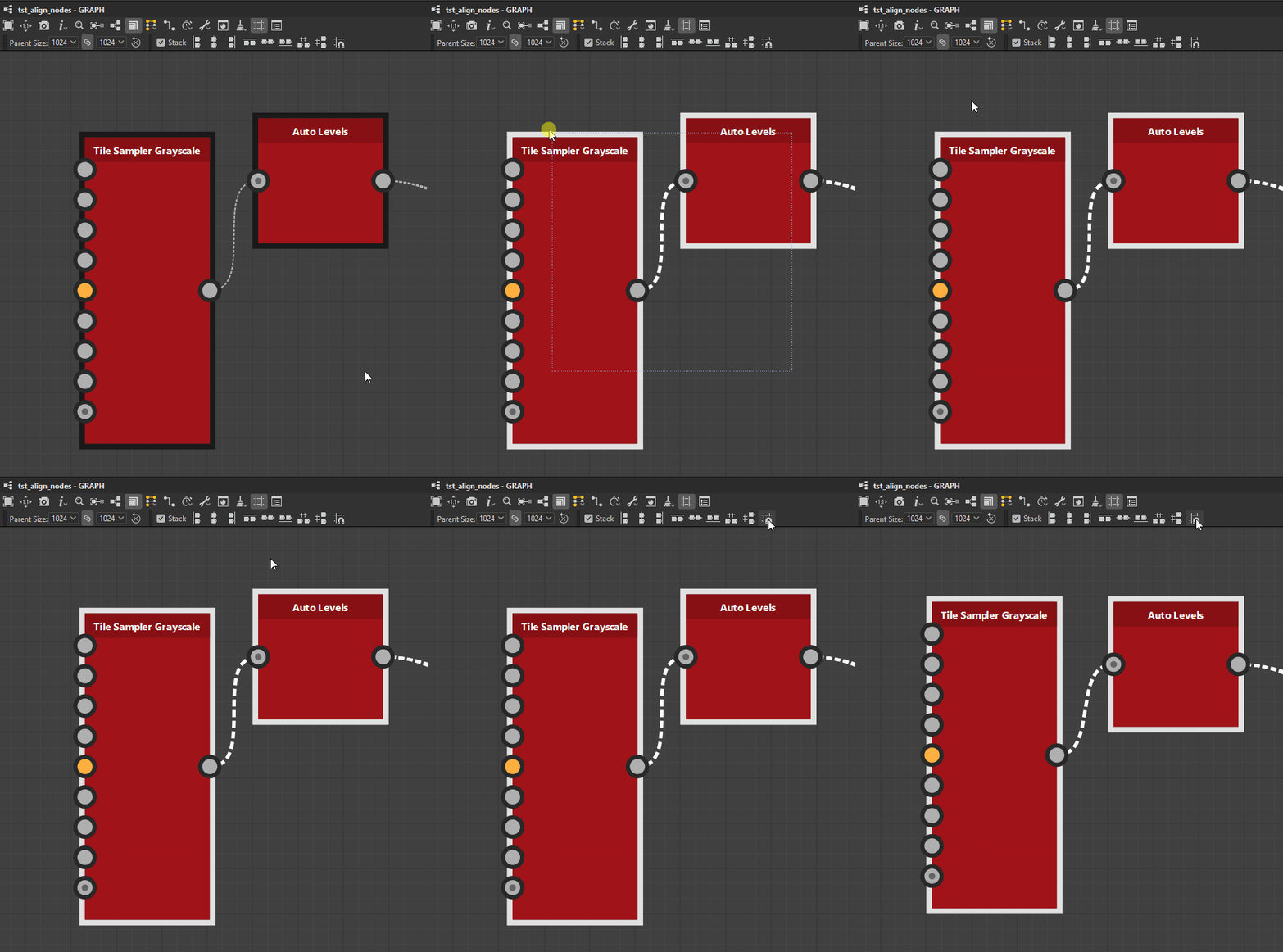
The Node Alignment Tools let you arrange nodes in graphs to improve their readability and authoring experience. They offer actions for aligning nodes, distributing them evenly and snapping them to the grid.
They act on the nodes currently selected only.
Alignments
Nodes may be aligned horizontally and vertically, with three modes for each axis:
Horizontal alignments


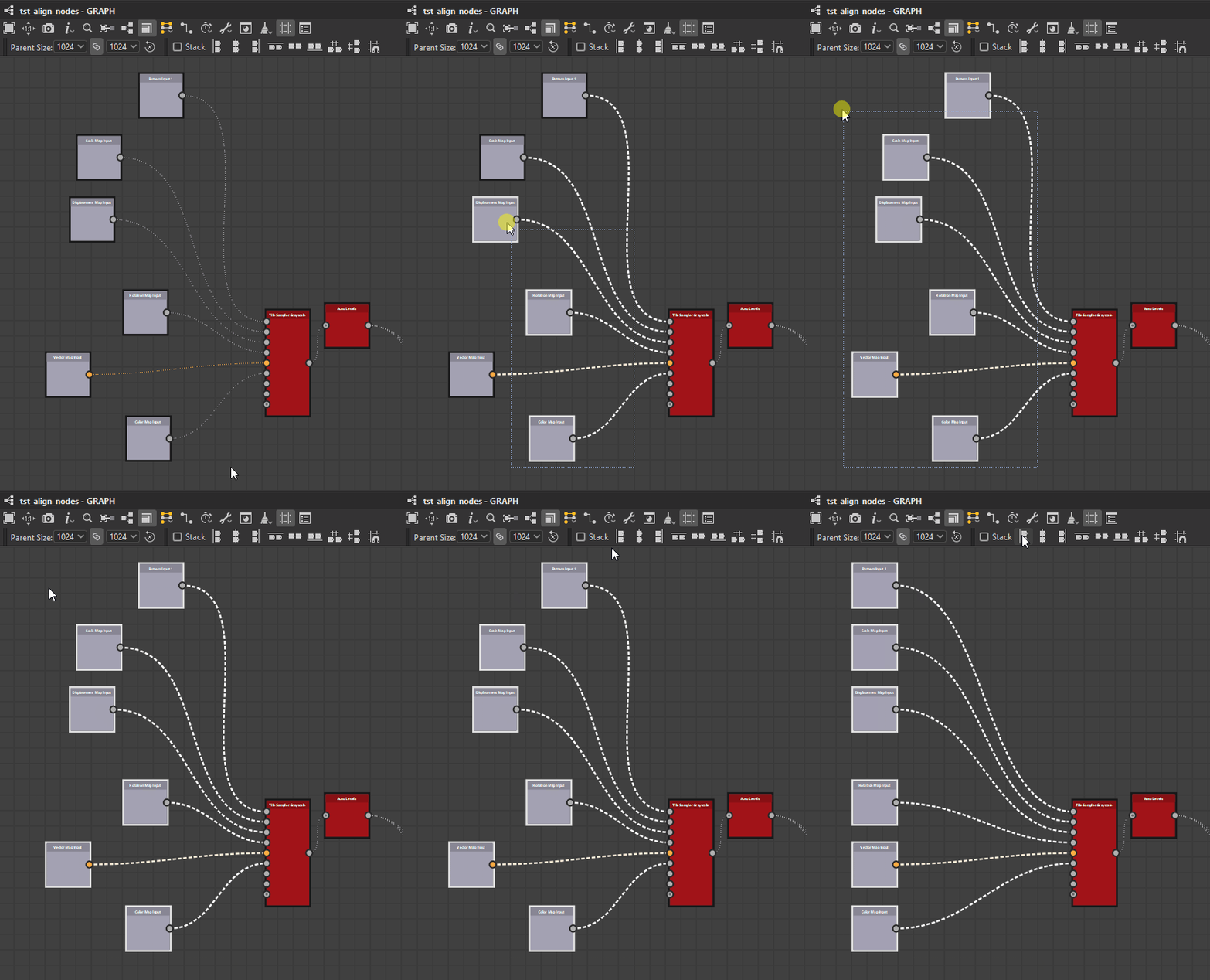
Left
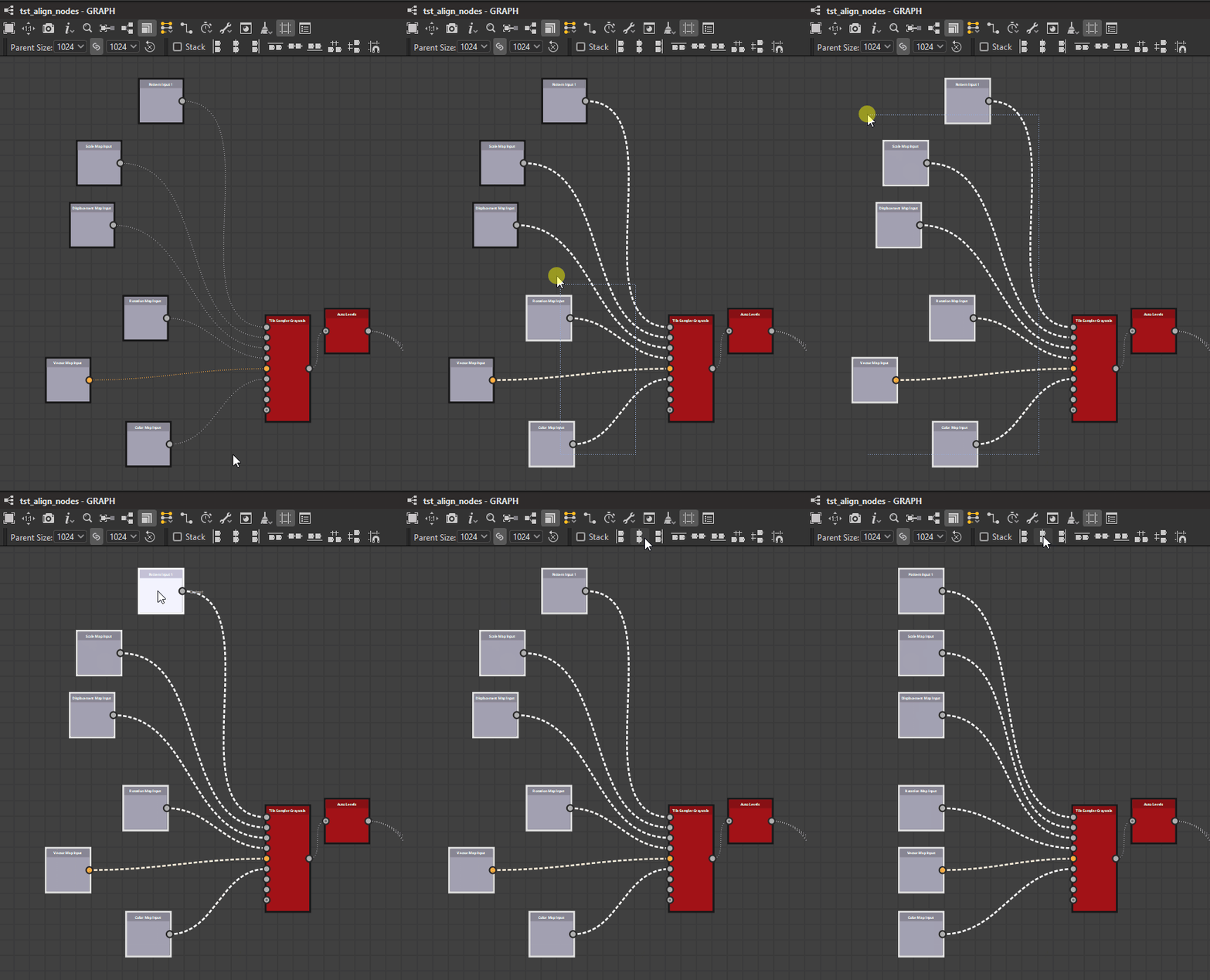
Center
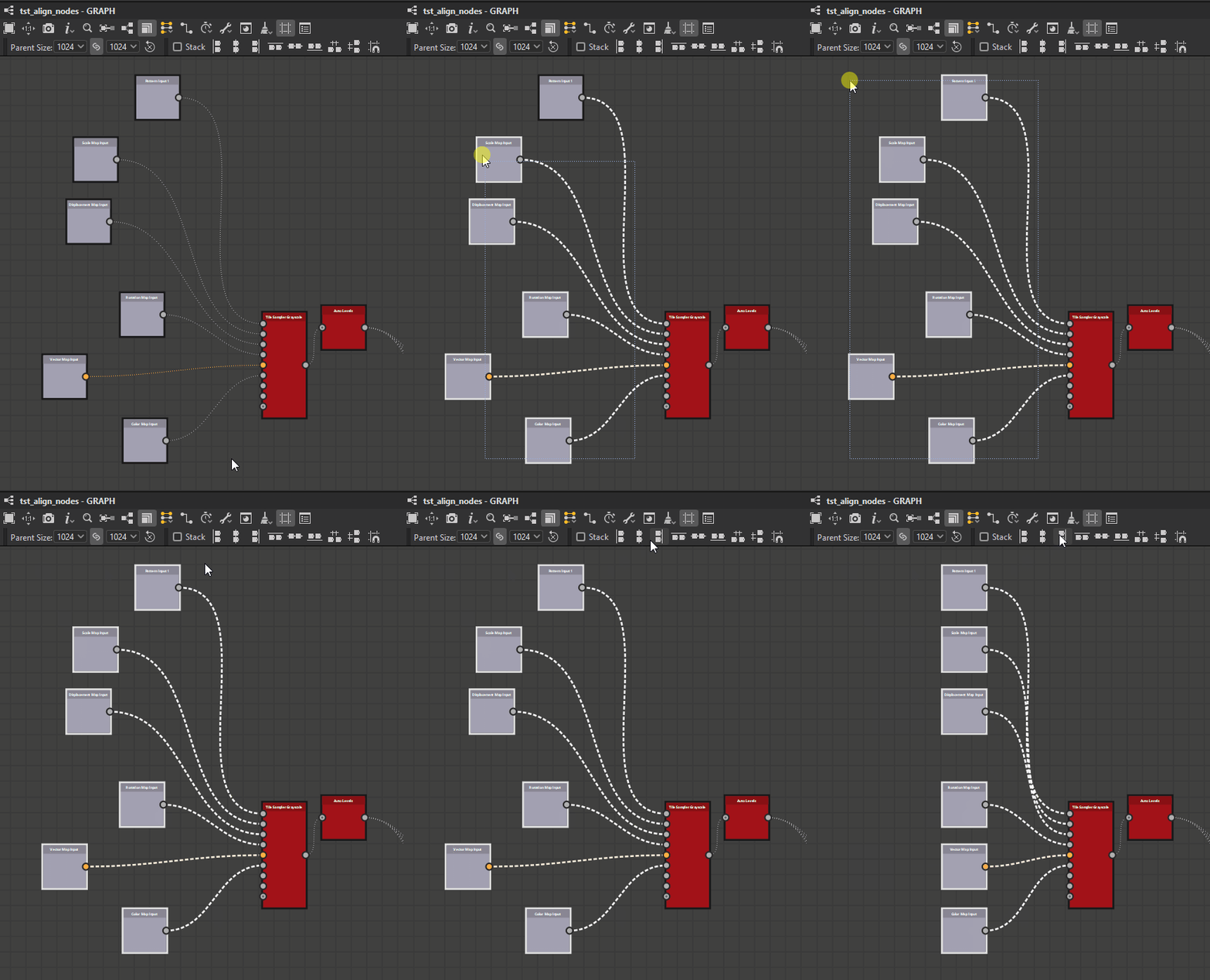
Right
Vertical alignments


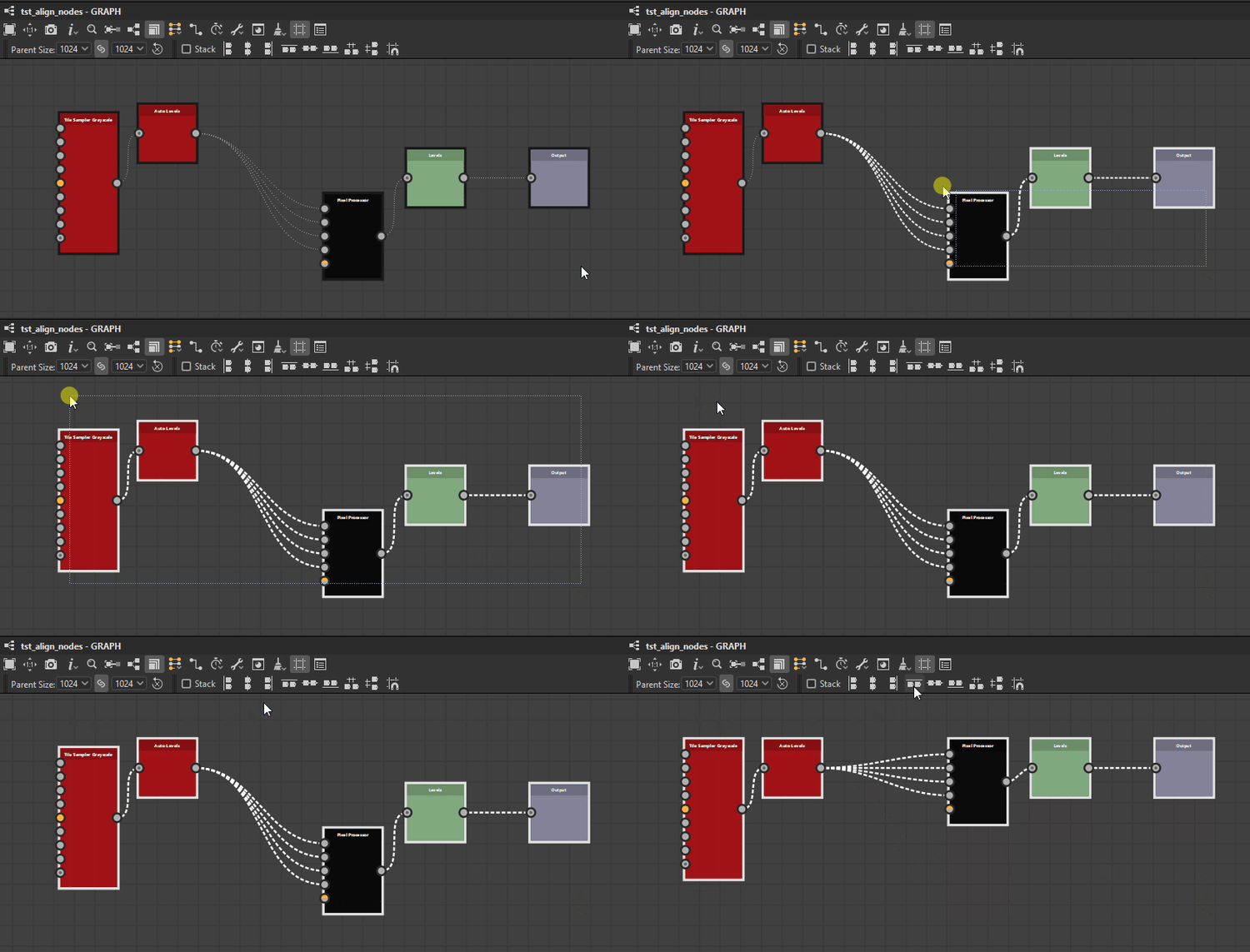
Top
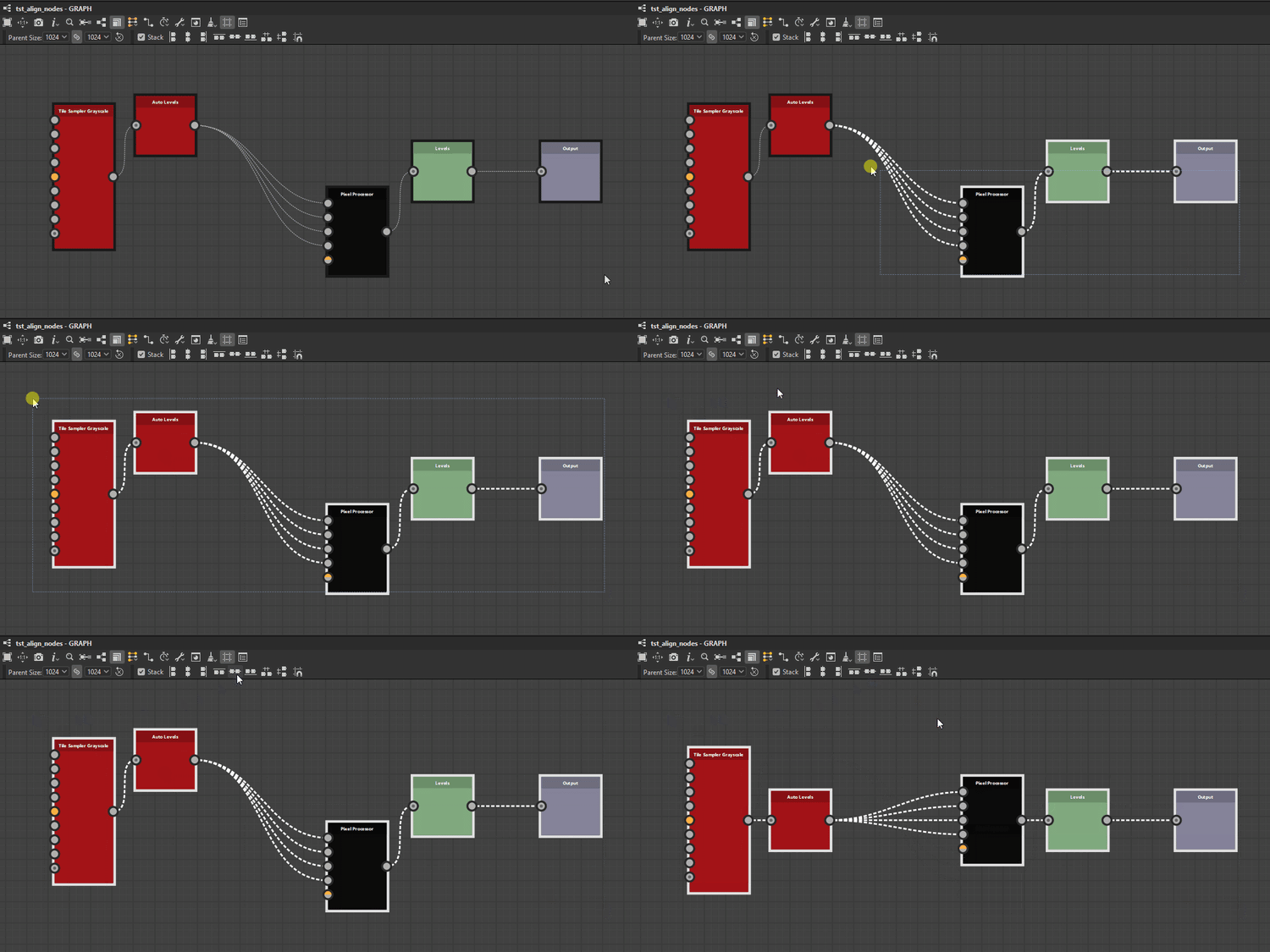
Middle
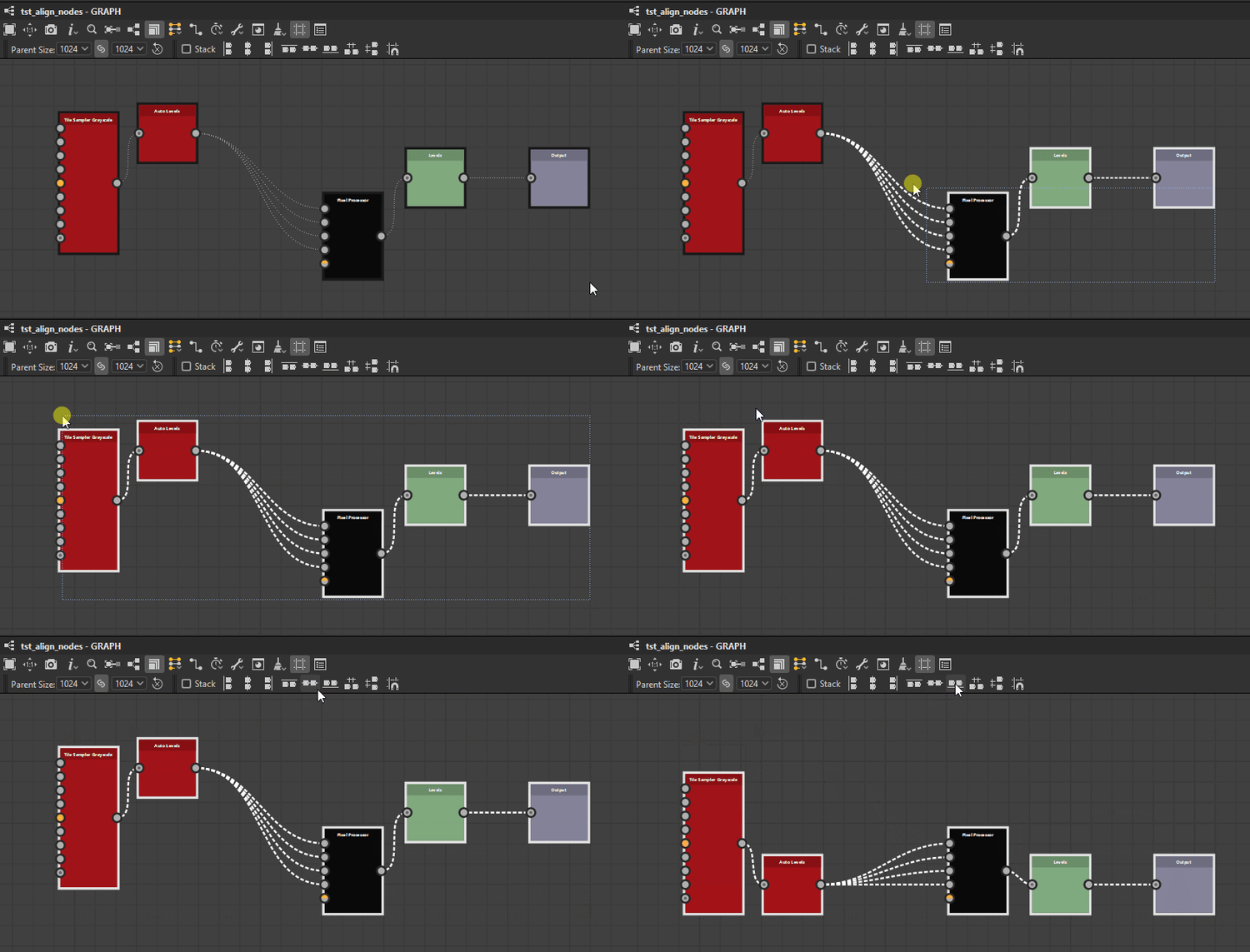
Bottom
Stacking
The Stack option

When enabled, nodes will be moved as far as possible to the reference position until they would collide with another node in the selection. This effectively stacks them in the selected axis with a margin of one medium grid cell between each node.
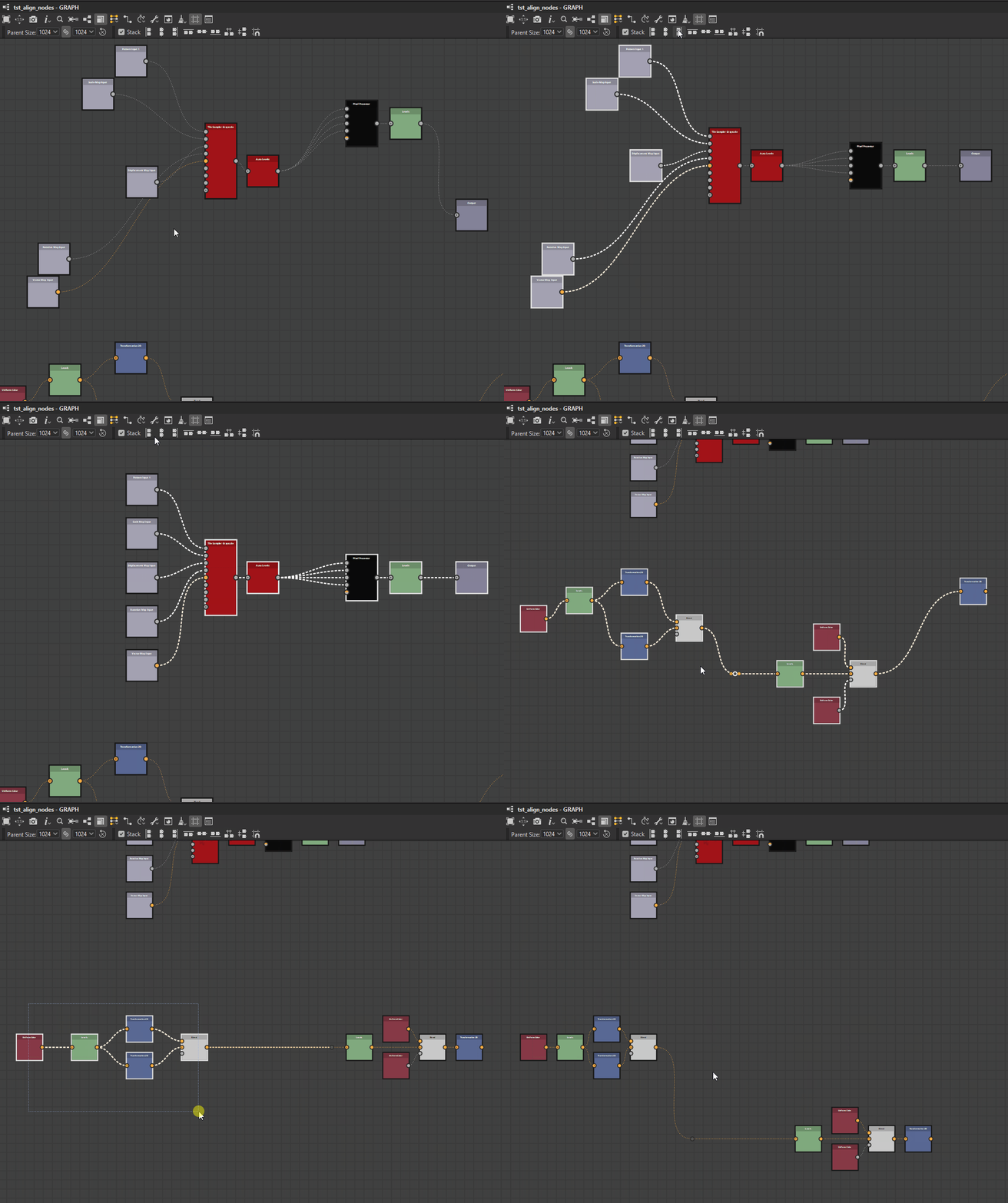
Distributions
Nodes can be distributed evenly between the nodes at each extremes of the current selection on the desired axis.


The distributions aim for even spacing between the nodes, regardless of their size.
When multiple nodes have their centers perfectly aligned on the selected axis, they remain and are treated as one in the distribution. The largest of the aligned nodes is used for computing the even spacing.
Note that when the total size of the selected nodes is greater than the space available on the selected axis, overlapping may occur.
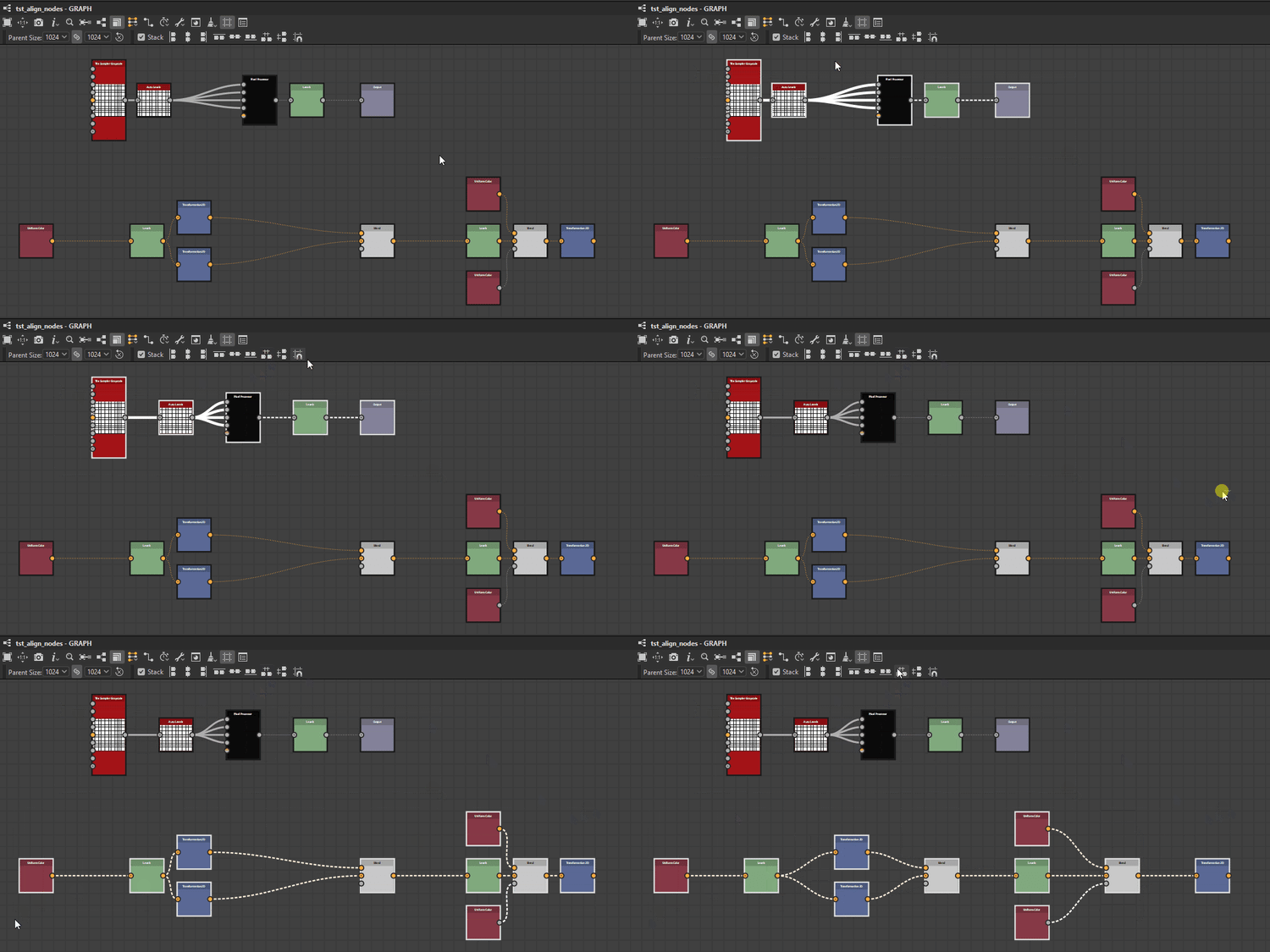
Horizontally
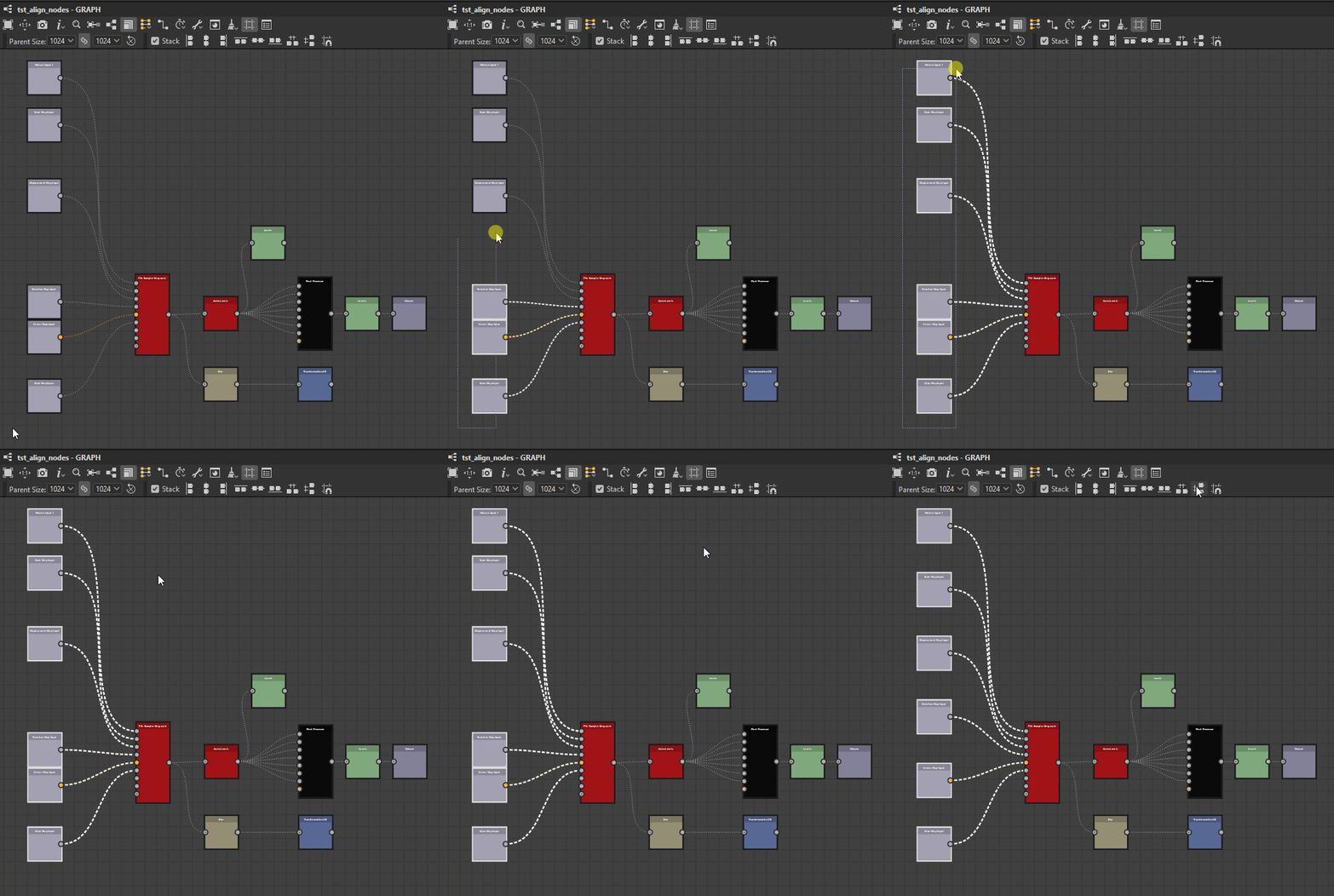
Vertically
Grid snapping
The