Comment

A comment is simply a piece of free-floating text that can be placed anywhere in a graph.
It is intended for annotating and explaining parts of a graph. Its Description property holds the text being displayed.
Creating comments
The default type of comment is placed independently of nodes in the graph.
It may be created in the following ways:
Press Spacebar in the Graph view to open the Node menu, and select the ‘Comment’ item in the list.
Type ‘comment’ in the search field to surface the item and find it more quickly.
Parented comments
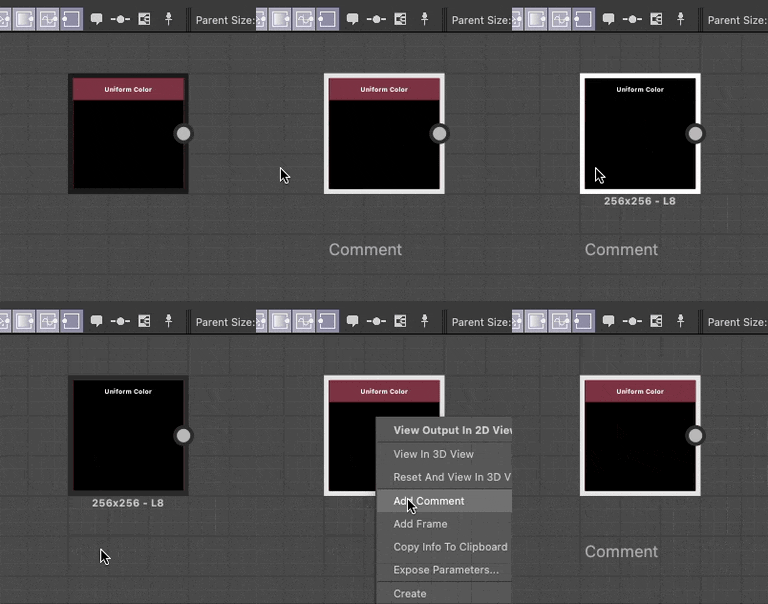
A parented comment is a comment that is attached to a specific node in the graph so that when the node is moved, the comment follows and when the node is deleted, the comment is deleted along with it.
Comment that are created when a single node is currently selected, or through a single node’s contextual menu, are parented to that node.
HTML formatting
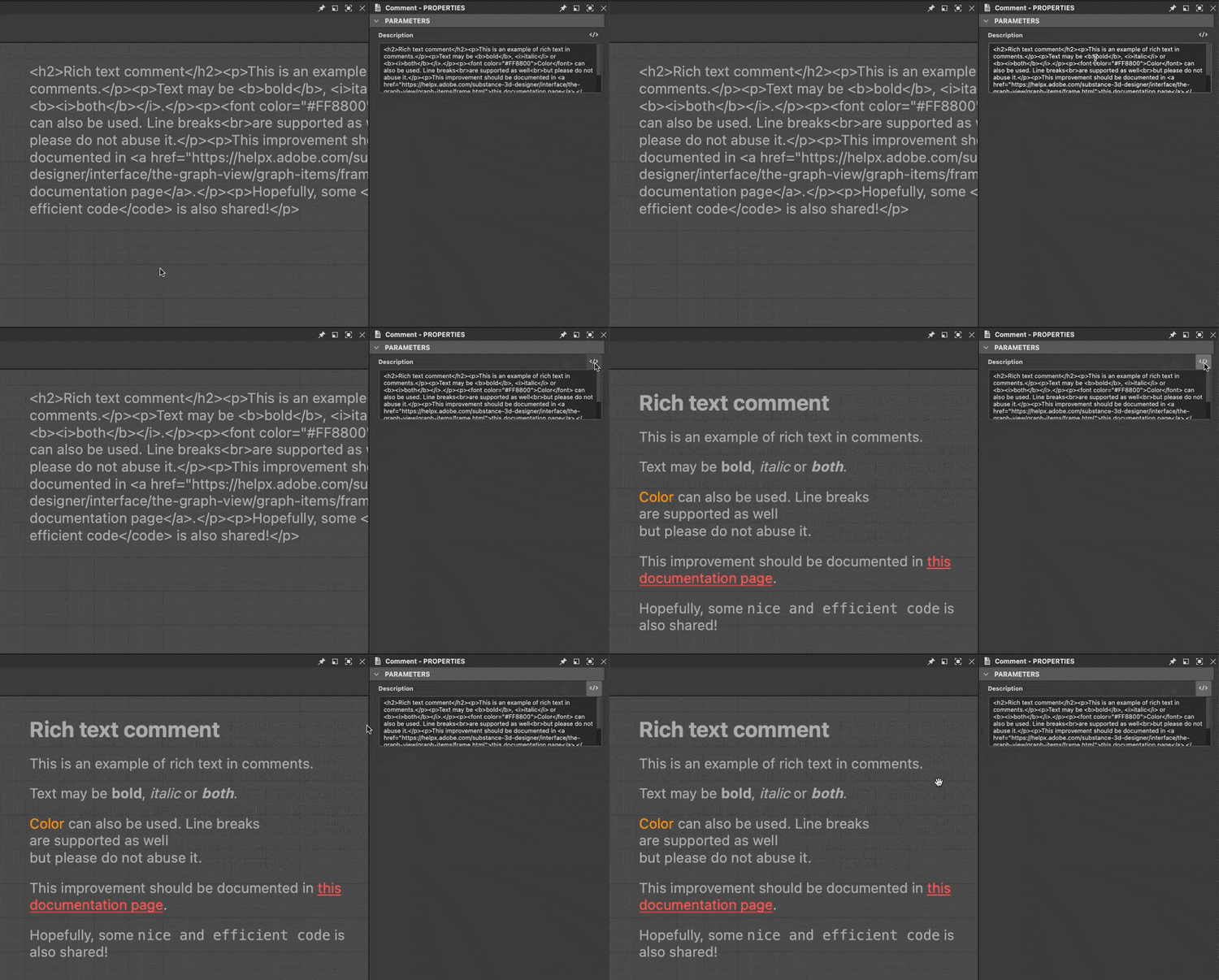
Text can be formatted using HTML tags. This formatting is toggled using the