Post effects
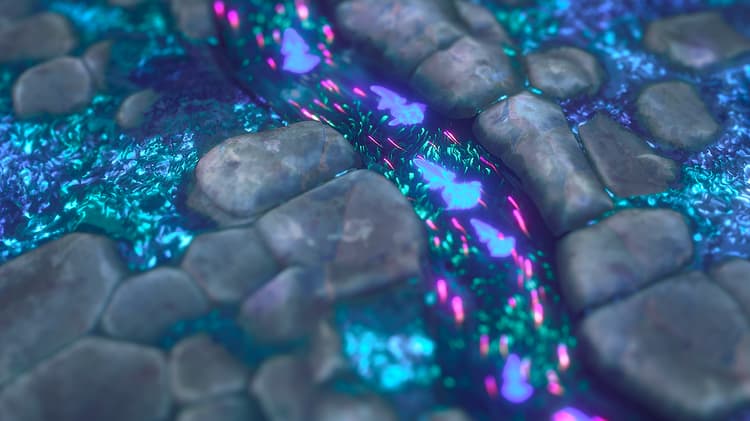
In the camera properties, you can enable post effects to enhance renders or check specific material properties.
These effects are developed in-house and are only available for the Rasterizer and GPU Pathtracer renderers.
Any post effect enabled at the time of saving 3D scene resources or scene state files will be saved as part of the scene state.
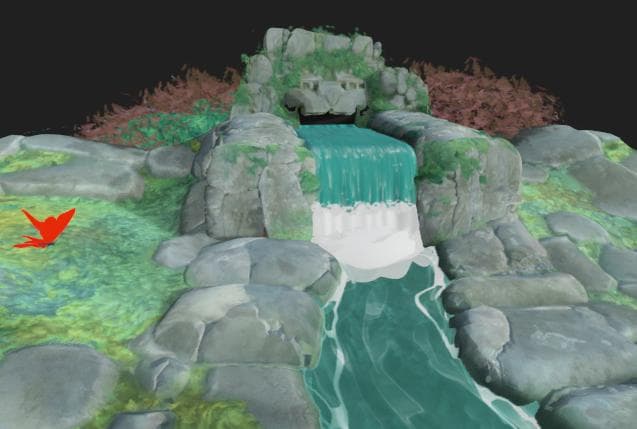
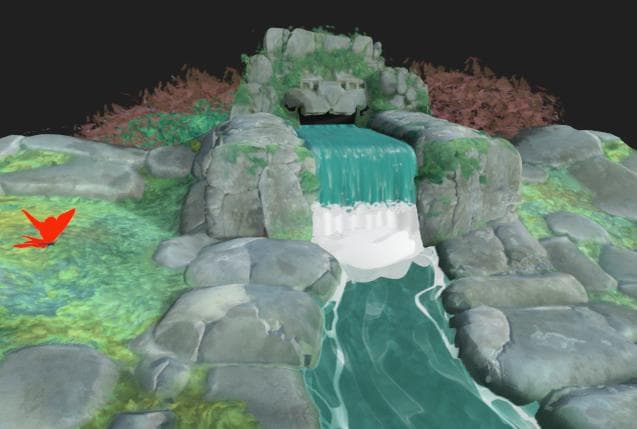
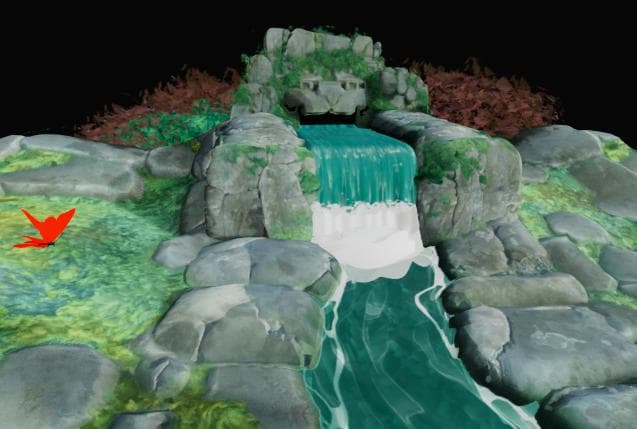
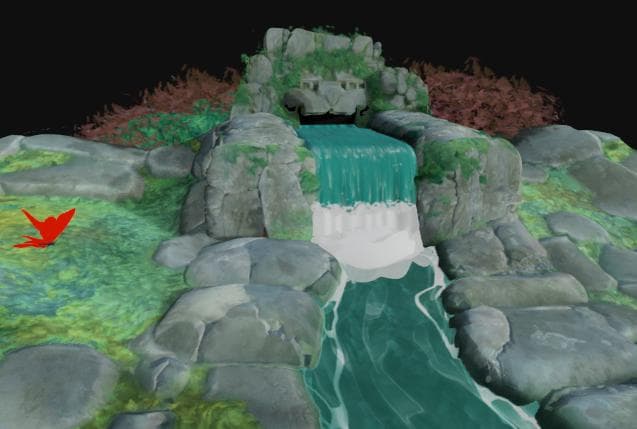
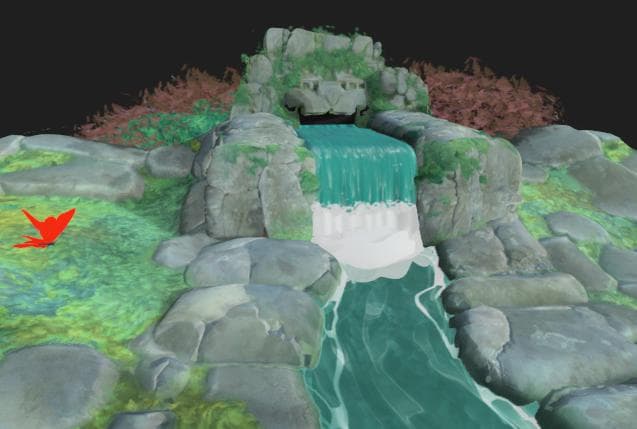
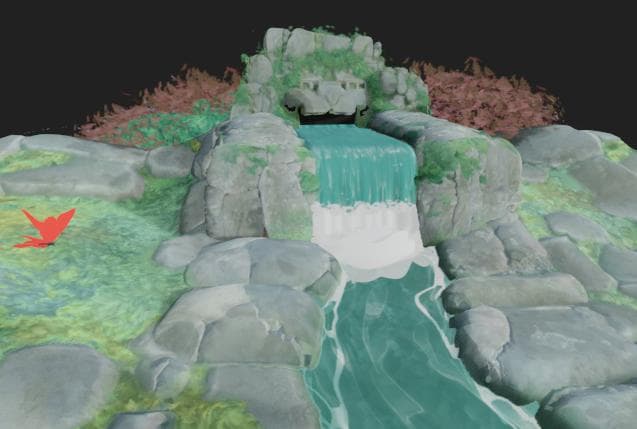
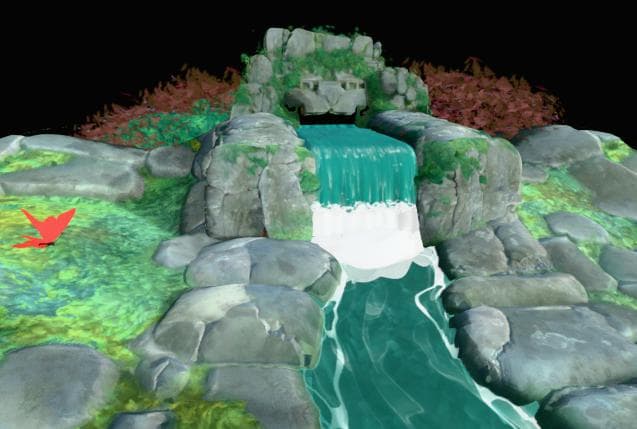
Tone mapping
Remaps the colors of the render according to specific algorithms and/or look-up tables (LUT).
This lets you improve color consistency between applications. For instance, the AgX tone mapper is also available in Blender.
| table 0-row-2 html-authored no-header | |
|---|---|
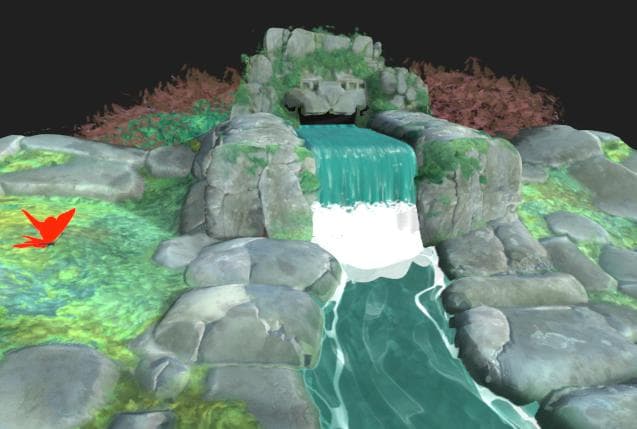
Before |
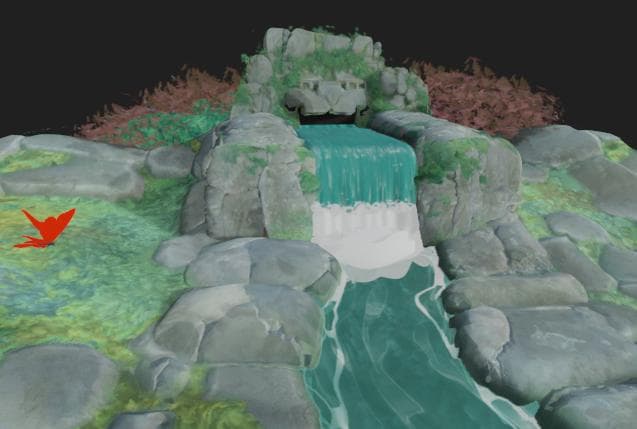
After |
| table 0-row-2 html-authored no-header | |
|---|---|
|
Before |
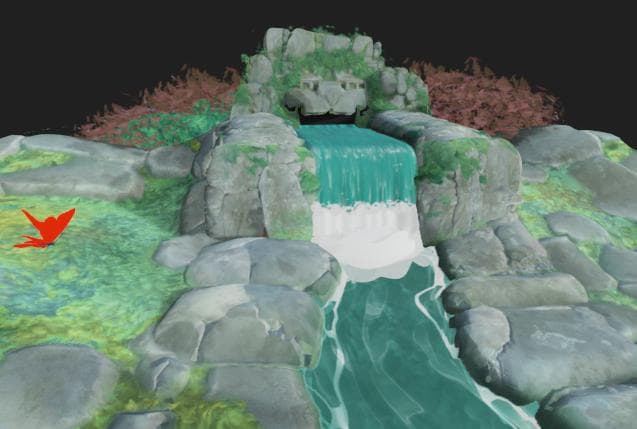
After |
| table 0-row-2 html-authored no-header | |
|---|---|
|
Before |
After |
| table 0-row-2 html-authored no-header | |
|---|---|
|
Before |
After |
| table 0-row-2 html-authored no-header | |
|---|---|
|
Before |
After |
| table 0-row-2 html-authored no-header | |
|---|---|
|
Before |
After |
| table 0-row-2 html-authored no-header | |
|---|---|
|
Before |
After |
| table 0-row-2 html-authored no-header | |
|---|---|
|
Before |
After |
| table 0-row-2 html-authored no-header | |
|---|---|
|
Before |
After |
Bloom
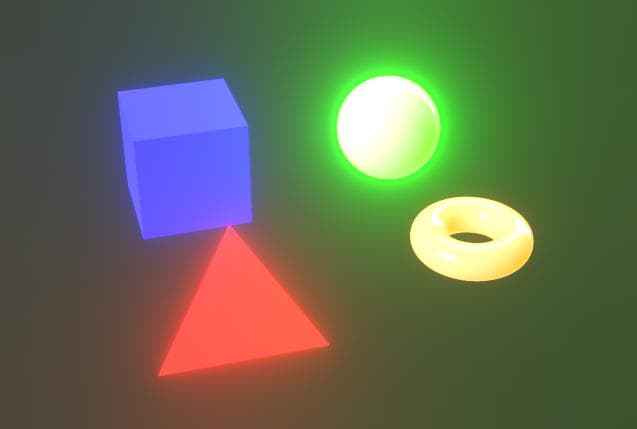
Simulates the in-camera effect of fringes of lights bleeding outward from very bright areas onto areas receiving less light.
The effect is influenced by the scene’s lighting, camera exposure and emissive materials.
The luminance value above which bloom should be visible.
Left: 1.0 / Right: 4.0
| table 0-row-2 html-authored no-header | |
|---|---|
Before |
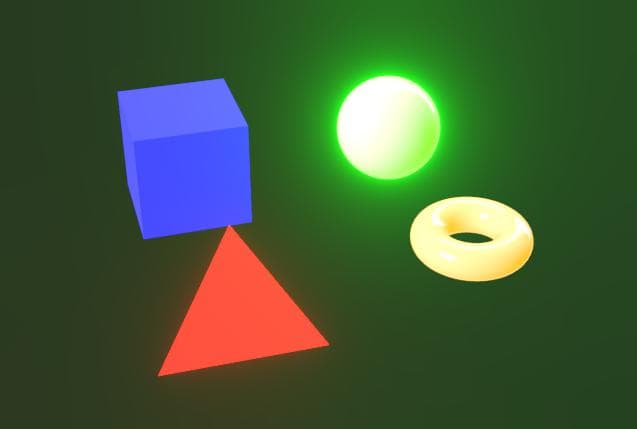
After |
The bloom attenuation ramp, where a lower value results in a shorter bloom radius.
Left: 1.0 / Right: 0.6
| table 0-row-2 html-authored no-header | |
|---|---|
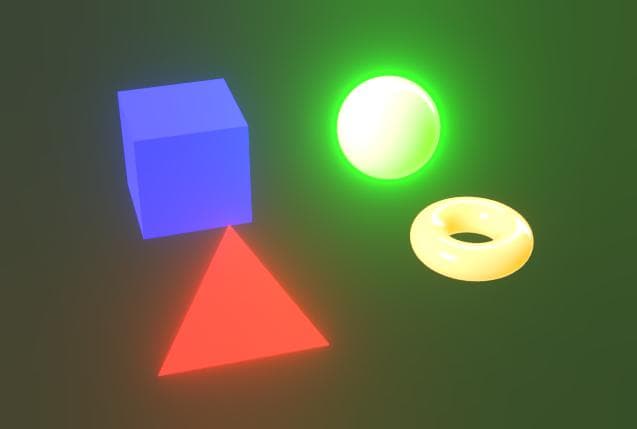
Before |
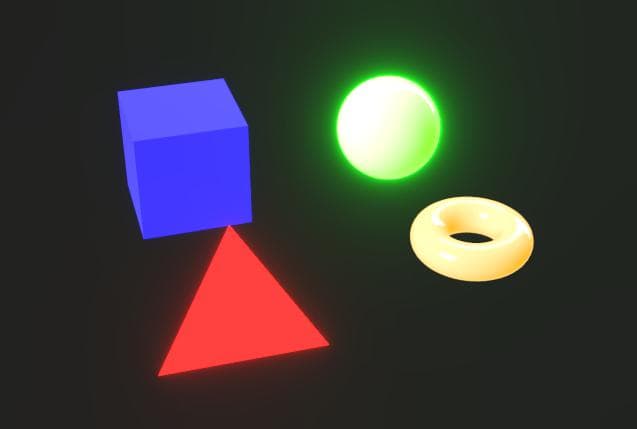
After |
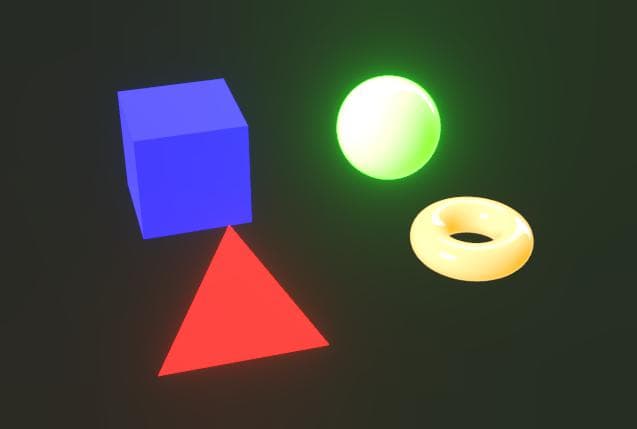
The intensity of the bloom. A higher value results in brighter, more pronounced light fringes.
Left: 8.0 / Right: 2.0
| table 0-row-2 html-authored no-header | |
|---|---|
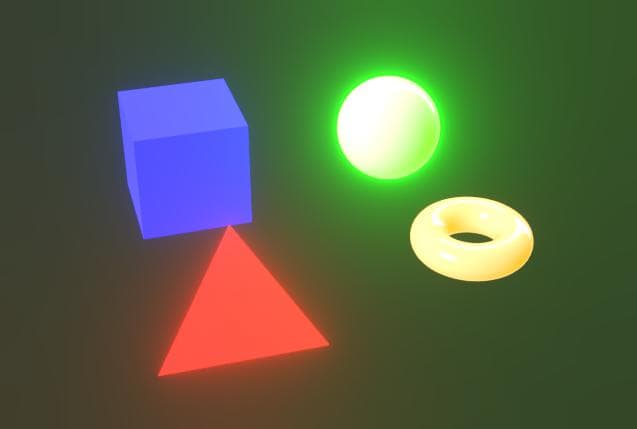
Before |
After |
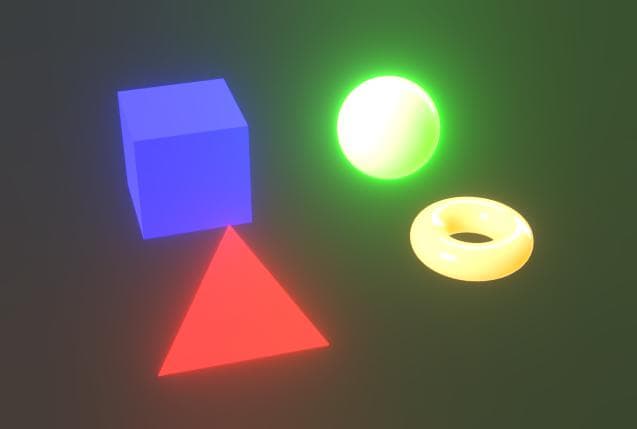
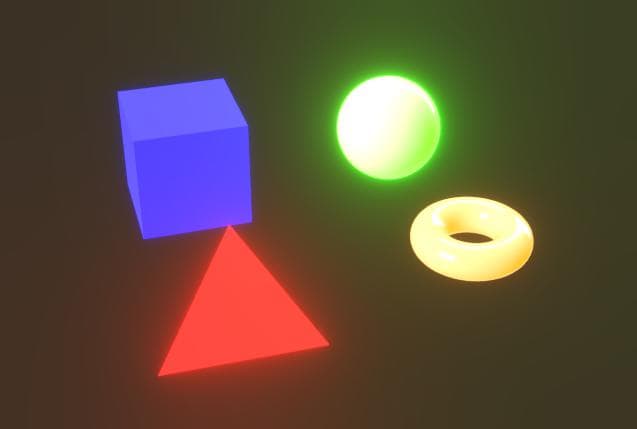
Offsets the hue of the areas affected by the bloom towards warmer colors.
Left: 0.0 / Right: 0.8
| table 0-row-2 html-authored no-header | |
|---|---|
Before |
After |
Depth of field
Simulates the optical phenomenon caused by camera lenses where objects nearer and farther than the focus distance are blurred.
The effect is impacted by both the camera’s ‘F-Stop’ and ‘Focus distance’ parameters.
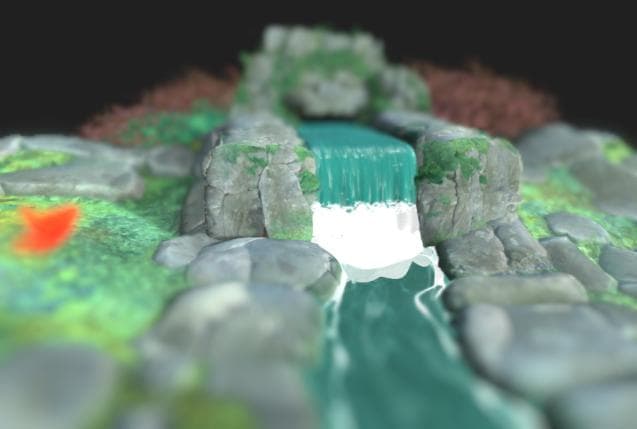
The maximum radius of the blurring effect.
Left: 32.0 / Right: 4.0
| table 0-row-2 html-authored no-header | |
|---|---|
Before |
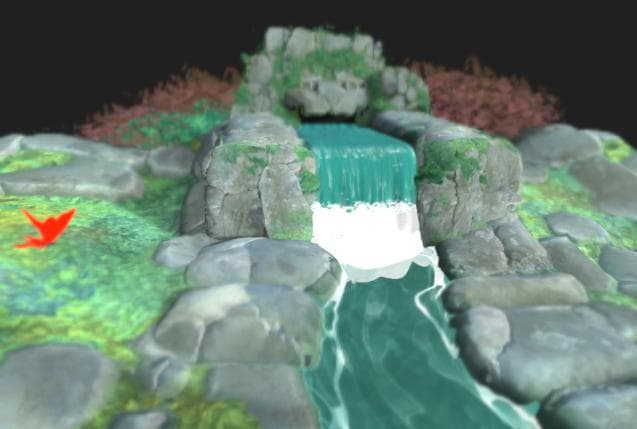
After |
The magnitude of the blurring effect from the focus distance outward.
Left: 0.2 / Right: 0.05
| table 0-row-2 html-authored no-header | |
|---|---|
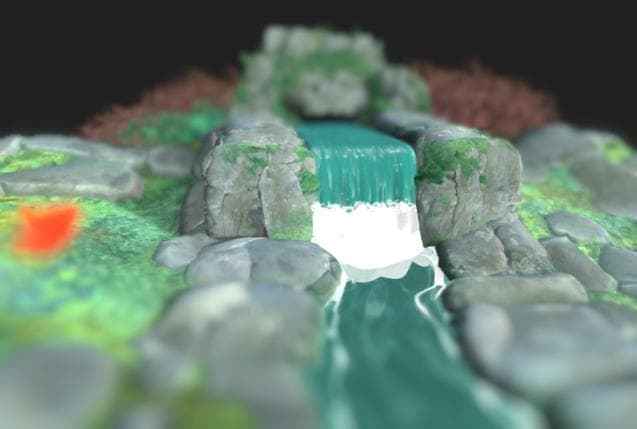
Before |
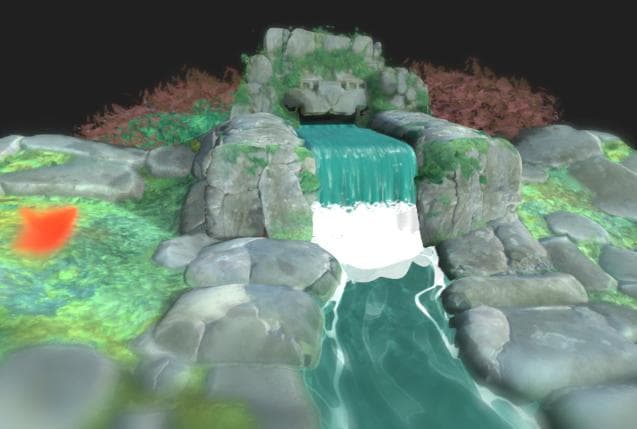
After |
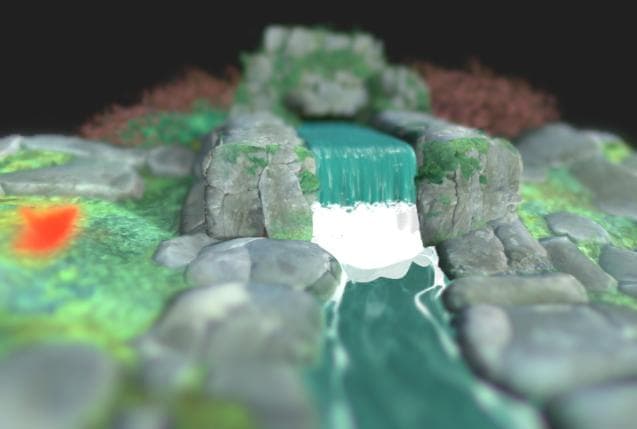
The intensity of the aberration occurring away from the focus distance.
Aberration simulates how different wavelengths of light have a slightly different focal lengths, resulting in colors appearing to be offset and having sublte differences in focus.
Left: 0.0 / RIght: 1.0
| table 0-row-2 html-authored no-header | |
|---|---|
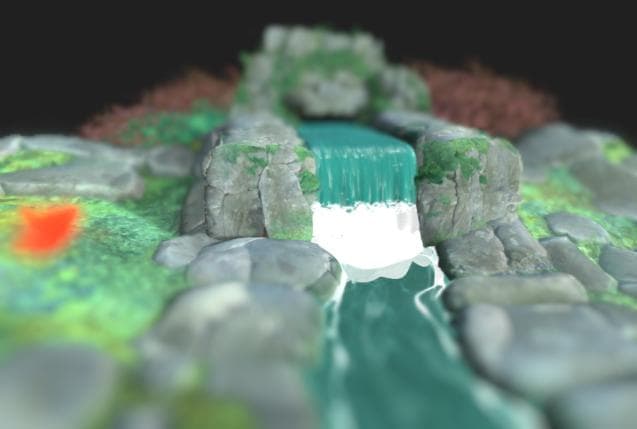
Before |
After |
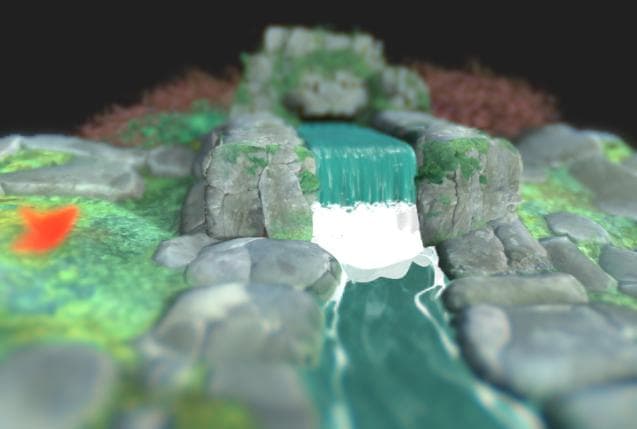
Specifies whether the aberration should be achromatic, meaning that some or all colors have the same focal length.
This makes the blurring effect appear to be more equally distributed.
Left: True / Right: False
| table 0-row-2 html-authored no-header | |
|---|---|
|
Before |
After |
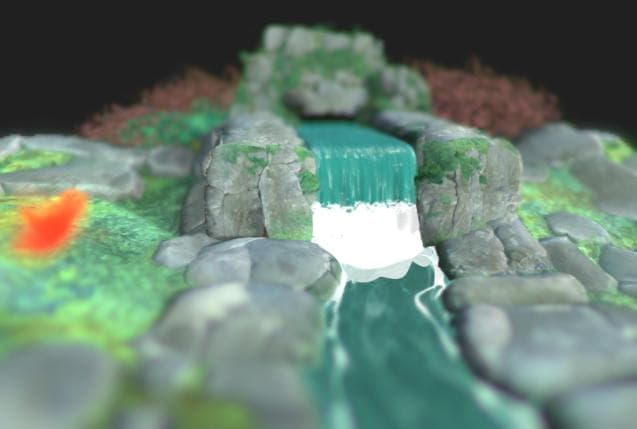
Enables the cat’s eye effect in the scene, which simulates how light entering at an oblique angle does not enter a disc, but a uneven oval, causing distortion.
This effect is more pronounced at higher apertures – I.e., lower F-Stop values.
Left: True / Right: False
| table 0-row-2 html-authored no-header | |
|---|---|
Before |
After |