Brick Generator
In: Texture Generators > Patterns
Description
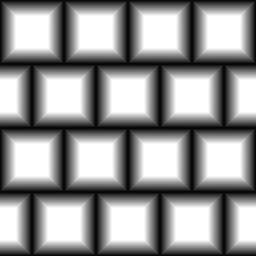
Advanced Brick-pattern generator. Has a lot of options for specifically generating man-made brick patterns
For more options see Tile Generator.
Parameters
Bricks 1 - 64
Sets the amount of bricks in both X- and Y-axes.
Bevel 0.0 - 1.0
Changes the bevel profile for the bricks, allows for changing in two directions as well as setting falloff profile and corner rounding.
Keep Ratio False/True
Makes the Bevel profile tied to brick size or not.
Gap 0.0 - 1.0
Gap to leave between bricks. Keep in mind Bevel also introduces a gap, so setting bevels too means you have to compensate with this parameter.
Middle Size 0.0 - 1.0
Brick pattern offset, changes size of every other column or row.
Height -1.0 - 1.0
Modifies height profiles. Allows for introduction of Luminance variation and all kinds of randomisation.
Slope -1.0 - 1.0
Introduces a slope on a per-brick basis, as if certain bricks are lying at an angle.
Offset 0.0 - 1.0
Offsets bricks on a row-basis, affects per-row spacing.
Non Square Expansion False/True
Enables compensation of squash and stretch with non-square ratios.
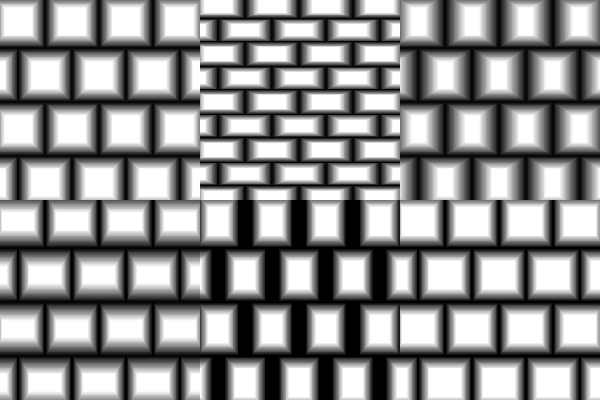
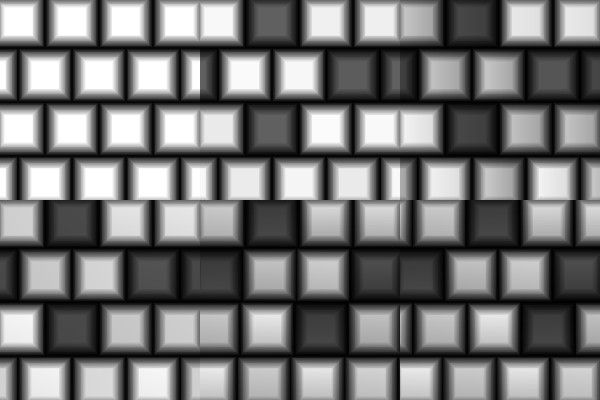
Examples
recommendation-more-help
substance-3d-designer-help-guide