Spline Flow Mapper

In: Spline & Path Tools > Spline Tools
Description
Draws a flow map where flow vector data is drawn along the input splines.
This lets you use splines to control the direction, trajectory, intensity and thickness of flow, as well as the gradient ramp used to fade the drawn data into the neutral background.
IMPORTANT
The result may include undesired artifacts outside of the spline’s envelope when using very low thickness values. This is a known issue.
Inputs
Spline Coords Color
The coordinates of the input splines’ points encoded in the RGBA channels of a color image:
R - X position
G - Y position
B - Height
A - Packed data:
- Sign: Spline is closed (negative) or open (positive);
- Absolute value: Thickness + 1.
R - X position
G - Y position
B - Height
A - Packed data:
- Sign: Spline is closed (negative) or open (positive);
- Absolute value: Thickness + 1.
Spline Data Color
Additional data of the input splines encoded in the RGBA channels of a color image.
R - Tangents X
G - Tangents Y
B - Unused
A - Unused
R - Tangents X
G - Tangents Y
B - Unused
A - Unused
Spline Amount Integer
The number of input splines.
Attenuation Profile Curve Grayscale
The image describing a curve using the values of its first row of pixels. When the Attenuation Profile parameter is set to Input Profile Curve, this input is used to control the gradient ramp for the attenuation of the flow vector data drawn along the spline.
You may use a Curve node to author the curve.
You may use a Curve node to author the curve.
Outputs
Output Color
The output flow map encoded in a color image.
Parameters
Segments Amount Integer
Splines are simplified into segments before vector flow data traverses them. A higher amount of segments results in a smoother flow mapping along curves.
Mode Integer
The method of selecting the splines along which vector flow data should be drawn:
- Draw Spline List: All the splines in the input list are used;
- Draw Single Spline: Only the spline with the specified index is used;
- Draw Spline Range: Only the splines which index is included in the specified range are used.
- Draw Spline List: All the splines in the input list are used;
- Draw Single Spline: Only the spline with the specified index is used;
- Draw Spline Range: Only the splines which index is included in the specified range are used.
Draw Spline Index Integer (Available when ‘Mode’ is set to ‘Draw Single Spline’)
The index of the spline along which vector flow data should be drawn.
Draw Spline Range Integer2 (Available when ‘Mode’ is set to ‘Draw Spline Range’)
The range of indexes for the splines along which vector flow data should be drawn.
Thickness Mode Integer
The method of setting the thickness of the drawn vector flow data
- Manual: Set the thickness explicitly with an arbitrary value;
- From Spline: Use the thickness of the spline.
- Manual: Set the thickness explicitly with an arbitrary value;
- From Spline: Use the thickness of the spline.
Thickness Float (Available when ‘Thickness Mode’ is set to ‘Manual’)
The arbitrary value for the thickness of the vector flow data drawn along the splines.
Thickness Multiplier Float (Available when ‘Thickness Mode’ is set to ‘From Spline’)
A global multiplier for the thickness of the vector flow data drawn along the splines, when that thickness it driven by that of the splines.
Direction Integer
The direction of the vector flow in relation to the spline.
- Tangent: Use the spline’s tangent vector;
- Normal: Use the spline’s normal vector;
- Normal Mirrored: Use the mirrored version of the spline’s normal vector.
- Tangent: Use the spline’s tangent vector;
- Normal: Use the spline’s normal vector;
- Normal Mirrored: Use the mirrored version of the spline’s normal vector.
Flip Direction Boolean
Inverts the direction of the splines, which also impacts the direction of the flow vector.
Attenuation Profile Integer
The gradient ramp used to draw the attenuation of the flow vector data drawn along the spline:
- Linear: Use a linear gradient ramp;
- Gaussian: Use a gaussian gradient ramp
- Input Profile Curve: Use the curve provided to the Attenuation Profile Curve input as a gradient ramp.
- Linear: Use a linear gradient ramp;
- Gaussian: Use a gaussian gradient ramp
- Input Profile Curve: Use the curve provided to the Attenuation Profile Curve input as a gradient ramp.
Start Attenuation Boolean
Adds a half-circle at the start of the spline. The half-circle uses the same attenuation as the spline.
End Attenuation Boolean
Adds a half-circle at the end of the spline. The half-circle uses the same attenuation as the spline.
Spline Height Attenuation Float
The intensity of the flow vector data drawn along the spline is multiplied against the spline’s height, where the drawn data fades to the background’s neutral (0.5, 0.5, 0) color as the height gets closer to 0.
Non-Square Correction Boolean
Adjust the points’ positions and thickness to retain the spline shape in non-square resolutions. This also impacts uniform distribution.
Examples
| table 0-row-2 html-authored no-header | |
|---|---|
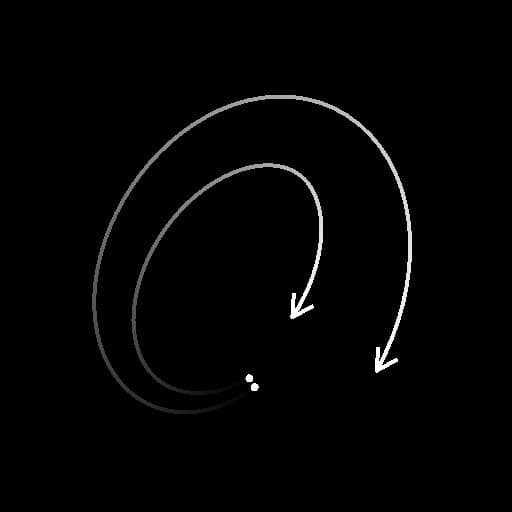
Before |

After |
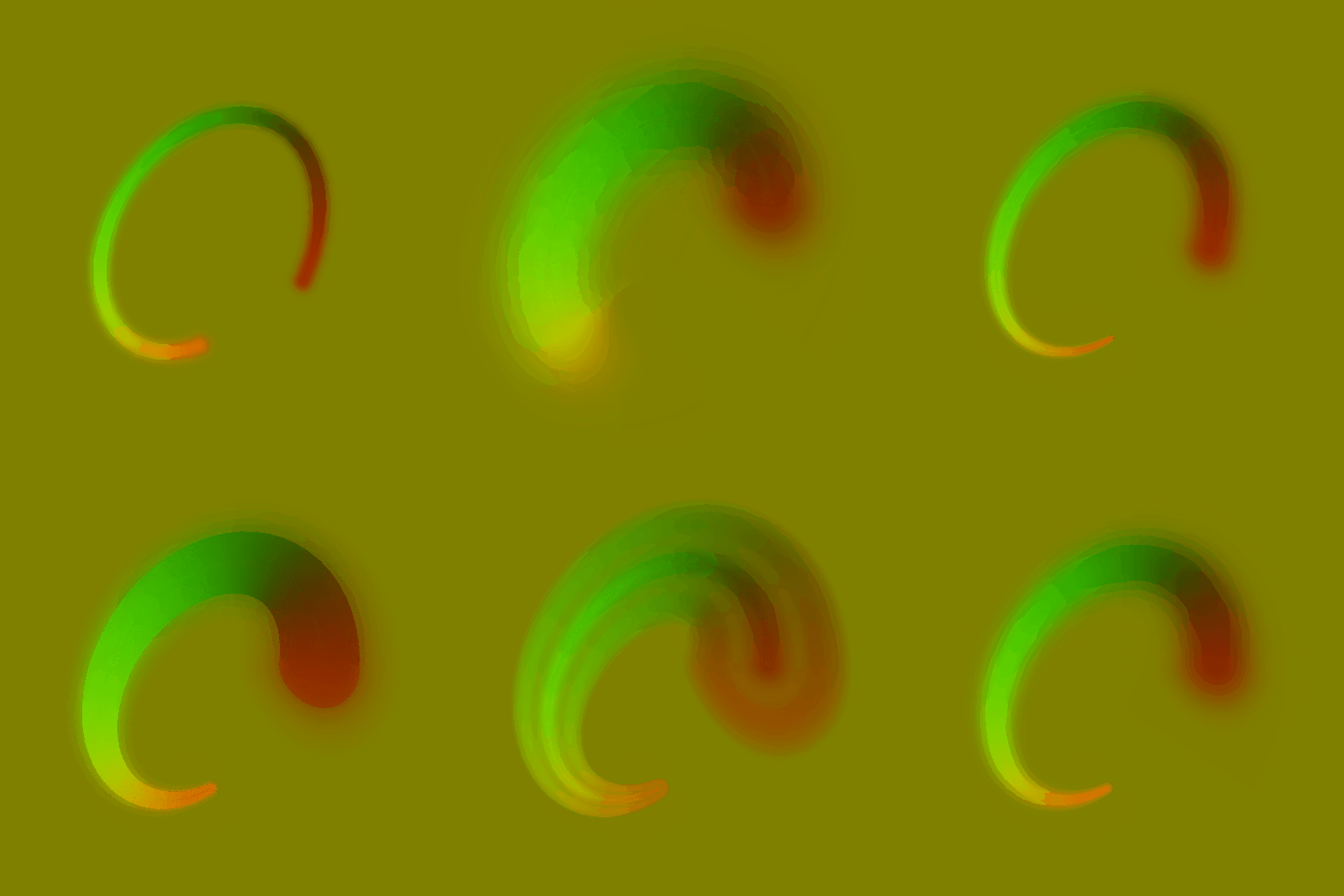
recommendation-more-help
substance-3d-designer-help-guide