Leather Wear
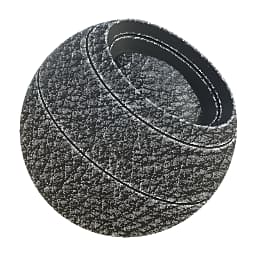
In: Mesh Based Generators > Mask Generators
Description
Generates a black and white mask based on baked maps and user settings. Similar to Smart Masks in Painter.
This mask represents wear with a leather pattern, with more wear on edges based on Curvature. It is similar to Fiber Glass Edge Wear in functionality and has mostly the same parameters.
Inputs
Curvature Grayscale Input
Baked map used for edge placement. Required!
Ambient Occlusion Grayscale Input
Baked map used occluding certain areas. Recommended, but not required.
Grunge Input Grayscale Input
Optional Grunge map input slot that can be toggled through the “Use Custom Grunge” parameter.
Mask (optional) Grayscale Input
Mask slot used for masking the node’s effects.
Parameters
Wear Level 0.0 - 1.0
Sets global wear level, gradually revealing.
Wear Contrast 0.0 - 1.0
Sets contrast of the effect.
Grunge Amount 0.0 - 1.0
Sets the amount of grunge (default leather pattern) to blend in between edges.
Ambient Occlusion Masking 0.0 - 1.0
Sets extent to which the AO masks out the wear effects.
Curvature Weight 0.0 - 1.0
Sets extent to which the curvature’s edges affect the final result. Even if set to 0, you still need a curvature map.
Use Custom Grunge False/True
Enables overriding of the built-in default leather pattern. Use a custom input slot instead.
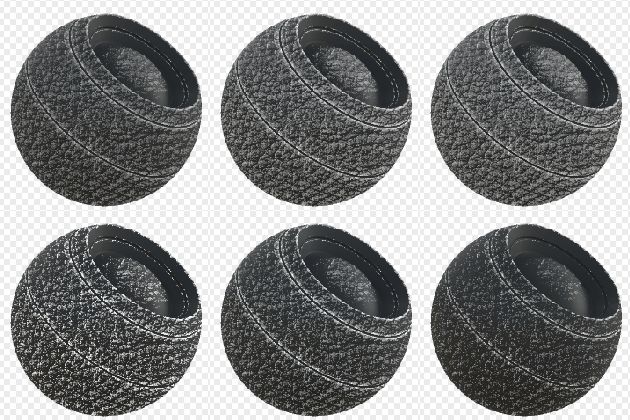
Examples
recommendation-more-help
substance-3d-designer-help-guide