Bottom To Top
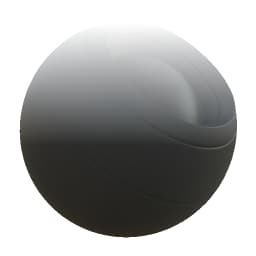
In: Mesh Based Generators > Mask Generators
Description
Generates a black and white mask based on baked maps and user settings. Similar to Smart Masks in Painter.
This generates a white to black transition from the bottom to the top of a model, useful for making geometry-based falloffs and selections.
Inputs
Position Color Input
Baked Position map. Required!
Roughness Grayscale Input
This has nothing to do with PBR roughness, but is an (optional) variation map to break up the transition. Only appears when Roughness is set higher than 0.
Mask (optional) Grayscale Input
Mask slot used for masking the node’s effects.
Parameters
Level 0.0 - 1.0
Shifts the average level of the result between black or white, like a brightness adjustment.
Contrast 0.0 - 1.0
Adjusts the contrast of the transition.
Roughness_Variation 0.0 - 1.0
Determines amount of the Roughness map to blend in for variation. Increasing this over 0 reveals the map slot.
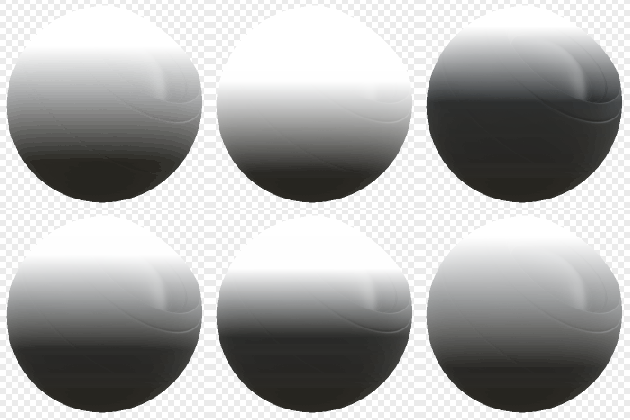
Examples
recommendation-more-help
substance-3d-designer-help-guide