Non-Square Transform
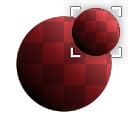
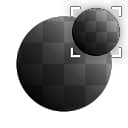
Non-Square Transform (Grayscale)
In: Filters/Transforms
Intermediate
Description
Nonsquare-safe version of Transform 2D. Automatically detects nonsquare ratios and can transform square input images onto a nonsquare canvas.
Make sure you fully understand the Graph Parametersto make the best use of this node, as you will need to set a few settings correctly:
- Your Graph Size should be nonsquare, otherwise there is no need for this node.
- Set the Non Square Transform node’s Output Size to “Relative to Parent”.
- Set the node’s tiling mode to “No Tiling” if you only want to transform your input to a single position.
Parameters
- Tile Mode: Automatic, ManualEnable automatic non-square compensations or not.
- Tile: 1 - 16Only accessible when Tile Mode is set to Manual. Allows you to change the scale in a tiling-safe way.
- Offset: 0.0 - 1.0
Moves or translates the result. Double-click the slider to enter negative values. - Rotation: 0.0 - 1.0Rotates the input image.
- Safe Rotation (Square Only): False/TrueSnaps to safe values to maintain sharpness of pixels.
- Background Color: *(Color value)*Background color to fill image with. Only visible when Tiling Mode in Base Parameters is set to “No Tiling”.
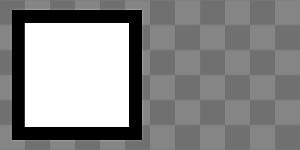
Example Images
| table 0-row-1 1-row-1 |
|---|
|
recommendation-more-help
dd48abc6-e399-43d2-9777-578ec70c5a23