Normal Combine
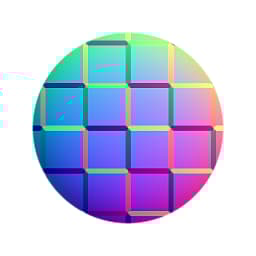
In: Filters > Normal map
Description
Normal Combine combines the details of two normal maps in a mathematically correct way.
It is similar to the well-known “Overlay” method from other 2D image editing software, but does work slightly different internally (three options).
This is the best and most correct way to add 2D-generated normal map details to a baked map.
If you want to blend two normal maps without combining their details (using a mask, for example), you should use Normal Blend.
Input connectors
Normal 2 Color Description
Normal 1 Color Description
Parameters
Technique Integer Sets which internal blending technique to use, trading in speed for quality.
*- Whiteout (Low quality)
- Channel mixer (High quality)
- Detail oriented (High quality)*