Normal Blend
Normal Blend
In: Filters/Normal Map
Intermediate
Description
Normal Blend allows you to blend two Normalmaps together with an optional mask, while making sure all values stay normalised. It doesn’t differ much from an atomic Blend Node, but has added internal calculations for Normalmaps.
Normal Blend is not intended for combining (overlaying) Normalmaps, where the top map adds detail to the bottom map. For that, use Normal Combine instead.
Parameters
Inputs
- NormalFG: Color Input
Foreground/Top Normalmap. - NormalBG: Color Input
Background/Bottom Normalmap. - Mask: Grayscale Input
Mask slot used for masking the node’s effects. Can be toggled with the “Use Mask” parameter.
Parameters
- Opacity: 0.0 - 1.0
Blending Opacity between Foreground and Background - Use Mask: False/True
Toggles the use of the Mask map on or off.
Example Images
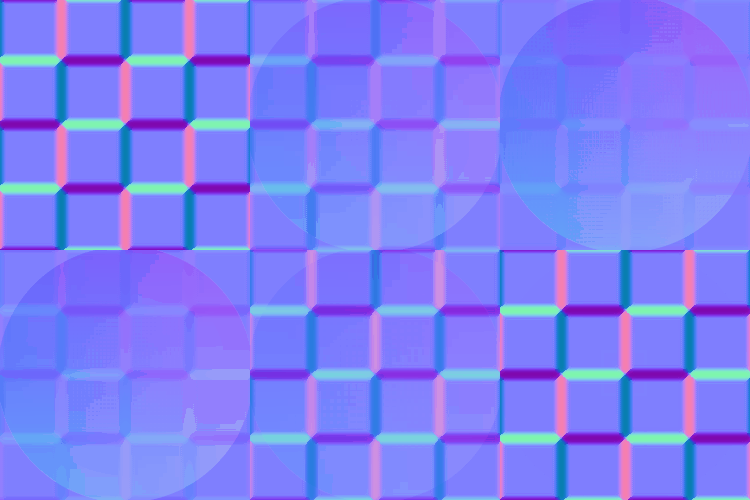
(.gif format introduces dithering in example, in-application results are smooth)