Curvature Smooth
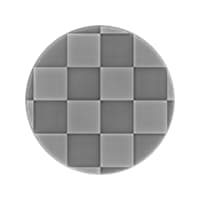
In: Filters > Effects
Description
Computes the curvature of a surface described by a normal map.
A curvature map represents the concave and convex areas of a surface.
Flat areas are 50% gray. Convex areas are brighter, while concave areas are darker.
The concave and convex areas are also split into their own outputs, for easier selection or masking of areas based on those characteristics.
TIP
Look at Curvature for a sharper version, or Curvature Sobel if you need more options.
Input connectors
Normal Color PRIMARY
The normal map describing the surface which curvature should be computed.
Output connectors
Curvature Grayscale
The curvature map computed out of the input normal map. Flat areas are 50% gray. Convex areas are brighter, while concave areas are darker.
Convexity Grayscale
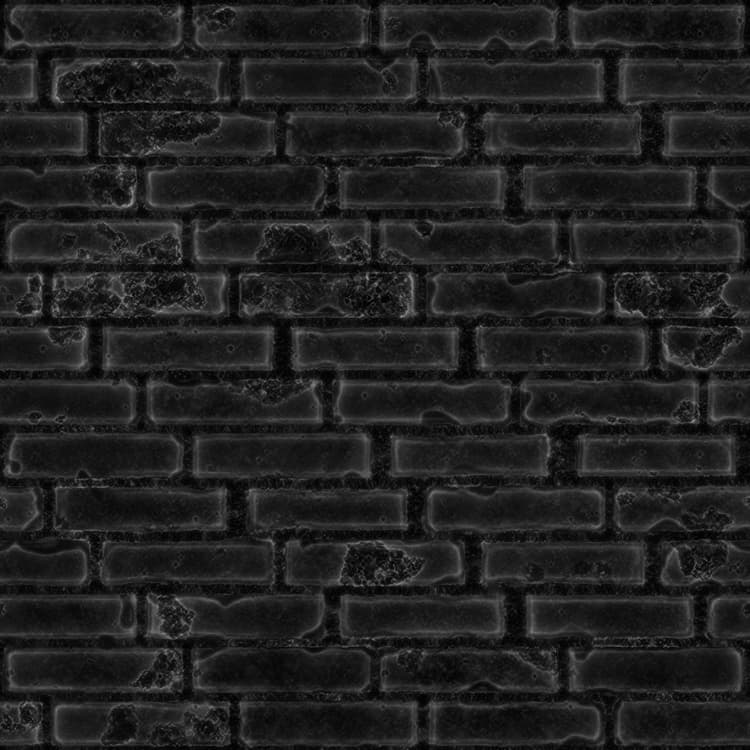
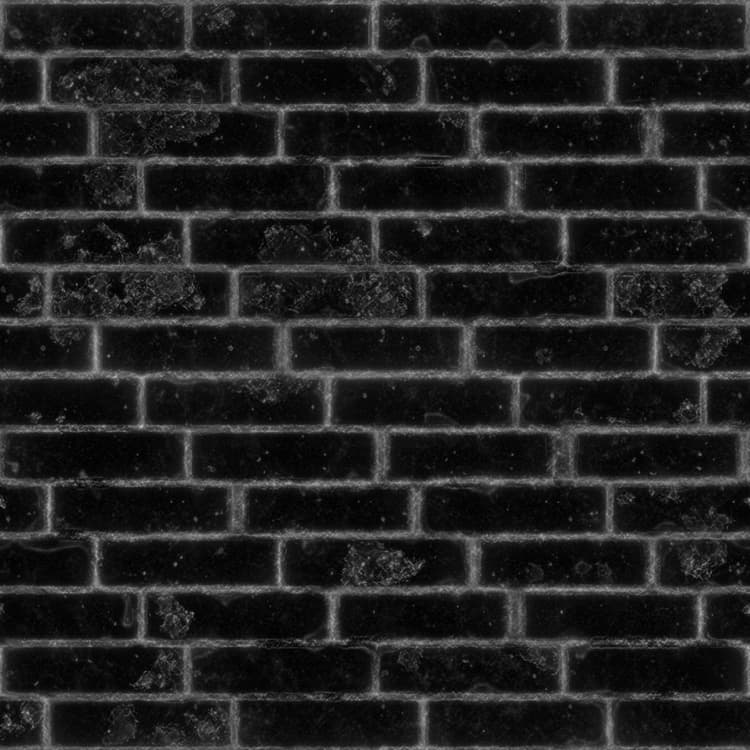
The convexity map computed out of the input normal map. The more convex an area is, the brighter it is in the map. Flat or concave areas are black.
Concavity Grayscale
The concavity map computed out of the input normal map. The more concave an area is, the brighter it is in the map. Flat or convex areas are black.
Parameters
Normal format Integer
The format of the input normal map. Effectively inverts the green channel.
- DirectX: The Y axis points up
- OpenGL: The Y axis points down
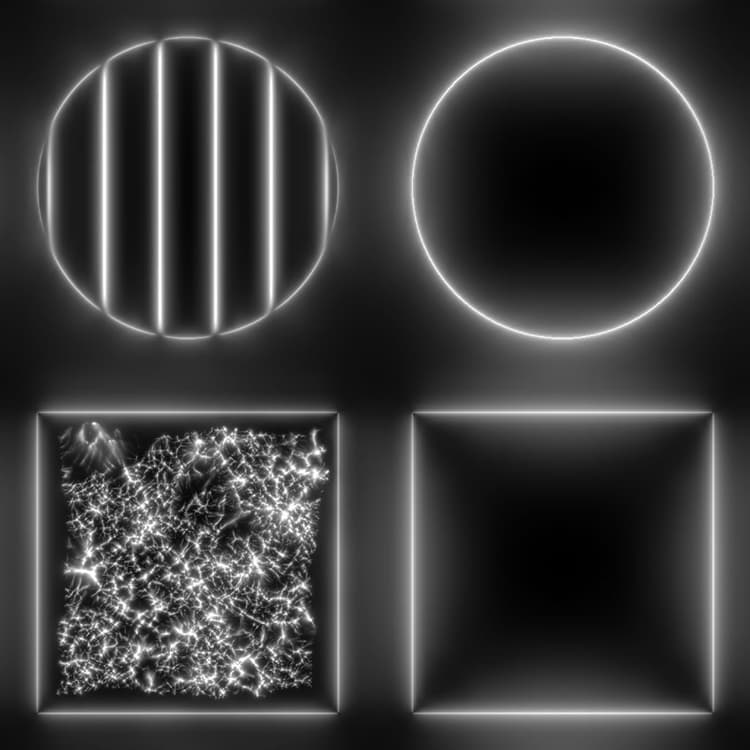
Examples
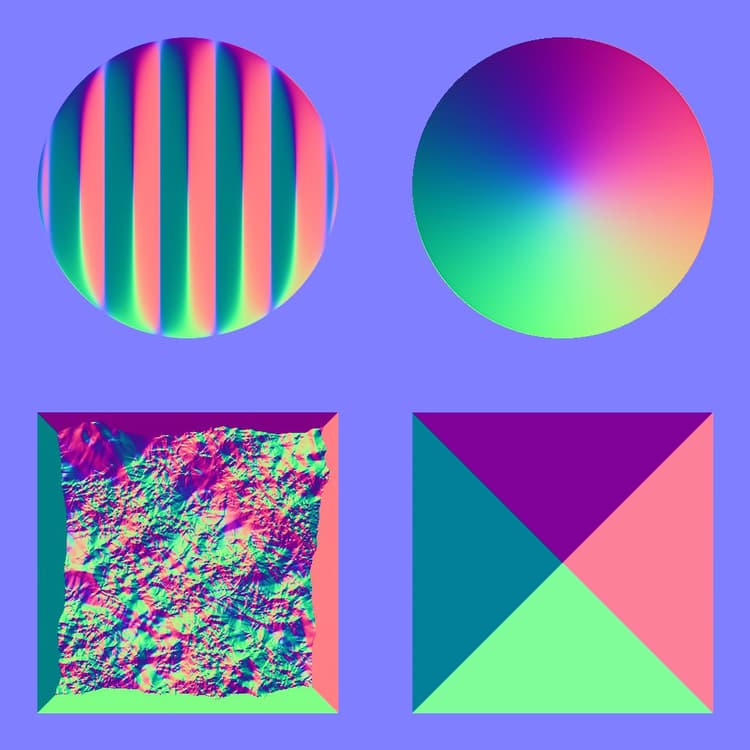
Before
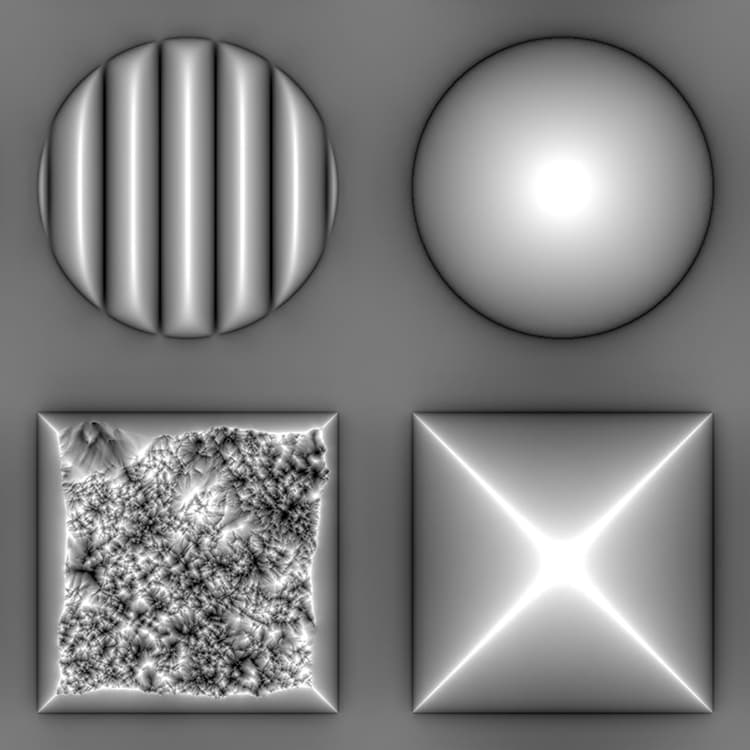
After
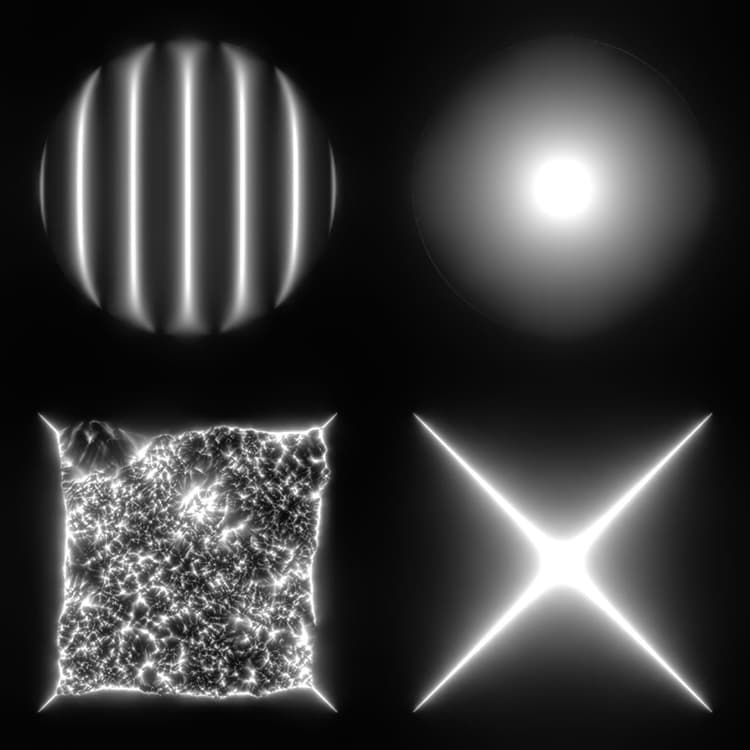
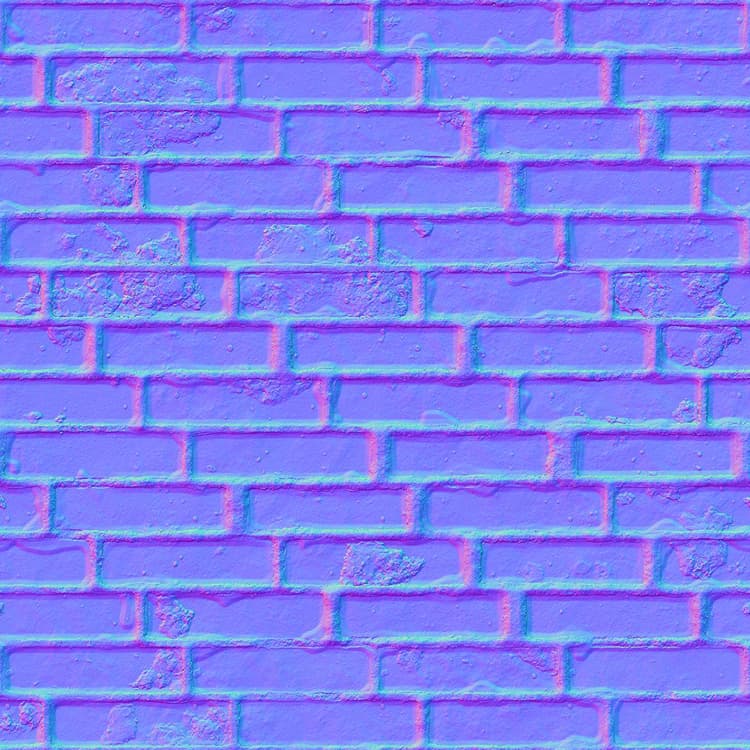
Before
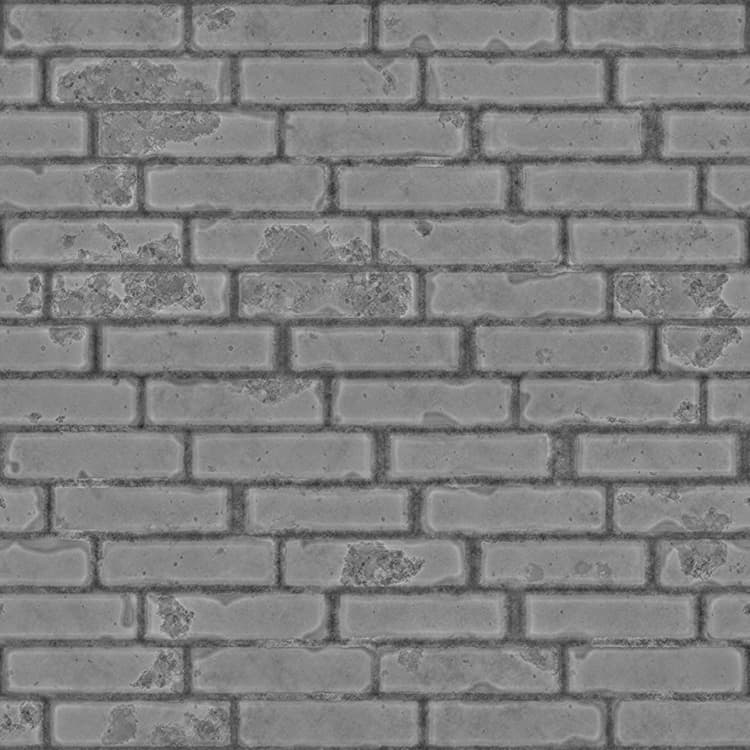
After
recommendation-more-help
dd48abc6-e399-43d2-9777-578ec70c5a23