Anisotropic Blur
Anisotropic Blur (Grayscale)
In: Filters/Blurs
Simple
Description
Performs a high quality directional blur, with a few settings to customise appearance. Also known as “motion blur”.
Important: make sure to use the appropriate version for your input! Use “Anisotropic Blur” for Color inputs, or “Anisotropic Blur Grayscale” for Grayscale inputs.
Parameters
- Intensity: 0.0 - 16.0Strength (Radius) of the blur. The higher this value, the further the blur will reach.
- Anisotropy: 0.0 - 1.0Directionality of the blur. Setting this to 0.0 is the same as performing a regular blur.
- Angle: 0.0 - 1.0Sets the angle for the blur direction.
- Quality: 0 - 1Switches between a box blur and an HQ blur internally. Trades in speed for quality.
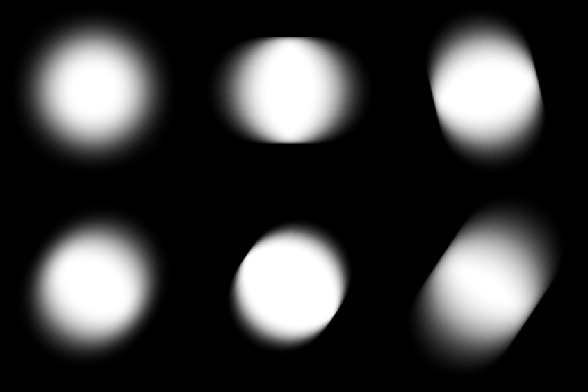
Example Images
recommendation-more-help
substance-3d-designer-help-guide