Directional blur

In: Atomic Nodes
Applies blurring in a specified direction according to an intensity map.
This node performs an operation similar to a motion blur on an input. Unlike the regular ‘Blur’ node, which blurs equally in all directions, ‘Directional blur’ works along a user-defined angle.

Similarly to ‘Blur’, it is also a faster and low-quality operation. An extended, higher-quality alternative is provided in Anisotropic Blur, with a performande trade-off
Directional and Anisotropic blur
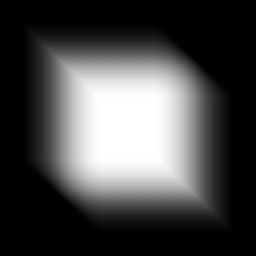
This images below show the Directional blur and the Anisotropic blur in effect on the same input shape, with similar parameters. Anisotropic Blur has been set to full anisotropy and high quality.
Directional blur

Anisotropic blur
Parameters
Input connectors
Examples
Coming soon.